
Compared 12 AI Meeting Notes Tools – Plus How to Choose the Right One
To start with the conclusion: when it comes to AI meeting note tools, there is no single "best" product.
The right answer changes quite a lot depending on your meeting style and what you're actually trying to achieve.
So, to help you choose the tool that fits you best, this article looks at things from the perspective of NanoHuman Inc., a company building AI-based Meeting Intelligence, and:
- reviews 11 representative AI meeting note tools, and
- adds our own product SuperIntern
for a total of 12 services, organized in a way that makes it easy to imagine what it would feel like to actually use them after rollout.
⚠️
This article is an independent summary by NanoHuman Inc., based on public information and user feedback as of December 2025.
SuperIntern is our own product, but we've tried to describe its features and pros/cons as objectively as possible, just like the other tools.
1. How to Choose an AI Meeting Note Tool
Before we walk through the 12 tools, it's helpful to keep five big axes in mind. That makes comparisons much easier.
a) Bot-joining type or botless type
Bot-joining tools work by having a bot account like "○○ Notetaker" join your online meeting, then recording and transcribing the call.
They're easy to operate and generally good at speaker diarization, but:
- in external meetings or 1-on-1s, people may feel uncomfortable about being recorded, and
- because they usually connect to your calendar, the bot can end up joining meetings you didn't intend it to.
On the other hand, botless tools capture audio directly from your PC's speakers and microphone. That means:
- there's no bot in the participant list, and
- you can use them across any meeting platform, including in-person meetings.
The trade-off is that they usually require you to install an app on your PC.
b) Third-party tool or built-in meeting feature
Third-party AI meeting note tools work across platforms, so you're not locked into a single meeting app. Because they specialize in meeting notes, they often have stronger accuracy and features.
By contrast, built-in features in tools like Teams, Google Meet, or Zoom have the advantage that you don't need to roll out new software at all.
c) Real-time notes or post-meeting summary first
At the moment, there are not many tools that generate and update notes in real time during the meeting.
However, real-time notes can:
- summarize the discussion as you go, and
- help prevent missed topics and derailed conversations.
Most services today are still focused on post-meeting summaries.
If you don't care about real-time support, you can ignore this axis when choosing.
d) Whether you need multilingual support / translation
If your meetings are held in one fixed language, then as long as a tool supports Japanese, most AI note tools will work at roughly similar quality.
But for mixed-language meetings, like English × Japanese, the importance of:
- translated captions, and
- custom dictionaries (for proper nouns and internal terminology)
increases a lot.
In that case, you'll want to factor those elements into your evaluation.
e) Whether you need audio recordings
Some services do not keep recordings at all.
So you'll also want to check whether the audio is stored alongside the transcription.
For example, when you want to later review things that don't show up in text, such as:
- "What tone of voice did they use?"
having a recording is extremely useful.
2. SuperIntern – Botless, Real-Time Meeting Intelligence
First, a quick introduction to our own product, SuperIntern, provided by NanoHuman Inc.

SuperIntern is a "meeting intelligence" you can keep always-on, with the following characteristics:
- No bot joins the meeting (botless)
- Runs resident on your computer (Mac and Windows), and captures speaker + mic audio directly
- Generates structured meeting notes in real time, updated alongside the meeting
- Provides AI chat during the meeting that understands the context and answers questions
- Real-time transcription and translated subtitles across 50+ languages
- A custom dictionary where you can register proper nouns and company-specific terminology
Pros
- Because it's botless, the barrier to adoption is low for both external and internal meetings
- With real-time notes, participants can check the minutes live during the meeting
- With real-time translation, members who aren't confident in foreign languages can still actively participate in discussions
- With a single computer, you get a unified experience across Teams / Google Meet / Zoom, and all notes are stored in one place
- Custom dictionaries help prevent mistranscriptions of internal terms or product names
Cons
- For team plans or enterprise-grade security features, please contact us
How SuperIntern is Used
- Runs for Teams / Google Meet / Zoom / in-person meetings, without a bot joining
- Participants talk while sharing the real-time notes, helping to avoid missed points and off-topic drift
- During the meeting, you can ask the AI chat things like:
"Can you look up the case we just mentioned about Company X?"
and it will answer using both the conversation content + web search - In a meeting held in a foreign language, you can follow along with real-time subtitles in both that language and your own at the bottom of the screen, and stay on track with a summary in your language that updates in real time
👉 For more details, see the SuperIntern page.
3. Third-Party AI Meeting Note Tools
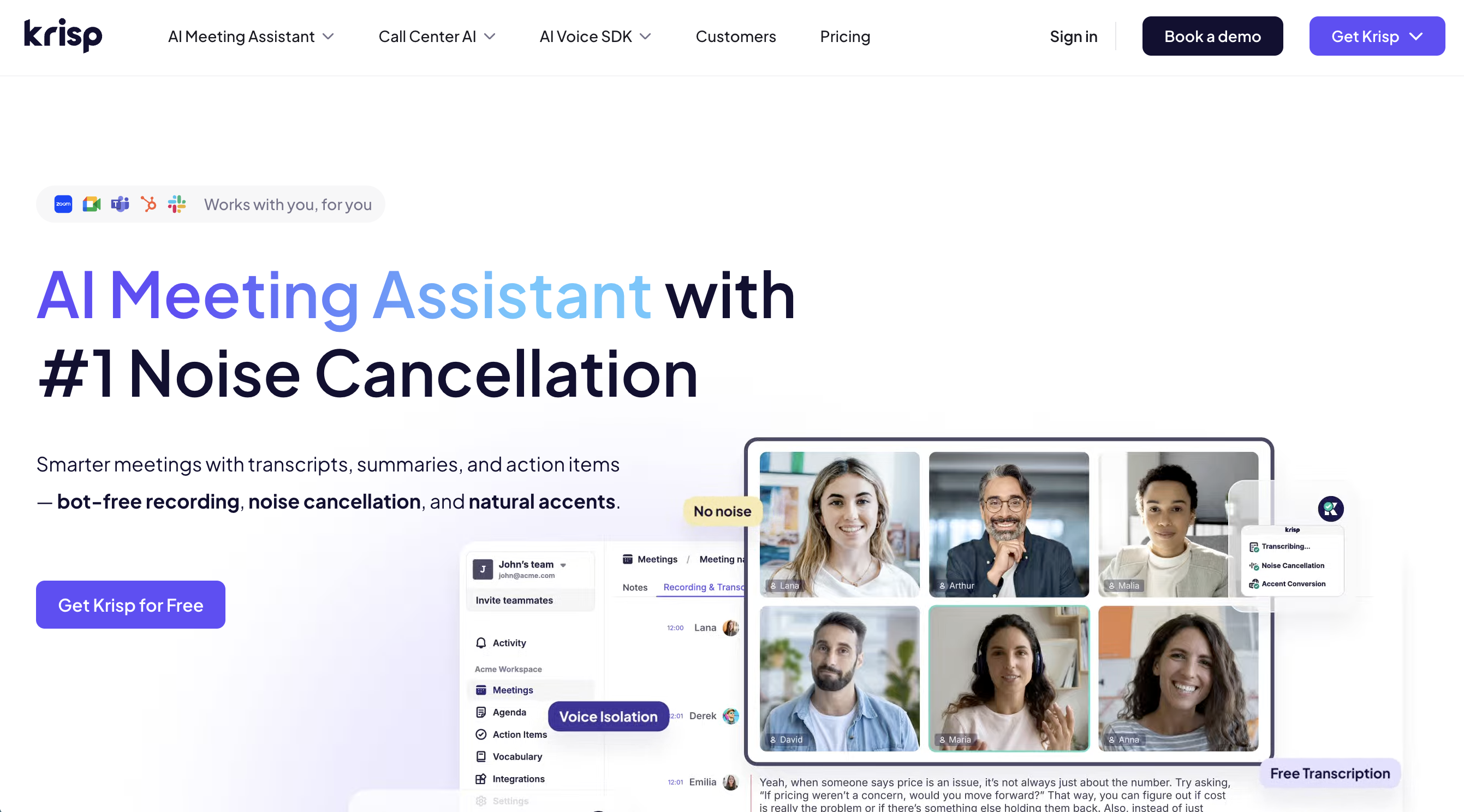
① Krisp – From Noise Cancelling to AI Meeting Notes
Krisp is originally well-known for its noise-cancelling capabilities.
Now, as an AI Meeting Assistant, it also offers:
- recording and transcription, and
- post-meeting summaries and action item extraction.
It also provides a Workspace feature, making it easy to share notes within an organization.
Pros
- No bot is required, so it works with virtually any meeting platform
(If you upgrade to the Business plan, you can also use bot-joining.) - Its powerful noise removal helps keep transcription accuracy stable
- Rich integrations, making it easy to sync call content into CRMs like HubSpot or Salesforce
Cons
- UI and support are primarily in English
- There is a free tier, but serious use assumes a paid plan
- It's not a "pure" note-taking tool but more of an all-in-one product, so onboarding team members who aren't used to overseas SaaS may require extra care
- If you want to store recorded video or audio, you may need to pay separately for storage
② Granola – Use Your Own Notes Plus AI to Produce Clean Minutes
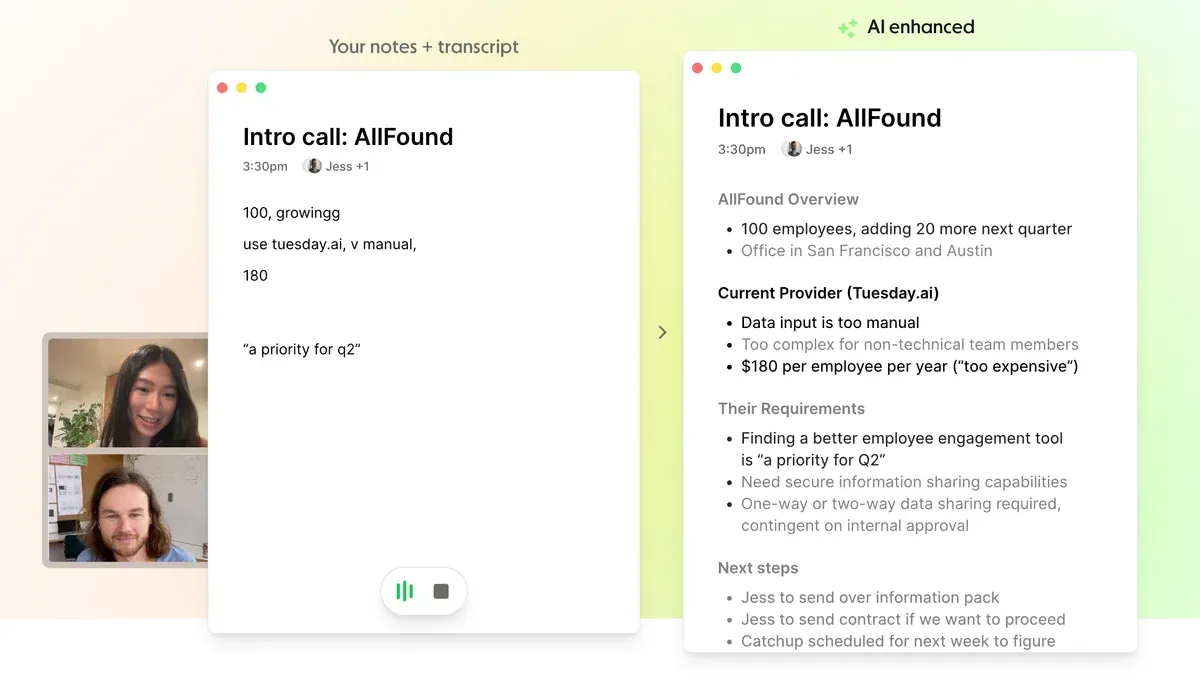
Granola is built on the concept that:
- you take rough notes by hand,
- the tool adds automatic transcription, and
- after the meeting, AI turns that into a cleaned-up, structured set of minutes.
It's a good fit for people who don't want to fully outsource note-taking, but instead prefer to think through their own notes and have AI help them refine things.
Pros
- Because notes and transcription are managed together, it's easy to understand the context when you look back later
- No bot needed, and it works with any meeting platform
- A minimal UI that makes it easy to stay focused on the meeting
- Has integrations implemented
Cons
- UI and support are primarily in English
- During the meeting, you only get subtitles in real time
- It stores transcripts and notes only, without audio recordings
- No multilingual or translation features
③ Circleback – All-in-One with Auto Recording and AI Search
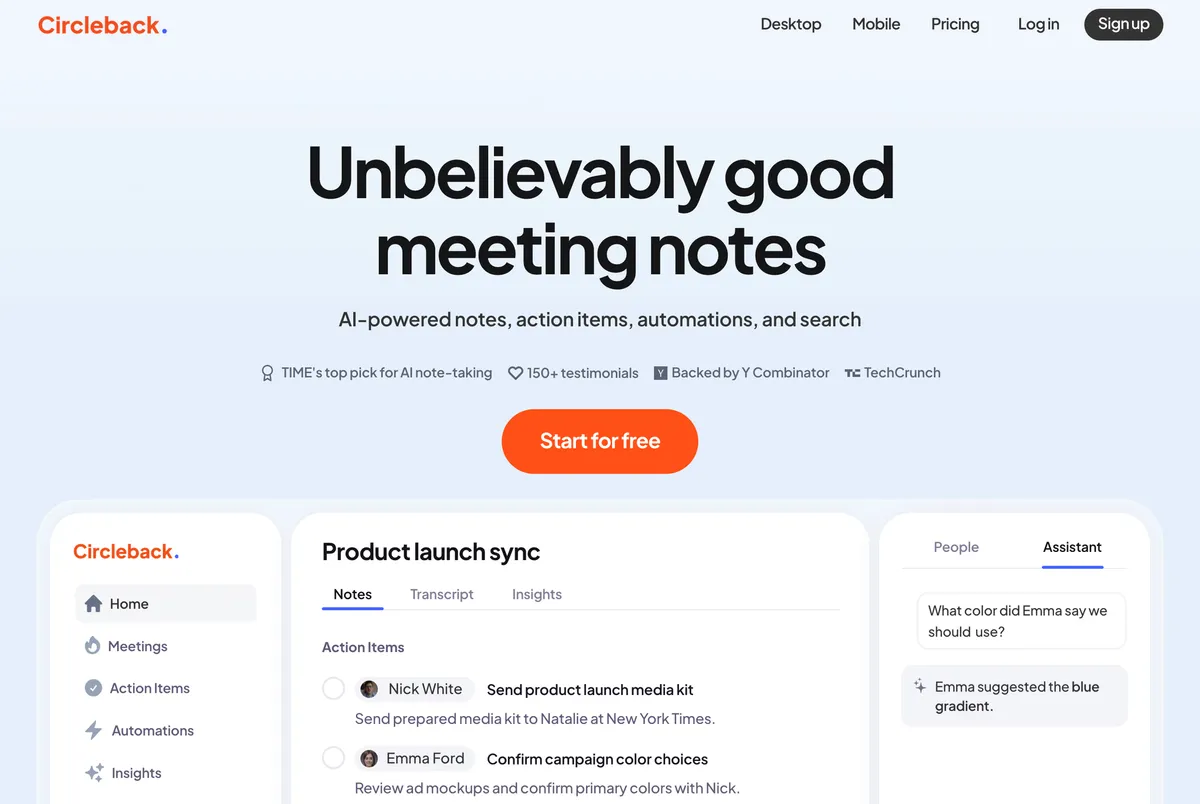
Circleback is an AI meeting note tool that has become more recognized in Japan as well.
It can:
- automatically extract action items / to-dos, and
- provide a search function where you can ask AI about any past meeting.
Overall, it gives the impression of being a well-rounded "meeting knowledge base".
Pros
- Action items are neatly grouped in separate tabs, and you can search across meeting notes
- Works with any meeting platform without needing a bot
- Supports Japanese and other languages, with Japanese-language pages already available
- Offers a wide range of integrations
Cons
- Calendar integration is encouraged, but once connected, the bot may automatically join meetings
- In practice, summary and action item accuracy feels a bit low
- Summaries are generated after the meeting
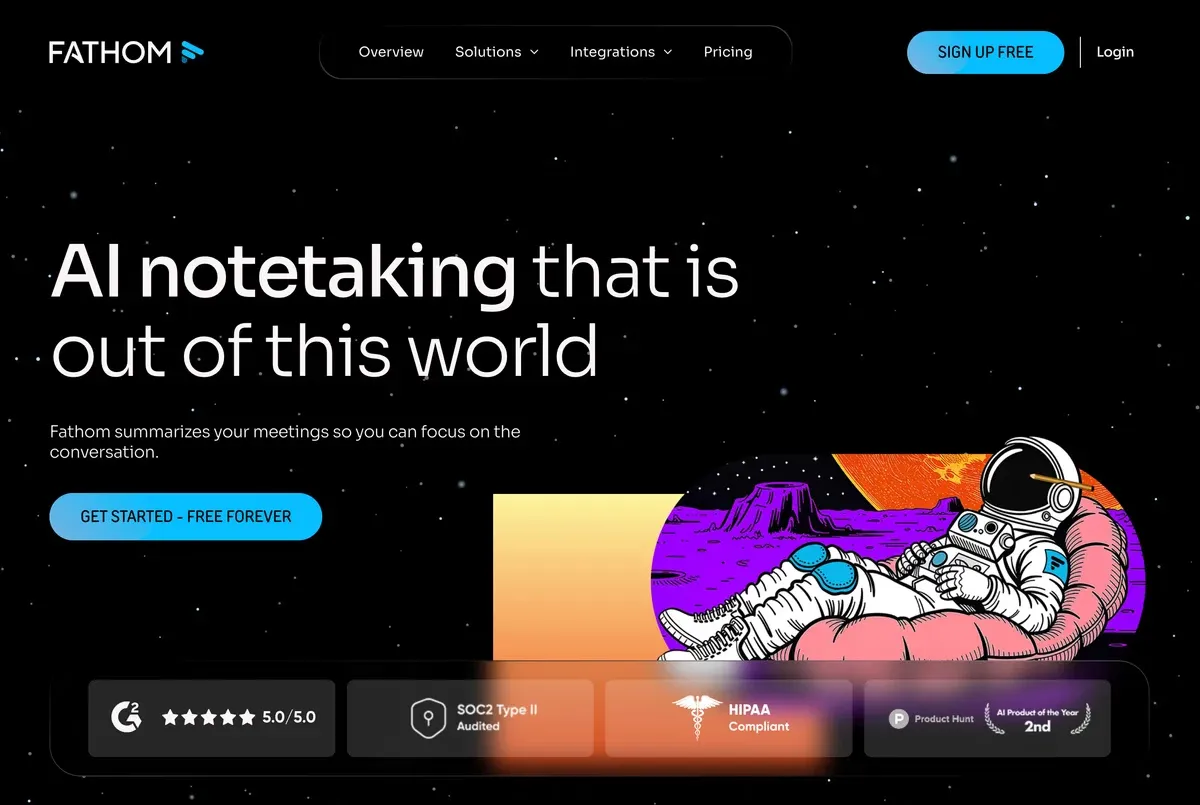
④ Fathom – Strong Highlight Feature and a Generous Free Tier
Fathom has a standout feature where you can highlight parts of the conversation during the meeting and review them later.
Its design seems particularly focused on sales calls.
It offers unlimited transcriptions and summaries for free, so it appears to be widely used by individual users and small teams.
Pros
- Even on the free plan, you get practically usable transcriptions and summaries
- Multiple ways to deploy (Zoom Chrome extension, desktop app, etc.) make onboarding flexible
- Integrations are implemented
Cons
- UI and support are primarily in English
- It's fundamentally bot-joining, so you'll need clear internal rules on how to obtain recording consent in sales or customer meetings
- While the free tier is generous, summary quality is somewhat lower
- Summaries are generated after the meeting
- Limited to Teams / Google Meet / Zoom, and cannot be used with other meeting platforms
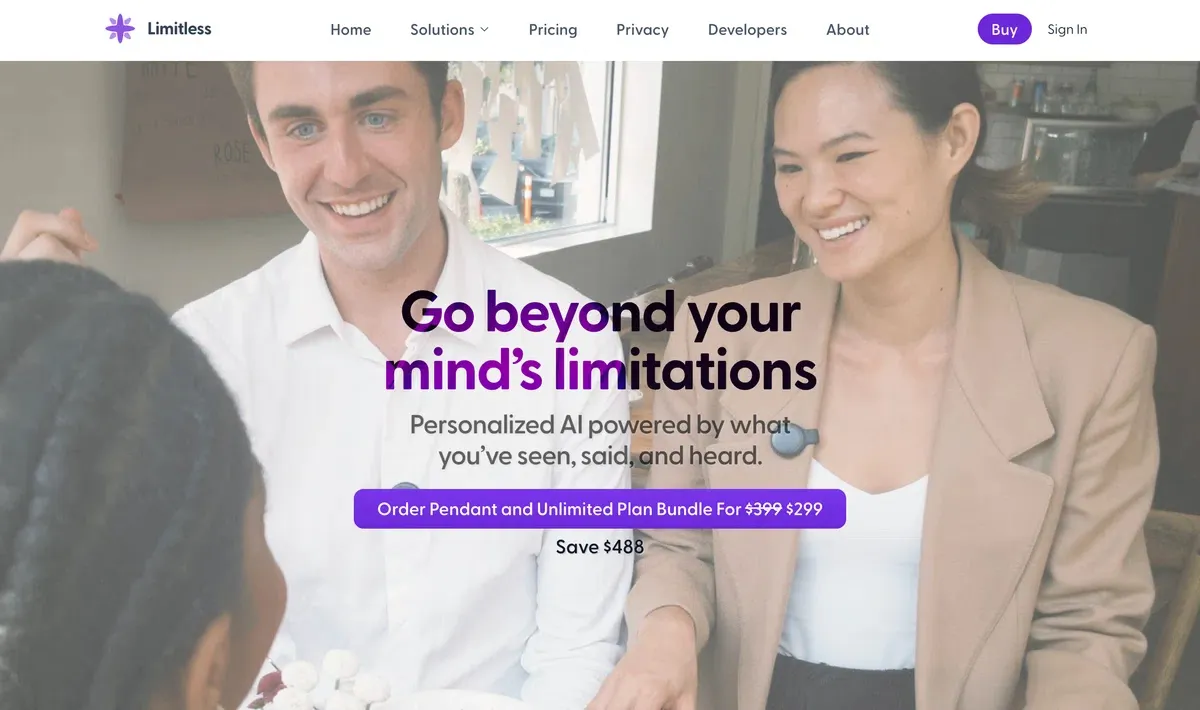
⑤ Limitless – Capture "All-Day Conversation" with Hardware + App
Limitless combines a pendant-style wearable device with an app to record not just online meetings, but also offline conversations throughout the day.
Rather than a "meeting notes" tool, it's positioned more as a second brain, capturing all work-related conversations.
Pros
- Lets you capture not just any from online meetings, but also in-person reviews and chats
- No bot required, as long as you're wearing the device, it records
- The role where "transcription is the core of the tool" is especially powerful in environments where you can't always open a PC or phone
Cons
- In principle, you'll need to purchase hardware
- If you don't set fine clear usage rules, you may end up recording too much and creating chaos
- Transcription and summaries are generated after the meeting, and generation time tends to be longer than other services
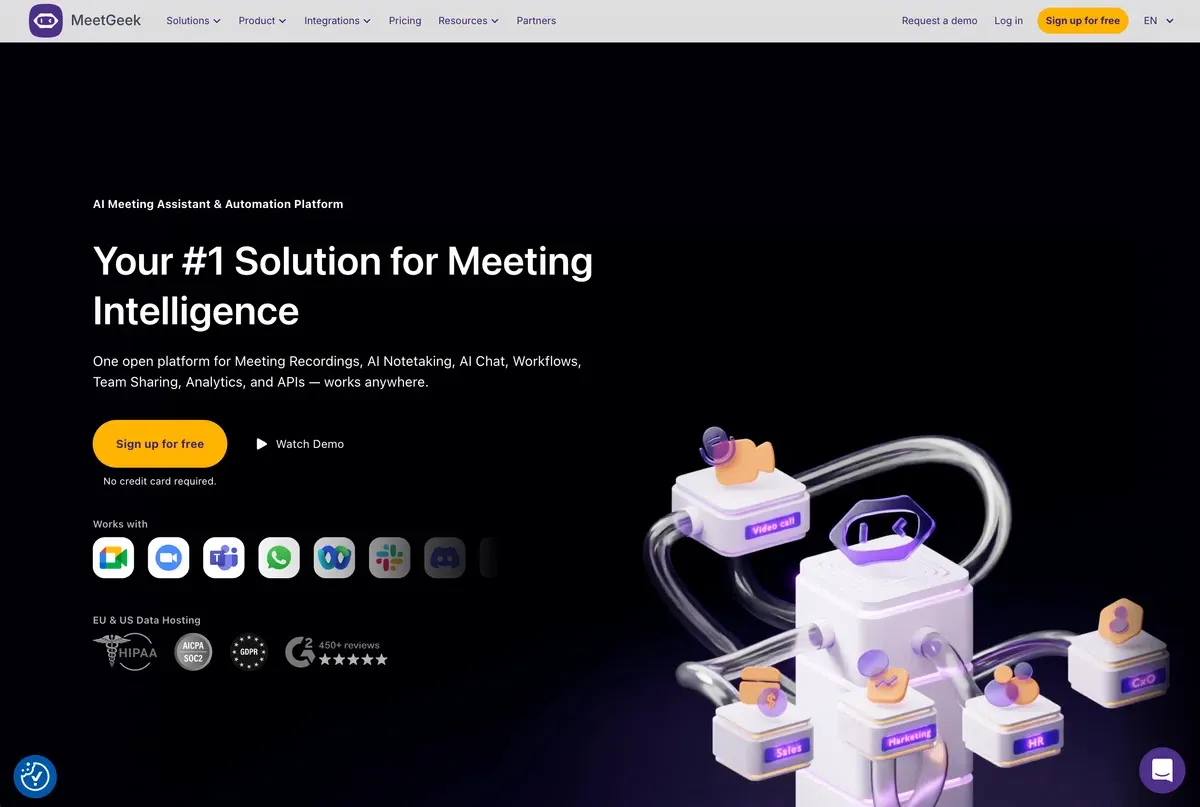
⑥ MeetGeek – Versatile Tool with Auto-Joining Bot and Strong Summaries
MeetGeek is a classic bot-joining AI meeting note tool:
- it automatically joins Teams / Google Meet / Zoom,
- then records, transcribes, and produces AI summaries.
Recently, it added a feature that calculates "meeting efficiency" scores and surfaces insights—another distinctive point.
Pros
- Once you connect your calendar, the bot will automatically join meetings
- Has rich workflow integrations
- Easy to roll out across meeting-heavy teams like Sales / CS / Recruiting
Cons
- Because the bot appears in the participant list, you'll typically need to explain its presence in external meetings
- Japanese language support is still lacking
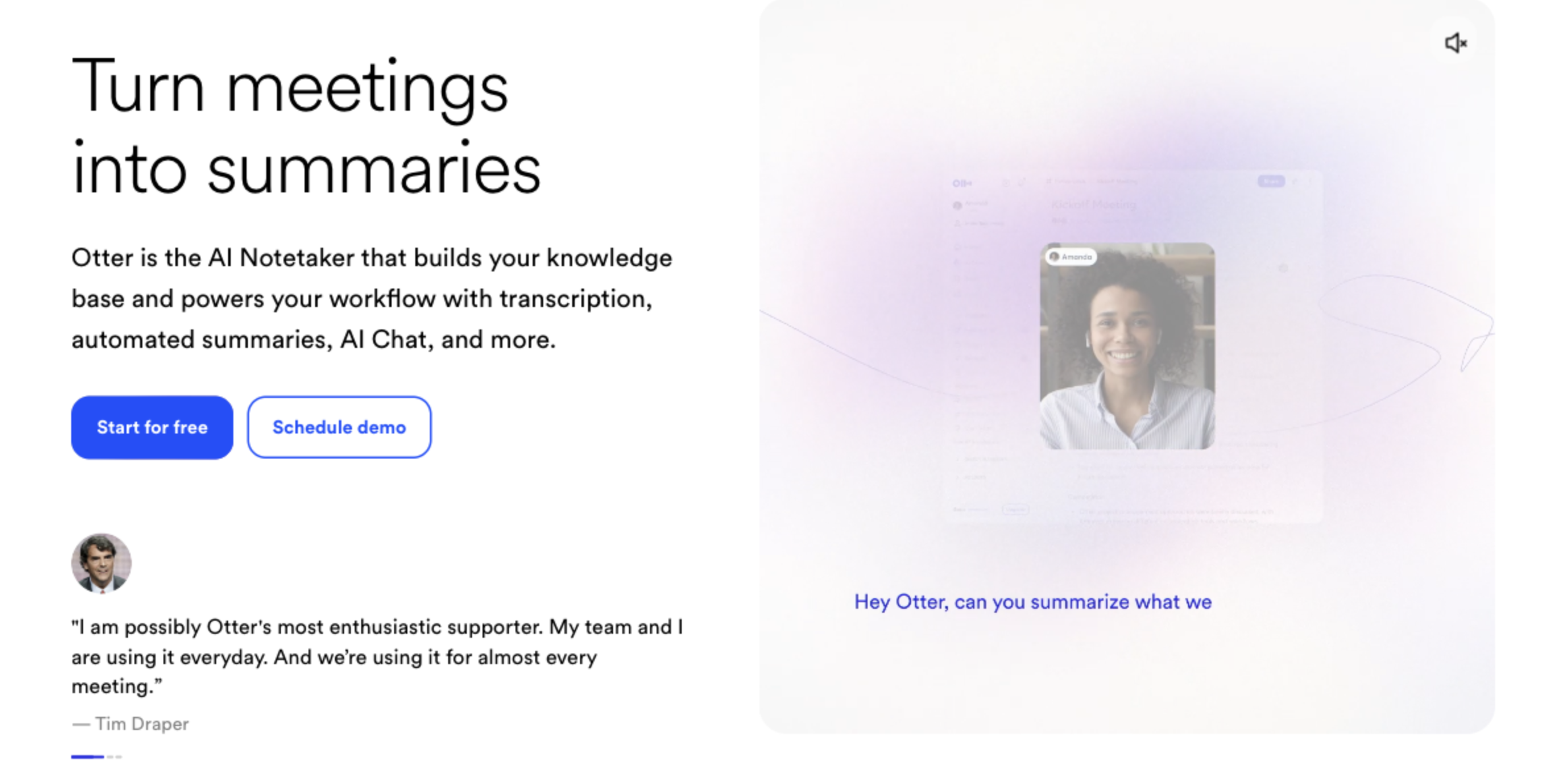
⑦ Otter – A Flagship Tool that Expanded the Market
Otter.ai is one of the most well-known AI meeting note tools.
Because it's widely used, there are many individual blog posts and documents online, making it easier to troubleshoot issues.
Pros
- By using the web app, mobile app, and Chrome extension appropriately, you can cover many different meeting platforms
- As a "standard" meeting AI, there is abundant information available
- The live transcription UI is simple and easy to understand
Cons
- Primarily bot-based, so you'll need clear internal rules and consent flows for recording
- There have already been lawsuits around the handling of recordings, which may be raised by legal or IT when you discuss implementation
- Japanese UI and support are limited
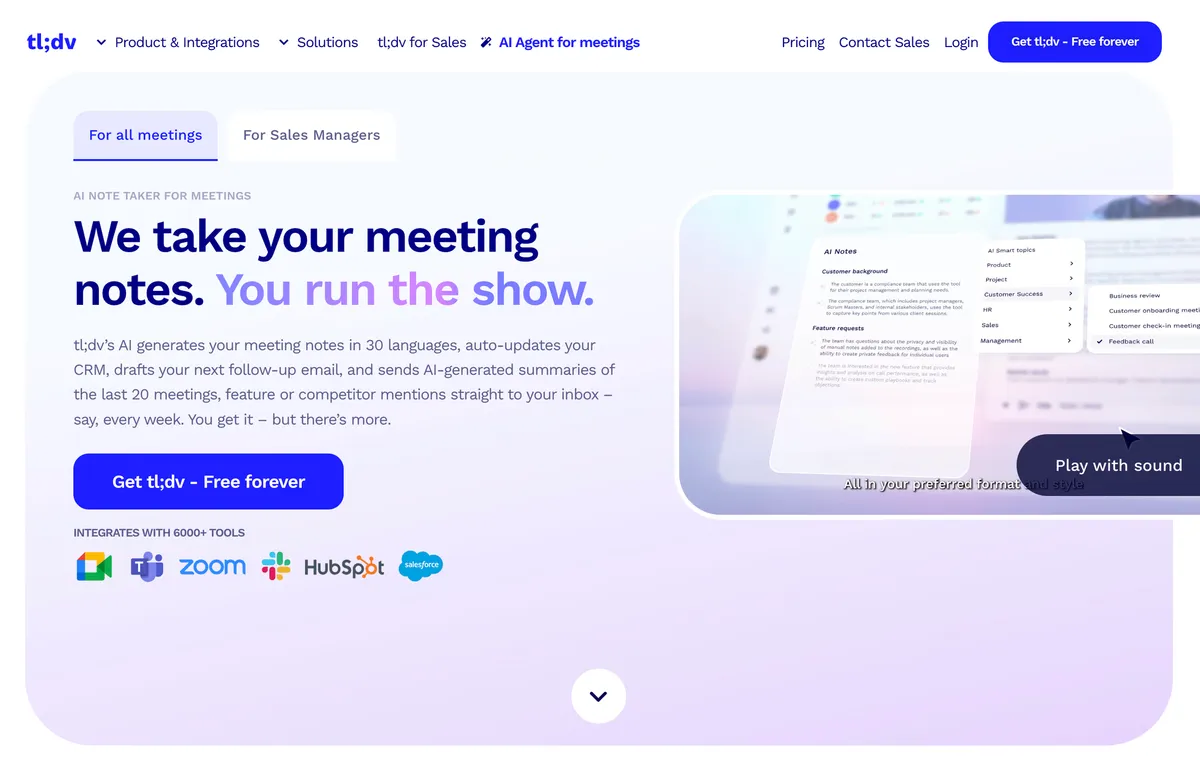
⑧ tl;dv – Strong Focus on CRM Integration and Auto Follow-Ups
tl;dv markets itself on the idea that:
AI will handle not just the minutes, but also CRM updates and follow-up email drafts.
While other tools are improving their integrations as well, tl;dv has a growing body of knowledge and blog posts for teams that want to fully automate "minutes → CRM → follow-up" flows, especially in Sales Ops / CS Ops contexts.
Pros
- There is a lot of knowledge online for automating "notes → CRM → follow-up"
- Well-suited for automated research reports and similar workflows
- Has a free plan you can start with
Cons
- As a bot-based tool, you'll need recording consent and internal rules
- Because it has many features, it may be overkill for teams that "just want basic meeting notes"
- Japanese UI and support are limited
4. AI Meeting Notes as Built-In Features
If you don't want to pay extra, it may be worth checking what's included by default in the meeting tools you already use.
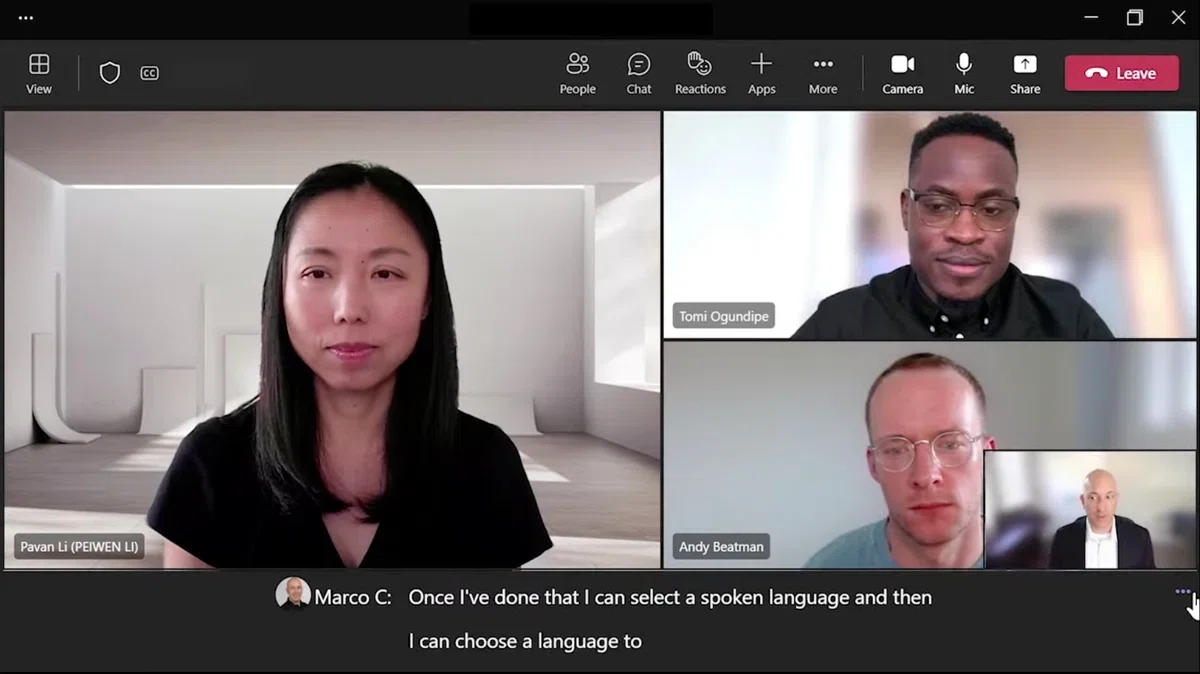
⑨ Microsoft Teams – Easy Option for Microsoft 365 + Copilot Users
You may need licenses such as Teams Premium or Copilot, but for companies that fully use Microsoft 365, Teams can provide:
- transcription,
- summary generation, and
- action item extraction
without introducing additional tools.
Pros
- You get AI chat through a familiar interface, Copilot
- You can stay within the Teams + Microsoft 365 ecosystem
- If your CRM is Dynamics, integration tends to be stronger than with other tools
- Having your IT stack centered on Microsoft can make security explanations easier
Cons
- More advanced AI features often require additional licenses like Teams Premium or Copilot
- Multilingual support and real-time capabilities are relatively weak
- In companies that also use Zoom or Google Meet, it's hard to centralize notes and action items in one place
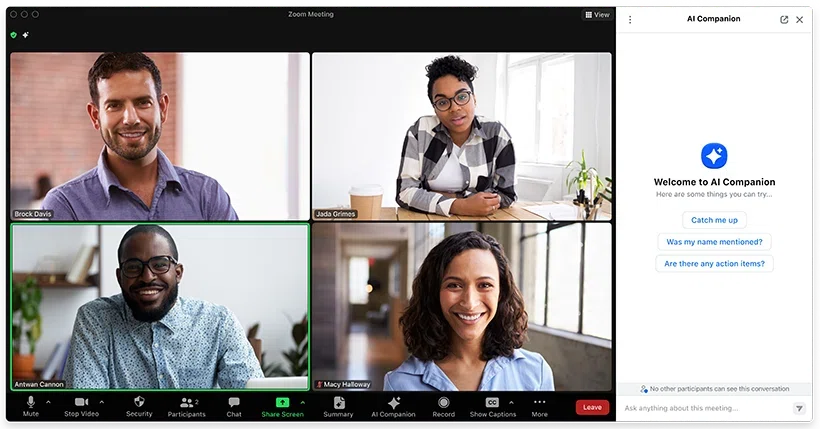
⑩ Zoom – A Solid Choice if Zoom Is Your Primary Meeting Platform
For Zoom Workplace users, many features can be used at no extra cost.
If your company's internal and external meetings are mostly on Zoom, this is an easy option to consider.
Pros
- Everything from recording → summary → sharing can be done within Zoom
- Members who couldn't attend can quickly catch up by looking at chapters and highlights
- In-meeting Questions lets you ask questions during the meeting
- Since you don't have to send data to external tools, it's often easier to explain from an information security perspective
Cons
- Only works for Zoom; Teams and Google Meet are not covered
- Summary quality and granularity vary depending on the meeting content, so human review is essential
- Focuses more on improving productivity in single-language meetings rather than on multilingual translation
⑪ Google Meet – Strengths in Google Workspace × Gemini
Google Meet, in combination with Google Workspace's AI Gemini, offers:
- automatic meeting notes,
- translated captions, and
- AI-generated summaries.

Pros
- Integrates naturally with Google Docs and Gmail, so you can move smoothly from meeting → document → tasks
- Translated captions make multinational team meetings easier
- If you're already on Workspace, the barrier to adoption is low
Cons
- Overall, the accuracy of summaries and translations is still not quite high enough
- As of 2025, many features are English-first
- For companies using Zoom or Teams in parallel, AI experiences tend to be fragmented by platform
5. Which Service Should You Choose? Recommendations by Need
Finally, here's a rough mapping of the 12 services against common needs:
"Our main tools are Teams / Google Meet / Zoom, and we want to stay as close to them as possible"
→ It's reasonable to start by considering the built-in features of your main meeting platform.
However, if your philosophy in this AI era is that "humans should be freed from manual note-taking", third-party products still have significantly better accuracy, so it's worth evaluating them as well.
"We don't want a bot to appear in the meeting"
(External meetings, interviews, 1-on-1s, etc.)
→ Botless tools like Krisp, Granola, Circleback, SuperIntern are essential.
Bot-based tools are obviously visible, and even built-in features for meeting platforms will usually show something like "Recording has started" to participants.
"We don't want to forget to turn it on"
→ Built-in features or bot-based tools like Otter, tl;dv are good candidates.
That said, even among botless tools, options like Limitless, which relies on always-on hardware, or SuperIntern, which auto-detects meetings and pops up, can also prevent "oops, we forgot to use it" situations.
"We want to use it for English meetings"
→ For simultaneous translation, Google Meet can be very effective.
If you don't want to be tied to a specific meeting platform, SuperIntern can display English + Japanese subtitles simultaneously in real time, and also create real-time Japanese summaries, helping you avoid missing anything.
"We want real-time meeting notes"
→ Google Meet and Zoom offer real-time meeting note features.
However, if you care about real-time accuracy and want to use the same experience across multiple meeting platforms, among the 12 tools in this article, SuperIntern is a strong candidate.
6. Summary
Used well, AI meeting notes can be a powerful lever for boosting meeting productivity.
When considering implementation, it helps to think through:
- What are our deepest needs?
- How exactly do we want to operate the tool?
- Can we align with internal policies and rules?
while taking into account your:
- meeting style,
- main platforms, and
- language environment.
Thank you for reading to the end.
If any of the following resonate with you:
- "We want a botless solution"
- "We need real-time notes"
- "We don't want to forget to turn it on"
- "We want to use it in foreign-language meetings"
then we'd love for you to consider SuperIntern as one of your options.
👉 You can start using SuperIntern from here.