
10 Best AI Meeting Notes Tools in 2026
You just finished a 45-minute product review with your cross-functional team. There were three action items, a design decision that needs sign-off, and someone volunteered to follow up with the client. The problem? Nobody wrote any of it down, and the memory of who said what is already fading.
That scenario plays out in millions of meetings every single day. AI meeting notes tools exist precisely to solve this problem — they record, transcribe, and summarize your conversations so you can stay present instead of scrambling for a pen.
But with so many options on the market, choosing the right one is harder than it should be. Some tools send a visible bot into your meeting, which can feel intrusive during sensitive calls. Others work silently in the background. Some excel at real-time features; others shine in post-meeting processing. And pricing structures vary wildly, from generous free plans to enterprise-only tiers.
We spent weeks testing the most popular AI meeting notes tools available in 2026. In this guide, we break down 10 of the best options — their features, pricing, strengths, and limitations — so you can make an informed decision that fits your workflow.
What to Look for in an AI Meeting Notes Tool
Before diving into individual tools, it helps to know what actually matters when evaluating AI meeting notes software:
Bot vs. Bot-Free Recording — Some tools require a bot to join your meeting as a visible participant. This works fine for internal standups, but it can feel awkward or unprofessional during client calls, investor pitches, or sensitive HR conversations. Bot-free tools capture audio directly from your device, so no one else knows you're recording.
Real-Time vs. Post-Meeting Processing — Do you need live captions and summaries during the meeting, or is a polished recap afterward enough? Real-time features help you follow along in multilingual calls or catch details you might miss. Post-meeting processing tends to produce more polished, structured output.
Language Support — If your team works across borders, multilingual transcription and translation are critical. Some tools handle 100+ languages; others support only English and a handful of others.
Integrations — The best AI meeting notes are useless if they don't connect to where your team actually works — Slack, Notion, Salesforce, HubSpot, Jira, and so on.
Privacy and Security — Look for SOC 2, GDPR compliance, and clear data retention policies. Check whether the provider uses your meeting data to train their AI models.
The 10 Best AI Meeting Notes Tools in 2026
1. SuperIntern — Best for Real-Time Understanding and Post-Meeting Automation
SuperIntern takes a different approach from most AI meeting notes tools. Rather than sending a bot into your meeting, it captures audio directly from your device's system sound and processes it in real time — meaning it works on any meeting platform, including Zoom, Google Meet, Microsoft Teams, Webex, and even in-person conversations.

Key Strengths:
- Completely bot-free — No bot joins your meeting. Works on any platform without requiring calendar integrations or platform-specific permissions.
- Real-time overlay subtitles and summaries — Live captions and AI-generated summaries appear as an overlay on your screen, so they never block your meeting content or shared screens.
- High-accuracy post-meeting notes — After the meeting, SuperIntern generates detailed meeting notes with speaker separation, identifying who said what and who owns which action items.
- Markdown-exportable notes — Copy your meeting notes in Markdown format and paste them directly into Slack, Notion, or feed them to tools like Claude Code for further automation.
- AI Chat that knows your meeting — During and after the meeting, you can chat with an AI assistant that has full context of the conversation. Use it for research on topics discussed, drafting follow-up emails, composing Slack messages, or automating other post-meeting tasks.

Pricing: Free plan available. Paid plans start with affordable per-user pricing.
Platforms: Any meeting platform (Zoom, Google Meet, Microsoft Teams, Webex, Slack Huddles, phone calls, in-person meetings, and more).
Best For: Professionals who want comprehensive real-time assistance during meetings and powerful post-meeting automation — without the awkwardness of a bot joining the call.
2. Otter.ai — Best Known Name in AI Transcription
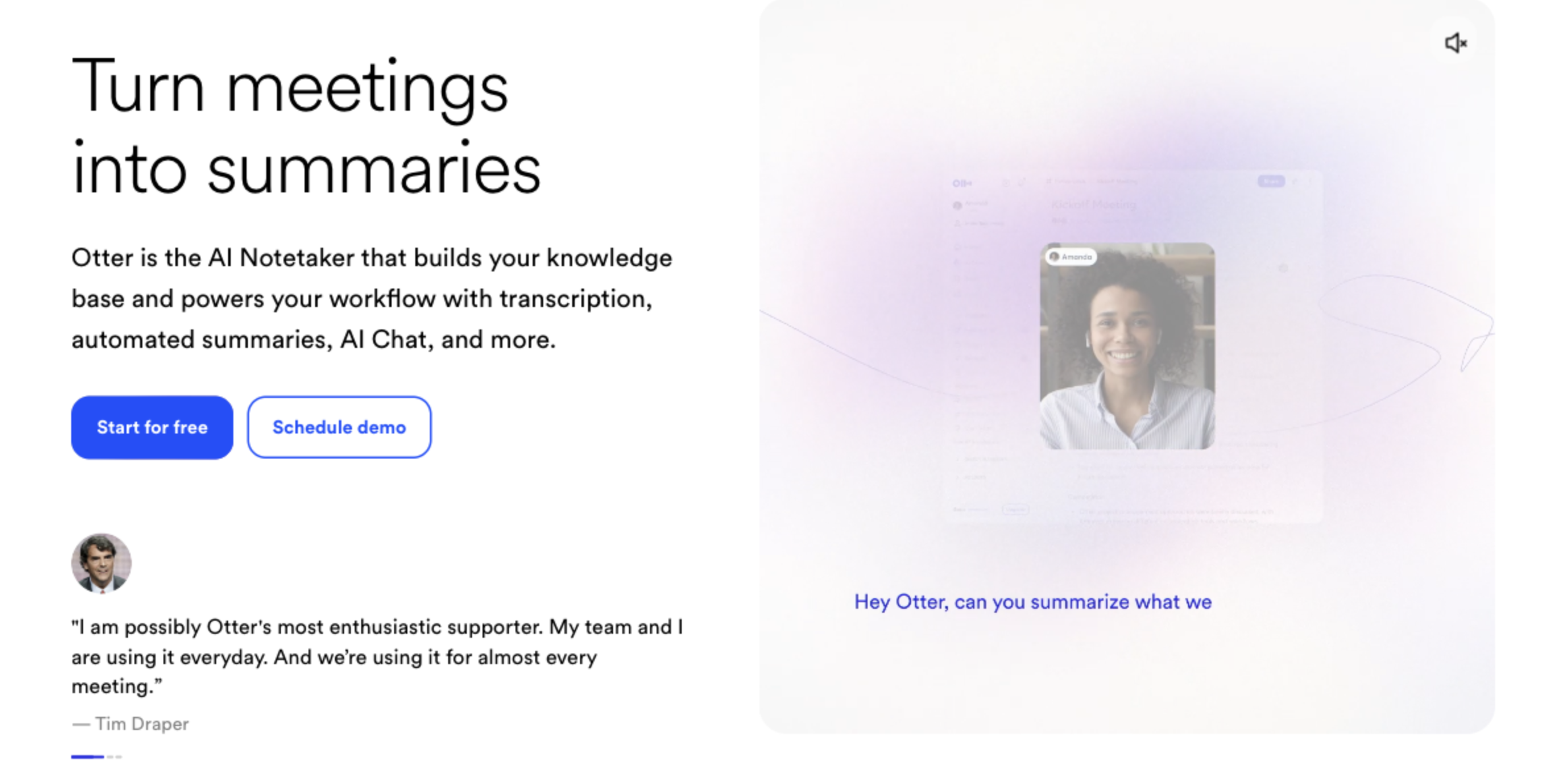
Otter.ai is one of the most recognized names in the AI meeting notes space. It was among the first tools to offer real-time transcription, and its OtterPilot feature automatically joins Zoom, Teams, and Google Meet calls to record and transcribe.
Key Strengths:
- Strong brand recognition and a mature product
- Real-time transcription with collaborative editing — multiple participants can view and annotate the transcript live
- OtterPilot for Sales extracts key insights from sales calls
What to Consider:
- A visible bot (OtterPilot) joins your meeting as a participant
- The free plan is restrictive: 300 minutes per month, with each conversation limited to 30 minutes
- Language support is limited to English, French, and Spanish
- No bot-free recording option
Pricing: Free (300 min/month). Pro: $16.99/month. Business: $30/month.
Platforms: Zoom, Google Meet, Microsoft Teams.
3. Fireflies.ai — Best for Multilingual Teams Using CRM
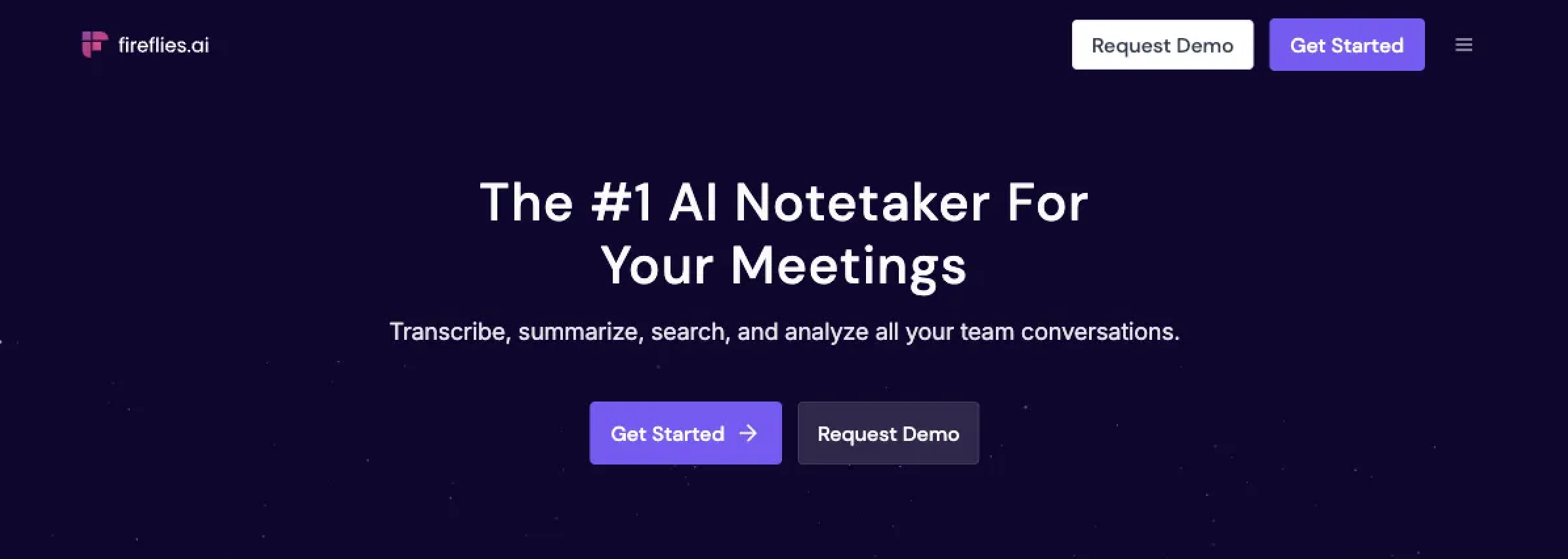
Fireflies.ai sends an AI assistant named Fred into your meetings to record and transcribe in over 100 languages. It also offers deep CRM integrations, making it a popular choice for sales teams.
Key Strengths:
- Unlimited transcription on paid plans
- 100+ language support for transcription
- Deep CRM integrations with Salesforce, HubSpot, and other tools
- "Talk to Fireflies" feature powered by Perplexity AI enables web-search-augmented Q&A about your meetings
What to Consider:
- Fred joins as a visible bot participant
- Users report that Fred sometimes joins calls unexpectedly, and disabling it can be complicated
- AI credits may require additional purchases even on paid plans (reports of $29–$200/month in extra costs)
- Accuracy can drop in noisy environments or with heavy accents
Pricing: Free (800 min/month). Pro: $18/month. Business: $29/user/month. Enterprise: $39/user/month.
Platforms: Zoom, Google Meet, Microsoft Teams.
4. Fathom AI — Best Free Plan for Unlimited Recording
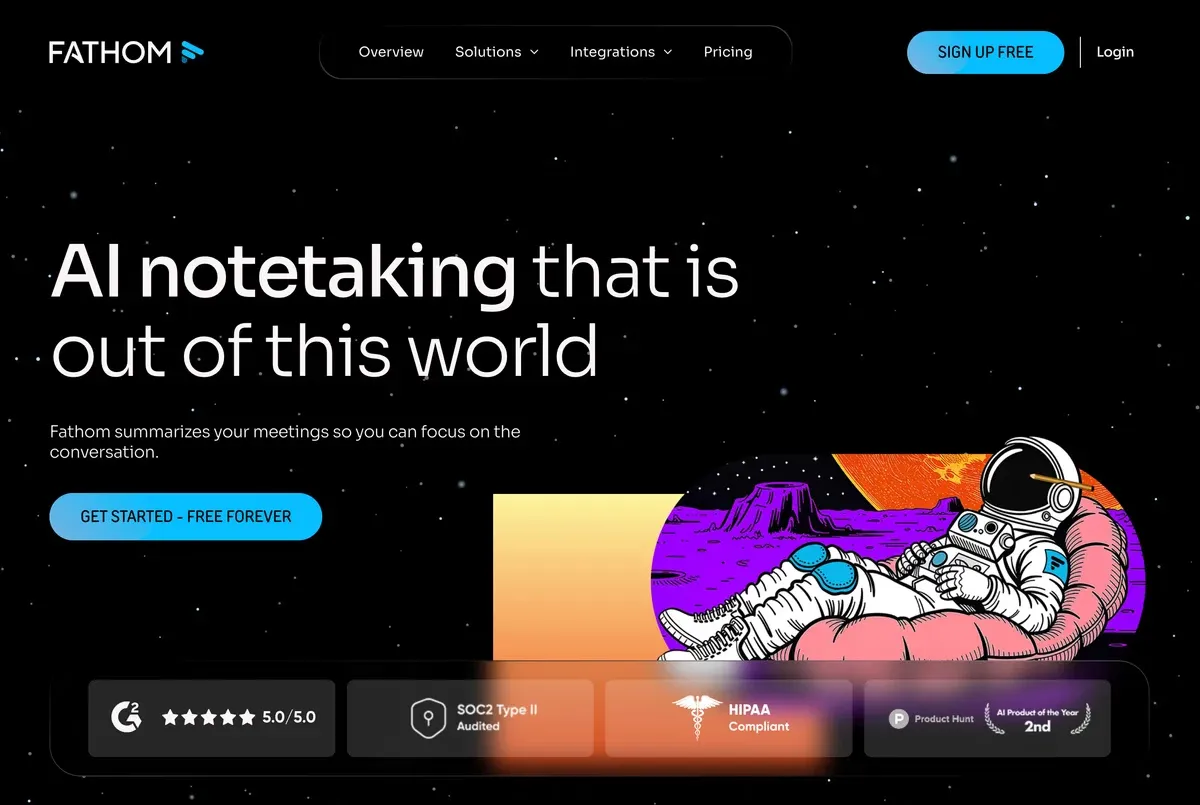
Fathom offers one of the most generous free plans in the market: unlimited recording and transcription at no cost. For teams that primarily need reliable transcription without advanced AI features, it's hard to beat.
Key Strengths:
- Unlimited recording and transcription on the free plan
- High transcription accuracy with clear speaker labels
- Simple, fast setup
- CRM sync available on paid plans (Salesforce, HubSpot)
What to Consider:
- AI-generated summaries are limited to 5 per month on the free plan
- A "Fathom Notetaker" bot joins your meeting as a visible participant
- Summaries tend to be formal in tone with limited customization options
- Timestamp accuracy has been reported as inconsistent by some users
Pricing: Free (unlimited recording). Premium: $20/month.
Platforms: Zoom, Google Meet, Microsoft Teams.
5. tl;dv — Best for Sales Teams with Playbook Workflows
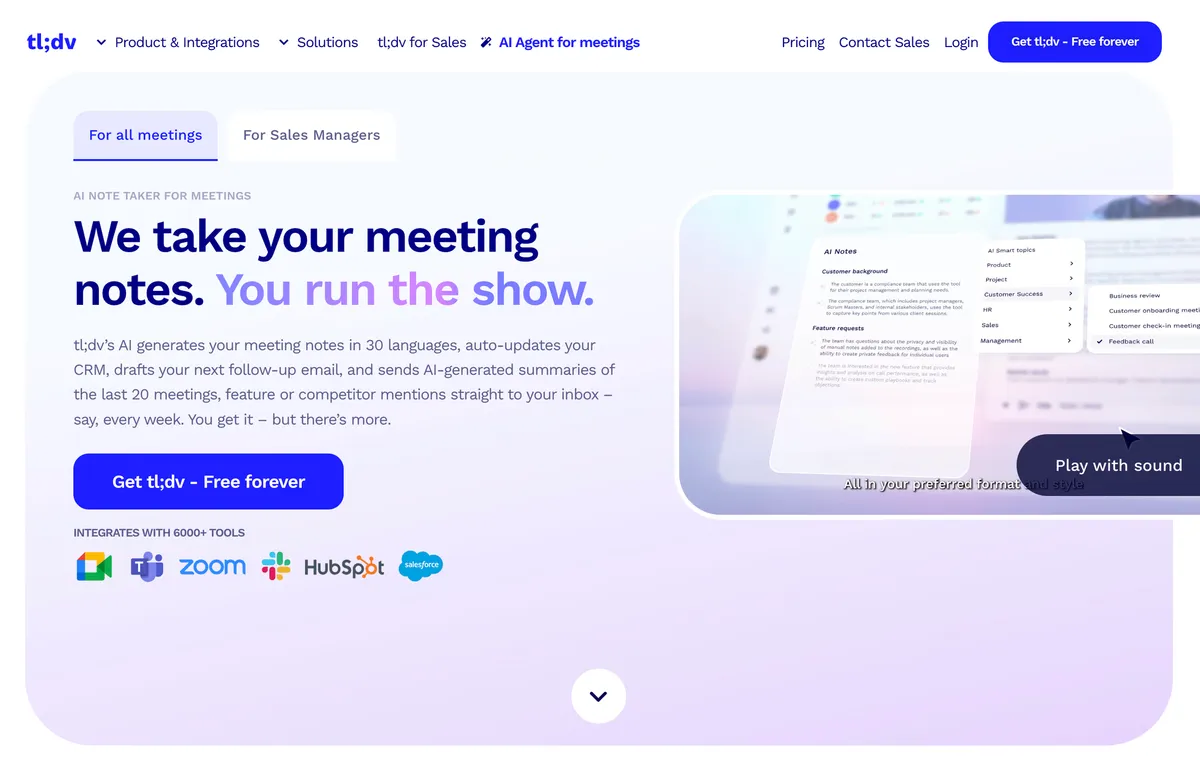
tl;dv is built with sales teams in mind. It connects meeting recordings to CRM workflows and supports customizable playbook templates like MEDDIC, BANT, and SPIN, making it easy to extract structured insights from every call.
Key Strengths:
- Unlimited recording and transcription on the free plan (30+ languages)
- Clickable timestamps in video recordings for quick navigation
- 6,000+ tool integrations including major CRMs
- Customizable sales playbook templates for structured meeting analysis
What to Consider:
- A bot joins your meeting as a visible participant
- Free plan limits AI features such as AI Notes to 10 uses total (lifetime, not monthly)
- Free plan recordings are automatically deleted after 90 days
- No bot-free recording option
Pricing: Free (unlimited recording, AI Notes limited to 10 uses). Pro: $29/month.
Platforms: Zoom, Google Meet, Microsoft Teams.
6. Granola AI — Best for Individual Note-Takers Who Value Privacy
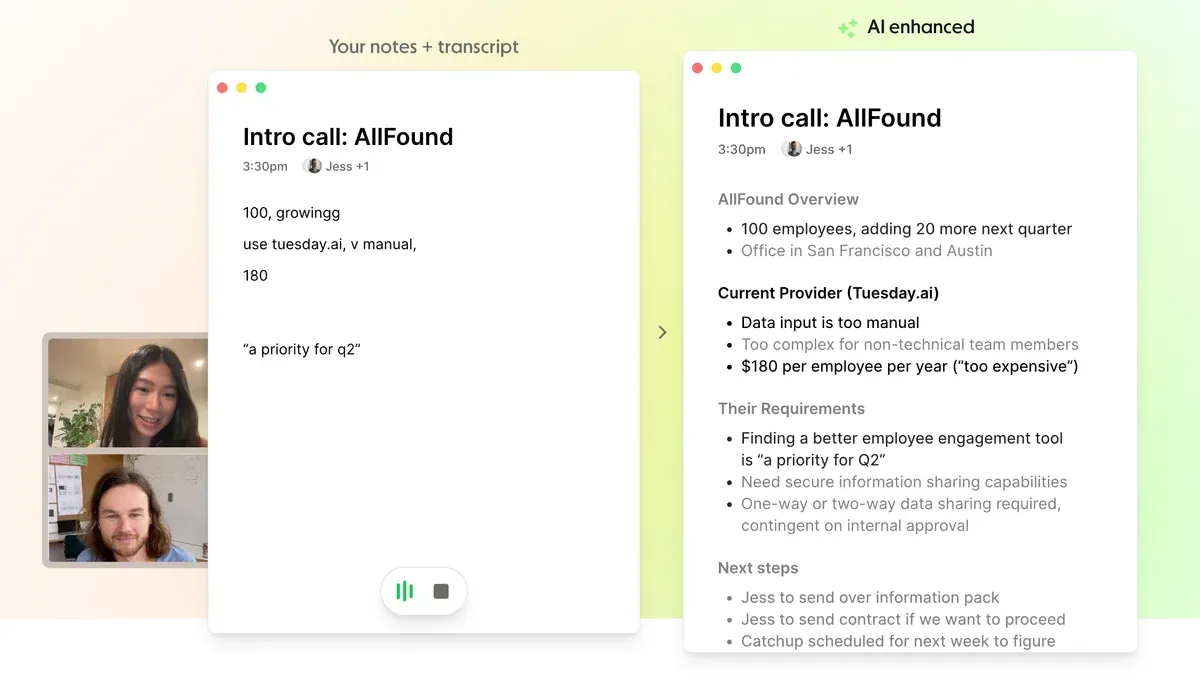
Granola takes a minimalist, privacy-first approach. It runs locally on your device and captures audio without sending a bot into the meeting. Its Notion-like editor lets you reshape raw transcripts into polished notes.
Key Strengths:
- Completely bot-free — captures system audio directly from your device
- Works on any meeting platform since it doesn't need platform-specific integrations
- Notion-style editable note interface powered by GPT-4o and Claude
- 90–92% transcription accuracy (competitive with industry leaders)
What to Consider:
- No audio or video playback of recordings
- No speaker identification — the transcript doesn't tell you who said what
- Limited post-meeting workflow automation
- Default setting uses your data for AI training (opt-out is Enterprise only)
- macOS, Windows, and iOS only (no Android support)
Pricing: Free plan available. Business: $14/user/month.
Platforms: Any meeting platform (bot-free, captures system audio).
7. Fellow — Best for Teams That Want Bot and Bot-Free Flexibility
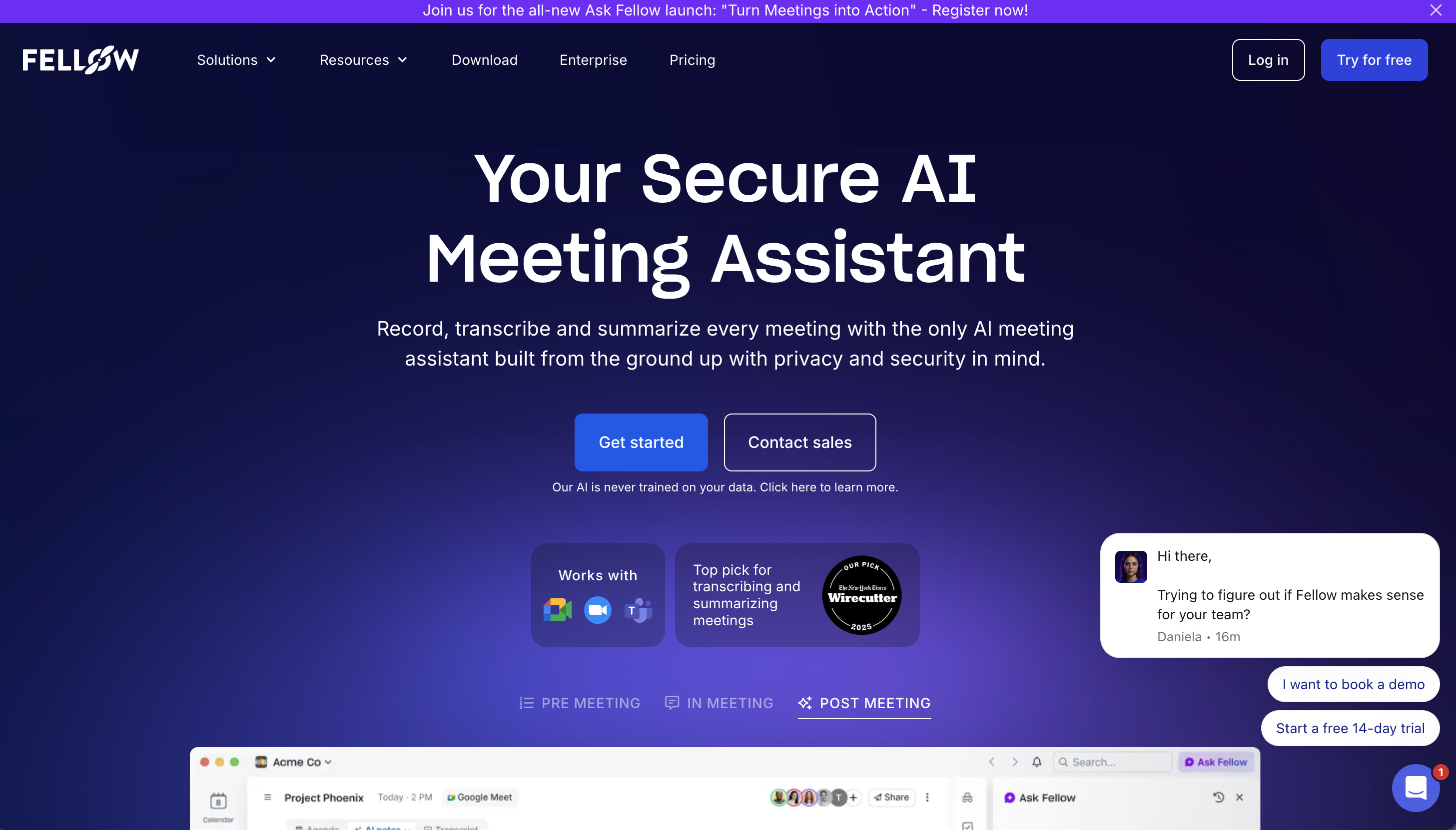
Fellow gives teams a choice: use a bot for recordings, or switch to bot-free mode that captures audio directly from the device. This flexibility, combined with strong meeting management features like shared agendas and action tracking, makes it a solid all-around option.
Key Strengths:
- Both bot and bot-free recording modes available
- Enterprise-grade security (SOC 2, GDPR compliant, no AI training on customer data)
- Ask Fellow Copilot for AI-powered meeting Q&A
- Shared meeting agendas, templates, and action item tracking
- 35+ language support
What to Consider:
- Bot-free recording is currently available on Mac only
- Some advanced features are locked to higher-tier plans
Pricing: Free plan available. Solo: $29/user/month.
Platforms: Zoom, Google Meet, Microsoft Teams, Slack Huddles, in-person meetings.
8. Avoma — Best for Revenue Teams with Complex Sales Cycles
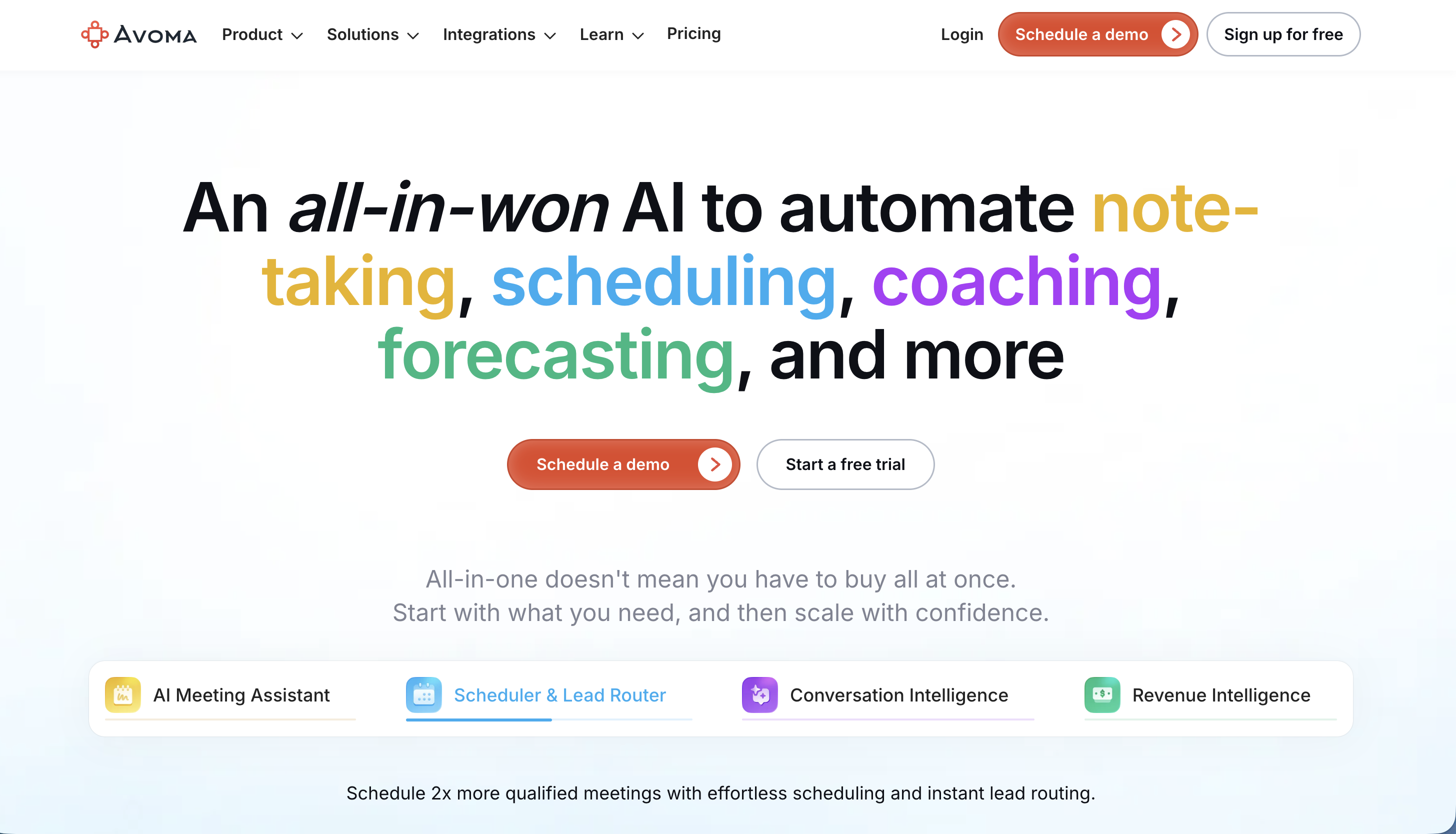
Avoma positions itself as a full-featured Revenue Intelligence platform. Beyond meeting notes, it offers conversation intelligence, coaching scorecards, and deep CRM automation — aimed primarily at B2B sales organizations.
Key Strengths:
- Accurate AI transcription and summaries with CRM auto-sync
- Deep integrations with Salesforce, HubSpot, Pipedrive, and Zoho
- Conversation intelligence and coaching metrics for sales managers
- Delivers notes within 2 minutes of meeting end
What to Consider:
- An "Avoma Notetaker" bot joins your meeting as a visible participant
- Pricing is significantly higher than most alternatives
- Maximum of 5 concurrent meetings (can be a bottleneck for larger teams)
Pricing: Paid plans from $29/user/month.
Platforms: Zoom, Google Meet, Microsoft Teams.
9. Tactiq — Best Browser-Based Bot-Free Option
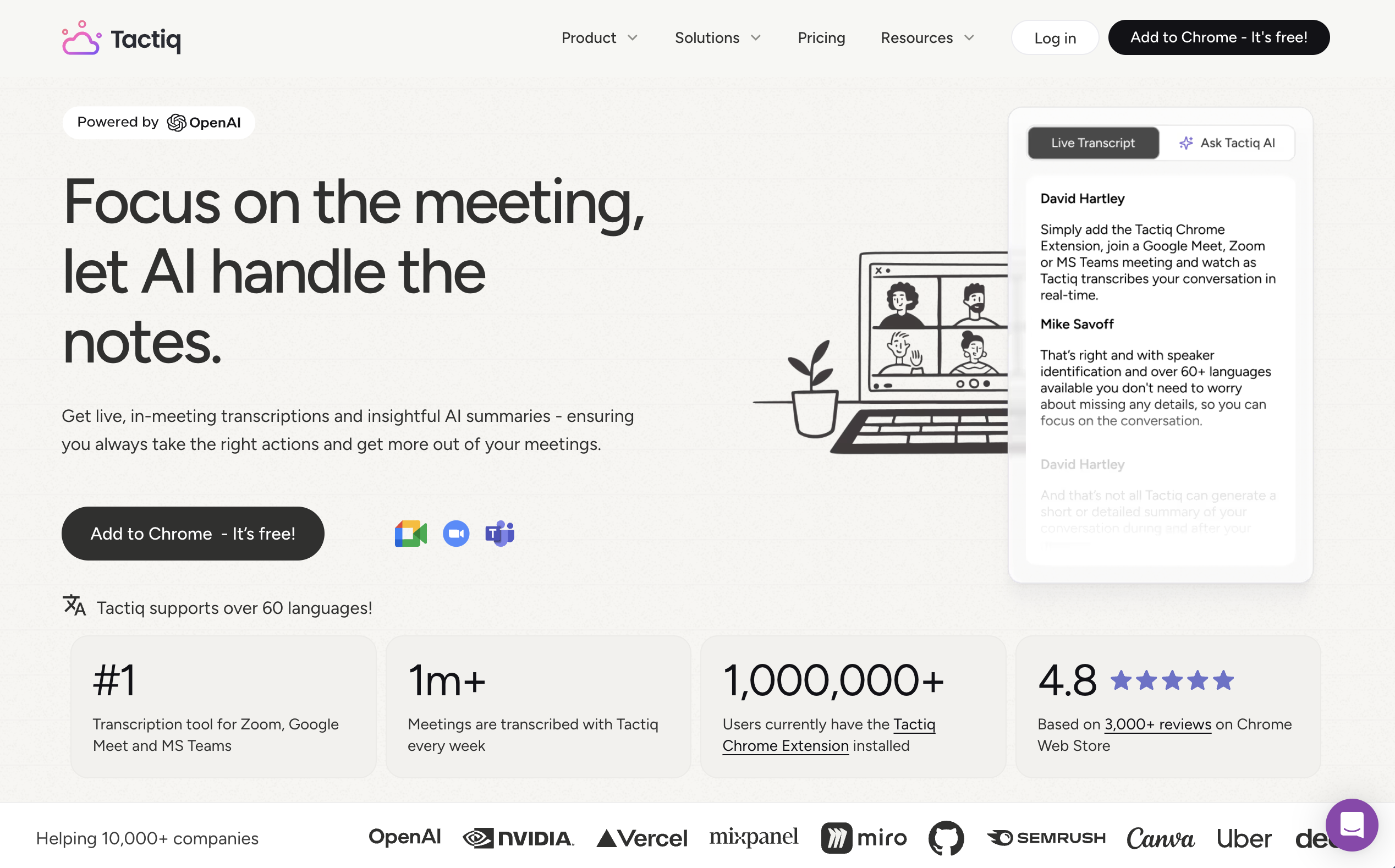
Tactiq operates as a Chrome extension, which means no desktop app to install and no bot joining your meeting. It captures the audio stream directly from your browser tab and provides real-time transcription in a non-intrusive sidebar.
Key Strengths:
- Completely bot-free via Chrome extension
- GPT-4-powered AI summaries with customizable prompt templates
- Strong security credentials (ISO 27001, SOC 2 Type II, GDPR, HIPAA)
- 60+ language support
What to Consider:
- Requires Chrome browser — won't work with desktop meeting apps
- Even the Pro plan limits AI credits to just 10 per month
- Free plan allows only 10 transcriptions per month
- No standalone desktop or mobile app
Pricing: Free (10 transcriptions/month). Pro: $12/month.
Platforms: Google Meet, Zoom, Microsoft Teams (via Chrome browser only).
10. Read AI — Best for Cross-Platform AI Intelligence
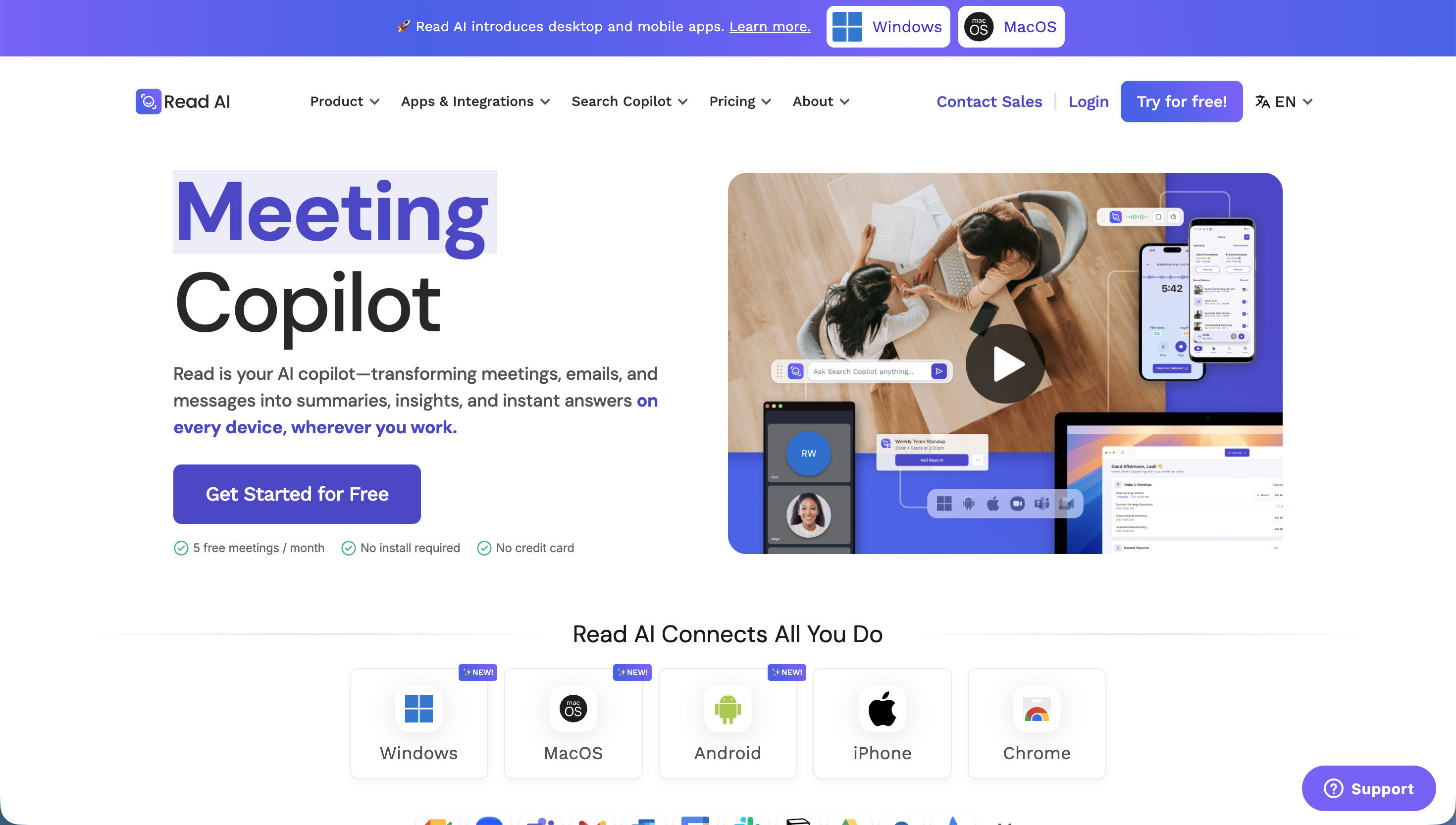
Read AI goes beyond meeting notes by analyzing your emails and messages alongside meeting data. It provides a unified AI search across all your communications, making it useful for people who want one AI layer across their entire workday.
Key Strengths:
- AI-powered search across meetings, emails, and messages
- Both bot and bot-free recording modes available (bot-free via desktop app)
- Proactive next-step recommendations based on meeting content
- Strong integration ecosystem (Notion, Salesforce, HubSpot, Jira, Confluence)
- Mobile apps for iOS and Android
What to Consider:
- Free plan is very limited (5 meetings per month)
- Default mode uses a visible bot in meetings
- Upload credits are capped even on paid plans
- Speaker detection accuracy drops in in-person meeting scenarios
Pricing: Free (5 meetings/month). Pro: $19.75/user/month.
Platforms: Zoom, Google Meet, Microsoft Teams, in-person (via mobile app).
Quick Comparison Table
| Tool | Bot-Free | Free Plan | Paid From | Languages | Real-Time Features | Best For |
|---|---|---|---|---|---|---|
| SuperIntern | Yes | Yes | Affordable | Multi | Subtitles + Summary overlay | Real-time understanding + automation |
| Otter.ai | No | 300 min/mo | $16.99/mo | 3 | Live transcript | Established transcription |
| Fireflies.ai | No | 800 min/mo | $18/mo | 100+ | Live transcript | Multilingual CRM teams |
| Fathom AI | No | Unlimited recording | $20/mo | Limited | Transcript | Free unlimited recording |
| tl;dv | No | Unlimited (AI limited) | $29/mo | 30+ | Timestamped notes | Sales playbook workflows |
| Granola AI | Yes | Yes | $14/mo | 10+ | Transcript | Privacy-focused individuals |
| Fellow | Optional | Yes | $29/mo | 35+ | Transcript | Flexible teams |
| Avoma | No | — | $29/mo | Partial | Transcript | Revenue intelligence |
| Tactiq | Yes (Chrome) | 10/mo | $12/mo | 60+ | Sidebar transcript | Browser-based simplicity |
| Read AI | Optional | 5/mo | $19.75/mo | 20+ | Transcript | Cross-platform AI intelligence |
Which AI Meeting Notes Tool Should You Choose?
The right tool depends on your specific workflow, team size, and what matters most to you. Here are some common scenarios:
If you want bot-free recording with real-time summaries and post-meeting automation, SuperIntern is the clear choice. It's the only tool on this list that combines bot-free recording on any platform with real-time overlay subtitles, real-time AI summaries, high-accuracy speaker-separated notes, and a contextual AI chat that can draft follow-ups, research topics, and automate tasks — all without any other meeting participant knowing you're using it.
If you need the most generous free plan, Fathom gives you unlimited recording and transcription at no cost, though you'll need to tolerate a bot in your meetings and AI summaries are limited.
If your team works in many languages, Fireflies.ai supports 100+ languages and Tactiq covers 60+, though both have trade-offs (bot presence for Fireflies, browser-only for Tactiq).
If you're a sales team, tl;dv and Avoma both offer structured playbook templates and CRM integrations, with tl;dv being the more affordable option.
If privacy is your top concern, both SuperIntern and Granola operate bot-free without joining your meetings. SuperIntern adds real-time features and speaker identification that Granola lacks.
If you want a simple Chrome extension, Tactiq is lightweight and bot-free, but it's limited to browser-based meetings and has tight AI credit caps.
Getting Started
Most of these tools offer free plans or trials, so the best approach is to try the ones that match your priorities. If you want to experience what it's like to have real-time AI assistance during your meetings — live subtitles, running summaries, and post-meeting automation — without a bot disrupting your calls, give SuperIntern a try.
Start using SuperIntern for free
Frequently Asked Questions
What are AI meeting notes?
AI meeting notes are automatically generated summaries and transcriptions of your meetings, created by artificial intelligence. Instead of manually taking notes, AI listens to your conversation, identifies speakers, and produces structured notes with action items, decisions, and key discussion points.
Do AI meeting notes tools record my meetings?
Yes, most tools record your meeting audio (and sometimes video) to generate transcripts and summaries. The recording method varies: some send a bot into your meeting, while bot-free tools like SuperIntern capture audio directly from your device without any visible participant joining.
Are AI meeting notes tools secure?
Security varies by provider. Look for SOC 2 Type II certification, GDPR compliance, and clear policies on whether your data is used for AI model training. Bot-free tools generally offer a privacy advantage since the audio never leaves your device until processing.
Can AI meeting notes tools work with any meeting platform?
Bot-based tools typically support only Zoom, Google Meet, and Microsoft Teams. Bot-free tools like SuperIntern capture system audio directly, so they work with any platform — including Webex, Slack Huddles, phone calls, and in-person meetings.
What is the difference between bot and bot-free AI meeting notes?
Bot-based tools send a virtual participant into your meeting that records and transcribes. Everyone in the meeting can see this bot. Bot-free tools run locally on your device and capture audio from your system sound or microphone, so they're invisible to other participants and work on any meeting platform.