
AI Meeting Assistant in 2026: What It Does & the Best Tools to Try
The average professional spends over 15 hours per week in meetings — and at least half of that time is spent trying to remember what was said, who said it, and what happens next. In 2026, an AI meeting assistant can handle all of that automatically: transcription, summaries, action items, and even real-time translation.
But the category has expanded fast. Some tools join your call as a visible bot. Others capture audio silently from your device. A few are built directly into the platforms you already use. Choosing the right AI assistant for meetings means understanding these differences — and knowing which features actually matter for your workflow.
This guide explains what AI meeting assistants are, what they can do, and which tools are worth trying in 2026.
⚠️ This article was independently compiled based on publicly available information and user feedback as of April 2026.
Table of Contents
- What Is an AI Meeting Assistant?
- What Can an AI Meeting Assistant Do?
- Types of AI Meeting Assistants
- Best AI Meeting Assistants in 2026
- Feature Comparison
- How to Choose the Right AI Meeting Assistant
- FAQ
- Conclusion
1. What Is an AI Meeting Assistant?
An AI meeting assistant is software that uses artificial intelligence to automate the manual work surrounding meetings — primarily note-taking, transcription, and follow-up. Instead of relying on one person to scribble notes while trying to participate in the discussion, an AI assistant captures everything and delivers structured output after the call.
In practice, this means:
- Before the meeting — Some tools pull in calendar context, agendas, and participant information to prepare for the call
- During the meeting — The assistant transcribes the conversation in real time, identifies speakers, and highlights key moments
- After the meeting — AI generates a summary, extracts action items, and makes the entire transcript searchable
The result is that every meeting becomes a referenceable, searchable record — without anyone needing to take notes manually. For teams that run 10, 20, or 50 meetings a week, this is not a convenience feature. It is infrastructure.
2. What Can an AI Meeting Assistant Do?
Modern meeting assistant AI tools go far beyond simple recording. Here is what the best tools handle in 2026:
Real-Time Transcription
The core feature. An AI meeting assistant listens to the conversation and converts speech to text as it happens. The best tools achieve 95–98% accuracy on clear audio and support speaker diarization — meaning the transcript shows who said what.
AI-Generated Summaries
After the meeting ends, the assistant produces a structured summary: key discussion points, decisions made, and topics covered. This replaces the traditional meeting minutes document that someone used to spend 30 minutes writing.
Action Item Extraction
The AI identifies commitments made during the conversation — "I will send the proposal by Friday," "Let's schedule a follow-up with the design team" — and pulls them into a clear action item list with owners and deadlines where possible.
Real-Time Translation
For multilingual teams, some AI for meetings tools translate the transcript in real time. A participant speaking Japanese can be understood by a teammate reading in English, German, or Spanish — all during the live conversation.
Post-Meeting AI Chat
The most advanced tools let you ask questions about your meeting after it ends. "What did the client say about the timeline?" or "Draft a follow-up email based on this meeting." The AI uses the full transcript as context.
Integrations and Sharing
Meeting notes flow into the tools teams already use: Slack, Notion, Google Docs, CRM systems, or project management platforms. This eliminates the copy-paste step that makes meeting notes go stale.
3. Types of AI Meeting Assistants
Not all AI meeting assistants work the same way. Understanding the three main approaches helps you choose the right fit.
Bot-Based Assistants
These tools send a virtual participant — a "notetaker bot" — into your meeting room. The bot records the call from inside the session, which means it appears in the participant list.
Pros: Easy setup, works without installing anything on your device. Cons: Other participants can see the bot, which may feel intrusive in sales calls, interviews, or sensitive discussions. Bots also depend on platform APIs, so they typically only work with Zoom, Google Meet, and Teams.
Examples: Otter.ai, Notta, tl;dv
Botless (Device-Level) Assistants
Botless tools capture audio directly from your computer — either from the system audio output, the microphone, or both. No participant is added to the call. No one knows the tool is running unless you tell them.
Pros: Works on any meeting platform (including Webex, Slack Huddles, Discord, and even in-person meetings). No awkward bot introductions. Cons: Requires a desktop application. Cannot capture audio from calls you are not on.
Examples: SuperIntern, Krisp, Granola
Built-In Platform Features
Zoom, Google Meet, and Microsoft Teams now offer native AI features: transcription, summaries, and action items built directly into the meeting platform.
Pros: No additional tool to install or pay for (if you already have the platform license). Tightly integrated with the platform's own ecosystem. Cons: Only works within that one platform. Features are often less sophisticated than dedicated tools. You lose the AI notes if you switch platforms. Enterprise plans are typically required.
Examples: Microsoft Copilot in Teams, Google Gemini in Meet, Zoom AI Companion
4. Best AI Meeting Assistants in 2026
1. SuperIntern — Best Botless AI Meeting Assistant
SuperIntern is a desktop AI meeting assistant that captures system audio directly from your computer — no bot, no browser extension, no platform dependency. It works on any meeting platform, any browser-based call, and even in-person conversations.

Key strengths:
- Botless design — No participant is added to your call. Works silently in the background
- Real-time transcription with speaker diarization — See who said what as the conversation happens
- AI-generated meeting notes — Summary, key decisions, and action items are ready seconds after the meeting ends
- 50+ language support with real-time translation — Ideal for multilingual and cross-border teams
- Post-meeting AI chat — Ask questions about the meeting, draft follow-up emails, or extract specific details
Limitations: Desktop app only (Mac and Windows). Primarily designed for live meetings rather than uploading pre-recorded files.
Pricing: Free plan available (no credit card required). Plus plan at $20/month for 100 hours.
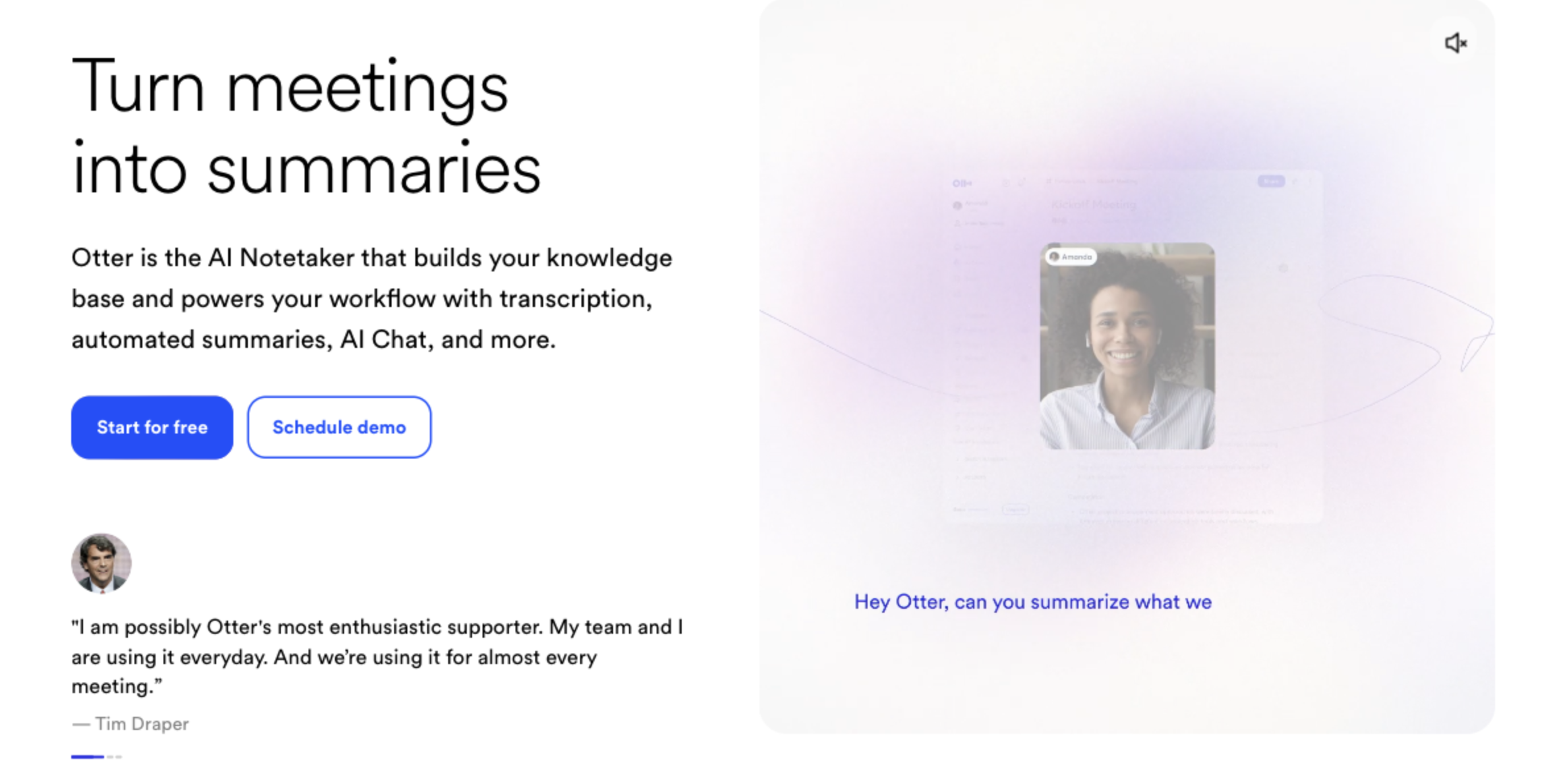
2. Otter.ai — Best for English-Focused Teams
Otter.ai is one of the most recognized names in the AI meeting space. It joins meetings via a bot and delivers real-time transcription with strong English accuracy.
Key strengths:
- High-accuracy English transcription with speaker identification
- Browser-based — no desktop app required
- Integrates with Zoom, Google Meet, and Microsoft Teams
- OtterPilot provides automated meeting summaries
Limitations: Non-English language support is limited. The bot joins as a visible participant. Free plan capped at 300 minutes per month.
Pricing: Free plan (300 min/month). Pro at $16.99/month.
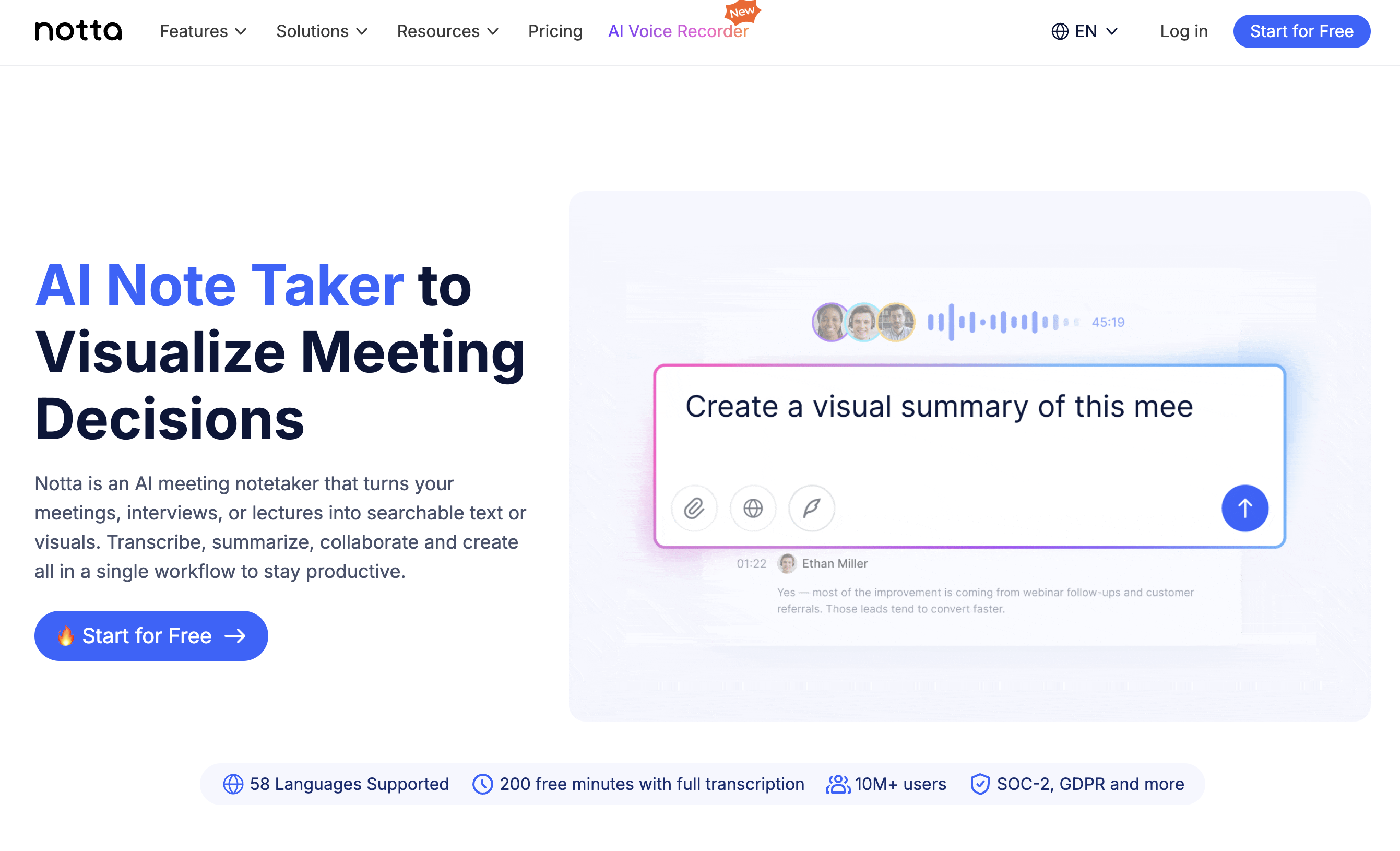
3. Notta — Best for Multilingual Teams
Notta supports 104 languages and offers both real-time transcription and file upload — making it one of the most versatile AI assistants for meetings when language coverage is the priority.
Key strengths:
- 104-language support with competitive accuracy
- Upload audio/video files or transcribe live meetings
- AI summary and action item extraction
- Web, desktop, and mobile apps available
Limitations: Bot joins meetings for real-time transcription. Free plan limited to 120 minutes per month. Advanced features require a paid plan.
Pricing: Free plan (120 min/month). Pro at $14.99/month.
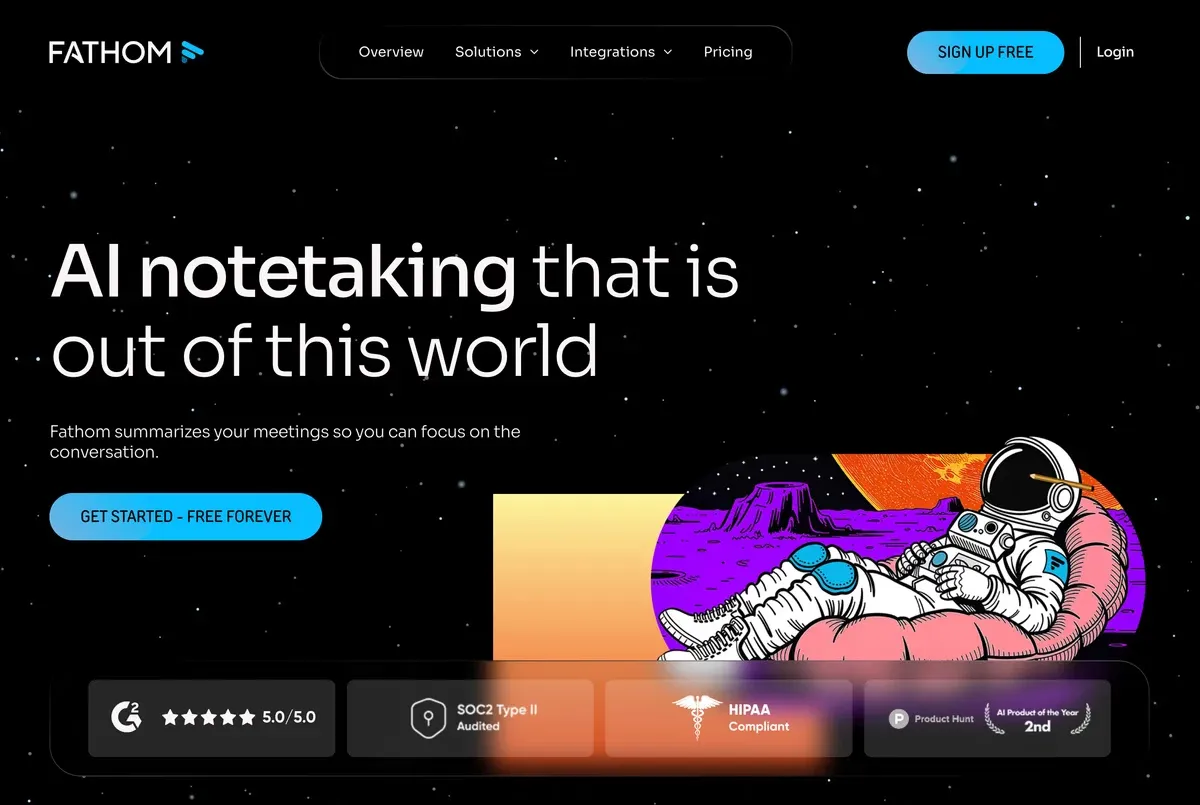
4. Fathom — Best Free Unlimited Option
Fathom offers unlimited free meeting transcription and AI summaries for Zoom, Google Meet, and Teams. Its generous free tier makes it accessible for individuals and small teams.
Key strengths:
- Unlimited free meeting transcription and AI summaries
- Highlight and clip key moments during calls
- CRM integrations (Salesforce, HubSpot)
- Clean, minimal interface
Limitations: Bot joins the meeting as a visible participant. Language support is more limited than multilingual alternatives (28 languages). No file upload.
Pricing: Free (unlimited meetings). Premium at $19/month for team features.
5. Granola — Best for Minimal Note Enhancement
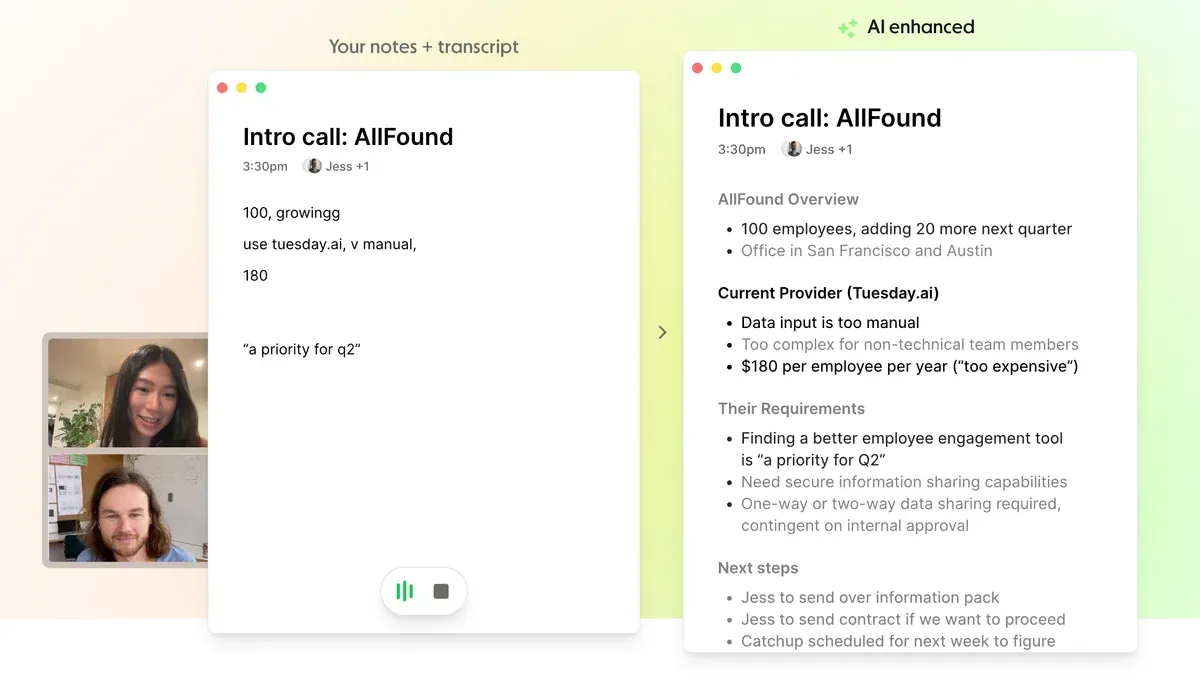
Granola takes a lightweight approach: it captures meeting audio and enhances your own brief notes into full, structured meeting documents using AI.
Key strengths:
- Enhances your rough notes with AI-powered context from the meeting audio
- Botless — captures audio locally
- Clean, distraction-free interface
- Works with any meeting platform
Limitations: Less automated than full AI meeting assistants — you still need to take some notes. Limited language support. No real-time transcription display.
Pricing: Free plan available. Pro at $18/month.
6. Krisp — Best for Noise Cancellation + Notes
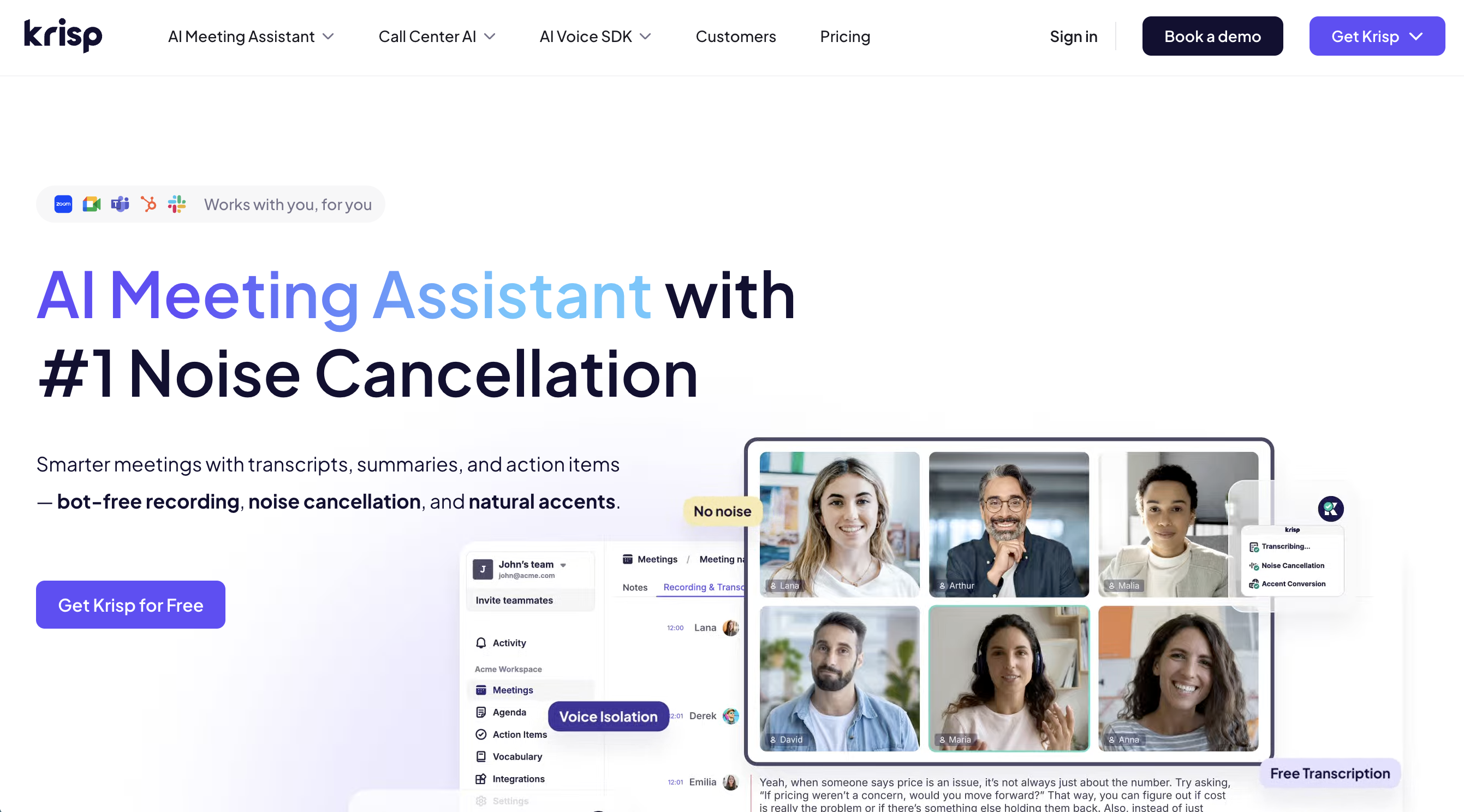
Krisp started as a noise-cancellation tool and has expanded into AI meeting notes. It removes background noise from your calls while simultaneously generating transcripts and summaries.
Key strengths:
- Industry-leading AI noise cancellation
- Meeting transcription and summaries
- Botless — processes audio locally on your device
- Works with any communication app
Limitations: Meeting notes features are newer and less mature than dedicated tools. Free plan has limited transcription minutes. Primarily focused on noise cancellation.
Pricing: Free plan available. Pro at $12/month.
7. Microsoft Copilot — Best for Enterprise Microsoft Teams Users
If your organization runs on Microsoft 365, Copilot adds AI meeting assistant capabilities directly inside Teams — no additional tool needed.
Key strengths:
- Native integration with Microsoft Teams
- AI meeting recap with action items and follow-ups
- Works within the existing Microsoft 365 ecosystem
- Enterprise-grade security and compliance
Limitations: Requires Microsoft 365 Copilot license ($30/user/month). Only works within Teams. No support for Zoom, Google Meet, or other platforms. No free tier.
Pricing: Included with Microsoft 365 Copilot ($30/user/month).
5. Feature Comparison
| Feature | SuperIntern | Otter.ai | Notta | Fathom | Granola | Krisp | MS Copilot |
|---|---|---|---|---|---|---|---|
| Real-time transcription | ✅ | ✅ (bot) | ✅ (bot) | ✅ (bot) | ❌ | ✅ | ✅ |
| AI meeting summary | ✅ | ✅ | ✅ | ✅ | ✅ | ✅ | ✅ |
| Action items | ✅ | ✅ | ✅ | ✅ | ✅ | ✅ | ✅ |
| Speaker diarization | ✅ | ✅ | ✅ | ✅ | ❌ | ✅ | ✅ |
| Translation | ✅ (50+) | ❌ | Limited | ❌ | ❌ | ❌ | ❌ |
| AI chat | ✅ | ✅ | ✅ | ❌ | ❌ | ❌ | ✅ |
| Botless | ✅ | ❌ | ❌ | ❌ | ✅ | ✅ | N/A |
| Platform support | Any | Zoom/Meet/Teams | Zoom/Meet/Teams | Zoom/Meet/Teams | Any | Any | Teams only |
| Free tier | ✅ | ✅ (300 min) | ✅ (120 min) | ✅ (unlimited) | ✅ | ✅ (limited) | ❌ |
| Languages | 50+ | English-focused | 104 | 28 | Limited | Limited | 30+ |
6. How to Choose the Right AI Meeting Assistant
With so many options, here is a practical framework for narrowing down your choice:
Consider your meeting environment
- If you use multiple platforms (Zoom one day, Google Meet the next, Webex for a client): Choose a platform-agnostic, botless tool like SuperIntern or Krisp
- If you are locked into Microsoft Teams: Microsoft Copilot is the path of least resistance
- If you only use Zoom or Google Meet: Bot-based tools like Otter.ai and Fathom work well
Consider privacy and participant comfort
- External meetings, sales calls, interviews: A botless tool avoids the awkwardness of a visible recording bot
- Internal team standups: A bot-based tool is usually fine — your team already expects it
Consider language needs
- Multilingual teams: SuperIntern (50+ languages with real-time translation) or Notta (104 languages) are the strongest choices
- English-only teams: Otter.ai offers the best English-optimized experience
Consider budget
- Free or individual use: Fathom (unlimited free meetings) or SuperIntern (free plan)
- Enterprise procurement: Microsoft Copilot (bundled with existing licenses) or Otter.ai Business
Consider what you want after the meeting
- Full automated pipeline (transcript, summary, action items, AI chat): SuperIntern
- Enhanced personal notes: Granola
- CRM-integrated sales call records: Fathom or Otter.ai
7. FAQ
What is the best AI meeting assistant in 2026?
It depends on your needs. For a botless, platform-agnostic experience with real-time translation, SuperIntern is the top choice. For unlimited free English-language meeting notes, Fathom is strong. For Microsoft Teams-native users, Copilot is the most integrated option.
Do AI meeting assistants record my meetings?
Most tools process the audio stream to generate transcripts and summaries. Some also save the audio or video recording. Check each tool's privacy policy and data retention settings — especially for sensitive meetings.
Can an AI meeting assistant work without a bot?
Yes. Botless AI meeting assistants like SuperIntern, Granola, and Krisp capture audio directly from your device without adding a participant to the call. This makes them usable on any platform and invisible to other attendees.
Are AI meeting assistants accurate?
Modern tools achieve 95–98% transcription accuracy on clear audio in supported languages. Accuracy drops with heavy accents, overlapping speakers, or noisy environments. Speaker diarization accuracy varies by tool.
Can AI meeting assistants translate in real time?
Some can. SuperIntern supports real-time translation across 50+ languages during the meeting. Most other tools offer transcription in multiple languages but not live translation.
Is it legal to use an AI meeting assistant?
Recording laws vary by jurisdiction. In many regions, at least one party must consent to recording (one-party consent). Some jurisdictions require all parties to be informed. Check your local regulations and inform participants when appropriate.
Do I need to install software?
It depends. Otter.ai and Notta work in a browser. SuperIntern, Fathom, Granola, and Krisp require a desktop application. Microsoft Copilot is built into Teams.
8. Conclusion
An AI meeting assistant is no longer a nice-to-have — it is becoming a standard part of how productive teams operate. The best tools save hours each week by eliminating manual note-taking, making every conversation searchable, and ensuring action items do not slip through the cracks.
For professionals who want a private, platform-agnostic solution that works on any meeting without a visible bot, SuperIntern delivers real-time transcription, AI-generated notes, multilingual translation, and post-meeting AI chat — all from a lightweight desktop app. Try it free today.
