
AI Meeting Minutes Tools 2026: Auto-Generate Meeting Notes with the Best Software
We have all been there: the meeting ends, but nobody wrote proper minutes. Important decisions slip away, action items stay vague, and the next call starts the discussion from scratch.
In 2026, there is a better way. AI tools generate your meeting minutes automatically, in real time, with speaker identification and action item extraction. In this guide, we walk through the best tools available and explain why automated minutes have also become indispensable as sales tools.
⚠️ This article was compiled independently based on publicly available information and user feedback (as of April 2026).
Table of Contents
- What are meeting minutes and why do they matter?
- The challenge: writing meeting minutes manually
- AI meeting minutes: how it works
- The best AI tools for automatic meeting minutes
- Feature comparison
- Meeting minutes as a sales tool
- Tips for better AI-generated minutes
- Frequently asked questions (FAQ)
- Conclusion
1. What are meeting minutes and why do they matter?
Meeting minutes are the written record of a meeting. They capture what was discussed, what was decided, and what action items came out of the conversation.
For business teams, meeting minutes serve several critical purposes:
- Legal and compliance relevance: In many industries (finance, pharma, public sector), minutes are required by regulation. They serve as proof of decisions made and compliance with internal policy.
- Accountability: Documented decisions are binding. Without a written record, there is no foundation for follow-through.
- Knowledge management: Minutes create a searchable archive that persists across team changes and onboarding cycles.
- Sales documentation: For sales teams, meeting minutes are essential for capturing customer conversations, proposals, and next steps.
2. The challenge: writing meeting minutes manually
Despite their importance, meeting minutes are often neglected. The reasons are obvious:
- Time cost: Writing manual minutes for a 60-minute meeting typically takes another 30 to 45 minutes. Across 5 meetings per week, that is 2.5 to 3.5 hours of pure note-taking.
- Inconsistency: Every person writes minutes differently. Format, level of detail, and structure vary widely, which is especially problematic when minutes are shared across teams.
- Missing details: Anyone taking notes cannot fully participate in the conversation. Nuance, objections, and subtext get lost.
- Delay: Manual minutes are often finalized hours or days after the meeting. By then, details are already forgotten.
The result: many teams skip minutes entirely, and lose valuable information in the process.
3. AI meeting minutes: how it works
Modern AI tools automate the entire minutes process in three steps:
Step 1: Transcription
The AI captures spoken words during the meeting and converts them into text, in real time, with speaker identification. The result is a full transcript that records who said what.
Step 2: Summarization
From the transcript, the AI generates structured meeting minutes: key points, topics discussed, and decisions made, all neatly organized.
Step 3: Action item extraction
The AI automatically identifies action items, owners, and deadlines. This saves time and ensures no task slips through the cracks.
The outcome: seconds after the meeting ends, a complete and searchable record is ready, with no one having to take notes by hand.
4. The best AI tools for automatic meeting minutes
1. SuperIntern: best for real-time minutes
SuperIntern generates your meeting minutes fully automatically, in real time, with no bot and no recording uploaded to a third-party platform. The desktop app captures meeting audio directly from your computer and produces AI-powered minutes with summary, key points, and action items.

Strengths:
- Botless: no bot joins the meeting. Participants notice nothing, and meetings stay natural.
- Real-time transcription with speaker identification: see live who is saying what, and get a full record after the call.
- AI meeting minutes: summary, decisions, and action items are ready seconds after the meeting ends.
- 50+ languages: ideal for international teams. Real-time translation is included.
- AI Chat: ask questions about the meeting content afterwards or generate follow-up emails directly from the minutes.
Limitations: Desktop app only (Mac and Windows). Primarily designed for live meetings.
Pricing: Free plan available. Plus plan: $20/month (100 hours).
2. Krisp: minutes with noise cancellation
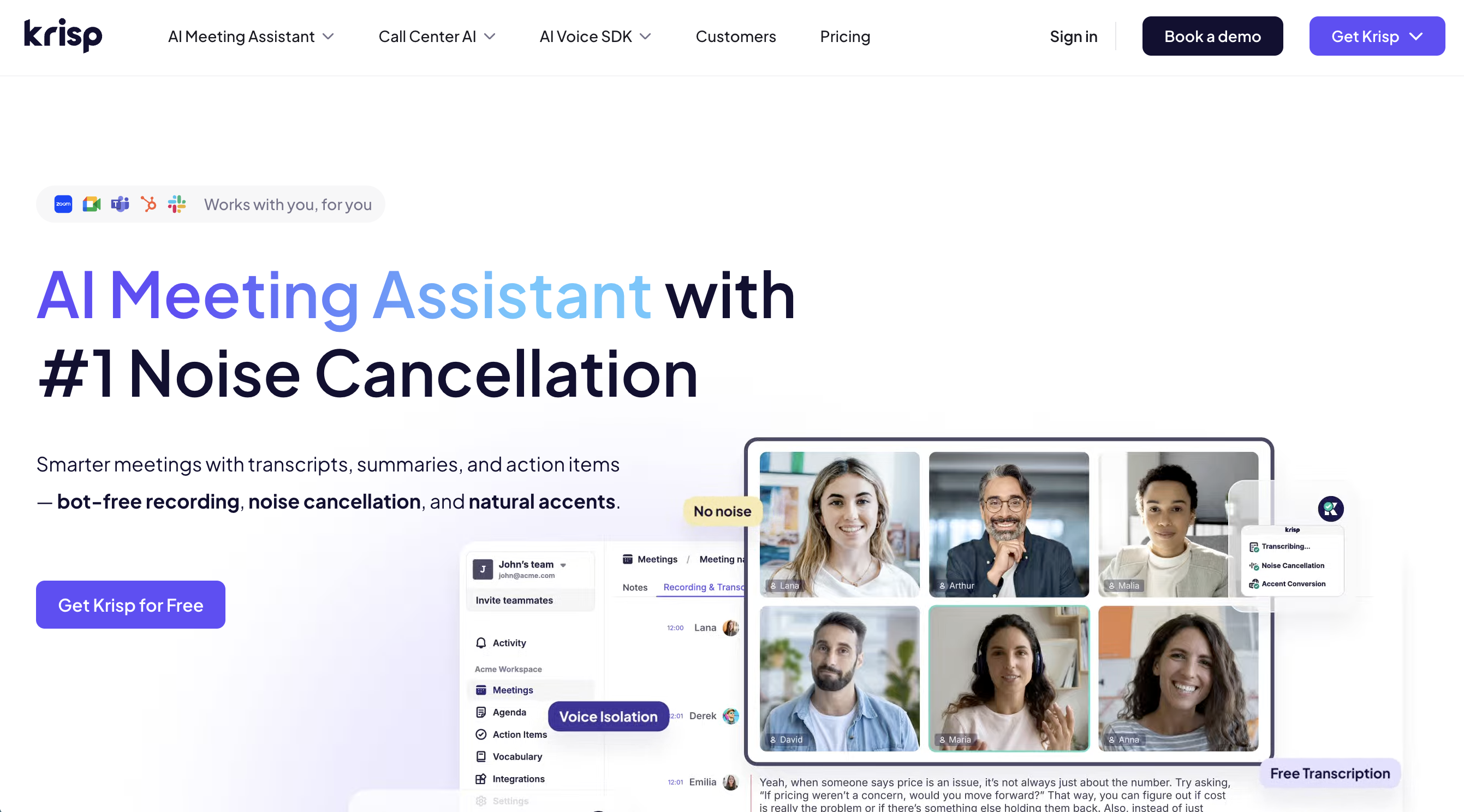
Krisp combines AI noise cancellation with automatic meeting minutes. Especially useful if you often join meetings from noisy environments.
Strengths:
- Industry-leading noise cancellation filters background sound in real time
- Automatic meeting summaries and action items
- Works with all major meeting platforms (Zoom, Teams, Meet)
Limitations: Smaller language coverage than dedicated transcription tools. Free plan with limited minutes.
Pricing: Free (limited). Pro: $8/month.
3. Notta: multilingual minutes
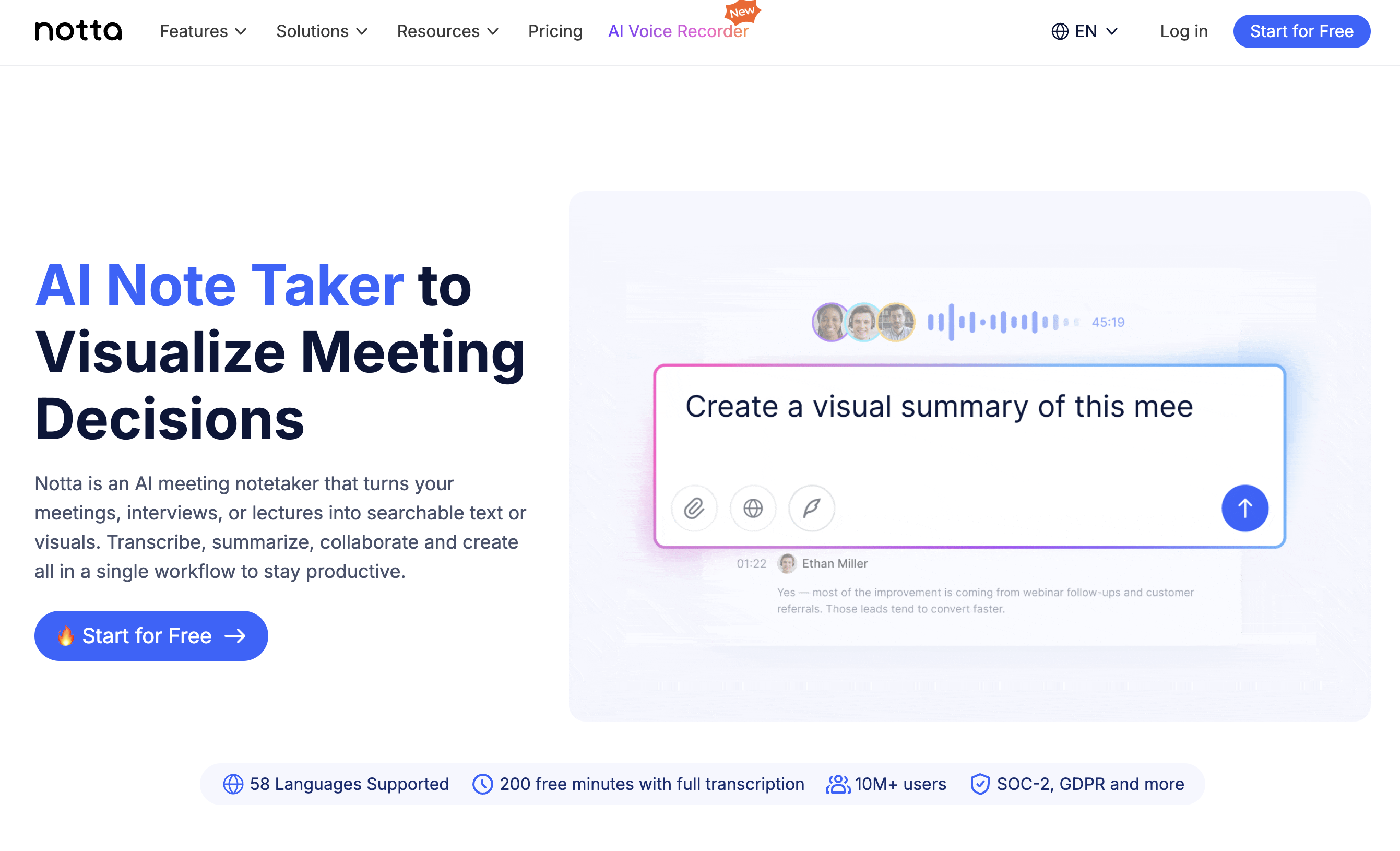
Notta supports 104 languages, making it the top choice for international teams that need meeting minutes across multiple languages.
Strengths:
- 104 languages with strong accuracy
- Real-time transcription plus post-meeting file upload
- AI summary and action item extraction
- Web, desktop, and mobile apps
Limitations: A bot joins the meeting for real-time transcription. Free plan: 120 minutes per month.
Pricing: Free (120 min/month). Pro: $14.99/month.
4. Fathom: unlimited free minutes
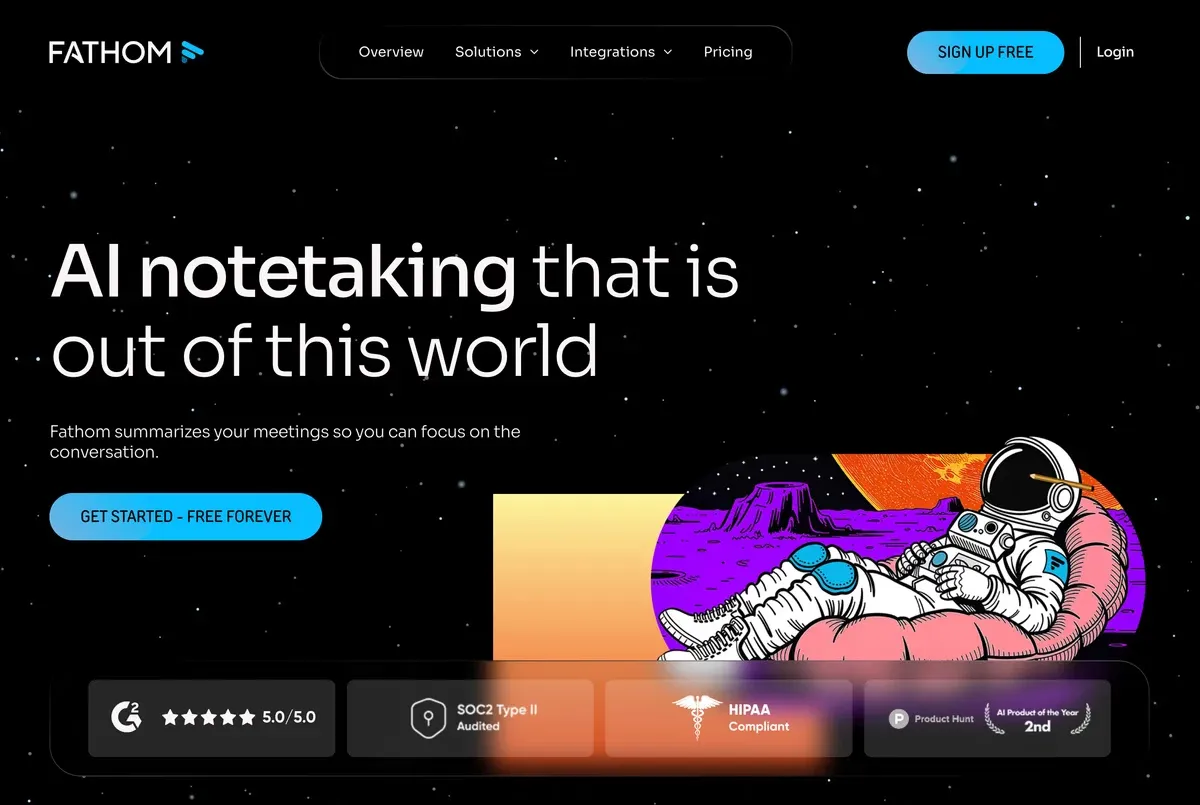
Fathom offers a generous free plan: unlimited meeting recordings and AI summaries with no monthly cap.
Strengths:
- Unlimited free plan for individual users
- Automatic summaries and action items
- Easy integration with CRM systems (HubSpot, Salesforce)
- Highlight feature for important moments in the meeting
Limitations: A bot joins the meeting. Primarily optimized for English. Team features only on paid plans.
Pricing: Free (unlimited for individuals). Team: $32/user/month.
5. Microsoft 365 Copilot: for Teams users
For companies already on Microsoft Teams, Copilot offers seamless automatic meeting minutes inside the familiar environment.
Strengths:
- Native Microsoft Teams integration, no extra tool needed
- Summaries, action items, and follow-ups directly in Teams
- Access to meeting content through Microsoft 365 apps (Word, Outlook)
- Enterprise-grade security and compliance
Limitations: Microsoft Teams meetings only. Requires Microsoft 365 Business or Enterprise license. High price point.
Pricing: From $30/user/month (on top of the Microsoft 365 license).
5. Feature comparison
| Feature | SuperIntern | Krisp | Notta | Fathom | Copilot |
|---|---|---|---|---|---|
| Real-time minutes | ✅ | ✅ | ✅ (bot) | ✅ (bot) | ✅ |
| Speaker identification | ✅ | ✅ | ✅ | ✅ | ✅ |
| AI summary | ✅ | ✅ | ✅ | ✅ | ✅ |
| Action item extraction | ✅ | ✅ | ✅ | ✅ | ✅ |
| Translation | ✅ (50+) | Limited | ✅ (104) | ❌ | Limited |
| Botless | ✅ | ✅ | ❌ | ❌ | ✅ |
| CRM integration | Planned | ❌ | ❌ | ✅ | ✅ (Dynamics) |
| Free plan | ✅ | ✅ (limited) | ✅ (120 min) | ✅ (unlimited) | ❌ |
6. Meeting minutes as a sales tool
Automatic meeting minutes are far more than a memory aid. For sales teams, they are among the most powerful sales tools available. Here is why:
Complete documentation of customer conversations
In sales, every detail counts. What objections did the customer raise? What pricing was mentioned? What next steps were agreed? With AI-powered minutes, nothing gets lost, and you can focus fully on the conversation instead of taking notes on the side.
Faster follow-ups
The best sales tools help you maintain momentum with the customer. With automatic meeting minutes, you can send a precise follow-up email right after the call, covering every point discussed and every action item agreed. Tools like SuperIntern generate follow-up messages via AI Chat directly from the minutes.
CRM integration and deal tracking
Automatic minutes can sync into CRM systems like HubSpot or Salesforce. Customer conversations stay centrally documented, and the entire sales process, from first call to close, becomes traceable. That is what makes meeting minutes one of the most important sales tools in modern B2B sales.
Coaching and quality assurance
Sales leaders can use minutes and transcripts to review calls, identify best practices, and onboard new team members, without having to sit in on every meeting in person.
7. Tips for better AI-generated minutes
- Use a good microphone: A high-quality headset or USB microphone significantly improves transcription quality.
- Have participants introduce themselves: A quick round of intros at the start helps the AI map voices to people.
- Speak clearly with pauses: Avoid talking over each other. Brief pauses between speakers help the AI.
- State action items explicitly: Say "Action for Max: send the proposal by Friday" instead of "Max will handle it". The AI catches explicit assignments more reliably.
- Review the minutes after the meeting: AI minutes are strong but not perfect. A quick review confirms everything is captured correctly.
8. Frequently asked questions (FAQ)
Can AI write a complete meeting record?
Yes. Modern AI tools automatically produce structured meeting minutes with summary, decisions, and action items. Quality depends on audio quality and how clearly people speak.
Are AI meeting minutes compliant with privacy regulations?
It depends on the provider. Look for regional data processing options, data processing agreements (DPAs), and transparent privacy policies. Inform all participants about recording.
How are meeting minutes tools different from general sales tools?
AI meeting minutes tools specialize in automatic documentation of conversations. In sales, they complement classic sales tools like CRM systems by capturing customer conversations and making follow-ups easier.
Which tool works best for multilingual meetings?
For multilingual meetings, we recommend SuperIntern or Notta. Both offer strong language coverage with high transcription accuracy.
Can I push meeting minutes into my CRM?
Yes. Tools like Fathom offer native CRM integrations. For other providers, you can export minutes and push them into your CRM manually or via Zapier/Make.
9. Conclusion
Writing meeting minutes by hand is a 2025 problem. In 2026, AI tools take over transcription, summarization, and action item extraction in real time, with impressive accuracy.
Whether you want to automate a single set of meeting minutes or extend your sales tools with AI-powered documentation, the tools in this comparison cover every use case.
For teams that value natural meetings without a bot, real-time minutes, and an AI chat layer on top, SuperIntern is the strongest pick. Try it free and see how AI transforms your meeting documentation.
