
AI Meeting Minutes: Template, Example, and a Live Workflow
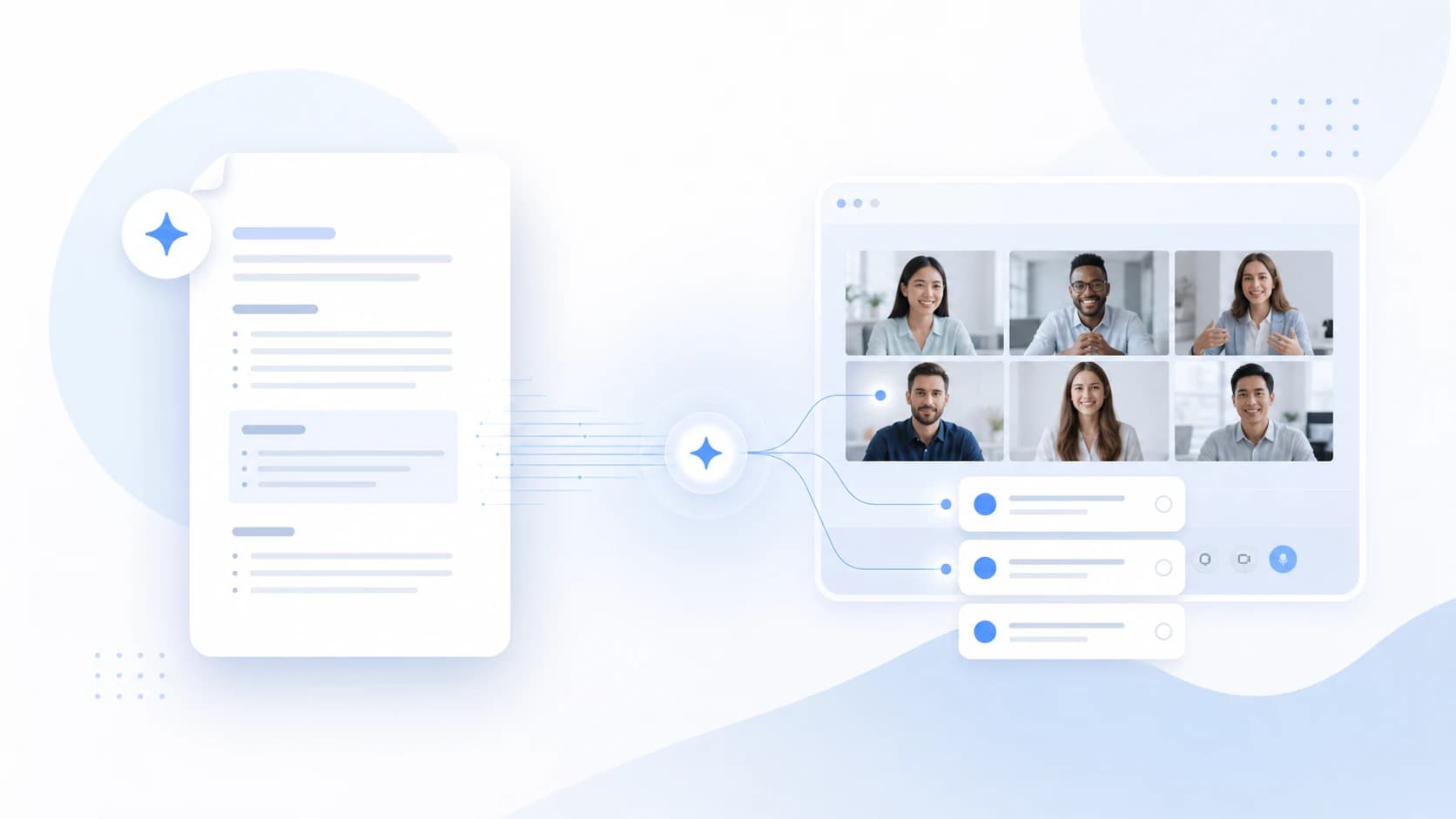
An AI meeting minutes workflow should do more than turn a transcript into a neat document.
It should help the team leave the meeting with clear decisions, owners, dates, risks, and open questions.
That matters even more for teams that run customer calls, project reviews, interviews, and internal planning across different tools and languages.
⚠️ This article was independently compiled based on publicly available information and user feedback as of June 2026.
This guide explains how to structure meeting minutes, how to avoid the usual gaps, and how a live AI assistant such as SuperIntern can fill the minutes while the conversation is still happening.

What Meeting Minutes Should Capture
Meeting minutes are not a verbatim transcript.
They are not a loose note dump.
They are a working record.
The best minutes answer six questions:
- What was the meeting for?
- What was decided?
- Who owns each next step?
- What date or trigger matters?
- What risk could block the plan?
- What still needs confirmation?
If the document does not answer those questions, it may look complete but fail as an execution tool.
Meeting Minutes, Notes, and Transcript
Teams often mix several document types after a meeting.
| Term | Typical meaning | Formality | Practical use |
|---|---|---|---|
| Meeting minutes | Record of decisions, tasks, and next steps | Medium to high | Team follow-up, projects, customer calls, approvals |
| Meeting notes | Flexible notes from a conversation | Low to medium | Personal notes, sales, research, 1:1s |
| Transcript | Chronological record of speech | Variable | Verification, accessibility, review |
| Approved minutes | Meeting minutes with approval and archive rules | High | Committees, audits, legal or finance reviews |
For this article, the focus is meeting minutes.
The practical difference is usually the approval level, not the core content.
The transcript is different: it is raw material that can support the minutes, but it is not the finished record readers should act on.
Why Traditional Minutes Fail
Most teams do not fail because they dislike documentation.
They fail because minutes are created too late.
The Owner Is Missing
A next step without an owner is not a task.
It is a hope.
If the minutes are drafted after the meeting, someone has to chase ownership later.
The Date Is Vague
"Next week" can mean different things to different people.
Good minutes turn the phrase into a concrete date or a clear trigger.
Decisions Become Overstated
Someone says, "This seems reasonable."
The minutes say, "Approved."
That is a risky jump.
AI should be instructed to mark uncertain items as pending confirmation.
The Transcript Is Treated as the Final Minutes
A transcript preserves what was said.
Meeting minutes explain what matters.
A transcript can feed the minutes, but the final document still needs decisions, owners, dates, risks, and open questions.
Recommended Meeting Minutes Template
Use a compact structure that can be scanned in under two minutes.
| Section | Purpose | Quality check |
|---|---|---|
| Objective | Why the meeting happened | Can a reader understand the context quickly? |
| Participants | Who influenced the outcome | Are decision makers and owners clear? |
| Executive summary | The meeting in a few bullets | Does it avoid filler? |
| Decisions | Confirmed agreements | Are uncertain items excluded or marked? |
| Action items | Tasks, owners, dates | Does every row have an owner? |
| Risks | Potential blockers | Are risks separated from decisions? |
| Open questions | What remains unresolved | Does each question have a next owner? |
| Next step | What happens next | Is the next meeting or follow-up concrete? |
Here is a reusable Markdown template:
# Meeting Minutes

## Basic Information
- Date:
- Topic:
- Participants:
- Objective:

## Executive Summary
-

## Decisions
| Decision | Reason | Confirmed by |
|---|---|---|
| | | |

## Action Items
| Task | Owner | Due date | Dependency |
|---|---|---|---|
| | | | |

## Risks and Blockers
-

## Open Questions
-

## Next Step
-
Example: Customer Implementation Call
Imagine a customer success call.
The customer wants to start a pilot.
The IT team needs to approve audio and security settings.
The account owner needs a concrete next step before Friday.
A useful set of minutes could look like this:
| Field | Example output |
|---|---|
| Objective | Align on a SuperIntern pilot for the customer support team |
| Main decision | The customer will run a 30-day pilot with 12 users |
| Internal owner | Customer Success will prepare the setup checklist |
| Customer owner | IT will review audio permissions and recording policy |
| Date | Checklist by Friday, technical review on Tuesday |
| Risk | External customer calls may need a separate AI-assistance notice |
| Next step | Send summary, checklist, and test agenda |
Notice what is not included.
There is no long paragraph about every discussion point.
The document turns the call into execution.
Three AI Workflows
There are three common ways to use AI for meeting minutes.
| Workflow | Strength | Limitation |
|---|---|---|
| Upload a recording after the call | Useful for meetings that already ended | Gaps are found too late |
| Paste a transcript into an AI chat | Flexible and inexpensive | Requires a complete transcript and careful prompting |
| Use a live meeting assistant | Captures the minutes during the meeting | Requires audio permissions and clear consent practices |
The live workflow is strongest when the meeting has operational value.
If an owner is missing, you can ask before the call ends.
If a decision is unclear, you can confirm it while everyone is still present.
Where SuperIntern Fits
SuperIntern is a botless desktop meeting assistant.
It captures device audio and microphone audio instead of sending a meeting bot into the call.
That makes it useful for external calls where a visible bot may create friction.
SuperIntern can support live transcription, real-time translation, speaker-aware notes, custom dictionary, Invisible Mode for screen sharing, and post-meeting AI chat based on the meeting content.
For meeting minutes, the key feature is AI Canvas.

AI Canvas can follow a saved instruction and fill the note in that structure during the meeting.
Instead of receiving a generic summary after the call, you can ask for decisions, owners, dates, risks, and open questions as the conversation unfolds.
Prompt for AI Canvas
Use this as a starting point:
Write operational meeting minutes.
Separate confirmed decisions, action items, owners, dates, risks, and open questions.
Do not turn an intention into a decision.
If an owner or date is missing, mark it as "pending confirmation".
Keep the executive summary to five bullets or fewer.
For sales calls, add:
Include customer objections, buying criteria, competitors mentioned, and the commercial next step.
For product meetings, add:
Include the user problem, evidence cited, scope decision, and implementation risks.
For recruiting, add:
Include competency signals, unanswered concerns, and recommended follow-up.
Live Review Checklist
The best moment to check the minutes is before the meeting ends.
Use this list:
- Is each decision phrased clearly?
- Does each action item have an owner?
- Is each date concrete?
- Are risks separated from decisions?
- Does each open question have a follow-up owner?
- Is the next meeting or next message defined?
- Can the minutes be shared without exposing unnecessary sensitive information?
If one item is missing, fix it in the meeting.
That is the main benefit of live AI minutes.
Choosing the Right Approval Level
Different meetings can use the same minutes structure with different approval levels.
| Meeting type | Recommended minutes setup |
|---|---|
| Daily standup | Short operational minutes |
| Sales call | Minutes with objections and next steps |
| Executive committee | Formal minutes with approval flow |
| Legal or finance review | Human-reviewed formal minutes |
| User interview | Structured research notes |
| Technical incident | Timeline, severity, owners, and actions |
If the record has legal, financial, or audit value, treat AI output as a draft and involve the right internal review process.
Common Mistakes
Treating Every Summary as Minutes
A summary can be useful.
But minutes require decisions, owners, and next steps.
Using the Same Template for Every Meeting
Sales, product, recruiting, and support calls preserve different facts.
AI works better when the template matches the context.
Hiding Uncertainty
Good minutes make uncertainty visible.
"Pending confirmation" is better than a false decision.
Keeping Too Much Text
Minutes should be scannable.
Keep the transcript available for verification, but do not force every reader through it.
FAQ
Can AI write complete meeting minutes?
Yes.
AI can produce minutes with summaries, decisions, tasks, owners, dates, and open questions.
The quality depends on the audio, speaker clarity, and the prompt.
Should meeting minutes be created during or after the meeting?
Create them during the meeting when decisions and follow-up matter.
After-the-call drafting works for lower-risk recordings, but gaps are harder to fix.
Are meeting minutes the same as a transcript?
No.
A transcript records what was said.
Meeting minutes organize what matters and turn the conversation into action.
Do I need a video recording?
Not always.
For many business meetings, audio, transcript, speaker context, and structured notes are enough.
Video may still be required for training, evidence, or compliance workflows.
What makes SuperIntern different?
SuperIntern works without a visible meeting bot, creates live notes with AI Canvas, supports real-time transcription and translation, and can work across Zoom, Meet, Teams, Webex, Slack Huddles, Discord, and in-person meetings.
What fields are essential?
Decisions, owners, dates, risks, open questions, and next steps.
Without those, the document may be readable but weak for execution.
Conclusion
Good meeting minutes are not about writing more.
They are about reducing ambiguity before the team leaves the room.
For teams looking for AI meeting minutes, the real goal is to turn a conversation into a reliable operating record.
SuperIntern helps by creating that record live, without a visible bot, and with AI Canvas shaped to the format your team already needs.