
AI Meeting Summaries: Save Hours of Work Every Week with Automated Recaps
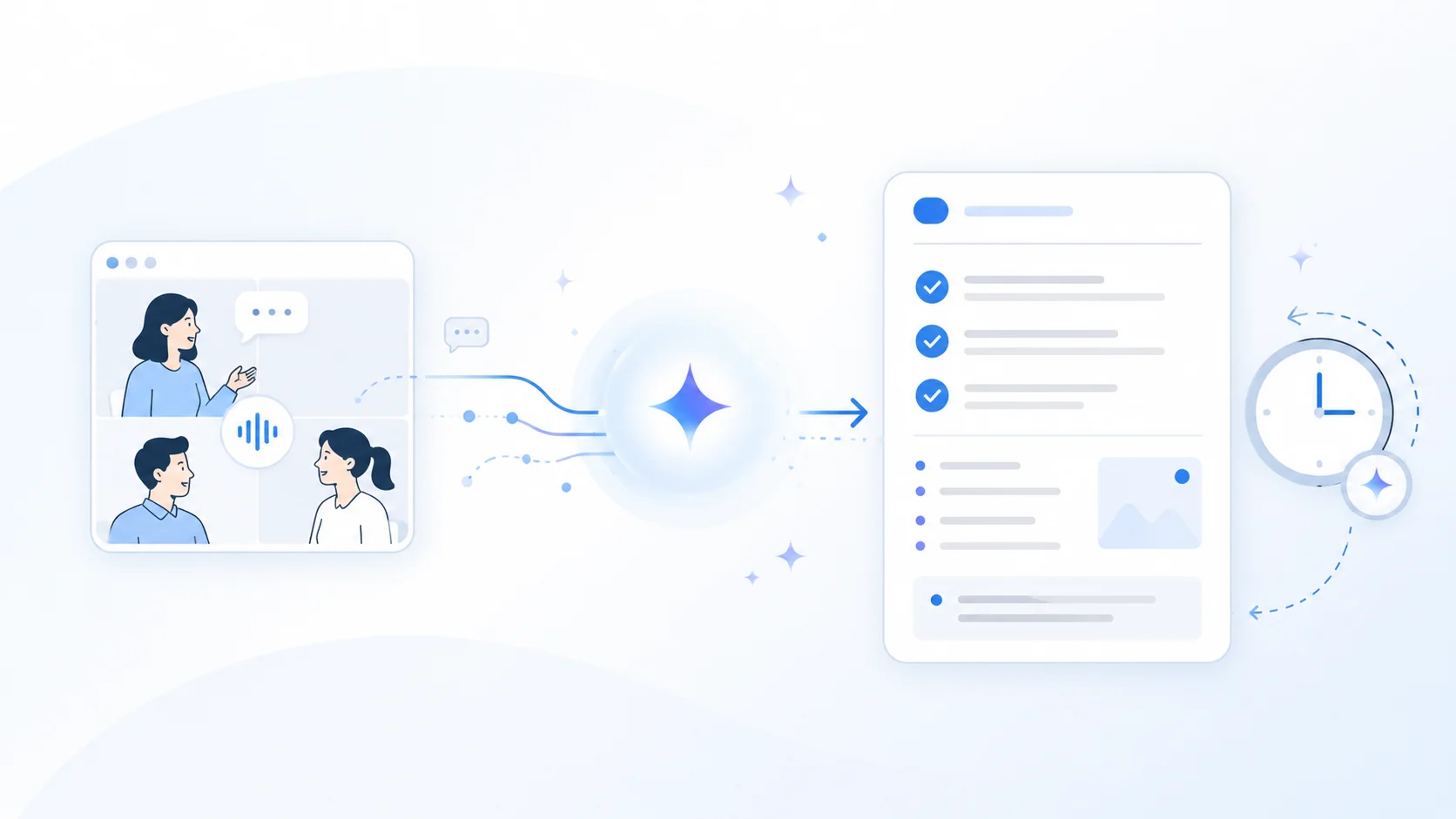
You just wrapped a 45-minute call with a client. The conversation covered project updates, timeline shifts, three technical decisions, and a to-do list someone really should have been writing down. Now you need to send a summary to your team, and you're already late for your next call.
This scenario plays out millions of times every day at companies around the world. The good news: AI has finally caught up. Tools can now generate accurate meeting summaries automatically, in real time, in whatever language you need.
This guide explains how these tools work, what separates the best options from the rest, and how to pick the solution that actually fits your workflow.
⚠️ This article is an independent analysis by NanoHuman Inc. based on publicly available information as of March 2026. SuperIntern is our product, but we describe its features and limitations as objectively as possible, same as the other tools.
The problem with manual meeting notes
Before you evaluate tools, it's worth understanding why manual summaries fail so consistently.
Taking notes and participating are incompatible activities. When you try to document what's being said while you're also engaged in the discussion, you inevitably miss information or hold back your own contributions. Studies show note quality drops sharply after the first 15 minutes of a meeting.
Note-taker bias is real. Every person prioritizes different parts of a conversation. What your project manager considers critical can be completely different from what your developer needs to remember. An automated summary captures everything and lets each person pull what's relevant to them.
Cross-cultural meetings add nuance that's hard to capture by hand. A meeting that spans offices in New York, London, and Singapore can include different vocabulary and idioms for the same concepts. AI tools trained on multiple variants handle these nuances better than a human note-taker.
Notes get written after the fact, not during. Most summaries are written hours (or days) after the meeting ends, once the details have faded. The result: vague recaps that miss the concrete decisions and assigned tasks.
What to look for in an automatic summary tool
Not all summary tools are created equal. These are the features that actually make a difference.
Real-time summaries vs. post-meeting recaps
Most tools generate summaries after the meeting ends. That's useful, but it has a real limitation: you can't verify accuracy or fill in gaps while the conversation is still fresh.
The most advanced tools offer Live Notes: structured summaries that update during the meeting itself. This lets you correct mistakes on the spot and make sure nothing important slips through.
Summary quality
An automated summary is only useful if the output reads naturally and professionally. Look for tools that produce coherent text, not robotic translations or fragmented sentences.
Action item and decision extraction
The most valuable summary isn't a long paragraph describing the meeting. It's a clear list of decisions made, tasks assigned (with owners), and next steps. The best tools extract this information automatically.
Platform compatibility
Your team probably uses Zoom for some meetings, Teams for others, and Google Meet occasionally. A tool that only works on one platform creates a blind spot in your documentation.
Privacy and bot presence
Many tools require a bot to join the meeting to capture audio. On client calls or sensitive meetings, that can be a problem. Solutions that capture audio directly from your device, without adding visible participants, are preferable in professional settings.
Comparing automatic summary tools
Built-in features in Zoom and Teams
Both Zoom (AI Companion) and Microsoft Teams (Copilot) offer built-in summary features.
Pros: No additional install. Works inside the platform you already use.
Limitations: Only works within its own platform (Zoom summaries don't cover your Teams meetings and vice versa). Summaries are generated post-meeting. Quality varies across languages, since these tools are primarily optimized for English. Requires specific paid plans.
Tactiq
Tactiq runs as a Chrome or Edge browser extension and provides real-time transcripts plus AI-generated summaries.
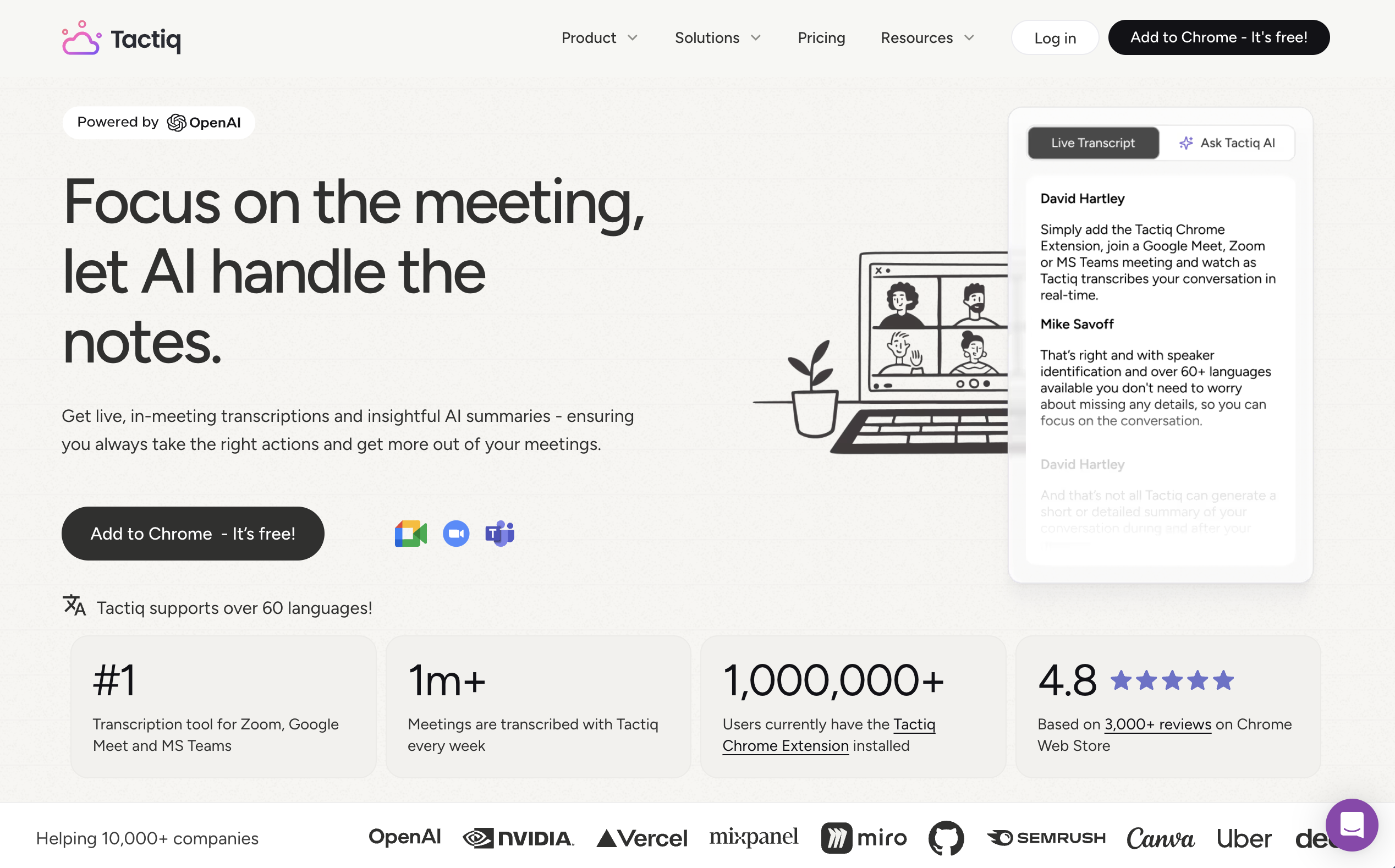
Pros: No bot required. Simple interface. Integrates with productivity tools like Notion and Google Drive.
Limitations: Summaries rely on AI credits. The free plan only includes 5 credits per month, and the Pro plan only 10. Once they're gone, you lose summary features until the next month. It only runs in the browser, with no desktop app. Summary quality across diverse accents can be inconsistent.
JotMe
JotMe is a desktop app that captures system audio to provide bot-free transcription and translation.
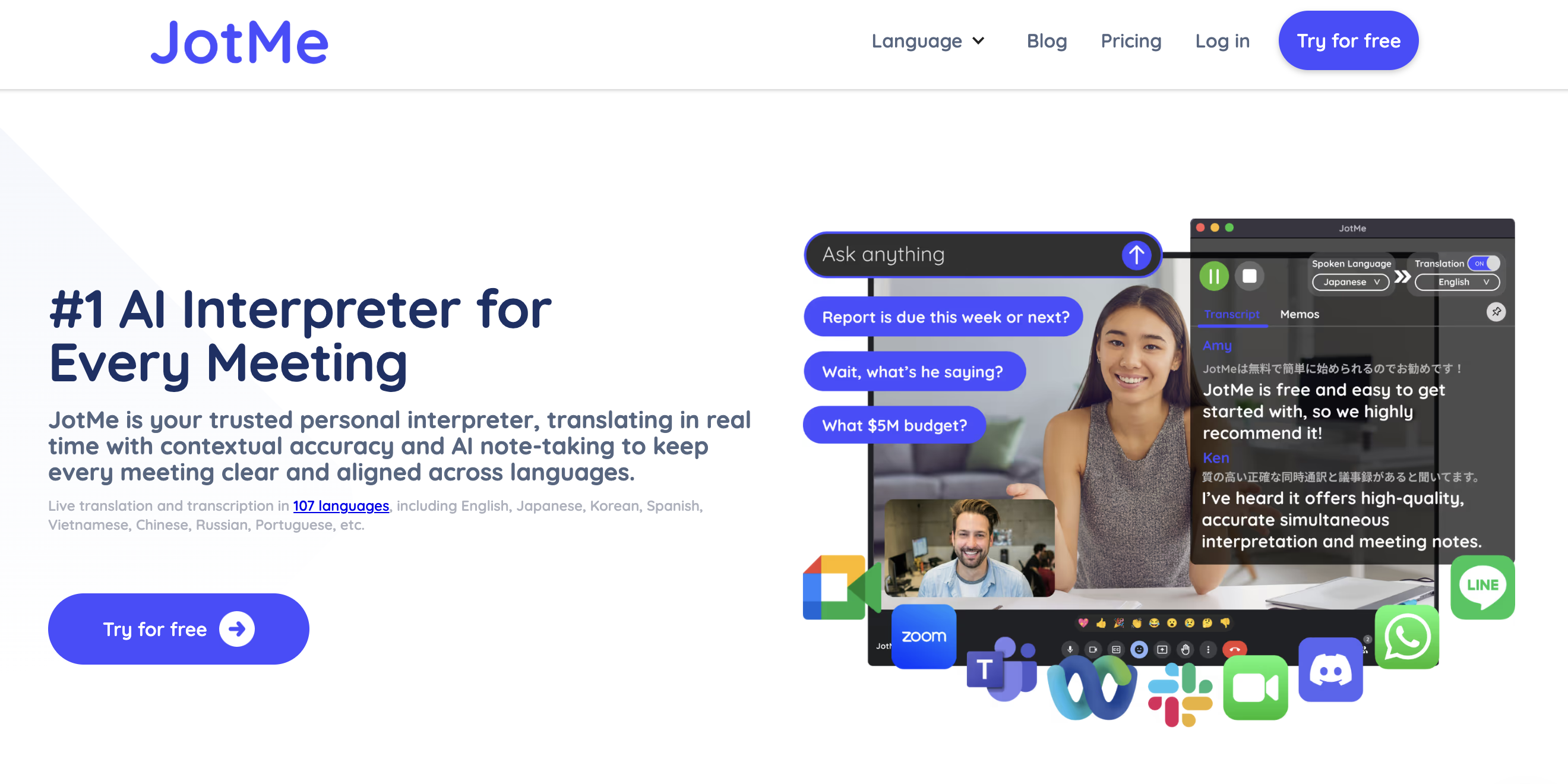
Pros: Supports 107 languages. Bot-free architecture. Generates summaries and meeting notes.
Limitations: Users report that AI-generated notes can be disorganized and inaccurate. Translation minutes are capped even on paid plans (200 min on Pro, 500 min on Premium). Summaries are mostly generated post-meeting, not in real time.
SuperIntern
SuperIntern combines real-time translation with structured Live Notes: summaries that update during the meeting, not just after.

Pros: Live Notes that update in real time during the meeting. Fully bot-free operation, capturing audio directly from your device. Works on any meeting platform (Zoom, Teams, Meet, Webex, or anything else). Invisible Mode keeps the app off-screen during screen sharing. Summaries in any language you choose, regardless of the meeting language. Post-meeting AI chat for digging into specific details.
Limitations: 50+ language catalog (smaller than JotMe). Newer product compared with more established solutions.
Side-by-side comparison
| Feature | Zoom/Teams native | Tactiq | JotMe | SuperIntern |
|---|---|---|---|---|
| Automatic summary | Yes (variable quality) | Yes (with AI credits) | Yes | Yes |
| Real-time notes | No | No | No | Yes (Live Notes) |
| Bot-free meeting | N/A (native) | Yes | Yes | Yes |
| Multi-platform | Own platform only | Yes (via browser) | Yes | Yes |
| Action item extraction | Basic | Yes | Yes | Yes |
| Post-meeting AI chat | Limited | No | No | Yes |
| Invisible Mode | No | No | No | Yes |
| Free plan | Paid plan required | 5 AI credits/mo | 20 min translation/mo | Available |
Use cases: when is each tool the right call?
You only use one platform and already pay for it: The native Zoom AI Companion or Teams Copilot features may be enough. Note that summary quality in non-English languages tends to lag dedicated tools.
You need occasional summaries and live in the browser: Tactiq is a lightweight option, but keep the AI credit cap in mind.
Your team handles many languages and long meetings: JotMe offers broad language coverage, though summary quality may need manual editing.
You need real-time summaries during the meeting: SuperIntern is the only option that updates Live Notes during the conversation, letting you verify accuracy on the spot and share information with your team before the meeting ends.

How to roll out automatic summaries on your team
The technology is only half the solution. To actually save time with automated recaps, you need a clear process.
Define a standard format. Agree with your team on what every summary should include: decisions, tasks with owners and due dates, and next steps at a minimum. AI tools perform better when there's consistency across meeting types.
Designate a summary owner. Even though the tool generates the content automatically, someone should review and distribute the final recap. It takes 2 to 3 minutes and protects quality.
Take advantage of cross-language summaries. If your meeting is in English but your team works in another language, tools like SuperIntern let you generate the summary directly in the target language, without manual translation afterward.
Integrate with the workflow you already use. Summaries are most useful when they land where your team actually works: Slack, email, or your project management tool.
Conclusion
Automatic AI meeting summaries are no longer a future promise. They're a tool available today that can save you hours of administrative work every week. The key is choosing a solution that fits your real workflow: your mix of platforms, languages, and the level of detail you need.
If what you want is structured summaries you can see while the meeting is still happening, in any language, with no bot, on any platform, SuperIntern is worth a try.
Ready to stop taking notes by hand? Try SuperIntern free, no credit card required.