
AI Note Taker for In-Person Meetings: 7 Best Tools Compared (2026)
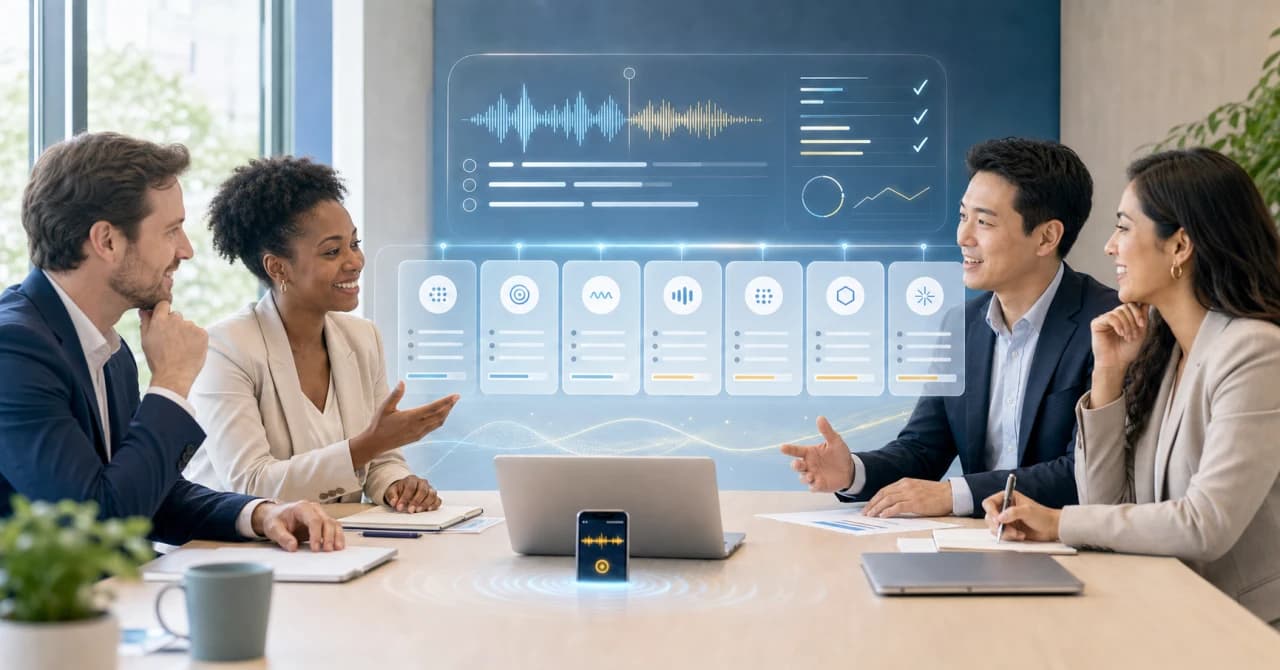
Most AI note takers were built for a bot to join a Zoom, Google Meet, or Teams call. But many important conversations still happen in person: sales visits, interviews, one-on-ones, advisor consultations, workshops, and on-site negotiations. That is why it matters to have a meeting AI that works not just online but in the room too.
This guide covers what actually captures a face-to-face conversation, how the tools differ in audio quality and privacy, and which AI note taker fits your kind of in-person meeting.
⚠️ This article was independently compiled based on publicly available information and user feedback as of July 2026. SuperIntern is our product, but we describe every tool as objectively as we can, including honest limitations.
Quick Recommendation
If you want the short version:
- Best all-around for in-person and virtual meetings: SuperIntern. It captures your device microphone for the room and system audio for calls, adds real-time transcription plus translation, and never joins the meeting as a bot.
- Best dedicated wearable: Limitless Pendant, if you want a device you clip on and forget.
- Best pocket recorder: Plaud, if you prefer a small hardware recorder over a laptop.
The rest of this guide explains why in-person is different and how each tool handles it.
Why In-Person Meetings Break Most AI Note Takers
The dominant design for AI note takers is the meeting bot. You paste a calendar link, a virtual participant joins the call, and it records from inside the meeting. In a physical room, there is no link and no participant slot, so that entire approach falls apart.
Three specific things go wrong when you take a bot-based tool into a real room:
- No meeting to join. Bot-based tools like the default modes of many popular note takers only attach to Zoom, Meet, or Teams. A round-table discussion has none of those.
- One shared microphone, many speakers. In-person audio comes from several people at different distances, often with room echo and side conversations. Tools tuned for clean single-speaker call audio struggle here.
- Privacy is more visible, not less. Around a table, people notice a recorder more than a small bot in a participant list. You need clear consent and a tool that is honest about where audio is stored.
An AI note taker that works in person has to capture audio directly from a device in the room: a laptop microphone, a phone, or dedicated hardware. That is the dividing line for every tool below.
How to Choose: 5 Criteria That Actually Matter
Before the tool list, here is what to weigh for in-person specifically:
- Audio capture method. Laptop or phone microphone (flexible, already in your pocket) versus dedicated hardware (better mics, one more thing to carry).
- Multi-speaker accuracy. Can it separate speakers when three or four people talk over a table? Speaker labels are what turn a transcript into usable minutes.
- Real-time versus after-the-fact. Do you get live notes and captions during the conversation, or only a summary afterward?
- Language support. For cross-border meetings, live translation in the room is a different feature from an English-only summary.
- Privacy and data location. Where is audio processed and stored, how long is it kept, and can you delete it. This matters more for client and candidate conversations.
The 7 Best AI Note Takers for In-Person Meetings in 2026
1. SuperIntern, Best for In-Person Plus Virtual in One Tool
SuperIntern is a botless desktop app that captures audio at the device level: your microphone for the people in the room and system audio for anything on a call. Because there is no bot, the same app covers an in-person kickoff in the morning and a Zoom review in the afternoon without switching tools.
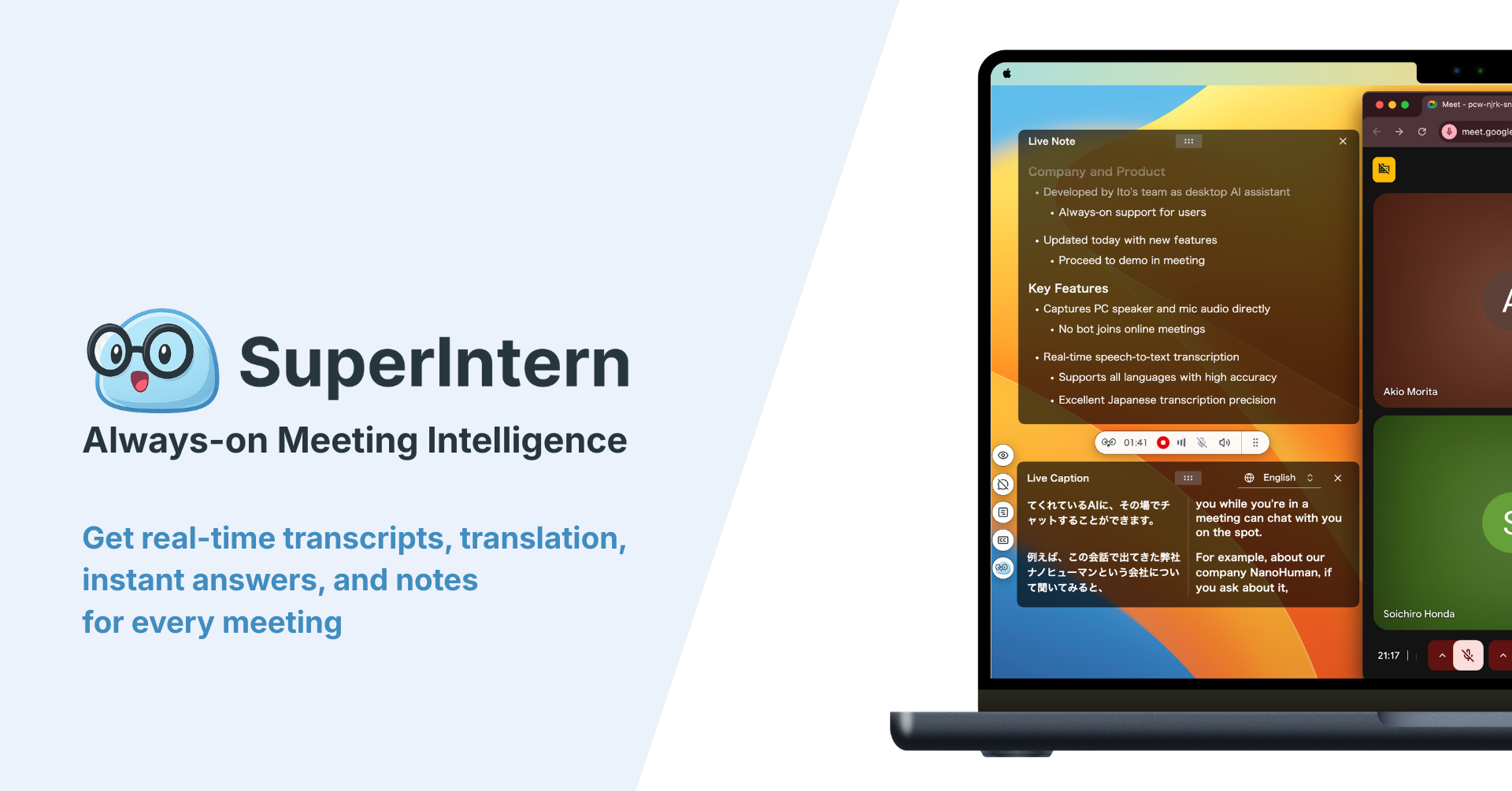
What makes it strong for face-to-face meetings:
- Speaker separation, so in the post-meeting minutes each voice is automatically attributed to a different speaker.
- AI Canvas, which follows a format you customize and builds the summary in real time during the meeting.
- Real-time translation and captions in 50+ languages, which turns a meeting with an international visitor into something you can follow line by line.
- Custom dictionary for names, product terms, and industry jargon, the words generic transcription usually gets wrong.
- Post-meeting minutes with speaker-attributed action items and an AI chat to draft the follow-up email right after you shake hands.
- Audio file upload, so a meeting you recorded on a phone or a separate recorder can be uploaded afterward to get a transcript and summary.
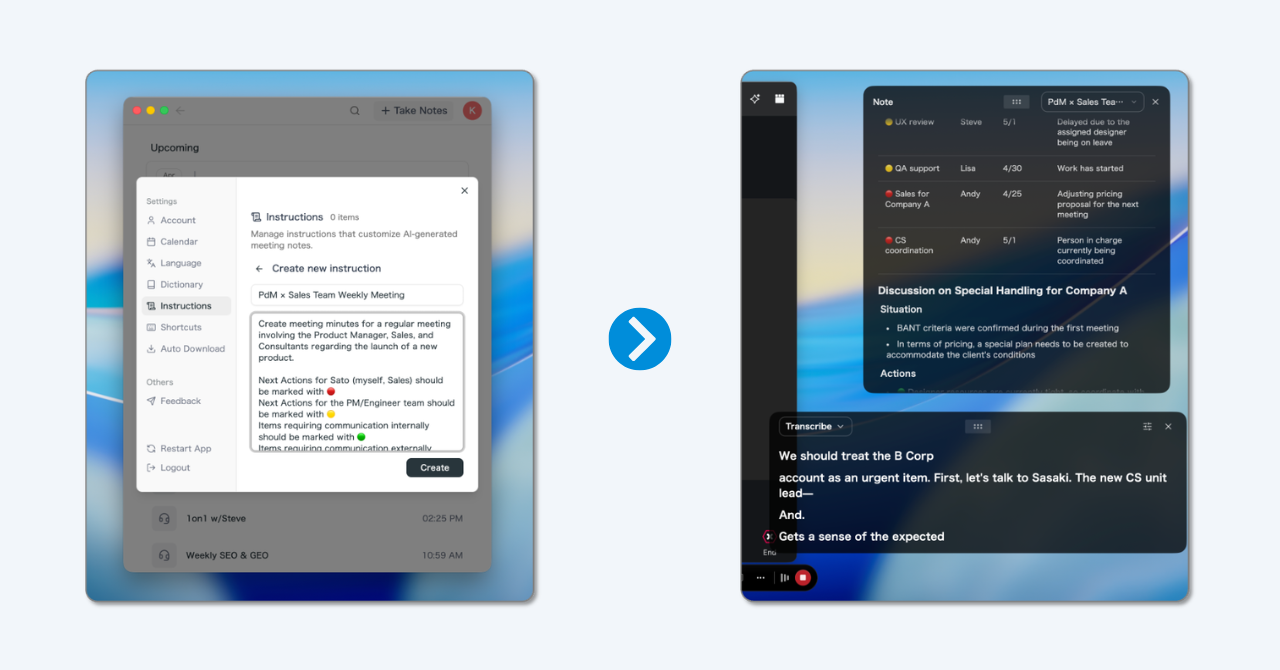
How it works in the room: place your laptop where it can hear the table, start recording, and SuperIntern transcribes and, if you want, translates in real time. Minutes are ready within seconds after you stop.
Pricing (as of July 2026): Free plan available with no credit card. Plus is $20 per month with 100 hours included, then $0.02 per minute of overage.
Platforms: Mac and Windows.
What to consider: it needs a laptop in the room, so for a walk-and-talk you would reach for a wearable or phone instead. Like all software solutions, audio quality depends on microphone placement.
2. Limitless Pendant, Best Dedicated Wearable
Limitless makes a small wearable pendant that records the conversations around you and syncs them to an app for transcription and summaries. Because it is designed to be worn, it handles the walk-and-talk and hallway conversations that a laptop cannot.
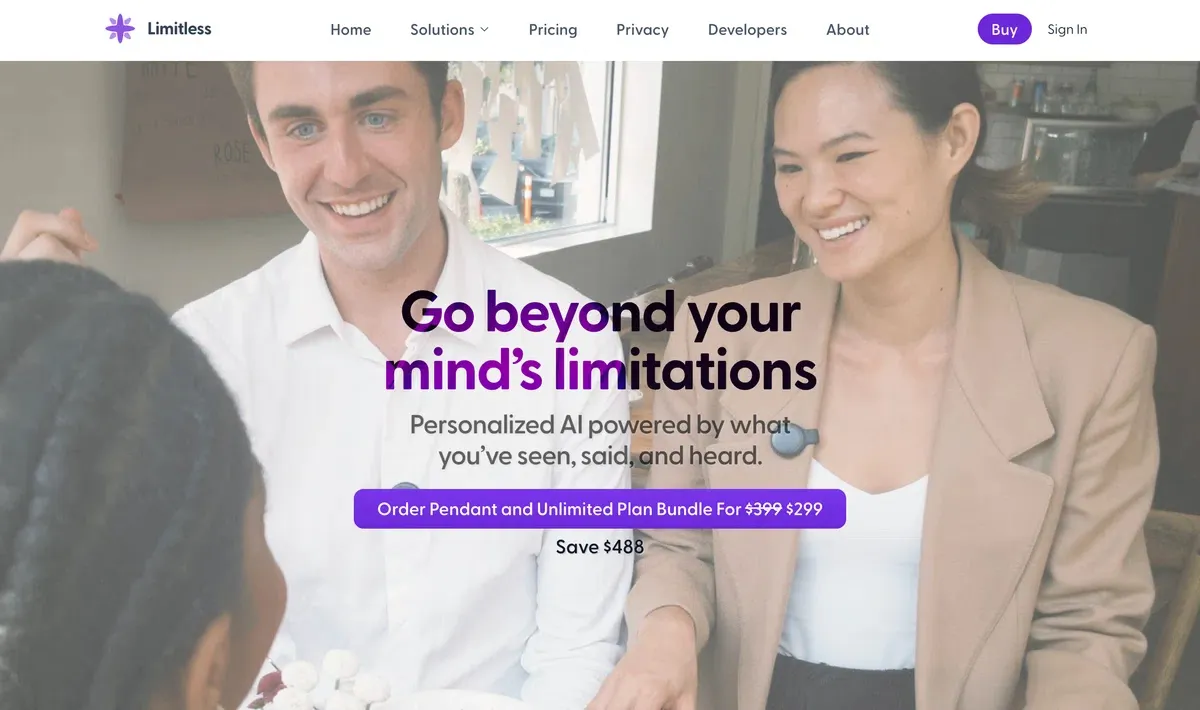
Strengths: hands-free capture, a microphone tuned for ambient speech, and a clean app for reviewing transcripts and asking questions about your day.
What to consider: always-on wearable recording raises the strongest consent questions of any option here, so be explicit with the people around you. It is a purchase decision (hardware plus subscription) rather than a free download, and it centers on capture and recall rather than live in-meeting translation.
3. Plaud, Best Pocket Recorder
Plaud sells compact hardware recorders that pair with a phone app to transcribe and summarize. Setting a small recorder on the table feels more natural to some people than opening a laptop, and the dedicated microphone can pick up a room well.
Strengths: purpose-built recording hardware, long battery life, and templated summaries for common meeting types.
What to consider: the model is buy-the-device-then-subscribe, and processing happens after the conversation rather than live, so there is no real-time caption or translation while you are talking.
4. Otter, Best if You Already Use It for Calls
Otter is one of the most established AI note takers, and its mobile app has an in-person recording mode that captures directly through your phone. If your team already lives in Otter for virtual calls, using the same account for a face-to-face meeting keeps everything in one place.
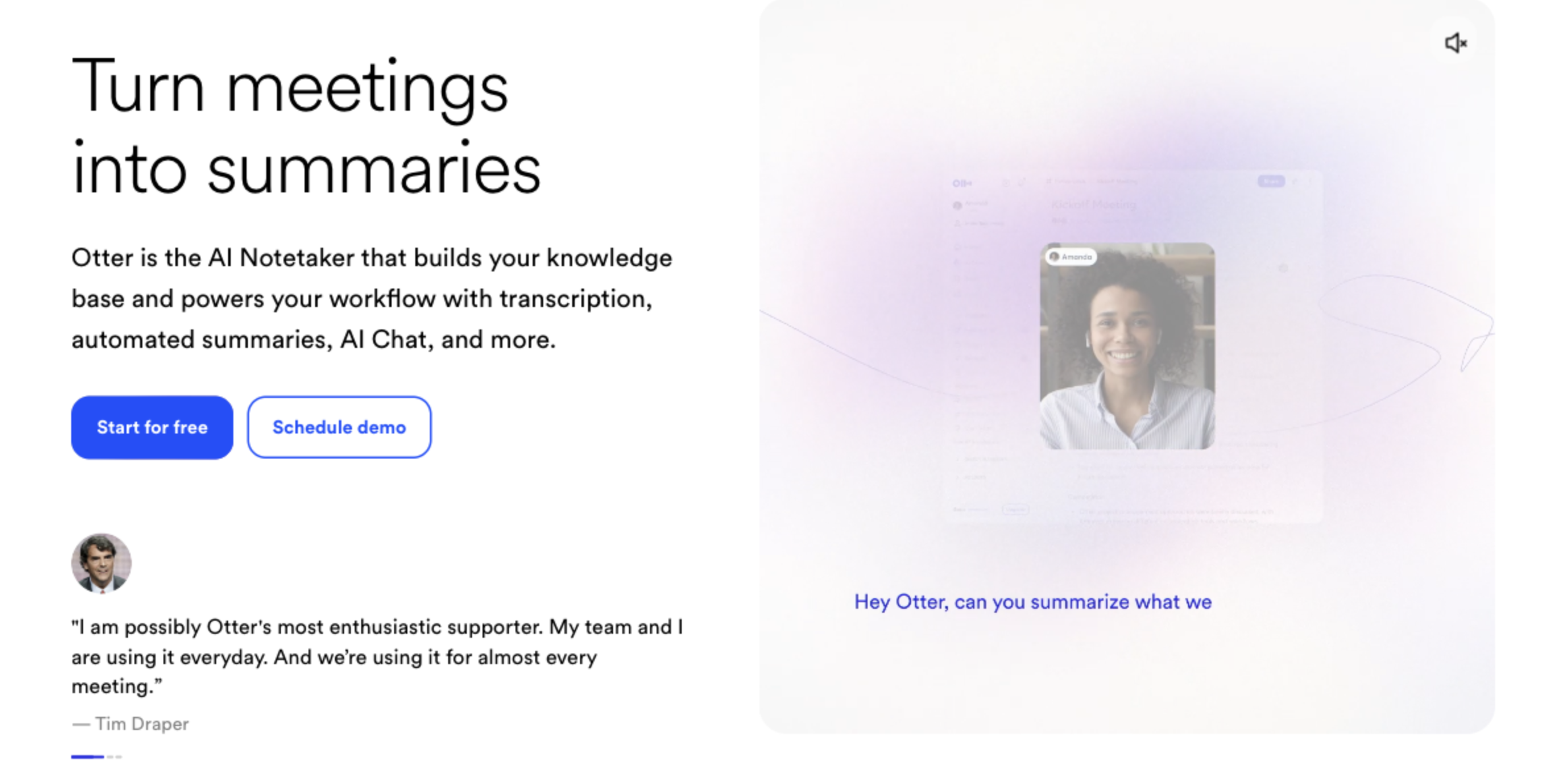
Strengths: mature transcription, a familiar interface, and searchable history across all your meetings.
What to consider: its core design still revolves around the meeting bot for virtual calls, and real-time translation is not its focus. Check current free-plan minute limits before relying on it heavily.
5. Krisp, Best if You Especially Value Noise Cancellation
Krisp started as AI noise cancellation and now offers meeting notes on top, including a dedicated in-person meetings mode. Because it operates at the audio-driver level on your device, it captures cleanly without adding a visible participant.
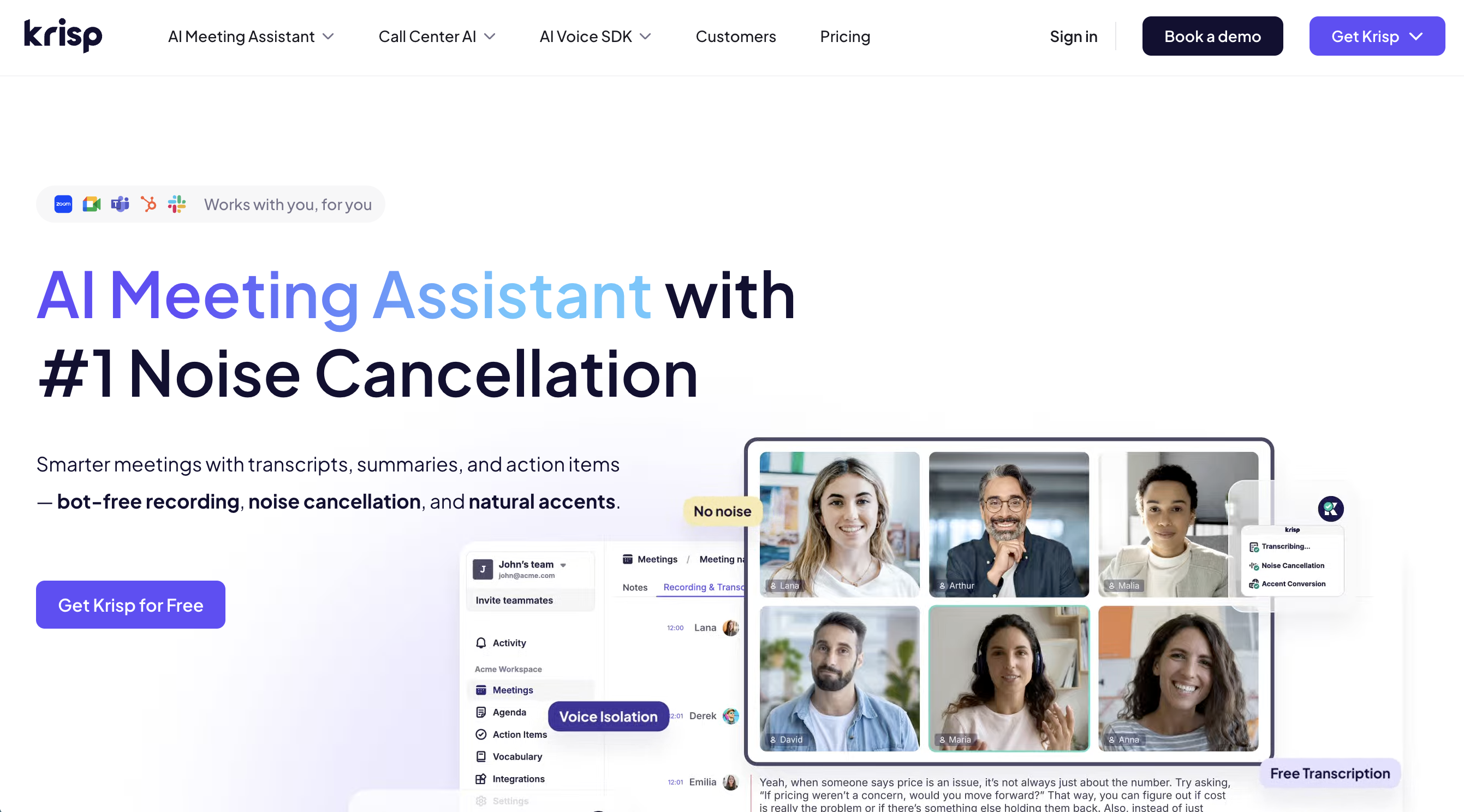
Strengths: excellent noise handling for busy rooms, transcription across many languages, and action items grouped by assignee.
What to consider: it does not give you a running summary or translated captions during the meeting, and the free plan caps some usage. It shines most when audio clarity is the main problem.
6. Granola, Best for People Who Still Take Their Own Notes
Granola captures your laptop audio and enriches the rough notes you type with full transcript context after the call. For an in-person meeting where you want to jot a few things yourself, it fills in the gaps.
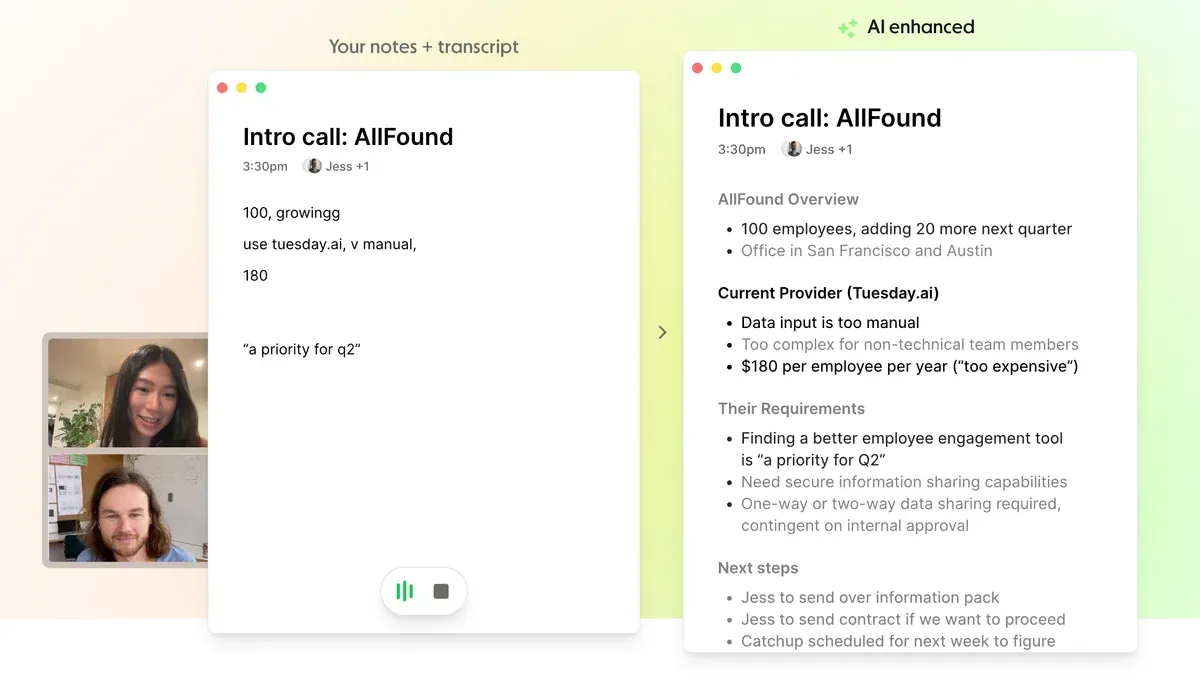
Strengths: privacy-minded design (audio is processed then discarded, only text is kept), a clean interface, and AI that sharpens your own notes.
What to consider: there is no audio playback to verify a quote later, and no real-time summary or translation during the meeting.
7. Fireflies, Best for Teams That Value CRM Integration
Fireflies is best known for its virtual meeting bot, but it also offers a mobile app that records in-person conversations. For teams that route meeting data into a CRM, it keeps in-person visits in the same pipeline as calls.
Strengths: deep integrations, searchable transcripts, and team-oriented features for sharing and analytics.
What to consider: the in-person mobile capture is secondary to its bot-based core, and live translation is not the focus. Confirm which features are available on your plan.
Quick Comparison Table
| Tool | In-Person Capture | Real-Time Notes | Real-Time Translation | Speaker Separation | Free Plan |
|---|---|---|---|---|---|
| SuperIntern | Laptop mic + system audio | Yes (AI Canvas) | Yes (50+ languages) | Yes | Yes |
| Limitless | Wearable pendant | Partial | No | Partial | No (hardware) |
| Plaud | Hardware recorder | No | No | Partial | No (hardware) |
| Otter | Phone app | Partial | No | Yes | Yes |
| Krisp | Device-level audio | No | No | Yes | Yes |
| Granola | Laptop mic | No | No | Partial | Limited |
| Fireflies | Mobile app | Partial | No | Yes | Yes |
Availability and limits change often, so treat this as a starting point and confirm the specifics on each vendor's site.
Which One Fits Your Meeting?
Client visits and sales calls
Best fit: SuperIntern or Otter. You want speaker-attributed notes and a fast follow-up. SuperIntern adds live translation if the client speaks another language and a custom dictionary for product names, which matters when accuracy affects a deal. Avoid anything that only produces a summary hours later.
Interviews and one-on-ones
Best fit: SuperIntern or Krisp. These are sensitive, multi-speaker conversations where clean audio and clear consent matter. Tell the candidate or report you are recording, and pick a tool that separates speakers so the transcript is actually usable afterward.
Cross-border or multilingual meetings
Best fit: SuperIntern. Real-time translation and captions in the room are a different capability from an after-the-fact summary. Being able to read the conversation line by line, in your language, as it happens is what closes the comprehension gap.
Walk-and-talk and field conversations
Best fit: Limitless or Plaud. When there is no table for a laptop, a wearable or pocket recorder captures what a computer cannot. Be extra clear about consent with always-on hardware.
Occasional, budget-conscious use
Best fit: SuperIntern free plan or Otter. If in-person meetings are rare for you, a free software tier costs nothing and installs in minutes, with no hardware to buy.
Getting Started with In-Person AI Notes
- Pick software first. For most people a free app on the laptop or phone answers the need without buying hardware. Test it in a real meeting before an important one.
- Get consent. Tell everyone in the room you are recording and why. It is both good practice and, in many places, a legal requirement.
- Place the device well. In-person accuracy lives and dies on microphone position. Put the laptop or recorder near the center of the table, away from a noisy air vent.
- Load your custom dictionary. Add names, company terms, and jargon in advance. This is the single biggest accuracy win for business conversations.
- Review the minutes right after. Fix any misheard names while the meeting is fresh, then send the follow-up.
Ready to take notes in the room without a bot? Try SuperIntern Free, no credit card required.