
Best AI Video Summarizers in 2026: Turn Meeting Recordings into Key Takeaways
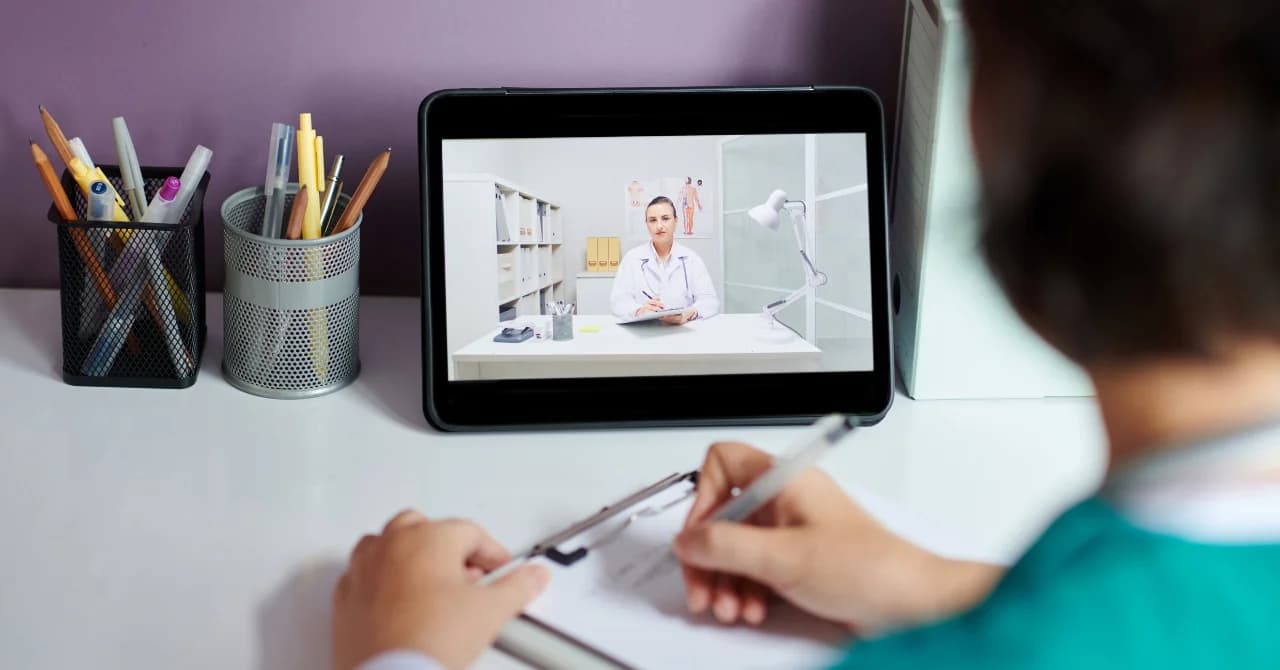
You just sat through a 90-minute project review. Somewhere in that recording are three critical decisions, two action items, and a deadline change — but finding them means scrubbing through the entire video. In 2026, AI video summarizers eliminate that problem by condensing hours of meeting footage into structured, searchable summaries in minutes.
But not every tool works the same way. Some require you to upload a recording after the meeting ends. Others — like SuperIntern — summarize your meetings in real time, so the notes are ready the moment you hang up. The right choice depends on when and how you want your summaries.
This guide compares the 5 best AI video summarizers available today, so you can stop rewatching meetings and start acting on what was said.
⚠️ This article was independently compiled based on publicly available information and user feedback as of April 2026.
Table of Contents
- Why Summarize Meeting Videos with AI?
- How AI Video Summarization Works
- 5 Best AI Video Summarizers
- Feature Comparison
- Tips for Getting Better AI Video Summaries
- FAQ
- Conclusion
1. Why Summarize Meeting Videos with AI?
Meetings generate massive amounts of recorded content. According to recent workplace studies, the average knowledge worker spends over 15 hours per week in meetings — and many of those meetings are recorded "just in case." The result is a growing library of videos that nobody has time to rewatch.
An AI video summarizer solves this by extracting the signal from the noise:
- Catch up fast — Missed a meeting? Read a two-minute summary instead of watching a one-hour recording
- Find decisions and action items — AI identifies who committed to what, so nothing falls through the cracks
- Create shareable notes — Turn a video that only attendees would watch into a document the entire team can reference
- Search across meetings — Find that pricing discussion from three weeks ago without scrubbing through timestamps
- Reclaim your time — Stop treating meeting recordings as a to-do item and let summary AI handle the heavy lifting
2. How AI Video Summarization Works
Modern AI video summarizers combine speech recognition with large language models to process meeting recordings. Here is what happens under the hood:
- Audio extraction — The tool separates the audio track from the video file
- Speech-to-text — AI transcribes the audio with speaker identification (diarization)
- Semantic analysis — A language model reads the transcript and identifies key topics, decisions, action items, and questions
- Summary generation — The AI produces a structured summary with sections like "Key Takeaways," "Decisions Made," and "Next Steps"
In 2026, the best tools can do this with impressive accuracy:
- Speed — A one-hour recording can be summarized in under three minutes
- Speaker attribution — AI correctly identifies who said what, even in multi-speaker calls
- Language support — Leading tools handle 30–100+ languages
- Context awareness — Modern models understand meeting-specific language like "let's table this" or "action item for Sarah"
The most significant advancement, however, is real-time summarization. Instead of waiting for a recording to be uploaded and processed, tools like SuperIntern generate summaries as the meeting happens — eliminating the post-meeting processing step entirely.
3. 5 Best AI Video Summarizers
1. SuperIntern — Best for Real-Time Meeting Summarization
SuperIntern takes a fundamentally different approach to meeting summarization: instead of waiting for a recording and then processing it, SuperIntern summarizes your meetings in real time as they happen. The moment your meeting ends, your summary AI notes are already waiting.

Key strengths:
- Real-time summarization — No uploading, no waiting. Key takeaways, decisions, and action items are generated live during the meeting
- Botless design — Captures system audio directly from your computer. No bot appears in the participant list, so meetings feel natural
- AI-generated meeting notes — Structured summary with key points, decisions, and action items ready seconds after the call ends
- Post-meeting AI chat — Ask follow-up questions about your meeting: "What did we decide about the Q3 budget?" or "Draft a follow-up email summarizing the next steps"
- 50+ language support with real-time translation — Summarize meetings conducted in any language, with instant translation for multilingual teams
- Speaker diarization — Every quote is attributed to the right person in both the transcript and the summary
Why it stands out: Most AI video summarizers require a two-step workflow: record the meeting, then upload the video for processing. SuperIntern collapses this into a single step. You turn it on before the meeting, and everything — transcription, summarization, action items — happens automatically in real time.
Limitations: Desktop app only (Mac and Windows). Primarily designed for live meetings rather than processing pre-recorded video files.
Pricing: Free plan available (no credit card required). Plus plan at $20/month for 100 hours.
2. tl;dv — Best for Post-Meeting Video Summaries with Clips
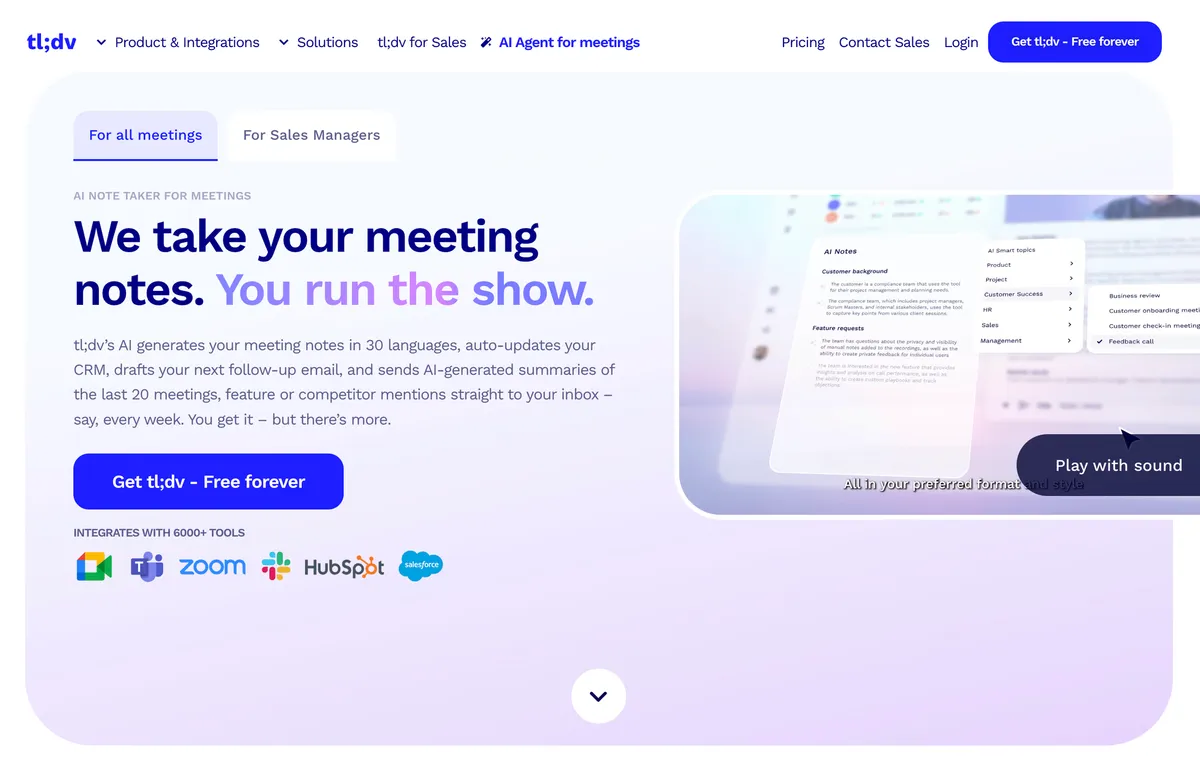
tl;dv records your Zoom and Google Meet calls via a meeting bot, then uses AI to generate timestamped summaries and shareable video clips. It is a popular choice for sales teams that need to share meeting highlights with stakeholders.
Key strengths:
- Automatic meeting recording with AI-generated summaries
- Timestamped highlights let you jump to key moments in the video
- Create and share short video clips from longer recordings
- CRM integrations with Salesforce, HubSpot, Slack, and Notion
- Unlimited free transcription and recordings on the free plan
Limitations: A bot joins the meeting and is visible to all participants. Only supports Zoom and Google Meet. No real-time summarization — summaries are generated after the meeting ends. No real-time translation.
Pricing: Free plan (unlimited recordings). Pro at $25/month.
3. Notta — Best for Multilingual Video Summarization
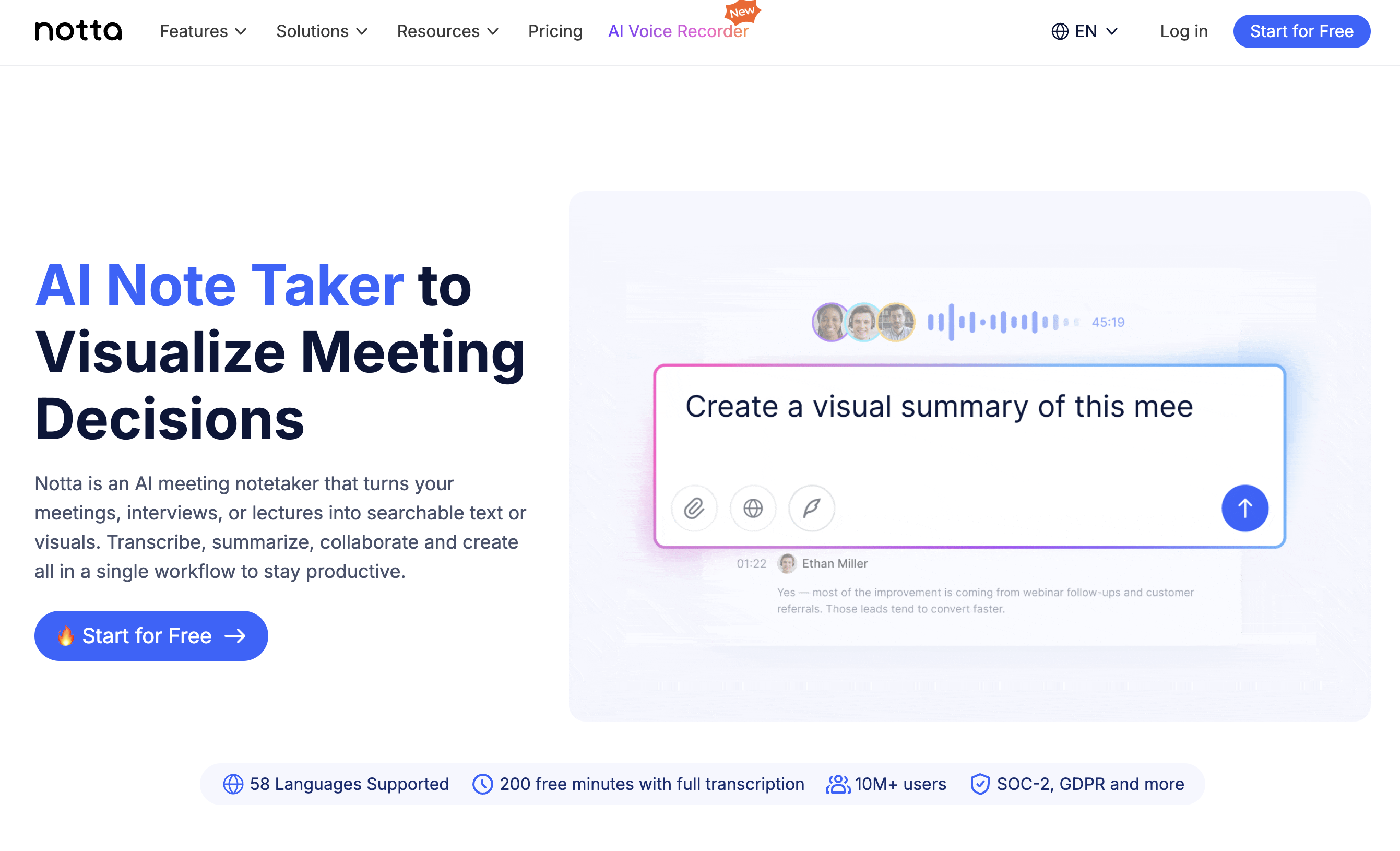
Notta supports 104 languages and handles both live meeting transcription and uploaded video/audio file summarization. It is a strong choice when your team operates across multiple languages and needs an AI video summarizer with broad language coverage.
Key strengths:
- 104-language support with high transcription accuracy
- Upload video or audio files for summarization, or transcribe live meetings
- AI-generated summaries with action item extraction
- Available on web, desktop, and mobile platforms
- Export summaries to various formats
Limitations: Bot joins meetings for live transcription. Advanced summarization features require a paid plan. Free plan limited to 120 minutes per month. Real-time translation is limited compared to dedicated translation tools.
Pricing: Free plan (120 min/month). Pro at $14.99/month.
4. Fathom — Best Free Unlimited Meeting Summaries
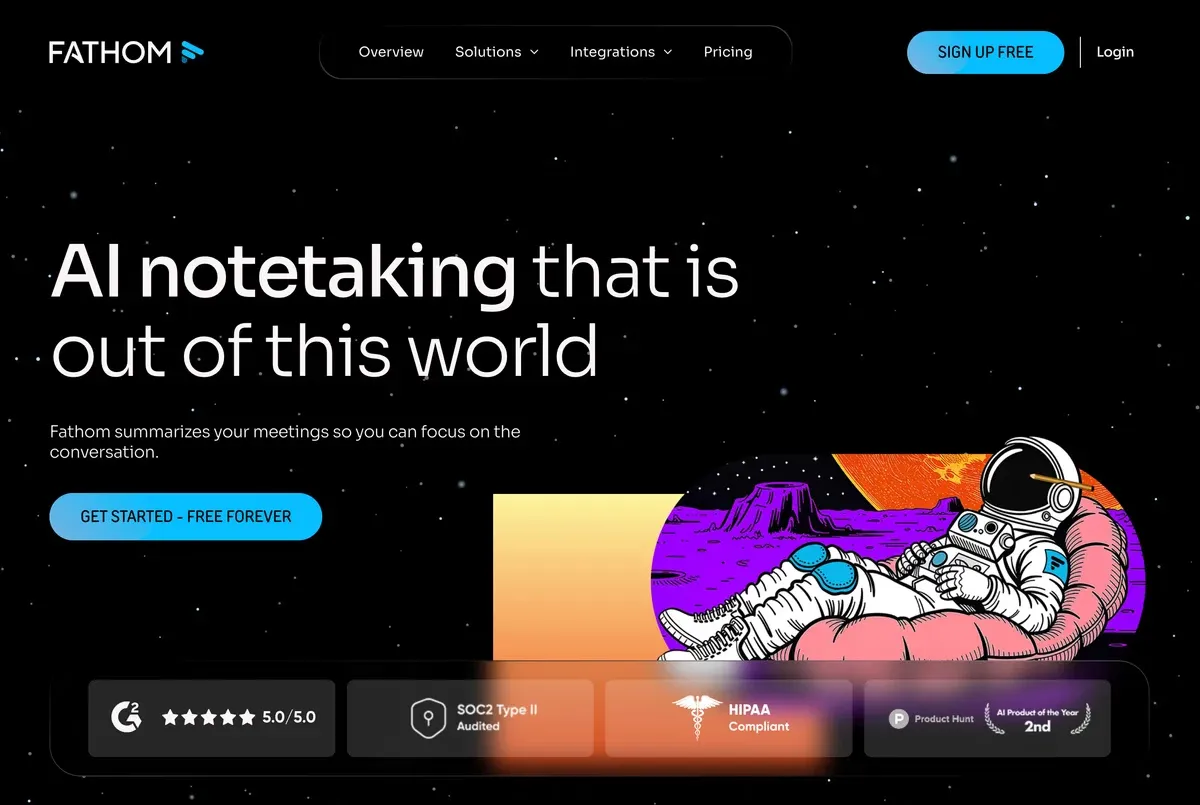
Fathom offers unlimited free meeting summarization for Zoom, Google Meet, and Microsoft Teams. It is known for its generous free tier and a clean, distraction-free interface that makes it easy to highlight key moments during calls.
Key strengths:
- Unlimited free meeting transcription and AI summaries
- No bot — records locally on your device for a less intrusive experience
- Highlight and clip key moments during live calls
- CRM integrations with Salesforce and HubSpot
- Clean, focused interface
Limitations: Limited to Zoom, Google Meet, and Teams — no support for uploading pre-recorded video files. Language support is narrower than multilingual alternatives (28 languages). No real-time translation. Summaries are generated after the meeting, not during.
Pricing: Free (unlimited meetings). Premium at $19/month for team features.
5. Microsoft Copilot — Best for Enterprise Teams on Microsoft 365
If your organization is fully invested in the Microsoft ecosystem, Copilot adds AI video summarization directly inside Teams meetings. Meeting recaps, action items, and follow-up suggestions are integrated into the tools your team already uses.
Key strengths:
- Native integration with Microsoft Teams — no third-party setup required
- AI meeting recap with structured action items and follow-ups
- Summarize meetings you missed with automatic catch-up notes
- Enterprise-grade security, compliance, and data governance
- Works within the broader Microsoft 365 Copilot ecosystem (Word, Outlook, etc.)
Limitations: Requires a Microsoft 365 Copilot license ($30/user/month) — no free tier. Only works within Teams — no support for Zoom, Google Meet, or uploaded videos. Summarization quality can vary for non-English meetings.
Pricing: Included with Microsoft 365 Copilot ($30/user/month).
4. Feature Comparison
| Feature | SuperIntern | tl;dv | Notta | Fathom | MS Copilot |
|---|---|---|---|---|---|
| Real-time summarization | ✅ | ❌ | ❌ | ❌ | ❌ |
| Video file upload | ❌ | ❌ | ✅ | ❌ | ❌ |
| Speaker diarization | ✅ | ✅ | ✅ | ✅ | ✅ |
| AI meeting summary | ✅ | ✅ | ✅ | ✅ | ✅ |
| Action item extraction | ✅ | ✅ | ✅ | ✅ | ✅ |
| Post-meeting AI chat | ✅ | ❌ | ❌ | ❌ | ✅ |
| Real-time translation | ✅ (50+) | ❌ | Limited | ❌ | ❌ |
| Botless | ✅ | ❌ | ❌ | ✅ | N/A |
| Video clips | ❌ | ✅ | ❌ | ✅ | ❌ |
| Free tier | ✅ | ✅ (unlimited) | ✅ (120 min) | ✅ (unlimited) | ❌ |
| Languages | 50+ | 30+ | 104 | 28 | 30+ |
5. Tips for Getting Better AI Video Summaries
Regardless of which AI video summarizer you choose, these practices will improve the quality of your summaries:
- Summarize in real time when possible. Tools like SuperIntern that process audio live produce more accurate summaries because they capture the full context without compression artifacts or audio quality loss from recording.
- Use a quality microphone. Whether summarizing live or from a recording, clear audio leads to better transcription — and better transcription leads to better summaries.
- Minimize crosstalk. AI handles one speaker at a time well, but overlapping voices still challenge even the best models. Encourage turn-taking in meetings.
- State names and action items clearly. Saying "Sarah will handle the vendor outreach by Friday" gives AI a much cleaner signal than "someone should probably look into that."
- Review and edit summaries. AI summaries are highly accurate in 2026, but critical decisions should always be verified. Spend 60 seconds reviewing the output rather than assuming it is perfect.
6. FAQ
What is an AI video summarizer?
An AI video summarizer is a tool that uses artificial intelligence to watch or listen to video content — typically meeting recordings — and generate a concise written summary including key points, decisions, and action items.
Can AI summarize a meeting in real time?
Yes. SuperIntern summarizes meetings as they happen, so your notes are ready the moment the call ends. Most other tools require you to upload a recording and wait for processing.
What is the best free AI video summarizer?
For live meetings, Fathom and tl;dv offer generous free tiers with unlimited recordings and summaries. SuperIntern also offers a free plan. For uploaded video files, Notta provides a free tier with 120 minutes per month.
How accurate are AI meeting summaries?
In 2026, leading summary AI tools produce summaries that capture 90–95% of key decisions and action items from clear audio. Accuracy improves with good audio quality, clear speech, and minimal background noise.
Do I need to record my meeting to get an AI summary?
Not necessarily. SuperIntern generates summaries in real time during the meeting — no recording or uploading required. Other tools require either a bot to record the meeting or a manual upload of the video file afterward.
Can AI video summarizers handle meetings in other languages?
Yes. SuperIntern supports 50+ languages with real-time translation. Notta covers 104 languages. Microsoft Copilot and tl;dv support 30+ languages each.
7. Conclusion
Meeting recordings are only useful if you can extract the insights buried inside them. In 2026, AI video summarizers make that effortless — turning hours of footage into structured, actionable notes in minutes.
For teams that want summaries without the wait, SuperIntern is the standout choice. It summarizes your meetings in real time — no recording, no uploading, no post-meeting processing. Just join your call, and your AI-generated summary with key takeaways and action items is ready the moment you hang up. Try it free today.
