
Audio to Text for Free: 5 Best Converters for 2026
You just finished an hour-long meeting, a client interview, or a podcast recording. Now you need every word in writing — and typing it out manually is not an option.
The good news: in 2026, AI-powered tools can transcribe audio to text in minutes, often for free. The bad news: there are dozens of options, and quality varies wildly.
This guide cuts through the noise. We tested the most popular tools to help you free transcribe audio to text accurately, quickly, and without breaking the budget.
⚠️ This article was independently compiled based on publicly available information and user feedback as of April 2026.
Table of Contents
- When Do You Need Audio-to-Text Conversion?
- How to Convert Audio to Text: 3 Methods
- 5 Best Free Audio-to-Text Converters
- Feature Comparison
- Tips for Better Transcription Results
- FAQ
- Conclusion
When Do You Need Audio-to-Text Conversion?
Converting audio to text is not just about convenience — it unlocks searchability, shareability, and accountability. Here are the most common use cases:
- Meeting recordings — Turn Zoom, Teams, or Google Meet recordings into searchable notes with action items
- Interviews — Journalists, researchers, and recruiters need verbatim transcripts for reference
- Podcasts and video content — Repurpose audio into blog posts, show notes, or social media clips
- Lectures and training sessions — Students and employees benefit from written records they can review later
- Voice memos — Quickly capture ideas on the go, then convert them to structured text at your desk
How to Convert Audio to Text: 3 Methods
Method 1: Manual Transcription
The traditional approach: listen, pause, type, repeat. It is accurate when done carefully, but painfully slow — expect 4–6 hours of work for every hour of audio.
Best for: Legal proceedings or situations requiring 100% human-verified accuracy.
Method 2: AI-Powered Transcription Tools
Upload a recording or paste a link, and AI returns a transcript in minutes. Modern models handle accents, multiple speakers, and background noise far better than they did even a year ago.
Best for: Most use cases. Fast, affordable, and increasingly accurate.
Method 3: Real-Time Transcription During Meetings
Instead of recording first and transcribing later, some tools transcribe audio as the meeting happens. You get a live transcript, plus AI-generated notes when the call ends — no extra step required.
Best for: Professionals who want meeting notes without post-meeting work. This is where tools like SuperIntern shine.
5 Best Free Audio-to-Text Converters
1. SuperIntern — Best for Live Meetings and Uploaded Files
SuperIntern covers audio-to-text both ways: you can upload a pre-recorded audio file and get a transcript with speaker separation and an AI summary, and it also transcribes your meetings live — without a bot joining the call.

Key strengths:
- Botless design — Captures system audio directly from your computer. No bot appears in the participant list, so meetings feel natural
- Real-time transcription with speaker diarization — See who said what as the conversation happens
- Audio file upload — Upload a pre-recorded file and get a transcript with speaker separation and summary
- AI-generated meeting notes — Summary, key points, and action items are ready seconds after the meeting ends
- 50+ language support with real-time translation — Ideal for multilingual teams
- Post-meeting AI chat — Ask questions about your meeting, draft follow-up emails, or extract specific decisions
Limitations: Desktop app only (Mac and Windows).
Pricing: Free plan available (no credit card). Plus plan at $20/month for 100 hours.
2. Otter.ai — Best for English-Language Audio
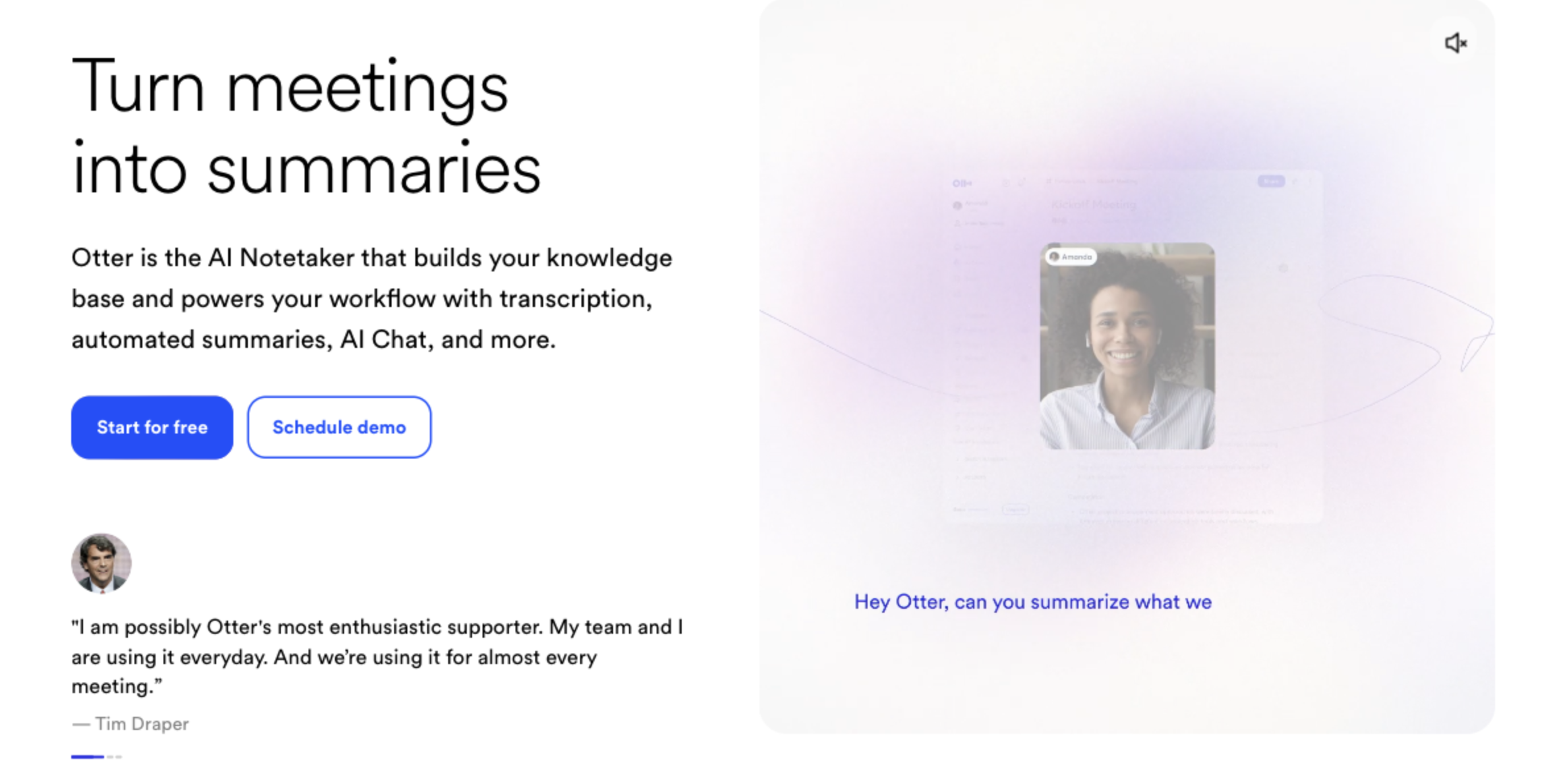
Otter.ai is one of the most established names in AI transcription. It handles English audio with strong accuracy and offers a generous free tier.
Key strengths:
- High-accuracy English transcription with speaker identification
- Browser-based — upload files or record directly
- Integrates with Zoom, Google Meet, and Microsoft Teams (via bot)
- Keyword and topic detection for easy searching
Limitations: Non-English language support is limited. The bot-based meeting integration can make participants uncomfortable. Free plan caps at 300 minutes per month.
Pricing: Free plan (300 min/month). Pro at $16.99/month.
3. Notta — Best for Multilingual Transcription
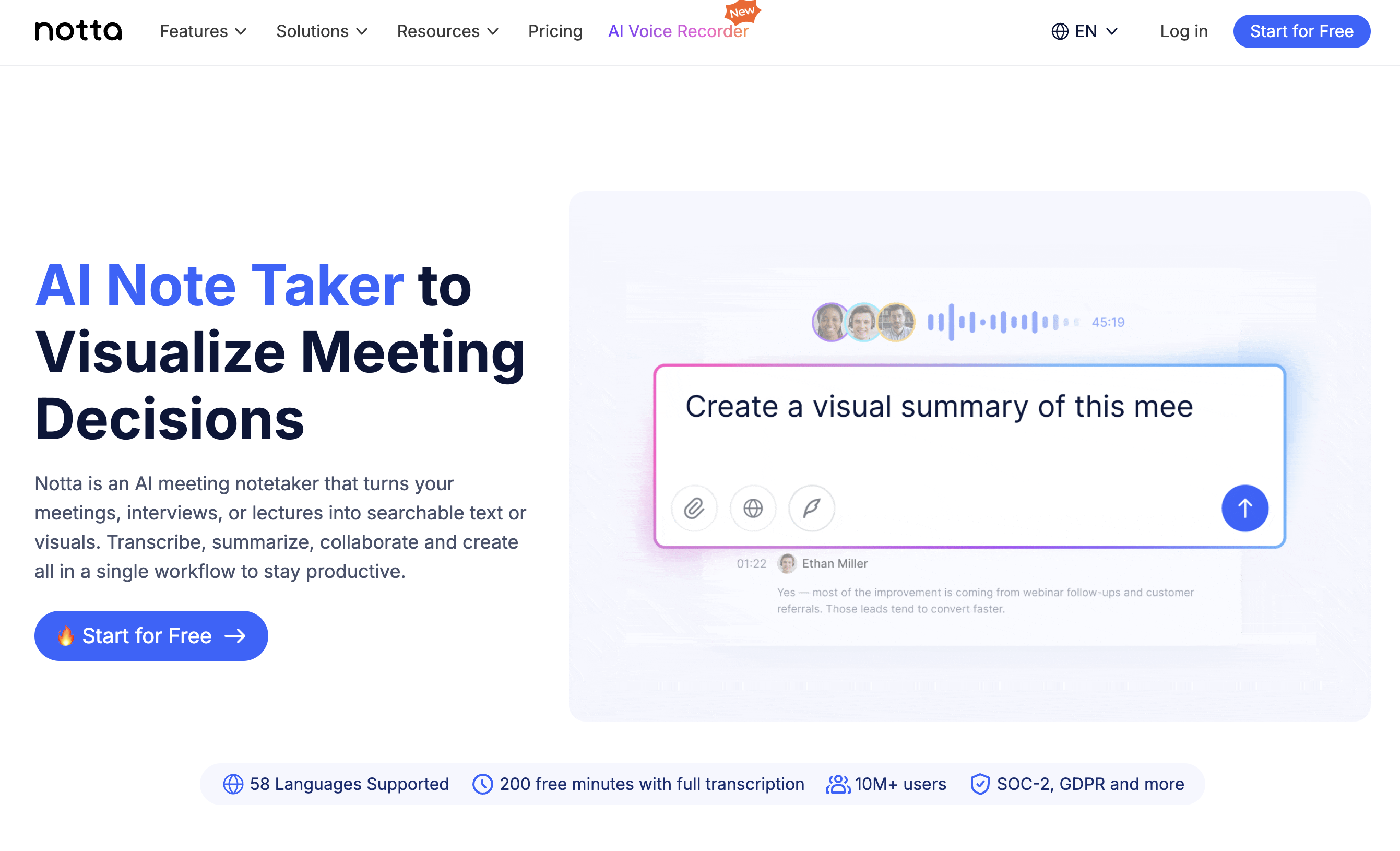
Notta supports 104 languages and offers both real-time transcription and file upload. Its free tier is competitive, and the interface is clean and straightforward.
Key strengths:
- 104-language support with high accuracy
- Upload audio/video files or transcribe live
- AI summary and action item extraction
- Web, desktop, and mobile apps
Limitations: Bot joins meetings for real-time transcription. Advanced features (custom vocabulary, team sharing) require a paid plan. Free plan limited to 120 minutes per month.
Pricing: Free plan (120 min/month). Pro at $14.99/month.
4. Google Docs Voice Typing — Best Free Zero-Setup Option
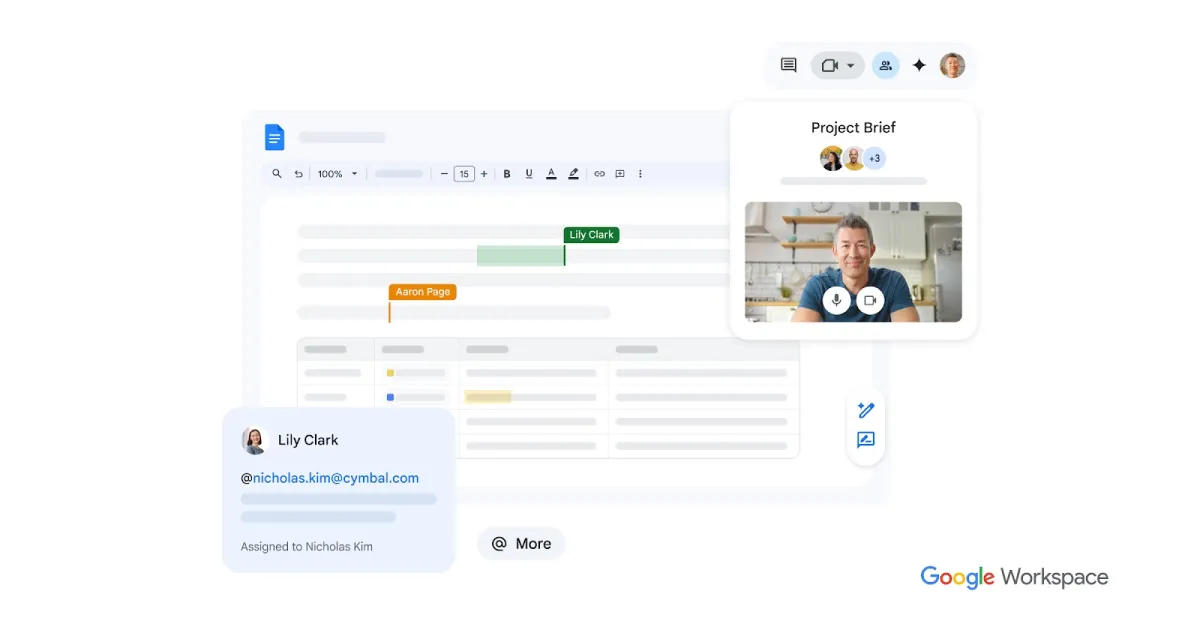
If you need a quick, completely free way to convert live speech to text, Google Docs Voice Typing is already built into your browser. No sign-up, no installation.
Key strengths:
- 100% free, no account needed beyond Google
- Works in Chrome on any operating system
- Supports 100+ languages and dialects
- Zero learning curve
Limitations: Only works with live audio (cannot upload files). No speaker diarization. No AI summary or meeting-specific features. Accuracy drops significantly with background noise or heavy accents.
Pricing: Free.
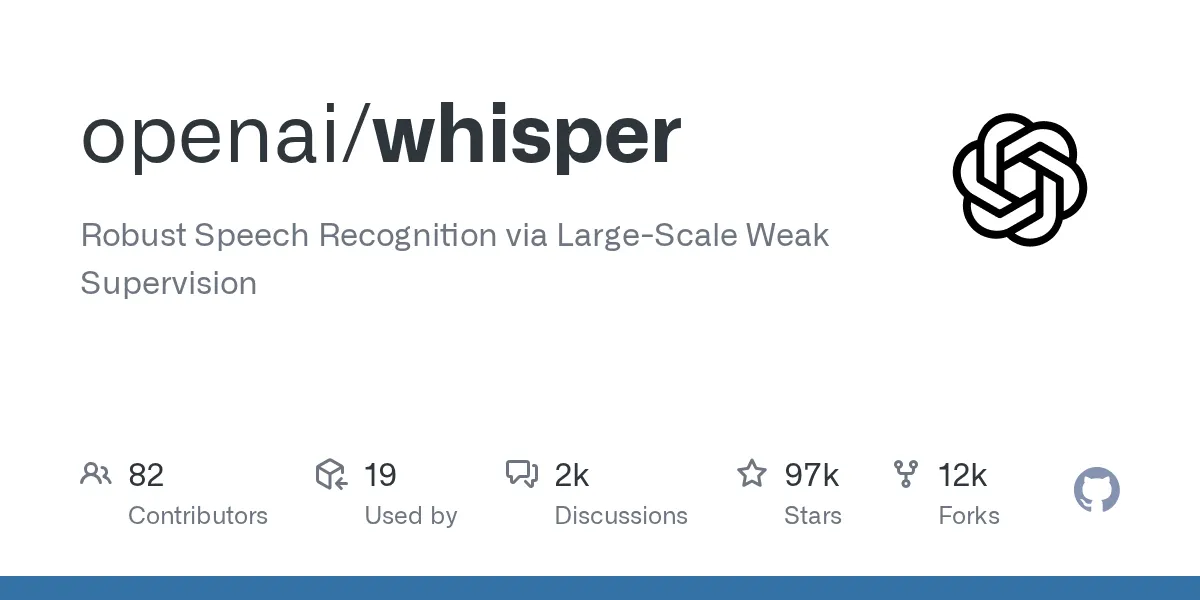
5. OpenAI Whisper — Best for Technical Users
Whisper is OpenAI's open-source speech recognition model. If you are comfortable with the command line, it delivers excellent accuracy across 99 languages — completely free.
Key strengths:
- Open-source and free to run locally
- Excellent multilingual accuracy
- No usage limits — process as many files as your hardware allows
- Can be integrated into custom workflows via API
Limitations: Requires technical setup (Python, command line). No real-time transcription. No user interface — you need to build or find one. No meeting-specific features.
Pricing: Free (open-source). API access via OpenAI is usage-based.
Feature Comparison
| Feature | SuperIntern | Otter.ai | Notta | Google Docs | Whisper |
|---|---|---|---|---|---|
| Real-time transcription | ✅ | ✅ (bot) | ✅ (bot) | ✅ (live only) | ❌ |
| File upload | ✅ | ✅ | ✅ | ❌ | ✅ |
| Speaker diarization | ✅ | ✅ | ✅ | ❌ | ✅ |
| AI meeting notes | ✅ | ✅ | ✅ | ❌ | ❌ |
| Translation | ✅ (50+) | ❌ | Limited | ❌ | ❌ |
| Botless | ✅ | ❌ | ❌ | N/A | N/A |
| Free tier | ✅ | ✅ (300 min) | ✅ (120 min) | ✅ (unlimited) | ✅ (unlimited) |
| Languages | 50+ | English-focused | 104 | 100+ | 99 |
Tips for Better Transcription Results
No matter which tool you choose, these tips will improve your transcription accuracy:
- Use a quality microphone. A dedicated USB microphone or headset dramatically reduces background noise and improves word recognition.
- Minimize background noise. Close windows, mute notifications, and choose a quiet room. Even the best AI struggles with a barking dog or a coffee shop.
- Speak clearly and at a moderate pace. AI models are trained on natural speech, but mumbling and crosstalk remain challenging.
- Record in a lossless or high-bitrate format. If you are uploading files, WAV or high-bitrate MP3 will give better results than heavily compressed audio.
FAQ
Can I transcribe audio to text for free?
Yes. Tools like SuperIntern, Google Docs Voice Typing, and OpenAI Whisper offer free transcription. SuperIntern and Otter.ai also have free tiers with monthly limits.
How accurate is AI transcription in 2026?
Modern AI transcription typically achieves 90–98% accuracy for clear audio in supported languages. Accuracy drops with heavy accents, technical jargon, or noisy environments.
What is the fastest way to transcribe a meeting?
Use a real-time transcription tool like SuperIntern during the meeting itself. The transcript is ready the moment the meeting ends — no upload or processing time required.
Can AI transcribe audio in multiple languages?
Yes. Tools like SuperIntern (50+ languages), Notta (104 languages), and Whisper (99 languages) handle multilingual audio. SuperIntern also provides real-time translation between languages.
Conclusion
Converting audio to text no longer requires hours of manual work or expensive transcription services. Whether you need to transcribe audio from a recorded file or capture a live meeting in real time, the tools in this guide have you covered.
For professionals who spend their days in meetings, SuperIntern offers the most seamless experience: real-time transcription, AI-generated notes, and multilingual support — all without a bot disrupting your calls. Try it free today.
