
Best AI Meeting Summary Tools for German Meetings in 2026: Top Assistants Compared
You know the scenario: the call was productive, but afterward someone on the team spends two hours typing up the essentials. Or worse, a colleague who was on a different conference call only sees the notes days later, after the important decisions have already moved on.
German-speaking teams need a dedicated solution. Generic AI summaries, tuned mainly for English, often fall short when applied to German meetings: recaps come out choppy, important nuances get lost, and technical terms get misread. On top of that, anyone who wants their meetings recorded by bots quickly runs into privacy and compliance questions specific to the DACH region.
In this article, we compare the best AI tools for automatic meeting summaries built or tuned for German-language meetings, and show which tool fits which scenario.
⚠️
This article is an independent comparison by NanoHuman Inc., based on publicly available information as of March 2026.
SuperIntern is our product, but we describe every tool as objectively as possible, including honest assessments of their limitations.
What makes a good meeting summary tool?
Before we dive into the comparisons, let's outline what distinguishes a high-quality tool for modern teams:
1. Language quality
A tool needs to understand the nuances of natural language. That includes not only accurate transcription, but also a grasp of technical terms, compound concepts, and the right register for a business context.
2. Real-time notes vs. post-meeting summaries
Some tools generate summaries only after the meeting ends. Others provide live notes during the call, which is a major advantage for teams that need to act on insights quickly.
3. Language flexibility
What if your meeting takes place in English but you need a Spanish or Japanese summary? High-quality tools translate intelligently while preserving context.
4. Privacy and compliance
For European and global teams, data protection is not negotiable. A good tool should be transparent about where data is stored and should not record meetings automatically without consent.
5. Bot presence
Some tools require a bot to join the meeting, which some participants find disruptive. Others work quietly in the background.
The best AI meeting summary tools compared
1. SuperIntern: Best real-time summaries with translation

SuperIntern is the top choice for teams that need real-time summaries during the call.
Key advantages:
- Bot-free approach: SuperIntern doesn't sit in the meeting. Instead, the service connects directly to your conferencing software (Google Meet, Zoom, Teams) and creates live notes, without other participants seeing a bot in the attendee list.
- Live notes during the meeting: You don't have to wait until the meeting ends for a summary. You get one in real time as the conversation unfolds, enabling faster follow-up and shorter debriefs.
- Summaries in any language: Your meeting is in English but you need a Spanish summary? SuperIntern translates intelligently and produces the summary in your target language, regardless of the meeting language.
- 50+ languages and a customizable glossary: Beyond standard translation, you can define a company-specific glossary so technical terms are translated correctly.
- Invisible Mode: The software runs entirely in the background. Nobody needs to know an AI is listening.
- Post-meeting AI chat: After the call, you can ask targeted questions about the summary, such as "Which budgets were discussed?" or "What's the next action for marketing?"
- Free version: Free for individual users, with a Plus plan for teams starting at $20/month.
Ideal for: Teams that want real-time notes without bot presence and with built-in translation options.

Limitations: SuperIntern is built primarily for real-time notes, not for archiving hundreds of past meetings.
2. Sally: Best German-language native alternative
Sally is a German startup specialized in German dialects and accents.
Key advantages:
- German foundation: The team understands the unique requirements of German-speaking markets.
- 98.8% transcription accuracy for German: Sally is optimized specifically for the German language, not as an add-on to an English-first product.
- Strong GDPR compliance: Sally adheres to strict data protection standards, making it a trusted option for regulated industries.
- Automatic recording and summary: Meetings are recorded automatically and summarized afterward.
Ideal for: German companies that want maximum confidence in local services and need the highest transcription accuracy for German.
Limitations: Requires a bot to join the meeting (which some teams find intrusive). No real-time notes, only post-meeting summaries.
3. tl;dv: Best for searchable meeting archives
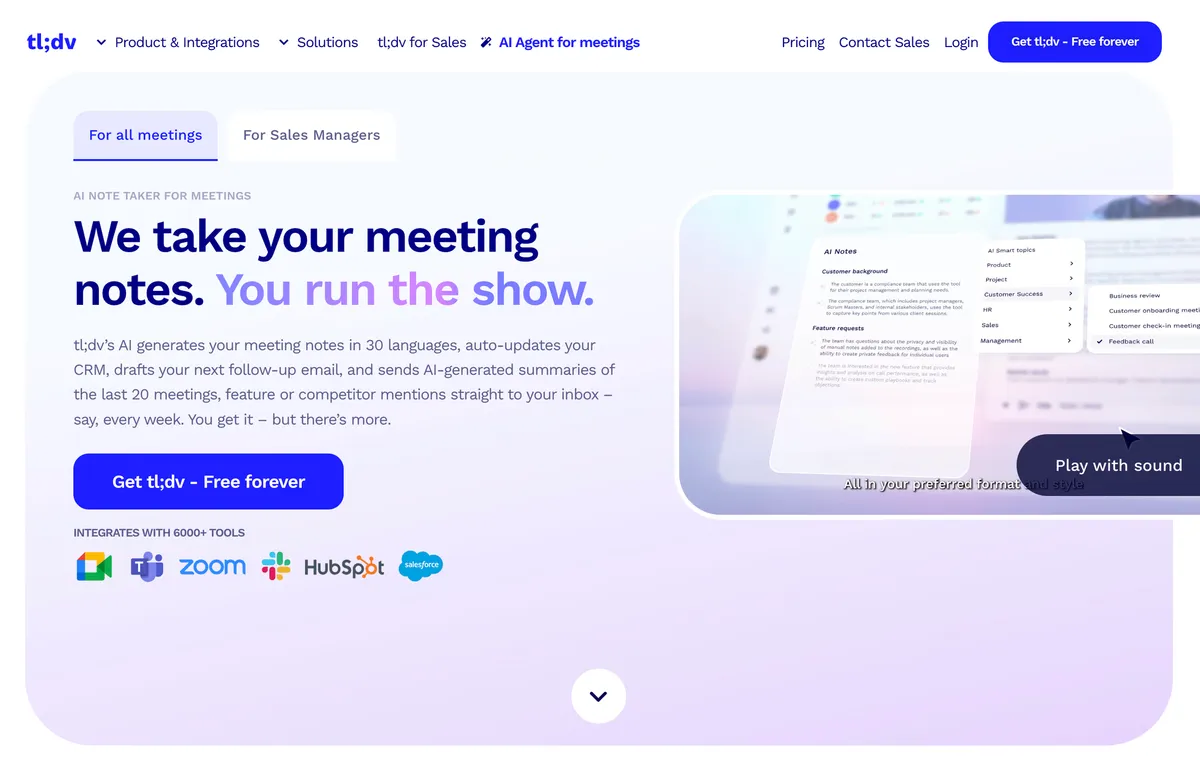
tl;dv is the best option if you want to make a large meeting archive searchable.
Key advantages:
- Automatic recordings: Works with Google Meet and Zoom. The bot records and produces transcripts.
- AI summaries and highlights: tl;dv automatically extracts key moments and produces highlight reels.
- Cross-meeting search: You can search across all your meeting recordings, e.g., "Who mentioned the Q2 budget?"
- Bot joins the meeting: The tl;dv bot appears in the participant list.
- Free version: Up to 10 unlimited recordings, then paid.
Ideal for: Companies that want to build long-term meeting memory and revisit past discussions.
Limitations: Summary quality is not optimized for specific non-English languages. Users sometimes report transcription errors on technical jargon.
4. Fireflies.ai: Best CRM integration
If your team handles a lot of sales calls tied to CRM systems, Fireflies.ai is a strong option.
Key advantages:
- Automatic recordings and transcriptions: The bot records and produces transcripts in real time.
- Integrations with CRMs and project management tools: Summaries can be pushed directly to Salesforce, HubSpot, Pipedrive, and others.
- Multi-language support: Supports many languages but without targeted optimization.
- Bot-based: The bot joins the meeting.
Ideal for: Sales and account management teams that want to sync meeting outputs directly with CRM data.
Limitations: Non-English transcription quality is not specifically tuned. Bot presence can feel intrusive.
5. Tactiq: Best browser-based option
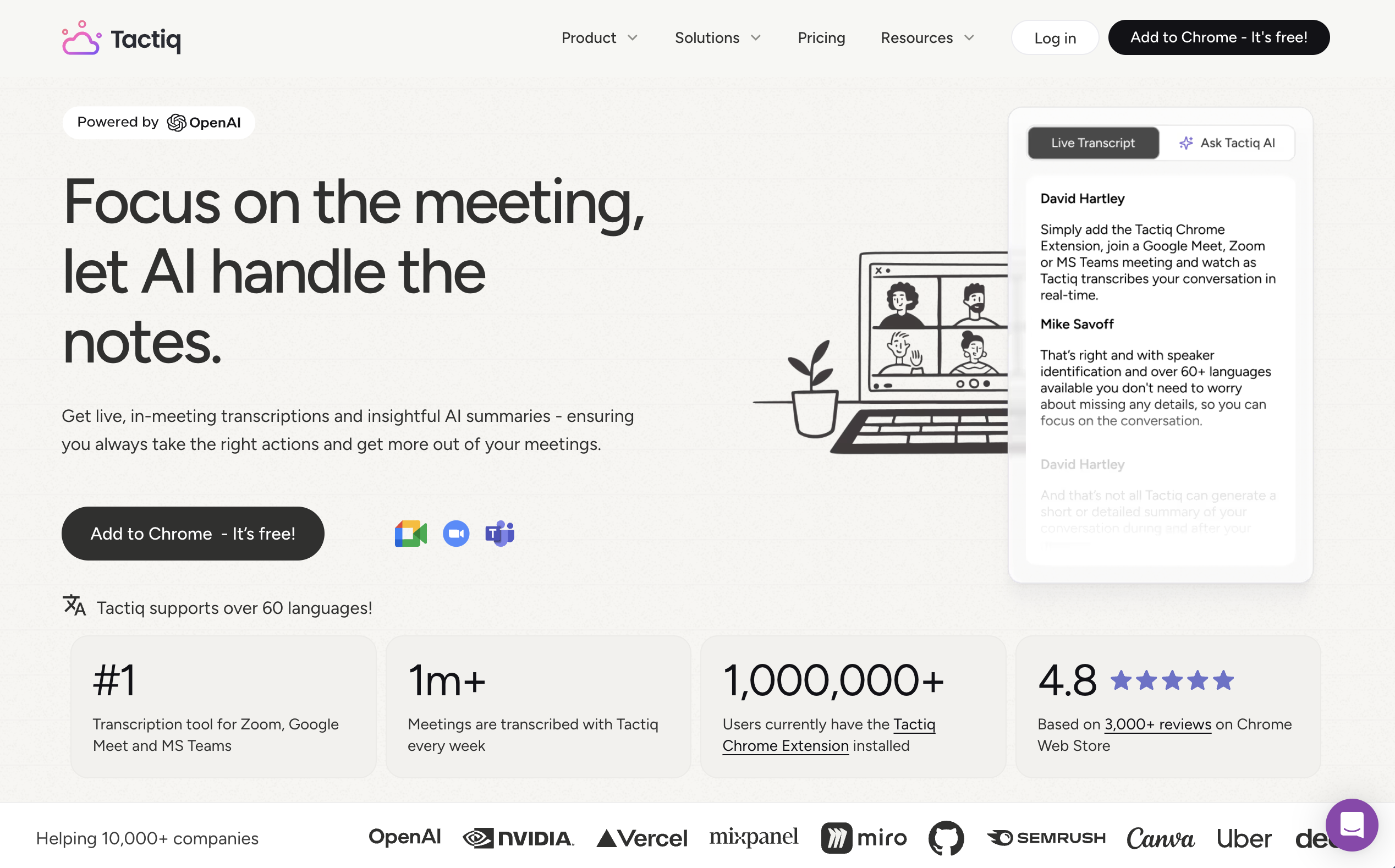
Tactiq is a Chrome extension. No bot, no installation, no data stored on third-party servers.
Key advantages:
- Chrome extension: Works directly in the browser, with no separate bot in the meeting.
- 60+ languages: Many languages supported but without language-specific tuning.
- Free tier: 10 transcripts per month, 5 AI credits per month.
- Pro: Unlimited transcripts, 10 AI credits per month.
- Team: Unlimited AI credits.
- Text only, no audio: Tactiq doesn't capture audio, only what shows up in the meeting chat and on screen.
Ideal for: Privacy-conscious teams that don't need recordings, just transcripts and quick summaries.
Limitations: No real audio capture means some nuances are lost. No targeted language optimization.
6. Zoom AI Companion / Microsoft Teams Copilot: The built-in options
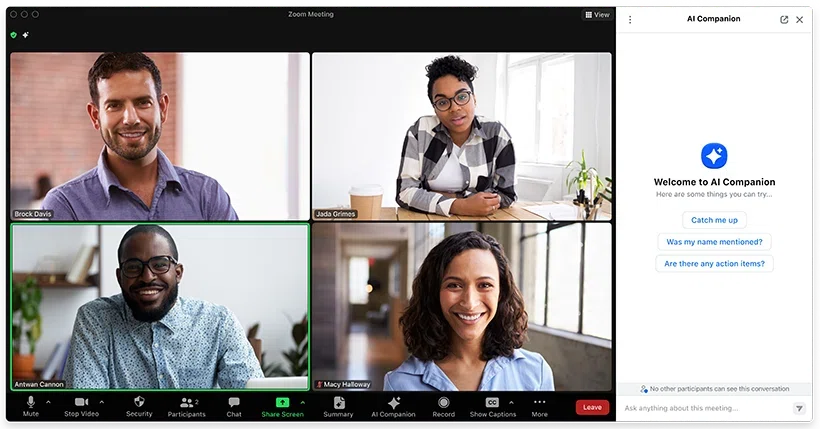
Zoom and Microsoft Teams have integrated their own AI assistants.
Key advantages:
- Native integration: No separate software required.
- Free with premium: Often included in higher-tier licenses.
Limitations:
- Non-English support is limited and not continuously optimized.
- Only works on the respective platform.
- Summaries are often very generic and miss cultural and linguistic nuances.
Ideal for: Small teams that already have Zoom Premium or Teams Enterprise and don't want to add a separate solution.
Comparison table: Feature overview
| Feature | SuperIntern | Sally | tl;dv | Fireflies | Tactiq | Zoom/Teams |
|---|---|---|---|---|---|---|
| Localized-language summaries | ⭐⭐⭐⭐⭐ | ⭐⭐⭐⭐⭐ | ⭐⭐⭐ | ⭐⭐⭐ | ⭐⭐⭐ | ⭐⭐ |
| Real-time notes | ✅ | ❌ | ❌ | ❌ | ✅ | ⚠️ |
| Bot-free | ✅ | ❌ | ❌ | ❌ | ✅ | N/A |
| Google Meet, Zoom, Teams | ✅ | ✅ | Google Meet, Zoom | ✅ | ✅ | Own platform only |
| Translation into other languages | ✅ | ❌ | ⚠️ | ⚠️ | ⚠️ | ❌ |
| Free tier | ✅ | ⚠️ | ✅ | ✅ | ✅ | Limited |
| Price (monthly) | From $20 USD | From ~€30 | From €9.99 | From $9.99 | From $9.99 | Bundled |
| Privacy focus | ✅ | ✅⭐ | ✅ | ✅ | ✅ | ✅ |
| CRM integration | ❌ | ❌ | ❌ | ✅ | ❌ | ❌ |
Use cases: Which tool for which situation?
Scenario 1: We need real-time notes during meetings
Recommendation: SuperIntern or Tactiq
If your team needs to react quickly during meetings and wants live notes, these two tools stand out. SuperIntern adds the advantage of intelligent translation and glossary support.
Scenario 2: We want to build a large meeting archive and search it later
Recommendation: tl;dv or Fireflies.ai
If you plan to store hundreds or thousands of meetings and search through them later, these archive-focused tools are a better fit.
Scenario 3: We're a privacy-focused agency with high data protection requirements
Recommendation: Sally or SuperIntern
Sally is built for German data protection standards; SuperIntern offers a bot-free design and real-time notes.
Scenario 4: Sales team needs CRM integration
Recommendation: Fireflies.ai
Only Fireflies.ai offers native integration with Salesforce, HubSpot, and similar systems.
Scenario 5: We don't want to store audio recordings
Recommendation: Tactiq
Tactiq stores only text, no audio recordings.
Why localized summary quality matters
A common mistake: teams assume that a tool that works in English will work equally well in their own language. That's rarely the case.
Compound terms
English: "product development strategy" German: "Produktentwicklungsstrategie"
An English-first tool may split these words, while a localized tool understands the relationship.
Formality and politeness
Business languages often distinguish between formal and casual registers (e.g., German "Du" vs. "Sie", or Japanese keigo). A good tool recognizes the difference and adapts.
Technical terms
Local teams often use English technical terms ("deployment", "API", "DevOps") inside a non-English context. A good tool knows when to keep English terms and when to explain them.
Dialects and accents
Local-language teams aren't homogeneous. Different regions bring different dialects and accents that affect transcription. Sally, for instance, was trained for German variations.
Conclusion: The best tool depends on your needs
There's no universal answer. Here's a quick decision guide:
- You want real-time + localized language + no bots: SuperIntern
- You're a German-focused team with strict privacy needs: Sally
- You need a searchable meeting archive: tl;dv
- You're sales-driven and CRM-heavy: Fireflies.ai
- You're privacy-first (no audio): Tactiq
- You don't want to install anything extra: Zoom/Teams Copilot
Most organizations benefit the most from real-time notes during meetings. That's the biggest productivity gain, which is why SuperIntern leads our list. But depending on your situation, other tools may fit better.
The most important point
The best meeting summary tool is the one your team actually uses. Pick one that fits your existing workflow and roll it out. The difference will be visible quickly.
Ready for automatic meeting summaries? Try SuperIntern free, no credit card required.