
The Best Bot-Free AI Meeting Assistant in 2026: 8 Tools Compared
If you have ever been in a client call when an uninvited "Notetaker Bot" pops into the participant list, you know the feeling. The room goes quiet for a beat. Someone asks, "Who is that?" Trust dips. The conversation shifts.
This is the reality of bot-based AI meeting assistants in 2026 — and it is exactly why a growing number of professionals are switching to bot-free AI notetakers that capture meeting audio directly from your device, with zero visible footprint.
In this guide, we break down what makes a bot-free AI meeting assistant different from built-in recording features, compare the eight best options on the market today, and help you pick the right one for your workflow.
Why "Bot-Free" Matters More Than You Think
Most AI notetakers — Otter.ai, Fathom, tl;dv — work by sending a virtual participant (a bot) into your meeting. The bot records the call from inside the room, which means every attendee can see it in the participant list.
That creates three real problems:
- Psychological pressure. Participants become guarded when they see a recording bot. In sales calls, interviews, and sensitive internal discussions, this changes the tone of the conversation.
- Platform dependency. Bots typically only work with Zoom, Google Meet, and Microsoft Teams. If your meeting is on Webex, Slack Huddles, Discord, or an in-person room, the bot cannot join.
- Permission friction. Some organizations block unknown bots from joining calls entirely, which means you lose the recording without warning.
A bot-free AI notetaker sidesteps all of this. It captures audio directly from your computer's microphone and speakers — the same audio you already hear — and transcribes it locally or via a secure cloud pipeline. No participant is added to the call. No one knows it is running unless you tell them.
How Bot-Free Differs from Built-In Meeting Notes
Platforms like Zoom, Google Meet, and Microsoft Teams now offer their own AI-generated summaries and transcription. So why use a separate tool?
Limited platform scope. Built-in notes only work inside their own platform. If you use Zoom for one client and Teams for another, you end up with fragmented notes across different dashboards.
Shallow AI capabilities. Built-in summaries tend to be generic bullet points. They rarely provide speaker-attributed action items, real-time captions during the meeting, or the ability to chat with an AI about what was discussed.
No cross-language support. If you are in a meeting conducted in English but need notes in Japanese (or vice versa), built-in tools will not translate on the fly. A dedicated bot-free AI meeting assistant like SuperIntern can.
The 8 Best Bot-Free AI Meeting Assistants in 2026
1. SuperIntern — Best for Real-Time Understanding and Multilingual Teams
SuperIntern is a desktop app that captures system audio and microphone input without any bot joining the meeting. What sets it apart is its focus on real-time comprehension: while the meeting is still happening, it displays an ongoing summary and translated captions in an overlay that does not interfere with your screen.

Key strengths:
- Real-time live summary that organizes key discussion points as the meeting progresses — not after it ends
- Invisible Mode can hide the SuperIntern UI from screen sharing and screenshots, so other participants never see it even when you share your screen
- Post-meeting minutes with high-accuracy speaker separation and Markdown-exportable notes, ready within 3 seconds after the meeting ends
- AI Chat that understands the meeting context for drafting follow-up emails, Slack messages, or action items
- Works with any platform — Zoom, Google Meet, Teams, Webex, Slack Huddles, in-person meetings

Pricing: Free plan available (no credit card required). Plus plan at $20/month for 100 hours.
2. Krisp — Best for Noise Cancellation with Built-In Notes
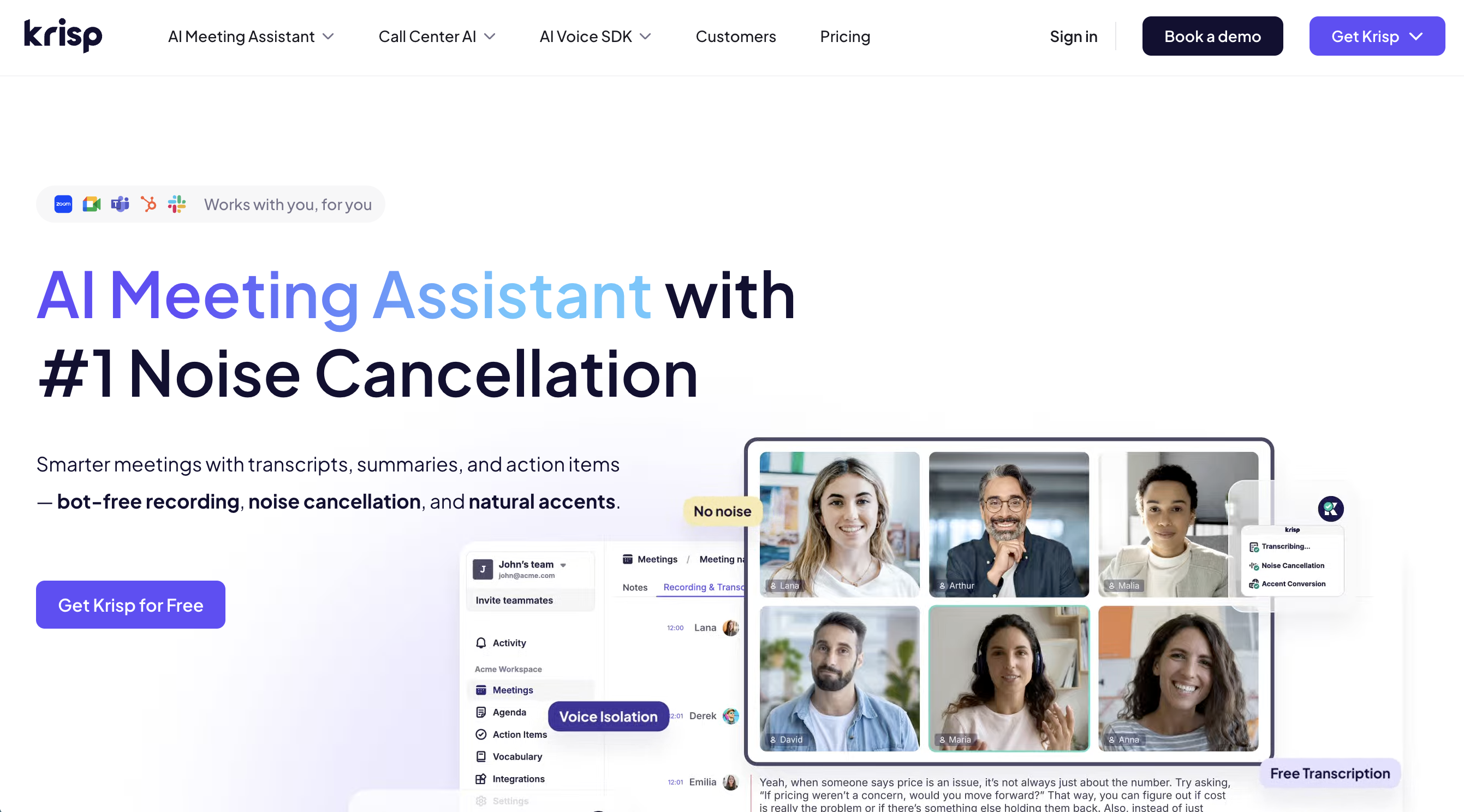
Krisp made its name with industry-leading AI noise cancellation, and it has since added meeting transcription and summaries on top. It operates at the audio driver level on your device, so it is completely invisible to other participants.
Key strengths:
- AI noise cancellation removes background sounds, echo, and crosstalk
- Transcription in 19+ languages
- Action item extraction organized by assignee
- Works across 800+ communication apps
Limitations: No real-time summary during the meeting. No real-time translation or multilingual captions. The free plan caps noise cancellation at 60 minutes per day.
Pricing: Free plan available. Pro at $16/user/month.
Platforms: Mac, Windows
3. Granola — Best for Note-Takers Who Want AI Enhancement
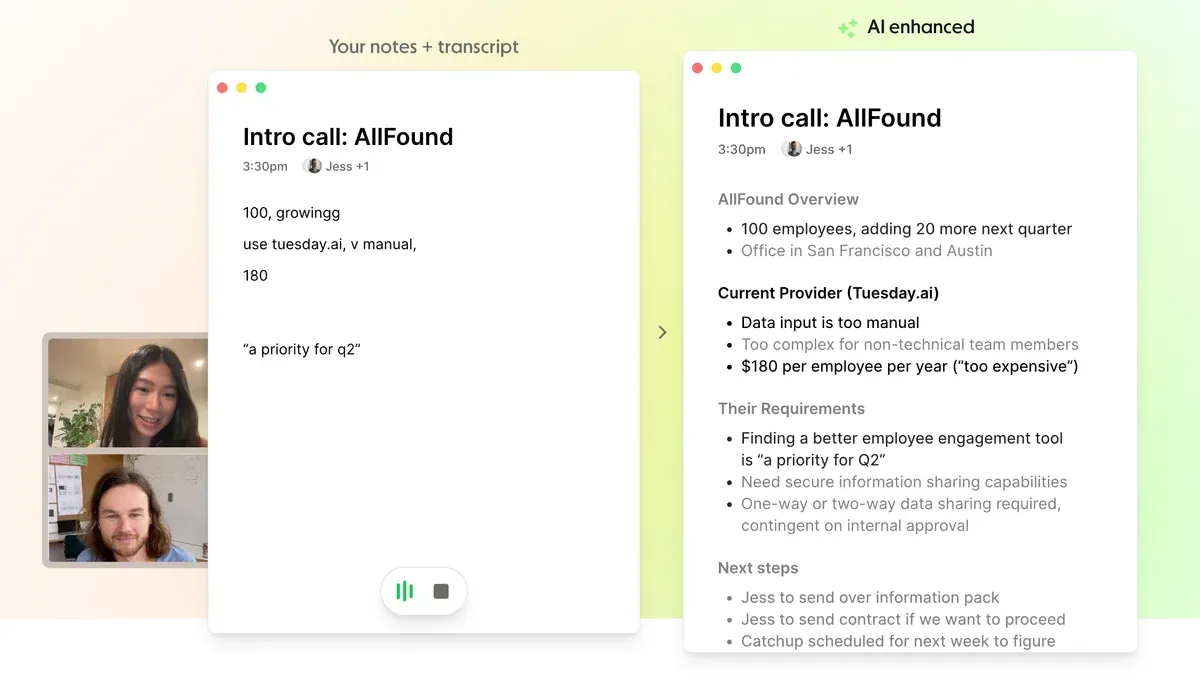
Granola takes a unique approach: you take rough notes during the meeting, and after the call ends, its AI enriches them with full transcript context. Audio is processed and immediately deleted — only text is stored.
Key strengths:
- Privacy-first design with no audio or video storage
- AI refines your handwritten notes using the full transcript
- Clean, minimal interface
Limitations: No audio or video playback (you cannot go back and verify what was said). No real-time summary during the meeting. Summaries are only generated after the call. Free plan has limited meeting history.
Pricing: Free plan available. Business at $14/user/month.
Platforms: Mac, Windows
4. Tactiq — Best for Browser-Only Users
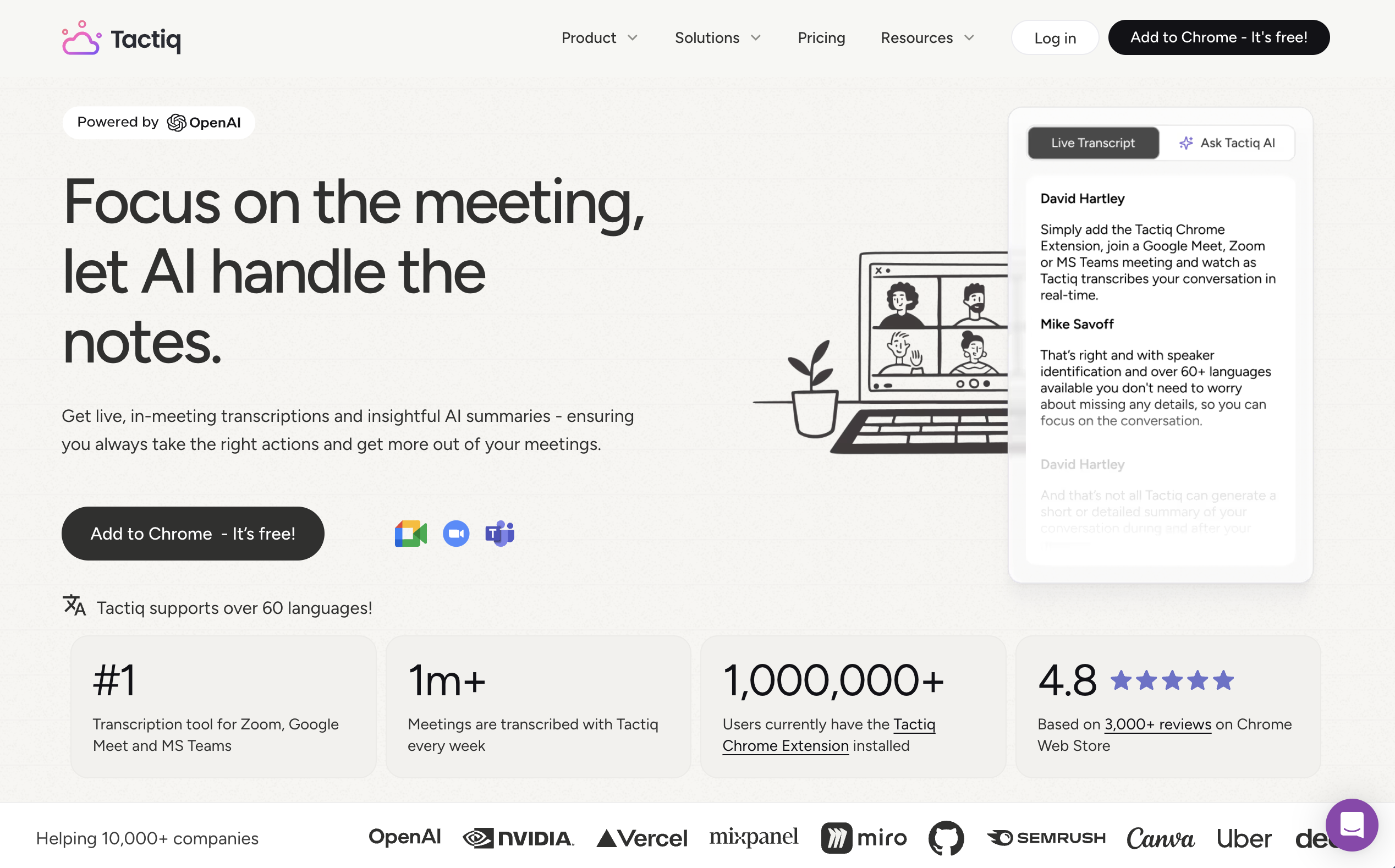
Tactiq is a Chrome/Edge extension that reads the closed captions generated by your meeting platform. It never records audio or video — it works entirely from text.
Key strengths:
- Completely silent operation (no audio capture at all)
- Custom AI prompts in a live sidebar during meetings
- Access to multiple AI models (GPT-4o, Claude)
Limitations: Only works in Chrome and Edge browsers. Accuracy depends entirely on your platform's caption quality. No audio recording means no way to verify transcription. Cannot record in-person meetings.
Pricing: Free plan available. Pro at $12/user/month with 10 AI credits included.
Platforms: Chrome and Edge browser extension only
5. Notta — Best for Teams Adopted Widely in Japan
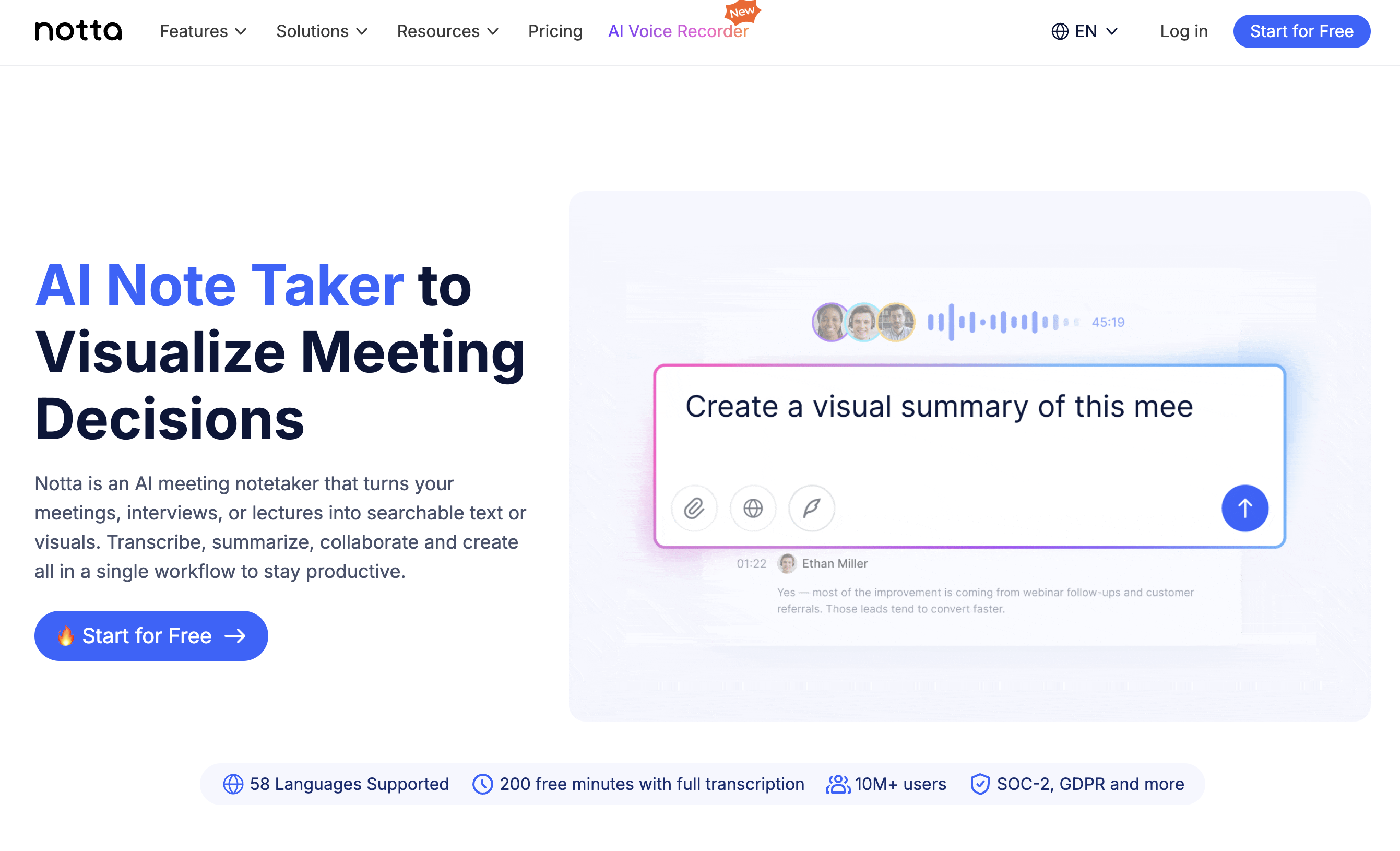
Notta offers both a meeting bot and a bot-free mode via its desktop app and Chrome extension. The desktop app records system audio and microphone locally. It has gained significant traction among Japanese businesses and is widely adopted across many companies in Japan.
Key strengths:
- Support for 58 languages
- Available on desktop, web, and mobile
- Strong adoption among Japanese enterprises
Limitations: Free plan has a restrictive 3-minute per file limit. Bot-free mode may not have full feature parity with bot mode. Some users have reported concerns about transcription accuracy.
Pricing: Free plan available. Pro at $13.49/month with up to 30 hours per month.
Platforms: Mac, Windows, Chrome extension, iOS, Android
6. Bluedot — Best for CRM-Heavy Sales Teams
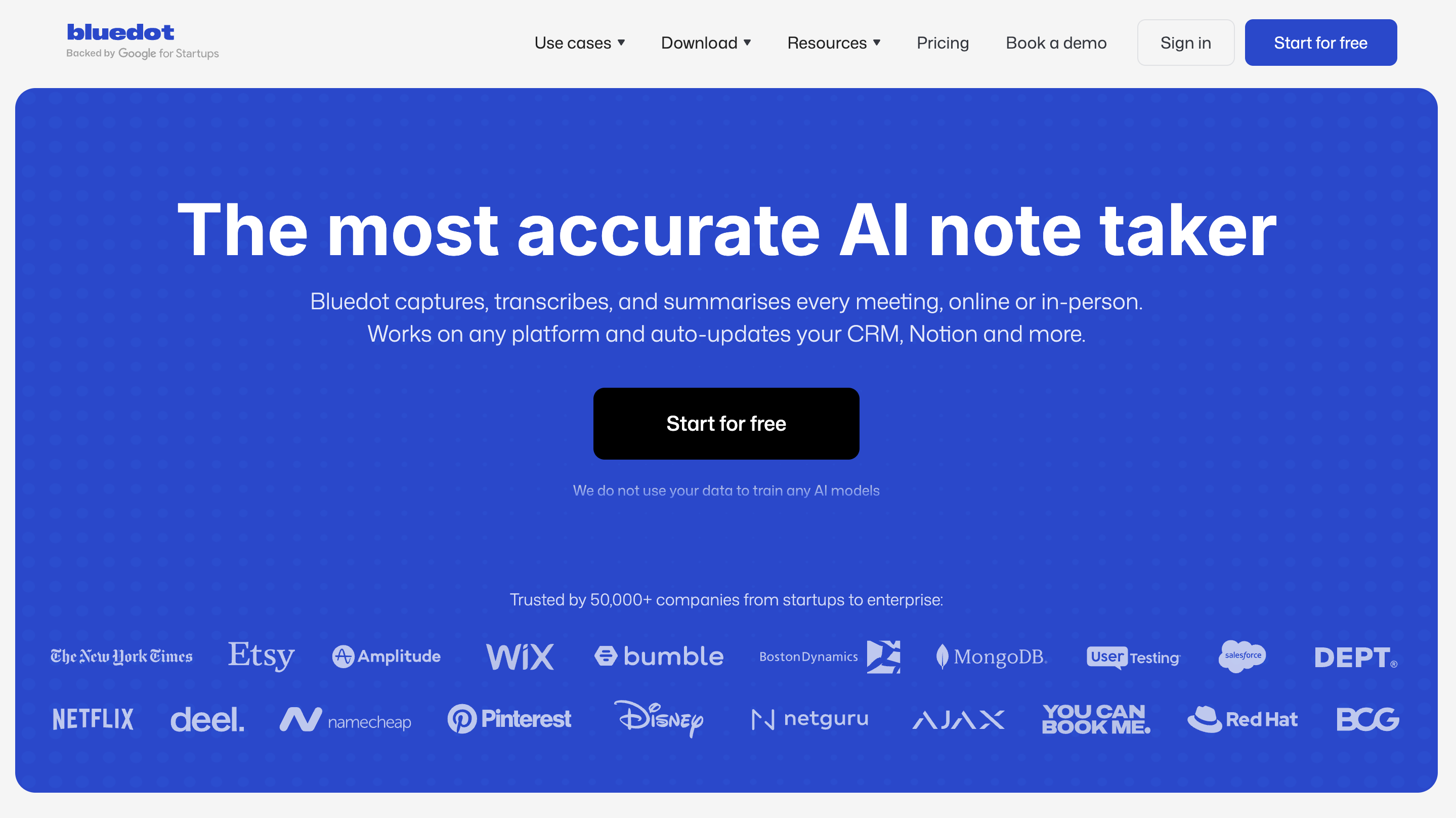
Bluedot records via a Chrome extension or desktop app without a bot. It focuses heavily on CRM integration, automatically updating Salesforce and HubSpot after calls.
Key strengths:
- Auto-CRM updates for Salesforce and HubSpot
- Video editing by editing the transcript
- 100+ language support
Limitations: Free plan capped at 5 meetings with a 1-hour maximum each.
Pricing: Free (5 meetings). Basic at $18/user/month.
Platforms: Chrome extension, Mac, Windows, iOS, Android
7. Fellow — Best for Teams Already Using Fellow for Agendas
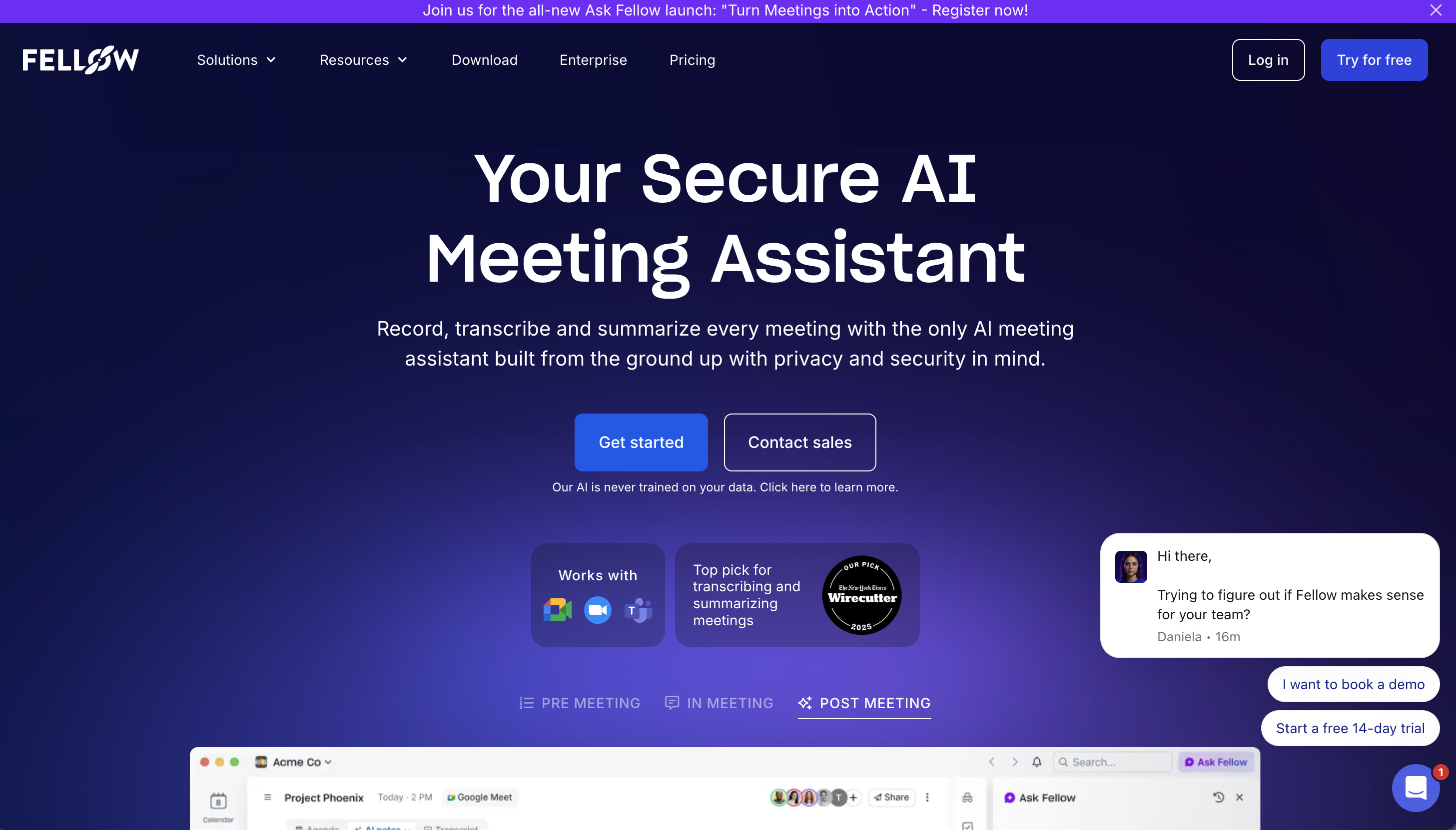
Fellow offers both bot and bot-free modes, and it is well-known for its meeting agenda and action item tracking features. It holds SOC 2 Type II and HIPAA compliance.
Key strengths:
- Choose bot or bot-free per meeting
- Deep meeting management features (agendas, action items, 1-on-1 templates)
- 90+ language support
Limitations: The free plan is limited to 5 seats. Bot-free mode is a secondary feature rather than the primary design.
Pricing: Free (5 seats, limited). Solo plan at $29/user/month.
Platforms: Web, desktop
8. Jamie — Best for European Data Compliance
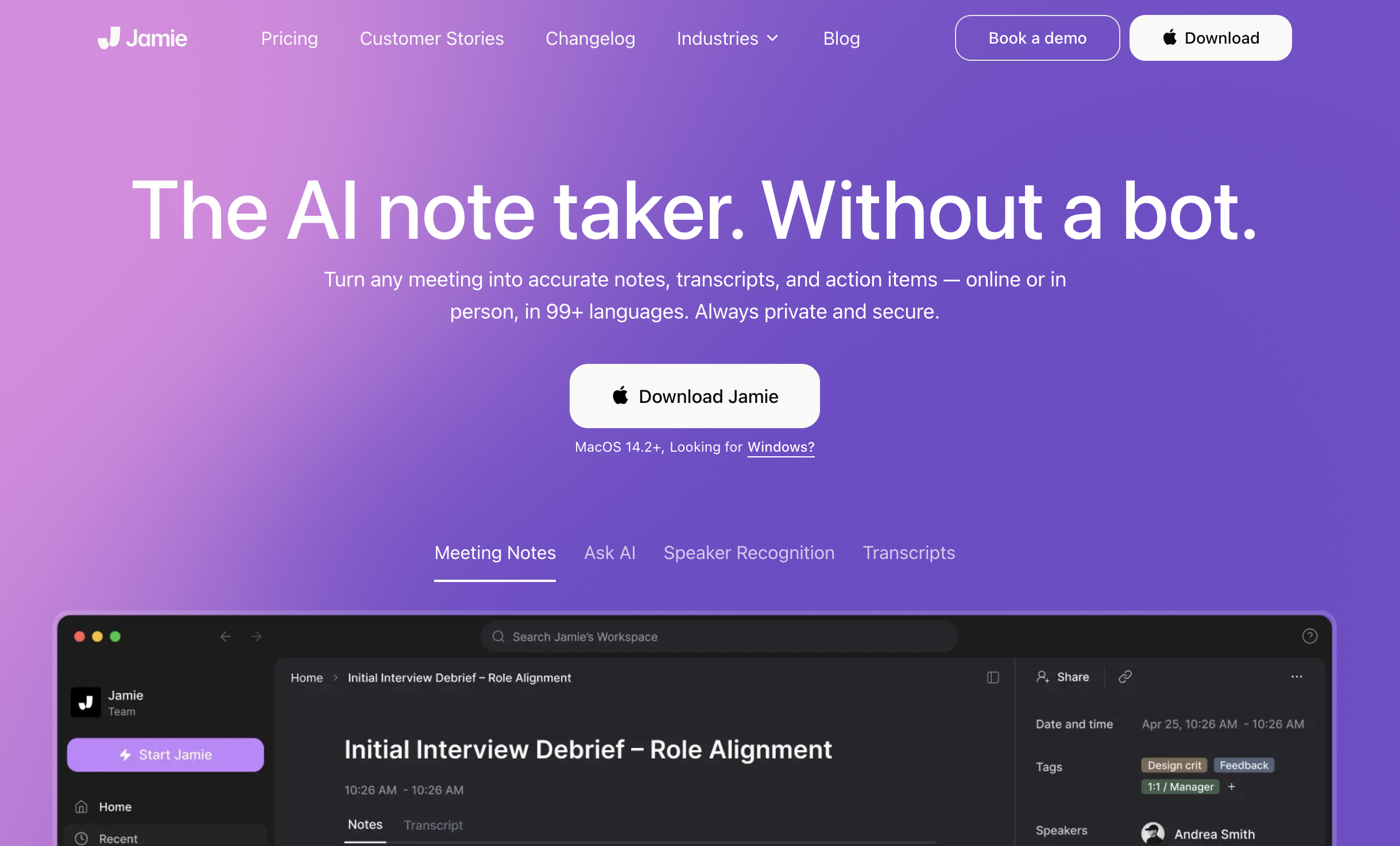
Jamie is a fully bot-free tool built in Germany, with all data stored in Europe under GDPR compliance. It records directly from your device and works with in-person meetings as well.
Key strengths:
- GDPR-compliant with European data storage
- Works with in-person meetings
- Summaries in 20+ languages
Limitations: No real-time captions or translation during the meeting. Higher pricing compared to alternatives.
Pricing: Free (10 meetings/month, 30-min limit). Pro at €47/user/month with a 3-hour limit per meeting.
Platforms: Mac, Windows
Quick Comparison Table
| Tool | Real-Time Summary | Real-Time Translation | Invisible to Screen Share | Works on Any Platform | Free Plan |
|---|---|---|---|---|---|
| SuperIntern | Yes | Yes (50+ languages) | Yes | Yes | Yes |
| Krisp | No | No | N/A (no visible UI) | Yes | Yes |
| Granola | No | No | No | Yes | Limited history |
| Tactiq | Partial (AI sidebar) | No | No | Browser only | Yes |
| Notta | No | No | No | Yes | Yes |
| Bluedot | No | No | No | Chrome + desktop | 5 meetings |
| Fellow | No | No | No | Yes | 5 seats |
| Jamie | No | No | No | Yes | 10 meetings/mo |
Who Should Choose SuperIntern?
If you recognize yourself in any of these situations, SuperIntern is likely the best fit:
- You join meetings across multiple platforms (Zoom, Teams, Meet, Webex, in-person) and want a single tool that works everywhere
- You need real-time captions and translation because your meetings involve multiple languages
- You want an AI that organizes key points while the meeting is still happening, not just afterward
- You share your screen frequently and cannot afford to show a note-taking tool to clients or partners
- You want post-meeting minutes you can copy in Markdown and paste directly into Slack or feed into tools like Claude Code for automation
Getting Started with SuperIntern
- Download the Mac app from super-intern.com — free to try, no credit card required
- Set your preferred language pair during onboarding
- When a meeting starts, SuperIntern detects it automatically and prompts you to start recording
From there, real-time captions, live summaries, and translated subtitles appear in an unobtrusive overlay. After the meeting, you get full minutes with speaker separation, action items, and an AI chat to draft follow-ups.
FAQ
What is a bot-free AI notetaker?
A bot-free AI notetaker captures meeting audio directly from your device (system audio + microphone) instead of sending a virtual participant into the call. Other attendees cannot see that you are using the tool.
Is bot-free recording legal?
Recording laws vary by jurisdiction. In most cases, the same consent requirements apply whether you use a bot or a local recording tool. Always check your local regulations and inform participants as required.
Can a bot-free tool work with in-person meetings?
Yes. Since bot-free tools record from your device's microphone, they can capture in-person conversations as long as your laptop is present. SuperIntern, Krisp, Granola, and Jamie all support this.
Does SuperIntern work with Zoom, Google Meet, and Microsoft Teams?
Yes. Because SuperIntern captures audio at the system level, it works with any meeting platform — including Webex, Slack Huddles, Discord, and phone calls.
Ready to try the best bot-free AI meeting assistant? Get started with SuperIntern for free.