
5 Bot-Free Online Meeting Translation Tools (Privacy-First Picks)

"I want to use a translation tool, but I do not want a bot showing up in the meeting."
If you have been on more cross-language calls lately, you have probably felt this exact tension.
In external sales calls and 1:1s especially, an unfamiliar bot name in the participant list signals to the other side that the call is being recorded. Plenty of companies also block bot participants outright for information security reasons.
That is why this article zooms in on translation tools that work in web meetings without a bot. We compare five strong options and break down the strengths, trade-offs, and ideal fit for each one.
If you want to support multilingual meetings without compromising on privacy, this guide is for you.
⚠️ This article is an independent comparison based on publicly available information and user feedback as of January 2026.
Table of Contents
- Bot-based vs. bot-free meeting translation
- Three reasons to go bot-free
- What to watch for when picking a bot-free tool
- 5 bot-free meeting translation tools
- Comparison table
- Which tool should you pick? Recommendations by use case
- Wrap-up
1. Bot-Based vs. Bot-Free Meeting Translation
Meeting translation tools fall into two broad camps.
Bot-based tools
A bot account joins the meeting and records and translates the audio from inside the call.
- Shows up in the participant list with names like "XX Notetaker"
- Often joins automatically through calendar integration
- Tends to handle speaker separation well
Bot-free tools
These capture audio directly from your computer's speakers and microphone, then translate it locally or via a secure pipeline.
- No bot appears in the participant list
- Everything runs on your device, so the other side does not need to do anything
- Works in any setting, including in-person meetings
2. Three Reasons to Use Bot-Free Meeting Translation
Reason 1: No psychological pressure on the other side
The moment a bot shows up in the participant list, the message lands: this call is being recorded.
Even with prior consent, people tend to hold back when they feel watched. You hear fewer candid comments and the conversation gets more guarded.
A bot-free tool lets you get translation support without the other side ever noticing, so the conversation stays natural.
Reason 2: Easier to clear security policies
Some companies forbid third-party bots from joining their calls as part of their information protection rules.
Because bot-free tools process audio inside your own machine, no external service ever connects to the meeting platform.
That makes them easier to adopt without worrying about the other side's security policy.
Reason 3: Avoid recording meetings you did not mean to
Calendar-integrated bot tools can quietly join meetings you never intended to record, depending on how they are configured.
With a bot-free tool, you choose exactly when to start it, so it only runs on the meetings that need it.
3. What to Watch for with Bot-Free Tools
Bot-free tools have their own trade-offs.
Watch-out 1: Most require an app install
Most bot-free tools run as desktop apps installed on your PC.
Some companies require IT approval for new software, so check ahead of time before rolling one out.
Watch-out 2: Translation quality varies a lot
Even within the bot-free category, translation quality differs widely between products.
A lot of AI translation services are built outside Japan, so quality on Japanese-language content is an important point of comparison. For meetings full of internal jargon or domain terms, a custom dictionary feature can make or break daily usability.
Watch-out 3: Check supported languages and platforms
If your meetings go beyond English and Japanese, into Chinese or other languages, double-check the language list.
Also confirm support for whichever platform you actually use day to day, Zoom, Teams, Google Meet, and so on.
4. 5 Bot-Free Meeting Translation Tools
Here are five of the most capable bot-free translation tools on the market today.
1. SuperIntern: Real-Time Translation + Real-Time Summaries, Fully Bot-Free
SuperIntern, from NanoHuman Inc., is an always-on Meeting Intelligence tool.

It lives on your PC and captures audio directly from your speakers and microphone, which means it runs completely bot-free. On top of that, you can hide each SuperIntern window from screen sharing.
Highlights
- Real-time translated captions in 50+ languages
- Real-time summaries that update while the meeting is still in progress
- A custom dictionary that prevents mistakes on proper nouns and internal terms
- Works on Zoom, Teams, Google Meet, in-person meetings, anywhere
- An invisible mode that hides each window during screen sharing (turn it off to share intentionally)

What we like
- Translation quality is strong enough to keep up with cross-language conversations
- Captions and minutes move in sync, so information stays in one place during and after the meeting
- Works across every meeting style, online or in person
- Advanced noise cancellation rolled out to every plan in January 2026
- The overlay does not get in the way of other apps on screen
Things to note
- Team plans and advanced security features are available on request
Pricing
- Free plan: Free trial with no credit card (with usage limits)
- Plus plan: $20/month for up to 100 hours, with usage-based pricing beyond that
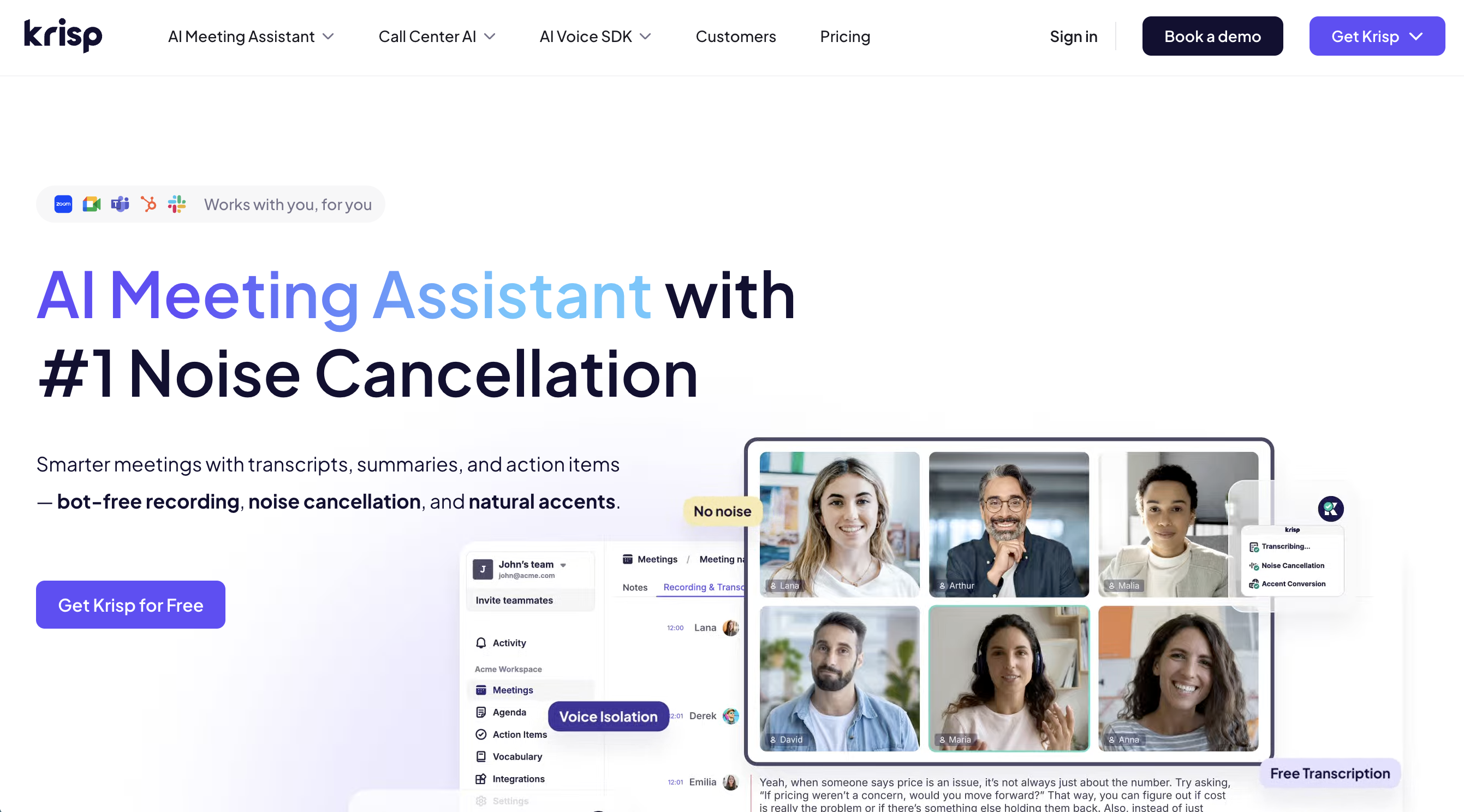
2. Krisp: Noise Cancellation Meets Translation
Krisp started out famous for its powerful noise cancellation.
Today it also offers transcription, summaries, and an AI Live Interpreter that delivers real-time voice translation.
Highlights
- Bot-free operation that works across almost every meeting platform
- Strong noise cancellation that strips out background noise
- Real-time translation in 80+ languages (on paid plans)
What we like
- Audio stays clean even in noisy environments, which keeps transcription quality steady
- Solid integrations with CRMs like HubSpot and Salesforce
Things to note
- UI and support are primarily in English
- Japanese transcription and translation quality are still maturing
- Serious use requires a paid plan starting around $16/month
3. Real Time Translator (Fairuse): Strong Track Record with Japanese Enterprises
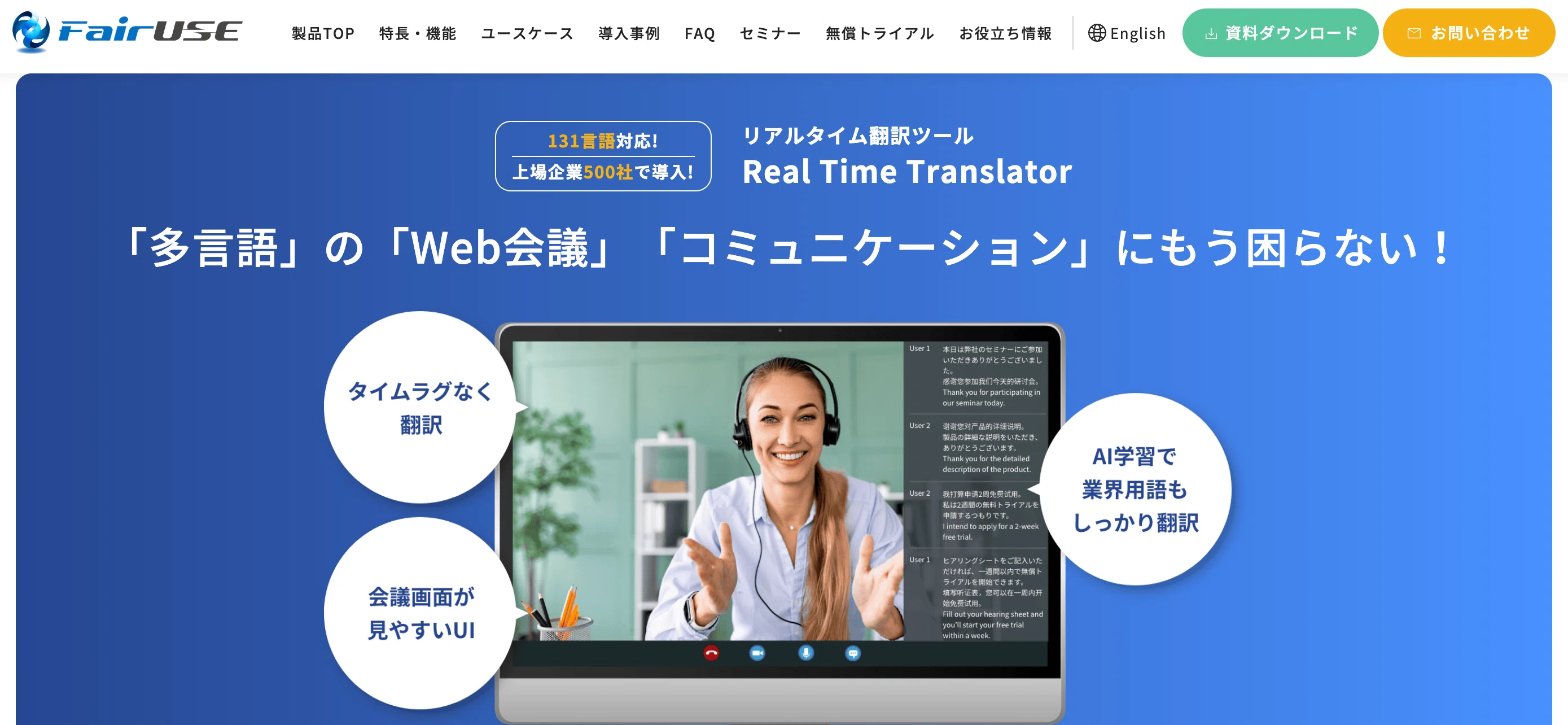
Real Time Translator is a domestic Japanese translation tool from Fairuse Inc.
With deployments at large enterprises like Kawasaki Heavy Industries and Milbon, it comes with the enterprise-grade support that big companies expect.
Highlights
- Real-time translation in 100+ languages
- Automatic language detection, so you do not have to toggle between languages
- A dictionary feature for company-specific terminology
- Built on Microsoft Azure APIs, with a clear "no secondary use of data" policy
What we like
- Runs entirely on your device, so the other side does not need to do anything
- Captures the meeting as a live transcript
- Holds a US patent for its overlay positioning and sizing
Things to note
- Pricing is enterprise-only and quote-based
- Individuals and small teams may find it overkill
4. Minutz: Lightweight, Browser-Only Translation
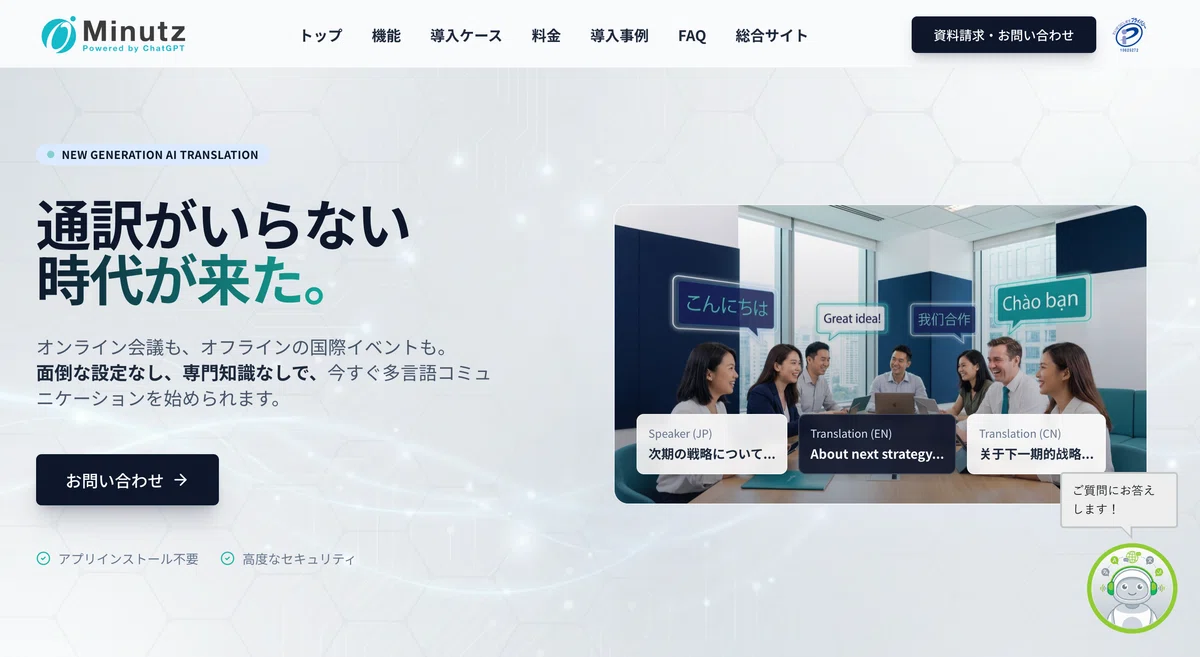
Minutz is a simultaneous translation service for web meetings from ObotAI, Inc.
The selling point: no app install required. It runs directly in Google Chrome or Microsoft Edge.
Highlights
- Coverage for 100+ languages
- Specialized dictionaries for 16 Specified Skilled Worker fields like manufacturing, construction, and caregiving
- A guest invite feature so people can join from a URL
- Per-meeting AI model selection between GPT-4o, Gemini 1.5, and others
What we like
- Browser-based, so the barrier to adoption is very low
- A QR code can turn participants' phones into translation receivers
- Transcript exports in Word, PDF, and TXT
Things to note
- Starts at JPY 33,000/month, which is steep for individuals
- The underlying language models lag slightly behind the latest releases
5. Felo Subtitles: Translated Captions via a Chrome Extension
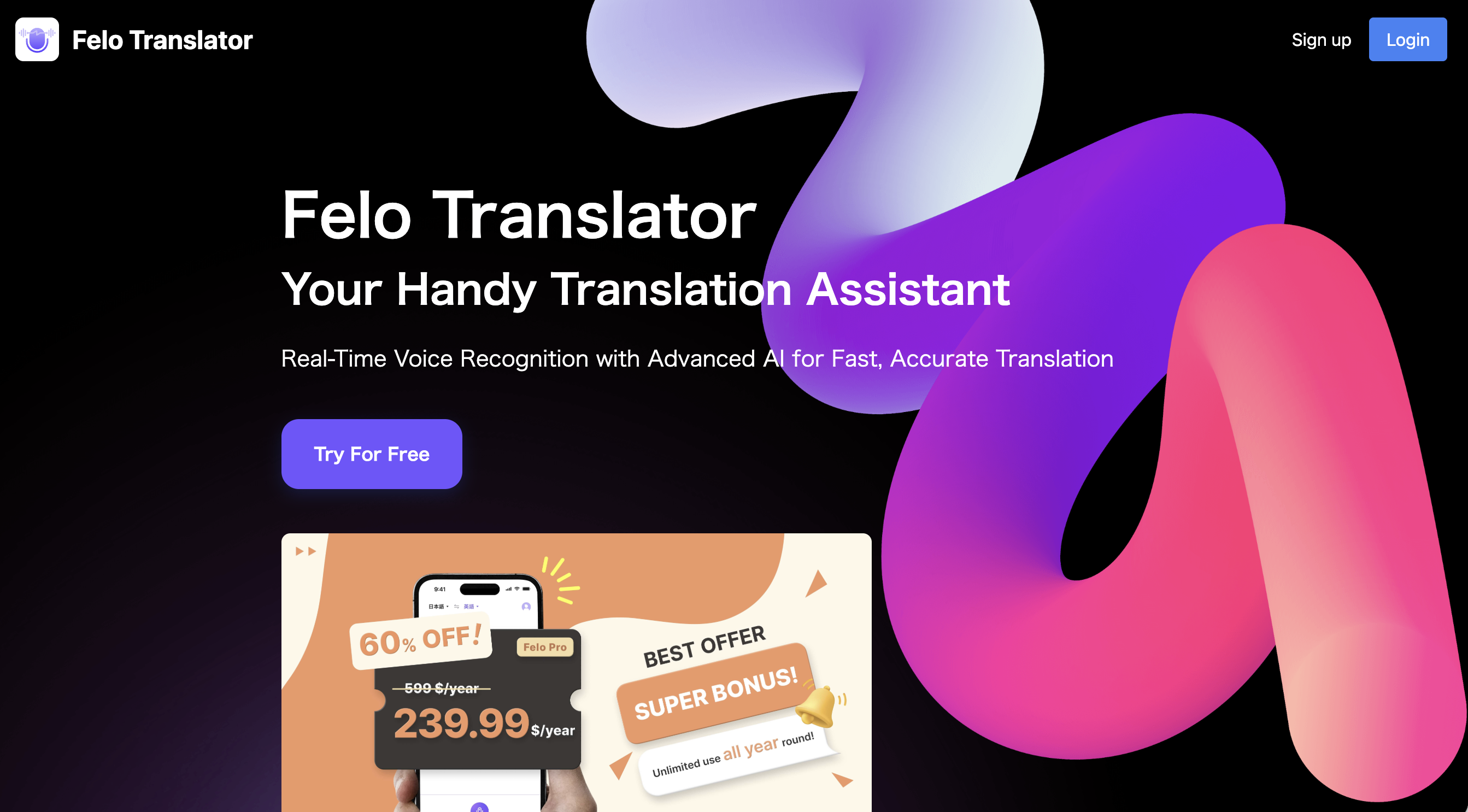
Felo Subtitles is a real-time translation tool delivered as a Chrome extension.
It supports Zoom, Google Meet, and Teams, and shows translated captions without a bot.
Highlights
- Coverage for 10 languages, including Japanese, English, and Chinese
- High translation quality powered by OpenAI
- Save captions as a TXT file
What we like
- Install the Chrome extension and you are ready to go
- The free plan covers the core features
- A clean, intuitive UI
Things to note
- Browser-only (does not work with native meeting apps)
- 10 languages is fewer than most of the other tools here
- No real-time summaries or notes feature
5. Comparison Table
| Tool | Bot-Free | Languages | Real-Time Minutes | Custom Dictionary | Pricing |
|---|---|---|---|---|---|
| SuperIntern | Yes | 50+ | Yes | Yes | Free to $20/month |
| Krisp | Yes | 80+ | Partial (post-meeting) | No | From $16/month |
| Real Time Translator | Yes | 100+ | Yes | Yes | Contact for quote |
| Minutz | Yes | 100+ | Partial | Yes | From JPY 33,000/month |
| Felo Subtitles | Yes | 10 | No | No | Free |
6. Which Tool Should You Pick? Recommendations by Use Case
"I want a low-cost way to try this out"
Start with the free plan of either Felo Subtitles or SuperIntern.
If a Chrome extension is enough, Felo fits. If you want a more capable desktop app, go with SuperIntern.
"My environment is noisy"
Krisp or SuperIntern will pay off, thanks to their strong noise cancellation.
That said, if Japanese translation quality is your priority, some users find Krisp's translation, which is not specifically tuned for Japanese, to fall short.
"We are a large enterprise with strict security requirements"
Real Time Translator has deep deployment experience at Japanese enterprises and a full security documentation package.
If your IT team needs documentation to evaluate the tool, reach out to them directly.
"I want to invite outside participants with a single URL"
Minutz and its guest-invite feature shine here.
Guests can join without an account, and a QR code can turn their phone into a translation receiver.
"I want translation and minutes in one tool"
SuperIntern delivers real-time translated captions and real-time summaries at the same time.
Watching the minutes evolve as you speak helps you catch missing topics before the meeting wraps.
7. Wrap-Up
Bot-free meeting translation tools are a strong fit for anyone who cares about privacy, or who works inside a company with strict security policies.
The five tools above each lean in a different direction.
- SuperIntern: Integrated translation + real-time summaries, with a Mac focus
- Krisp: Noise cancellation first, global audience
- Real Time Translator: Enterprise-grade, strong Japanese support
- Minutz: Pure browser, well-suited to large events
- Felo Subtitles: Easy Chrome extension, free to try
Every option offers a free plan or free trial, so test them on real meetings to see which one fits your style.
If you want bot-free translation support in your cross-language meetings without ever putting the other side on alert, SuperIntern is well worth a look.