
English to Spanish Audio Translator: The Best AI Tools in 2026
If you've ever sat in a meeting where everyone speaks English and you need to understand every word in Spanish, you know how frustrating it can be. You lose context, fall behind in the conversation, and end up asking people to repeat what they said. An AI-powered English to Spanish audio translator can solve this in seconds, converting English audio into translated Spanish text in real time, with no interpreters and no awkward pauses.
In 2026, these tools have matured significantly. We're no longer talking about clunky, imprecise translations, but about systems that understand context, professional jargon, and a wide range of accents. This article analyzes the 5 best options available so you can pick the one that fits your needs.
This article was prepared independently based on publicly available information and user feedback as of April 2026.
Table of contents
- Why you need an English to Spanish audio translator
- How AI audio translation works
- The 5 best tools for translating English audio to Spanish
- Comparison table
- Tips for better translation results
- Frequently asked questions
- Conclusion
Why you need an English to Spanish audio translator
English remains the dominant language in international business, technology, and higher education. But for the more than 500 million Spanish speakers worldwide, mastering English at a professional level isn't always possible, or practical. This is where an English to Spanish audio translator becomes an indispensable tool.
Work meetings with English speakers
This is the most common, and most urgent, use case. Your company has English-speaking clients, partners, or investors. Zoom, Google Meet, or Microsoft Teams meetings happen in English, and you need to understand everything: not just the gist, but the nuances, the numbers, the specific commitments. An audio translator lets you follow the conversation in Spanish without interrupting it.
Consuming English-language educational content
Podcasts, webinars, online courses, conferences: an enormous amount of valuable content is produced exclusively in English. An audio translator lets you tap into this knowledge without waiting for someone to translate it manually (if they ever do).
Academic study and professional training
Graduate students, researchers, and professionals who need to follow classes or presentations in English can use these tools to get instant translations that complement their comprehension.
International business and sales
Sales teams in Latin America serving clients in the United States, the UK, or Asian markets where English is the lingua franca. The language barrier can cost contracts. An audio translator removes that friction.
How AI audio translation works
Understanding the technical process helps you choose the right tool and set realistic expectations for the results.
The 3-step process
1. Audio capture. The tool captures system audio (what's playing on your computer during a video call) or microphone audio. The best tools can capture both at the same time.
2. Transcription (Speech-to-Text). The audio is converted into text using speech recognition models. Technologies like OpenAI Whisper, Google Speech-to-Text, or proprietary models identify spoken words, separate speakers, and produce text in the source language (English, in this case).
3. Machine translation. The transcribed text is run through a neural translation engine that converts it into Spanish. The best systems do this in real time, meaning that while the person keeps speaking, you already see the translation.
Why latency matters
The difference between a useful tool and a frustrating one comes down to seconds of delay. If the translation appears 10 seconds after someone speaks, you've already lost the thread of the conversation. Modern tools achieve latencies of 1 to 3 seconds, which lets you follow the meeting naturally.
The 5 best tools for translating English audio to Spanish
After analyzing dozens of options, these are the 5 tools that best meet the need to translate English audio into Spanish in 2026.
1. SuperIntern, the best for real-time translation in meetings

If your main need is to understand English-language meetings in real time, SuperIntern is the most complete option. Unlike other tools, SuperIntern was designed specifically for meetings and doesn't require adding a bot to your video call. It works as a desktop app that captures audio directly from your computer.
Key features:
- No bot in the meeting. No additional participant shows up in your Zoom, Meet, or Teams. Nobody knows you're using a translator. This is especially important in professional contexts where you don't want to give the impression that you need help.
- Real-time translation. While the person speaks in English, you see the translation into Spanish (or any of the 50+ supported languages) on your screen. Typical latency is 1 to 2 seconds.
- AI meeting notes. After the meeting, SuperIntern generates an automatic summary, action items, and a full transcript, all translated into Spanish.
- Works with any video conferencing platform. Zoom, Google Meet, Microsoft Teams, Webex, and any other app that plays audio on your computer.
- Bidirectional translation. It doesn't only translate from English to Spanish: it can also translate what you say in Spanish so your English-speaking colleagues can read it.
Who is it ideal for? Professionals and teams in Latin America or Spain who regularly take part in meetings with English speakers and need to understand everything without breaking the flow of the conversation.
Pricing: Free plan available with limited minutes. Paid plans from $20/month.
2. Google Translate, the most familiar option for short clips
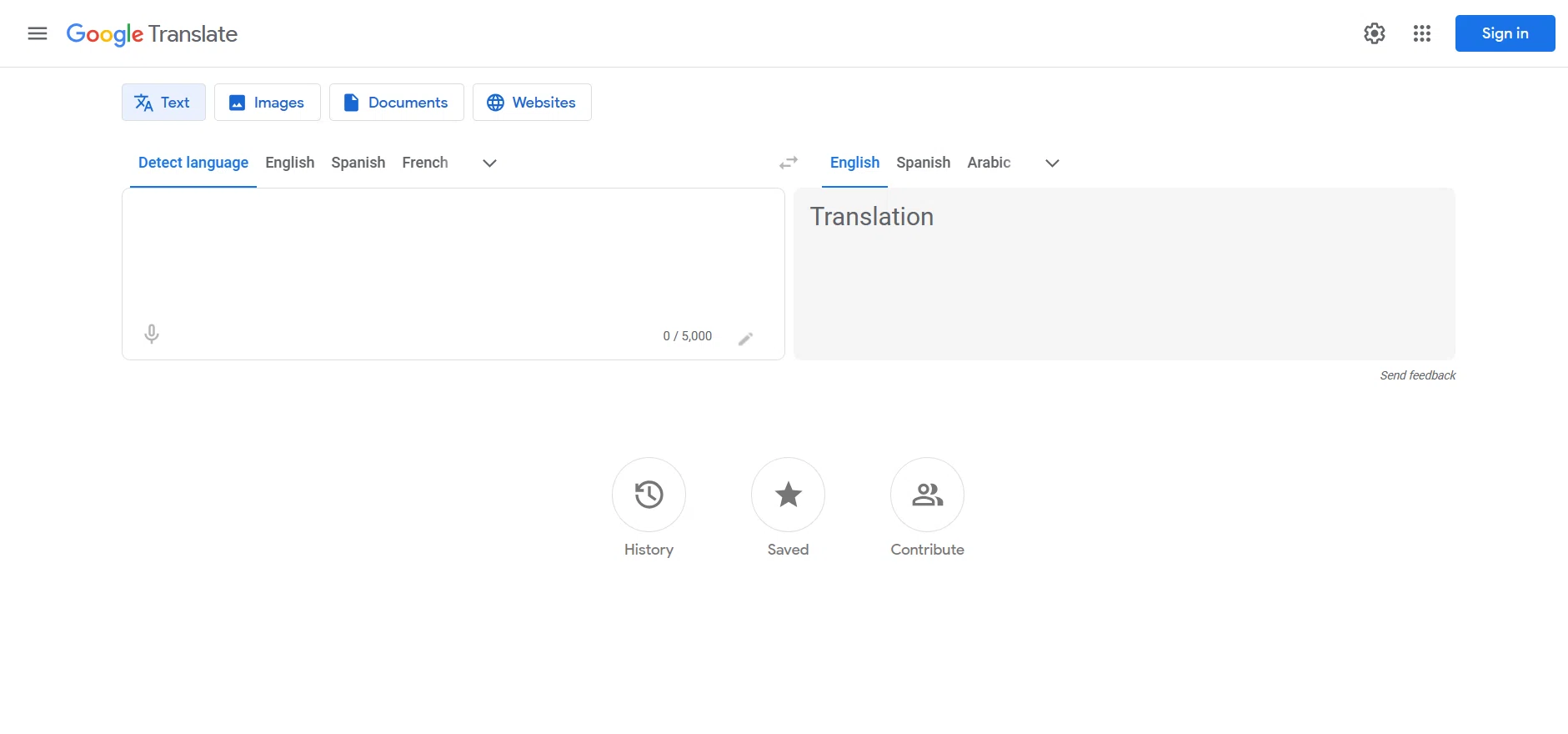
Google Translate is probably the first tool that comes to mind when you think about translation. Its audio translation feature lets you speak or paste an audio clip and get the translation into Spanish.
Strengths:
- Free and accessible from any browser or phone.
- Supports more than 130 languages.
- The conversation feature lets you alternate between two languages in real time.
- Integration with Google's ecosystem (Chrome, Android, etc.).
Limitations:
- Not designed for long meetings. It works well for one-off phrases or short clips, but loses context in extended conversations.
- Doesn't capture system audio; you need to speak directly into the microphone or paste text.
- Doesn't generate meeting notes or summaries.
- Translation quality can be inconsistent with technical vocabulary or jargon.
Who is it ideal for? Casual users who need quick, one-off translations, not full professional meetings.
Pricing: Free.
3. DeepL, the best text translation quality
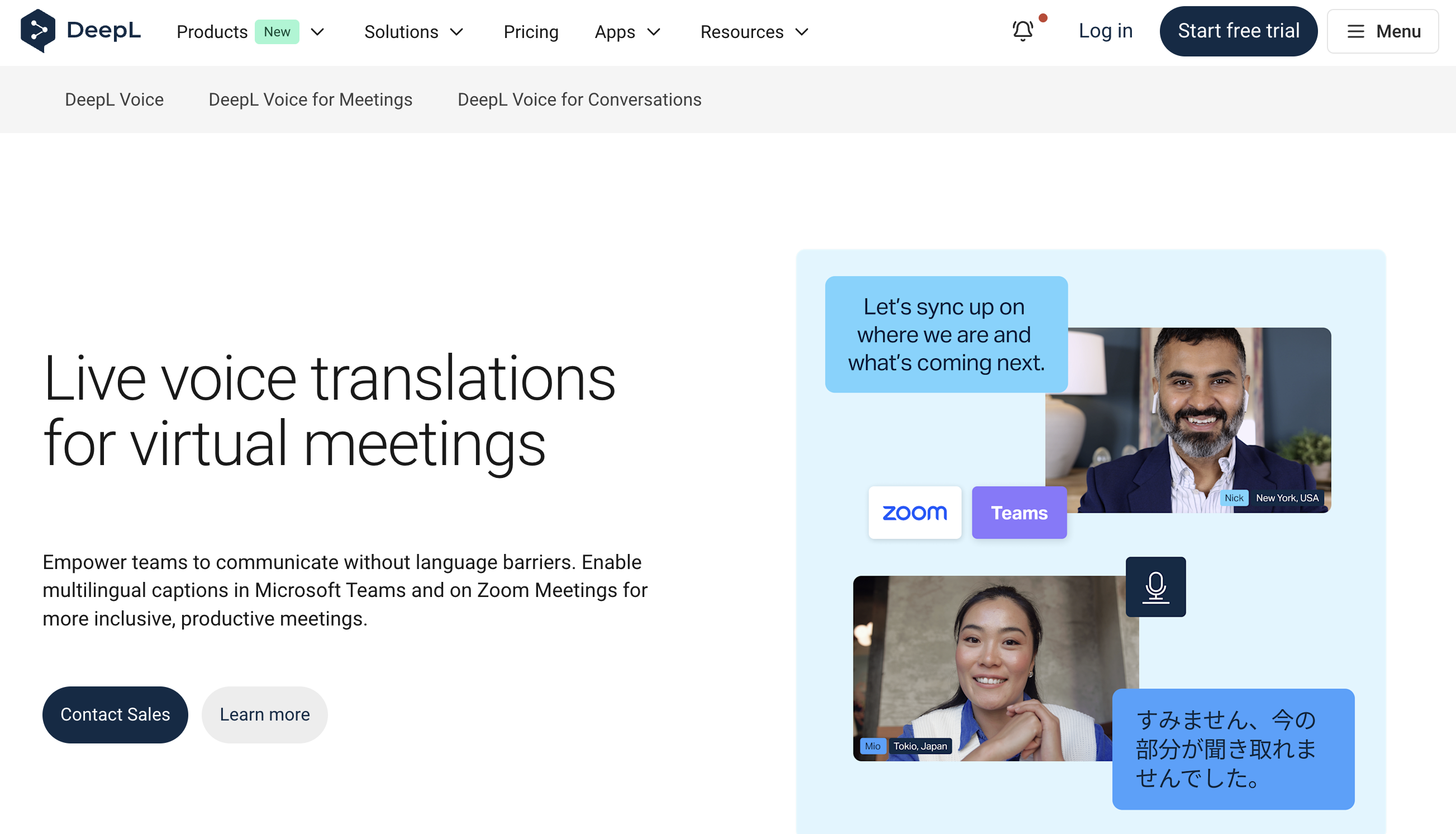
DeepL has earned a well-deserved reputation for the quality of its translations, especially between European languages. Its English-to-Spanish translation is considered by many to be superior to Google's.
Strengths:
- Exceptional translation quality, capturing nuance, tone, and context better than the competition.
- Works with full documents (PDF, Word, PowerPoint).
- Browser extension for translating web pages.
- API available for custom integrations.
Limitations:
- No native real-time audio translation feature. You first need to transcribe the audio and then paste the text.
- Not designed for live meetings.
- The free plan has character limits.
Who is it ideal for? Professionals who need to translate documents or written text with the highest possible quality. It isn't the best option as a real-time audio translator.
Pricing: Free with limits. DeepL Pro from $8.74 USD/month.
4. Notta, multilingual transcription and translation
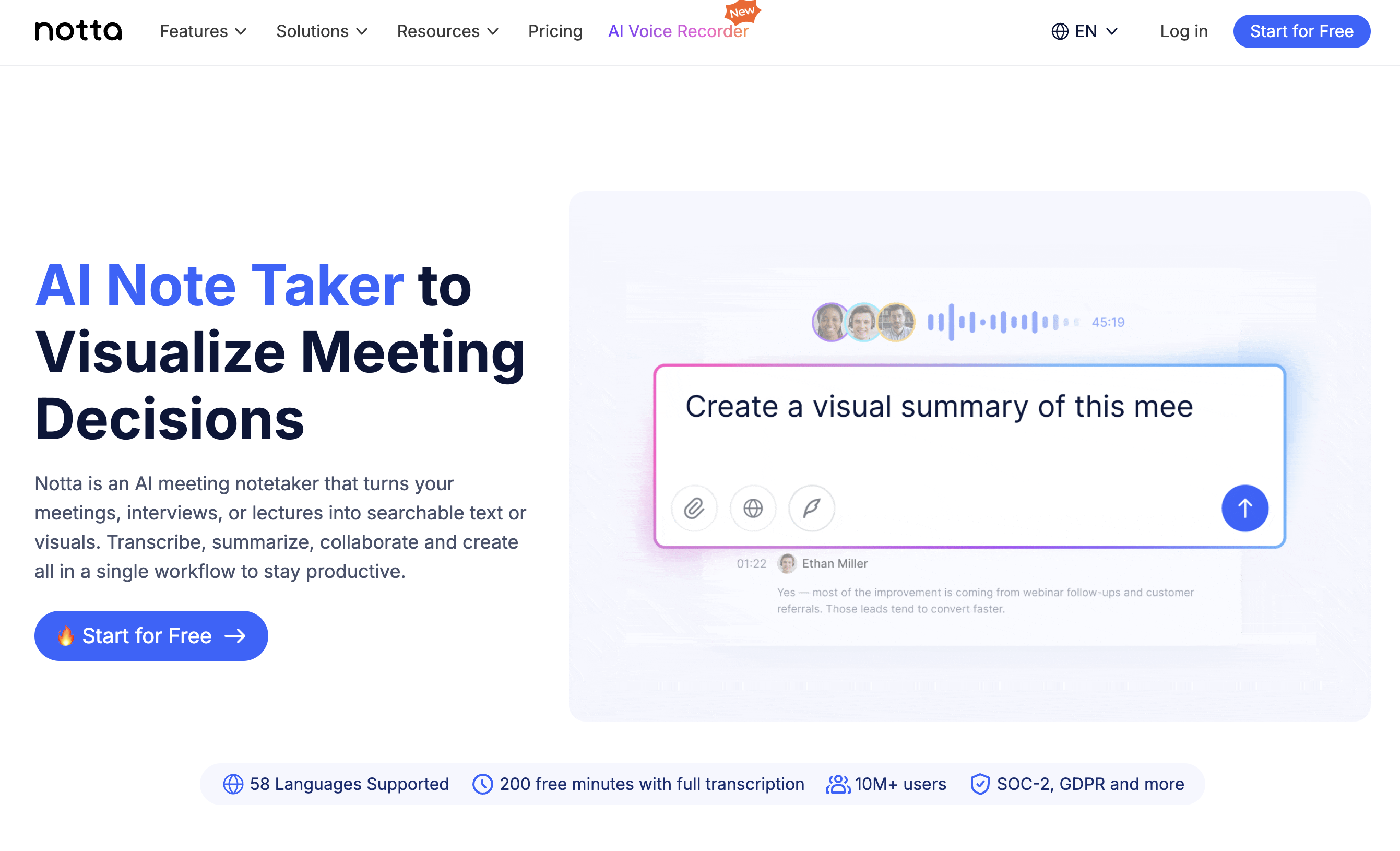
Notta is a transcription tool with translation capabilities. It can transcribe English-language meetings and then translate the transcript into Spanish.
Strengths:
- Real-time transcription during meetings.
- Post-meeting translation into multiple languages.
- Integration with Zoom, Google Meet, and Teams.
- Search inside transcripts.
Limitations:
- Translation isn't real-time during the meeting; it first transcribes, then translates.
- Uses a bot that joins the meeting as an additional participant, which can be uncomfortable for other attendees.
- Translation quality depends on the quality of the initial transcription.
Who is it ideal for? Teams that need full meeting transcripts and can wait for the translation to be generated afterwards.
Pricing: Limited free plan. Paid plans from $13.99 USD/month.
5. OpenAI Whisper + ChatGPT, for technical users
If you have technical know-how, you can combine OpenAI Whisper (for transcription) with ChatGPT or the OpenAI API (for translation) and build your own English to Spanish audio translation workflow.
Strengths:
- Whisper is one of the most accurate speech recognition models available.
- Full control over the process and customization.
- ChatGPT can translate with context, adapting tone and vocabulary.
- Low cost if you use the API directly.
Limitations:
- Requires technical knowledge to set up the pipeline.
- Not real-time "out of the box"; you need to code the integration.
- No meeting interface or automatic audio capture.
- You need to manage API, storage, and processing costs.
Who is it ideal for? Developers and technical users who want maximum flexibility and don't mind investing time in setup.
Pricing: Whisper API from $0.006/minute. ChatGPT Plus $20 USD/month.
Comparison table
| Feature | SuperIntern | Google Translate | DeepL | Notta | Whisper + ChatGPT |
|---|---|---|---|---|---|
| Real-time translation | Yes | Partial | No | No | With development |
| Captures system audio | Yes | No | No | Via bot | With development |
| No bot in meeting | Yes | N/A | N/A | No | N/A |
| EN→ES translation quality | High | Medium | Very high | Medium-High | High |
| AI meeting notes | Yes | No | No | Yes | With development |
| Supported languages | 50+ | 130+ | 30+ | 40+ | 50+ |
| Free plan | Yes | Yes | Yes (limited) | Yes (limited) | No |
| Requires technical skills | No | No | No | No | Yes |
| Ideal for meetings | Yes | No | No | Partial | No |
Tips for better translation results
No matter which tool you choose, these tips will help you get more accurate translations.
1. Use headphones with a good-quality microphone
Input audio quality is the most important factor. If the tool receives distorted audio, with echo or a lot of background noise, the transcription will be imprecise and so will the translation. Headphones with a dedicated microphone make a huge difference.
2. Ask participants to speak clearly
If you feel comfortable doing so, suggest that your English-speaking colleagues speak a bit more slowly and clearly. You don't need to mention that you're using a translator: simply say something like, "the connection is a little unstable, so it's easier to follow if everyone speaks calmly."
3. Get familiar with your industry vocabulary
AI tools translate best when the vocabulary is standard. If your industry uses very specific terms (legal, medical, financial), check how those terms are translated and adjust your expectations. Some tools like SuperIntern improve over time because they learn the context of your meetings.
4. Complement with the original transcript
Don't rely solely on the translation. Having access to the original English transcript lets you verify key points, especially numbers, proper names, and technical terms that are sometimes translated incorrectly.
5. Review the post-meeting notes
If your tool generates automatic notes, review them right after the meeting while the context is still fresh. Correct any errors and share the notes with your team to align everyone.
Frequently asked questions
Is automatic English to Spanish audio translation accurate?
In 2026, accuracy has improved dramatically. For business meetings with standard vocabulary, the best tools achieve 90-95% transcription accuracy and translation quality comparable to a human translator for general text. However, for highly technical, legal, or medical content, it's always advisable to verify critical points with a professional.
Can I use an English to Spanish audio translator in real time during a video call?
Yes. Tools like SuperIntern are designed specifically for this. They capture audio from your video call (Zoom, Meet, Teams) and display the Spanish translation in real time on your screen. Typical latency is 1 to 3 seconds, which lets you follow the conversation naturally.
Do the other participants know I'm using a translator?
It depends on the tool. SuperIntern works without adding a bot to the meeting, so the other participants have no way of knowing you're using a translator. Other tools like Notta add a bot as an additional participant, which is visible to everyone.
Does it work with different English accents?
Modern speech recognition tools are trained on multiple variants of English: American, British, Australian, Indian, and more. Accuracy can vary depending on the accent. Standard American and British accents tend to be recognized best, while stronger accents may require the speaker to articulate more clearly.
How expensive is using an AI audio translator?
Prices vary significantly. Google Translate is free but limited for meetings. SuperIntern offers a free plan and paid plans from $20/month, a fraction of the cost of a professional interpreter ($50-150/hour). For most professionals, an AI tool is the most cost-effective option.
Can I translate recorded audio files (not in real time)?
Yes. Most tools let you upload audio files for transcription and translation. This is useful for podcasts, recordings of past meetings, or educational content. Tools like Whisper + ChatGPT are especially good for this use case.
Conclusion
Choosing the best English to Spanish audio translator depends on your main use case. If you need to translate short clips or written text, Google Translate and DeepL are solid, free options. If you're looking for maximum technical flexibility, Whisper + ChatGPT gives you full control.
But if your main need is to understand English-language meetings in real time, with no awkward bots, no interruptions, and with automatic notes translated into Spanish, SuperIntern is the tool designed exactly for that.
Thousands of professionals in Latin America and Spain already use SuperIntern to take part confidently in international meetings. You don't need to speak perfect English to succeed in a global environment, you just need the right tool.
Try SuperIntern free and translate your next English meeting into Spanish →
