
English Transcription in 2026: How to Convert English Audio to Text with Free AI Tools
"I joined an English meeting but could not catch everything." "I have an English interview recording and need it as text so I can share it with my team." "I want to transcribe a talk from an overseas conference and send it around the office."
As business becomes more global, the need for English transcription keeps growing.
For anyone who is not fully confident with English listening, transcribing English audio by hand is a steep task. In 2026, AI tools can finish the job with high accuracy in a fraction of the time, and many of the best options are free.
This article walks through practical methods for English transcription, tips for improving accuracy, and a side-by-side comparison of 5 free AI tools you can start using today.
⚠️ This article was independently compiled based on publicly available information and user feedback as of April 2026.
Table of Contents
- When English Transcription Is Needed
- Tips for Improving English Transcription Accuracy
- 5 Recommended Free AI Tools for English Transcription
- Feature Comparison
- FAQ
- Conclusion
1. When English Transcription Is Needed
English transcription is in particularly high demand in the following business scenarios.
English Business Meetings
Meetings with overseas offices and global teams happen daily. Real-time English transcription during the meeting prevents missed words and dramatically reduces the effort of writing minutes afterward. For non-native English speakers, being able to read along in text often makes a huge difference in comprehension.
English Interviews
Whether you are interviewing overseas customers, partners, or candidates, accurate records matter. English transcription tools shine when you need to revisit, search, or quote what was said.
English Talks and Seminars
It is common to want a record of a session from an overseas conference or webinar. With English transcription in hand, sharing the content internally and turning it into a report becomes much easier.
English Video Content
YouTube videos, podcasts, and online learning materials in English are everywhere. Demand for converting that audio to text, whether for subtitles, blog repurposing, or study, keeps rising.
2. Tips for Improving English Transcription Accuracy
Even when you rely on AI tools, the following practices make a clear difference in English transcription accuracy.
Account for Pronunciation Variation
English includes American, British, Australian, and many other accents. Meetings often include non-native speakers as well, which widens the range of pronunciations further. Modern AI models handle this well, but speakers articulating clearly still raises accuracy.
Pre-register Domain Terminology
Technical jargon, industry acronyms, company names, and product names are easy for AI to mis-recognize. If your tool supports custom dictionaries or glossaries, use them. Reviewing the meeting agenda or materials beforehand and listing frequent terms is also effective.
Record at High Quality
The accuracy of English transcription depends heavily on audio quality. Keep the following in mind:
- Use a USB microphone or headset
- Record in a quiet environment
- Prefer individual mics over a single speakerphone
- Choose WAV or high-bitrate MP3 for recording formats
Handle Native-Speed Speech
Native English is fast and full of liaison (linked sounds) and reduction (dropped sounds). The latest 2026 AI models handle native speed well, but for important meetings, asking participants to slow down slightly can still boost results.
3. 5 Recommended Free AI Tools for English Transcription
1. SuperIntern — Real-Time English Transcription with Translation
SuperIntern is a desktop app that performs English transcription and translation into your preferred language in real time during meetings. For anyone joining English meetings as a non-native speaker, it is one of the most practical choices available.

Key features:
- Real-time English transcription with translation — English speech is converted to text live, with translation shown alongside it
- Botless design — No bot joins the call, so other participants do not notice you are recording
- Speaker diarization — Identifies who said what as the conversation happens
- Auto-generated AI meeting notes — Summary, key points, and action items ready seconds after the meeting ends
- 50+ language support — Works for multilingual meetings, not just English
Strength in English meetings: Even if you are unsure of your listening skills, the real-time translation lets you follow along, understand the conversation, and chime in at the right moment.
Pricing: Free plan (no credit card). Plus plan at $20/month for 100 hours.
2. Otter.ai — High-Accuracy English Specialist
Otter.ai is a long-standing service specialized in English transcription. Its English accuracy is very high and it handles a wide range of accents, with American English at its core.
Key features:
- High-accuracy English transcription with speaker identification
- Browser-based, with file upload or direct recording
- Bot-based integration with Zoom, Google Meet, and Teams
- AI-generated summaries and action item extraction
Limitations: Non-English support is limited. Uses a bot that joins meetings. Free plan capped at 300 minutes per month. No built-in translation.
Pricing: Free plan (300 min/month). Pro at $16.99/month.
3. OpenAI Whisper — Free Open-Source Option for Technical Users
Whisper is OpenAI's open-source speech recognition model. It supports 99 languages including English, and if you are comfortable with the command line, you can run completely free English transcription with no usage limits.
Key features:
- Open-source and completely free, no usage caps
- Accurate recognition across 99 languages including English
- Can be embedded into custom workflows
- Handles batch processing for large volumes of audio
Limitations: Requires technical setup (Python, command line). No real-time transcription. No UI or translation features.
Pricing: Free (open-source). Usage-based pricing via the API.
4. Notta — Multilingual Tool Strong in Both English and Other Languages
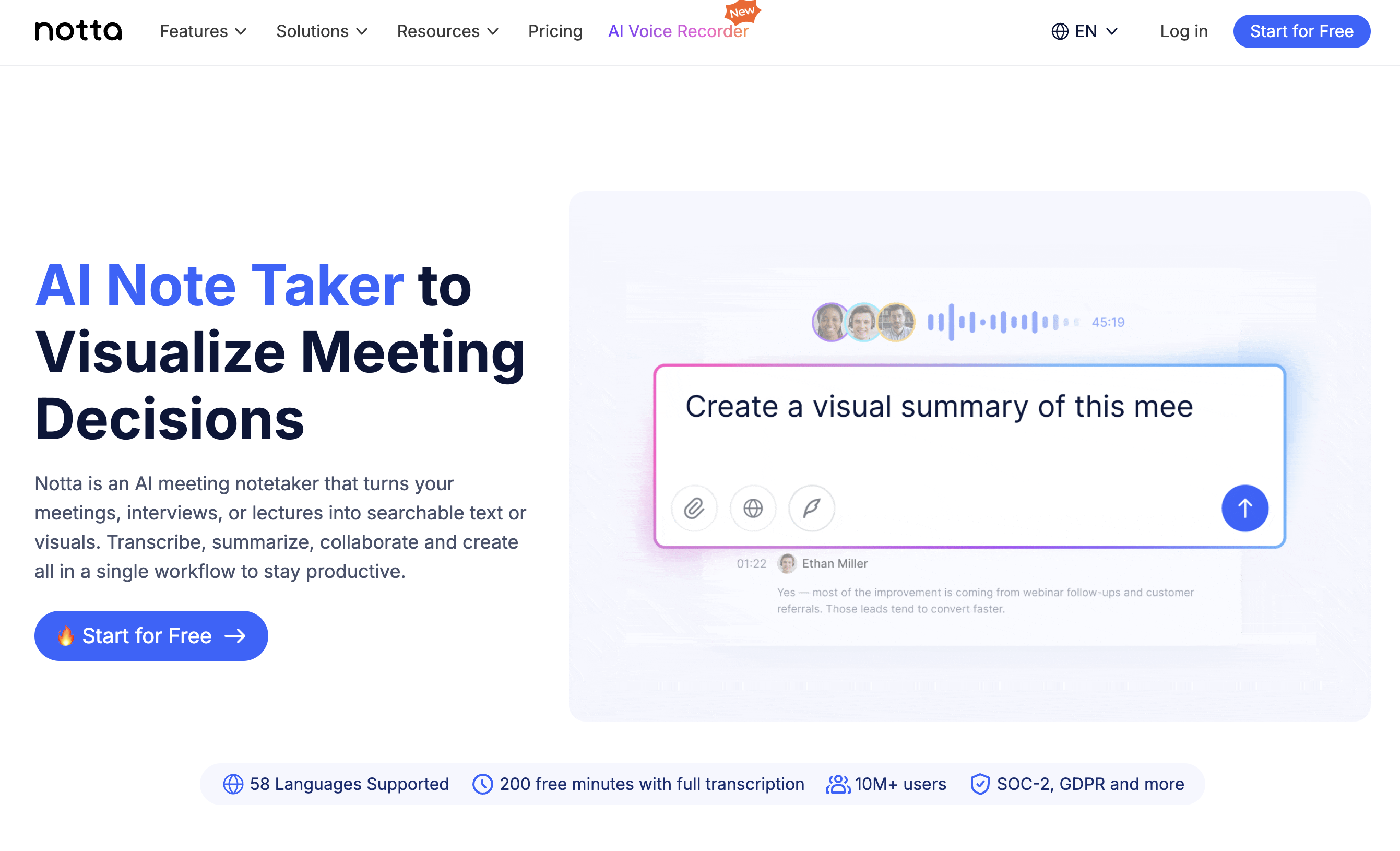
Notta supports 104 languages and delivers strong accuracy in English. It handles both file uploads and real-time transcription, making it versatile for English transcription workflows.
Key features:
- High recognition accuracy in English and many other languages
- Audio and video file upload
- AI summaries and action item extraction
- Web, desktop, and mobile apps
Limitations: Real-time transcription requires a bot to join the meeting. Free plan capped at 120 minutes per month. Translation features are limited.
Pricing: Free plan (120 min/month). Pro at $14.99/month.
5. Google Docs Voice Typing — Free, Browser-Only Option
Google Docs voice typing lets you do basic English transcription with nothing more than a browser. Convenience is the biggest selling point.
Key features:
- 100% free, only a Google account required
- Runs in Chrome on any operating system
- Supports 100+ languages and dialects, including English
- No setup, ready to use immediately
Limitations: Live audio only (no file upload). No speaker diarization. No AI summaries or translation. Struggles with background noise. Accuracy lower than dedicated tools.
Pricing: Free.
4. Feature Comparison
| Feature | SuperIntern | Otter.ai | Whisper | Notta | Google Docs |
|---|---|---|---|---|---|
| Real-time transcription | Yes | Yes (bot) | No | Yes (bot) | Yes (live only) |
| English accuracy | Excellent | Excellent | Excellent | Good | Fair |
| Translation | Yes (real-time) | No | No | Limited | No |
| Speaker diarization | Yes | Yes | Yes | Yes | No |
| AI meeting notes | Yes | Yes | No | Yes | No |
| File upload | No | Yes | Yes | Yes | No |
| Botless | Yes | No | N/A | No | N/A |
| Free plan | Yes | Yes (300 min) | Yes (unlimited) | Yes (120 min) | Yes (unlimited) |
5. FAQ
How accurate is English transcription today?
In 2026, 95 to 98% accuracy is common for clear audio. Heavy accents, background noise, or dense jargon will reduce accuracy. Try a few tools and pick the one that fits your specific use case.
Are there tools that also translate alongside the transcript?
Yes. SuperIntern handles English transcription and translation simultaneously in real time. It is especially practical for non-native speakers who want to check meaning in their own language while the conversation is happening.
Are free tools enough for quality results?
It depends on the use case. For short meetings or personal use, free plans are usually sufficient. If you have frequent, long English meetings, upgrading to a paid plan is worth considering.
Can AI keep up with fast native English?
Modern AI models handle native-speed English well. That said, microphone quality and ambient noise still affect results, so a good recording environment matters.
Can I transcribe other languages at the same time?
SuperIntern supports 50+ languages and can recognize and transcribe each in mixed-language meetings. With real-time translation, you can also read speakers in another language in the language of your choice.
6. Conclusion
Thanks to advances in AI, English transcription is now within reach even for people who do not feel confident with English. Match the tool to your use case and frequency.
- Join English meetings live while following along in your own language → SuperIntern
- Transcribe English audio files at high accuracy → Otter.ai, Whisper
- Handle English and other languages together → Notta
- Try something free with zero setup → Google Docs voice typing
For anyone who joins English meetings regularly, SuperIntern is a strong recommendation. Real-time English transcription plus translation lets you focus on the meeting itself without worrying about the language barrier. The botless design keeps your recording invisible to other participants, and AI meeting notes are generated automatically afterward. Start with the free plan and see for yourself.
