
8 Real-Time Caption Translation Tools for Events | Picks for Attendees and Organizers (2026)

As more people attend overseas conferences or run multinational events, the "language barrier" has become a familiar problem for many of us.
"I want to join an English conference, but I'm not sure I'll understand the sessions."
"I missed an important point during a foreign-language keynote."
"We're hosting an event with overseas attendees, but we don't have the budget for human interpreters."
Real-time caption translation tools are designed to solve exactly these problems. The catch: tools built for "an attendee using it personally" and tools built for "an organizer deploying it across the whole event" have very different requirements.
This article organizes real-time caption translation tools for events from two perspectives, the attendee side and the organizer side, and compares 8 tools that fit each set of needs.
This article is an independent summary by NanoHuman Inc. based on publicly available information and user feedback as of January 2026.
What Are Real-Time Caption Translation Tools for Events?
Real-time caption translation tools for events use AI to instantly recognize a speaker's voice, translate it into another language, and display the result as captions.
Historically, international conferences required hiring professional simultaneous interpreters and handing out dedicated receivers to participants. Thanks to AI, attendees can now receive translated captions directly on their own phone or PC, with dramatically lower cost and a lower barrier to entry.
Attendees and Organizers Have Different Requirements
The most important step when choosing a real-time caption translation tool is to be clear about "which role you'll be using it in."
Requirements when using it as an attendee
When you join an overseas conference or webinar, you need to prepare your own translation environment.
- Self-contained on your personal device: Usable from just a PC or smartphone
- Independent of the event's setup: Works even if the organizer doesn't provide translation
- Covers both online and in-person events: Webinars and on-site conferences
- Helps you catch up across long sessions: Real-time summaries are a big plus
Requirements when deploying it as an organizer
When you host a multilingual event, you need to provide translation to every attendee.
- Broadcast to many people at once: Scale from dozens to thousands
- Low barrier to entry for attendees: Joining via QR code scan
- Simultaneous translation into multiple languages: English, Chinese, Korean, and more
- Cost performance: Far cheaper than traditional human interpreters
[For Attendees] 4 Real-Time Caption Translation Tools You Can Use Personally
First, here are tools you can use individually as an event attendee. Even when the organizer doesn't provide translation, you can build your own translation environment on your device.
1. SuperIntern Translation
Why it's recommended: Covers both online and in-person, with real-time summaries that let you catch up on anything you missed.
SuperIntern Translation is a desktop app providing real-time AI translation purpose-built for meetings and events.

Key features
- Supports 50+ languages, with dual subtitles (source + translation) so you can verify accuracy
- Real-time summary feature lets you grasp the key points instantly even in long sessions
- Captures audio directly from your speakers and microphone, so it works for both online and in-person events
- Botless design: no meeting bot joins, so other participants don't notice it
- Custom dictionary improves accuracy on jargon and proper nouns

Benefits as an attendee
The standout for attendees is the real-time summary feature. In 60- or 90-minute sessions, your attention will inevitably slip or you'll miss parts of what was said. SuperIntern generates a running summary during the session, so you can catch up on anything you missed right away.
It also works for both online webinars and in-person conference venues, so you only need to learn one tool to handle any type of event.
Pricing
- Free trial available
- Plus plan at $22/month, with 100 hours of usage
2. Felo Translator
Why it's recommended: A Chrome extension that fits naturally into browser-based meetings.
Felo Translator is an AI real-time speech translation app powered by a GPT-4 engine and Felo's proprietary RRT technology.
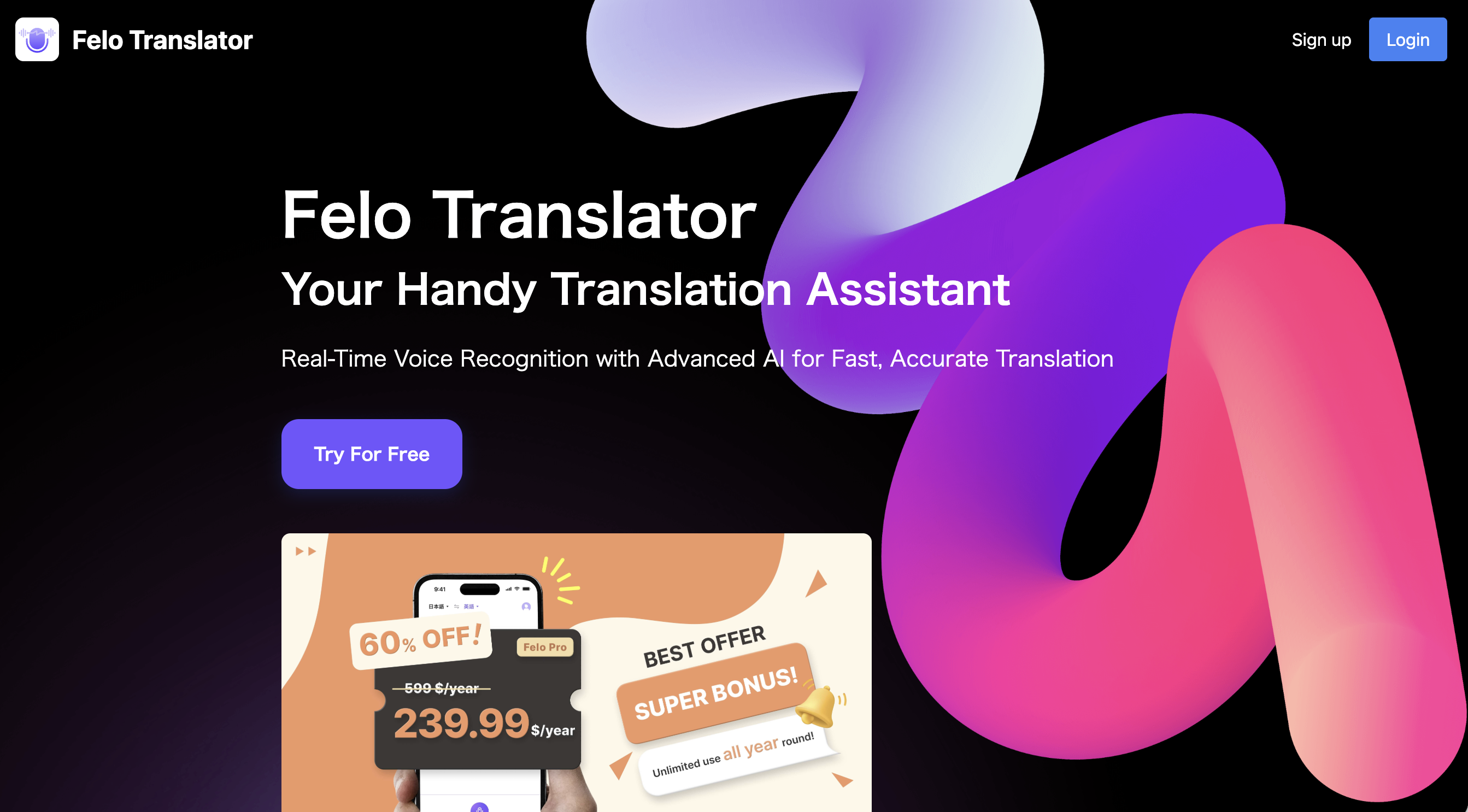
Key features
- Real-time translation in 15+ languages
- Chrome extension with dual subtitles for Zoom, Teams, and Google Meet
- Smartphone app for on-the-go use
- Flexible pricing that can be tried by the day
Benefits as an attendee
If you mostly attend browser-based webinars, the Chrome extension is convenient. The mobile app also makes it easy to use the tool at in-person events away from your desk.
Pricing
- Free: up to 60 minutes
- Paid: from $59.99/month
3. Notta
Why it's recommended: Manages transcription and translation in one place.
Notta is a transcription service supporting 58 languages, with built-in real-time translation.
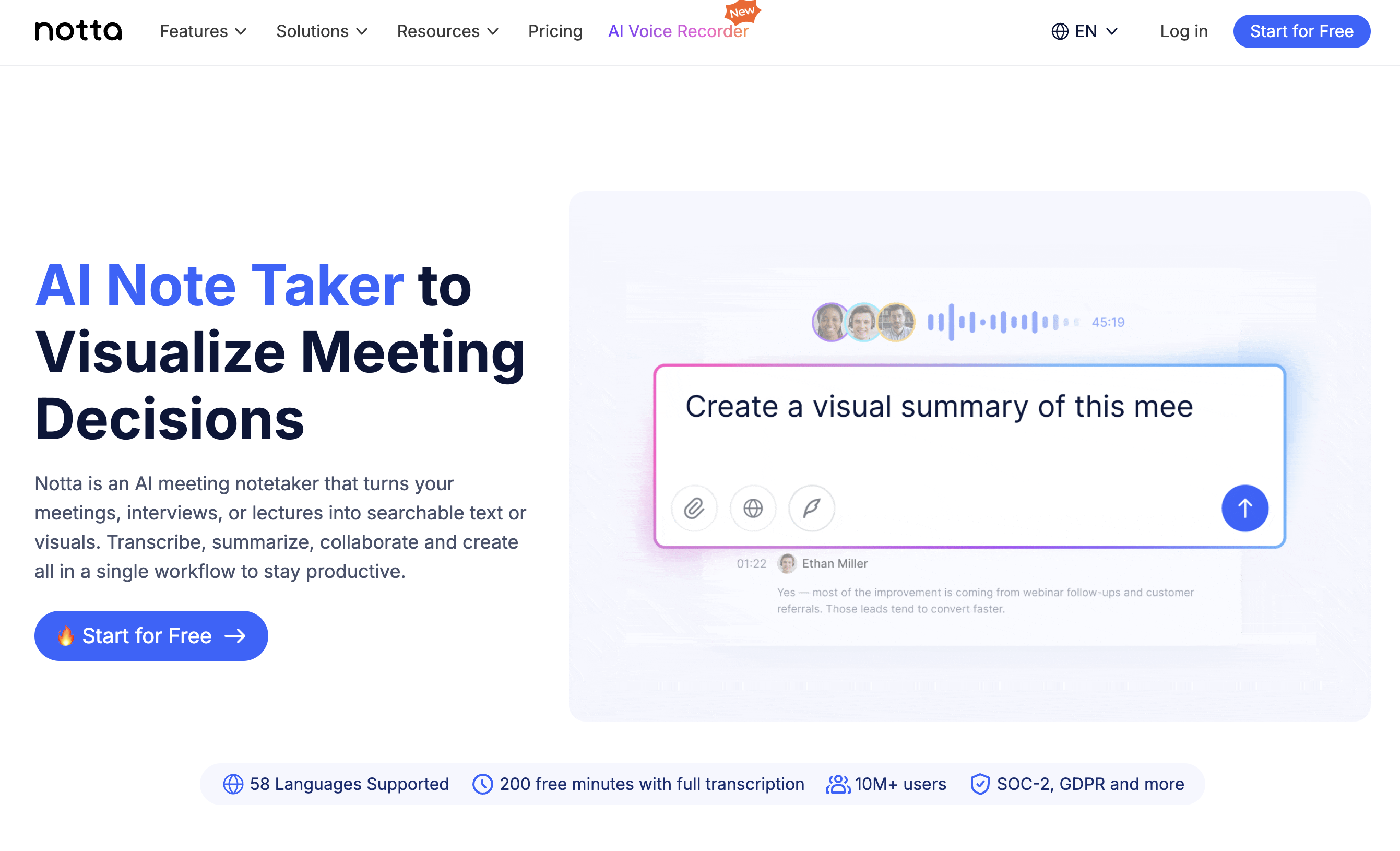
Key features
- 58-language transcription and translation into 50+ languages
- Bilingual real-time transcription and translation (mobile app)
- Easy transcript management after events
- Integrations with Zoom, Teams, and Google Meet
Benefits as an attendee
If you want to review event content afterward, Notta is convenient because you can save and organize transcripts. With the mobile app, you can record and translate at in-person events from your phone.
Pricing
- Free plan: free
- Premium plan: about $28/month (up to 30 hours)
4. Immersive Translate
Why it's recommended: A browser-first tool with deep customization.
Immersive Translate originally launched as a bilingual subtitle service for web pages and videos, then expanded into online meeting translation.
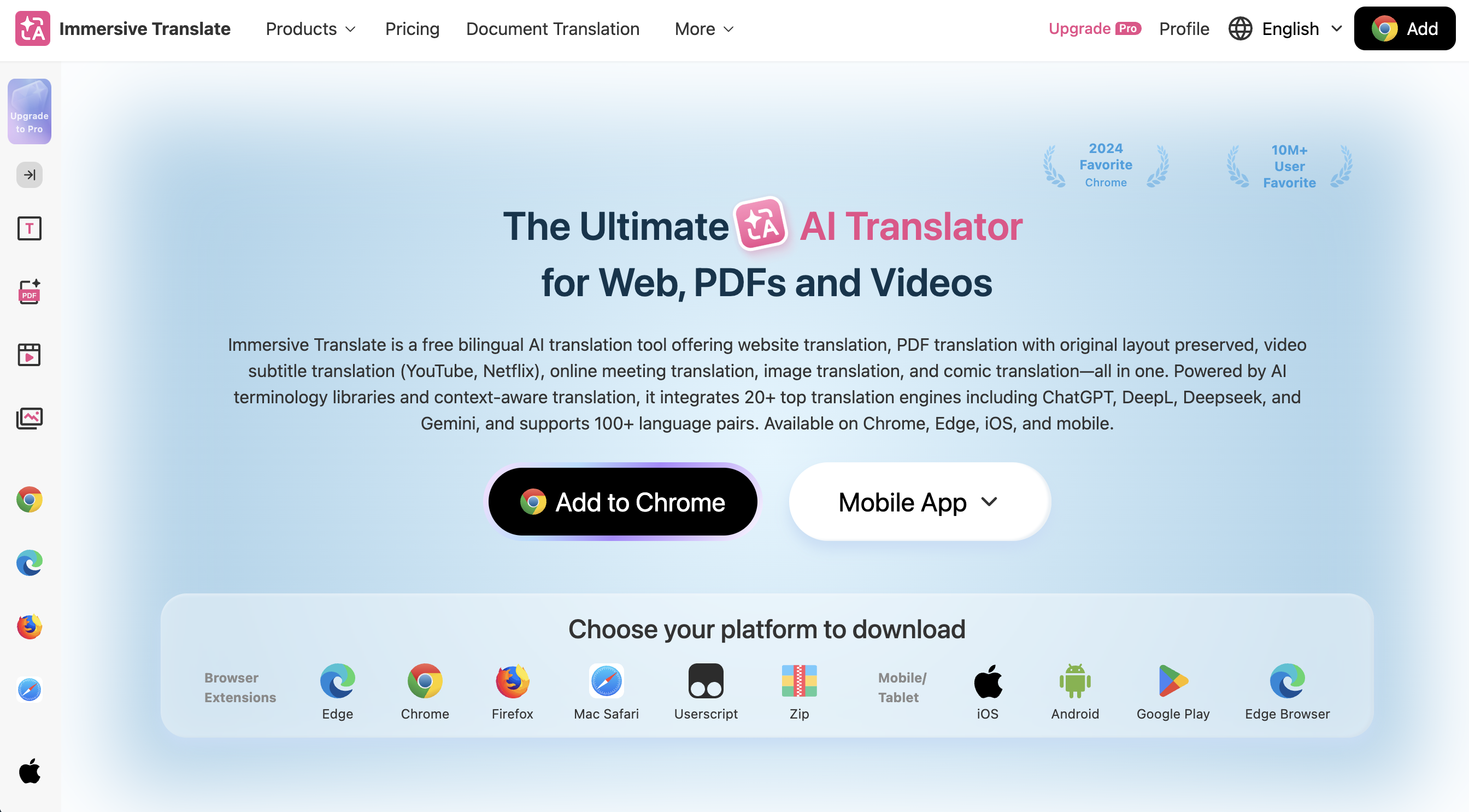
Key features
- Flexible browser display customization
- Bilingual subtitles on YouTube, Netflix, and 100+ video platforms
- Browser-based, with no extra app to install
Benefits as an attendee
If you already use Immersive Translate for watching videos, you can extend it to online events with no friction. It pairs well with webinars you join from your browser.
Pricing
- Free plan available
- Paid plans: pricing changes frequently; check the official site (roughly $20–$30/month)
[For Attendees] Tool Comparison
| Tool | Languages | Online events | In-person events | Real-time summary | Pricing |
|---|---|---|---|---|---|
| SuperIntern Translation | 50+ | Excellent | Excellent | Excellent | From $22/month |
| Felo Translator | 15+ | Excellent | Limited | None | From $59.99/month |
| Notta | 58 | Excellent | Good | Partial | From ~$28/month |
| Immersive Translate | 100+ | Excellent | Not supported | None | ~$20–30/month |
[For Organizers] 4 Real-Time Caption Translation Tools You Can Deploy Event-Wide
Next, here are tools suited to organizers who want to provide translation to every attendee. They support easy QR-code access and one-to-many broadcasting.
1. VoicePing
Why it's recommended: QR-code access for audiences of up to 2,000+ people.
VoicePing is a real-time AI translation service for international events, academic conferences, and corporate seminars.
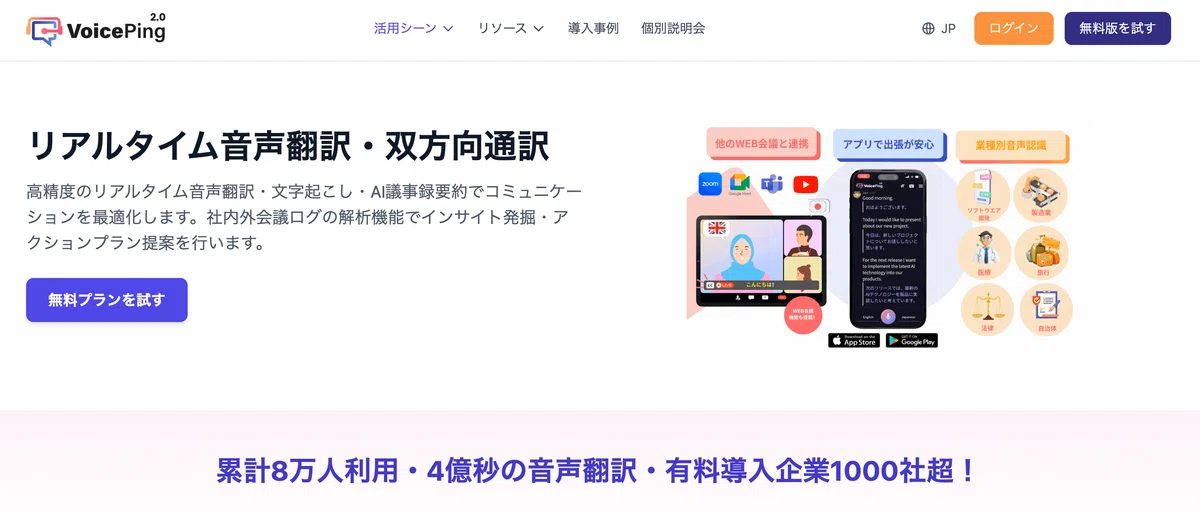
Key features
- Attendees scan a QR code and receive translation on their smartphone
- A single PC can serve 2,000+ participants
- Real-time speech translation across 45 languages
- Browser-based with no app download required
- Glossary registration for specialized terminology
Benefits as an organizer
You don't need expensive receivers or interpreter booths, and there's no extra equipment cost as your audience grows. VoicePing has been used at large-scale events including Nostrasia (the visit by X co-founder Jack Dorsey to Japan) and AnimeJapan.
Pricing
- Free plan: 90 minutes/month
- Paid plans: from about $55/month
2. Sentio
Why it's recommended: A trusted service with adoption at SoftBank World and similar events.
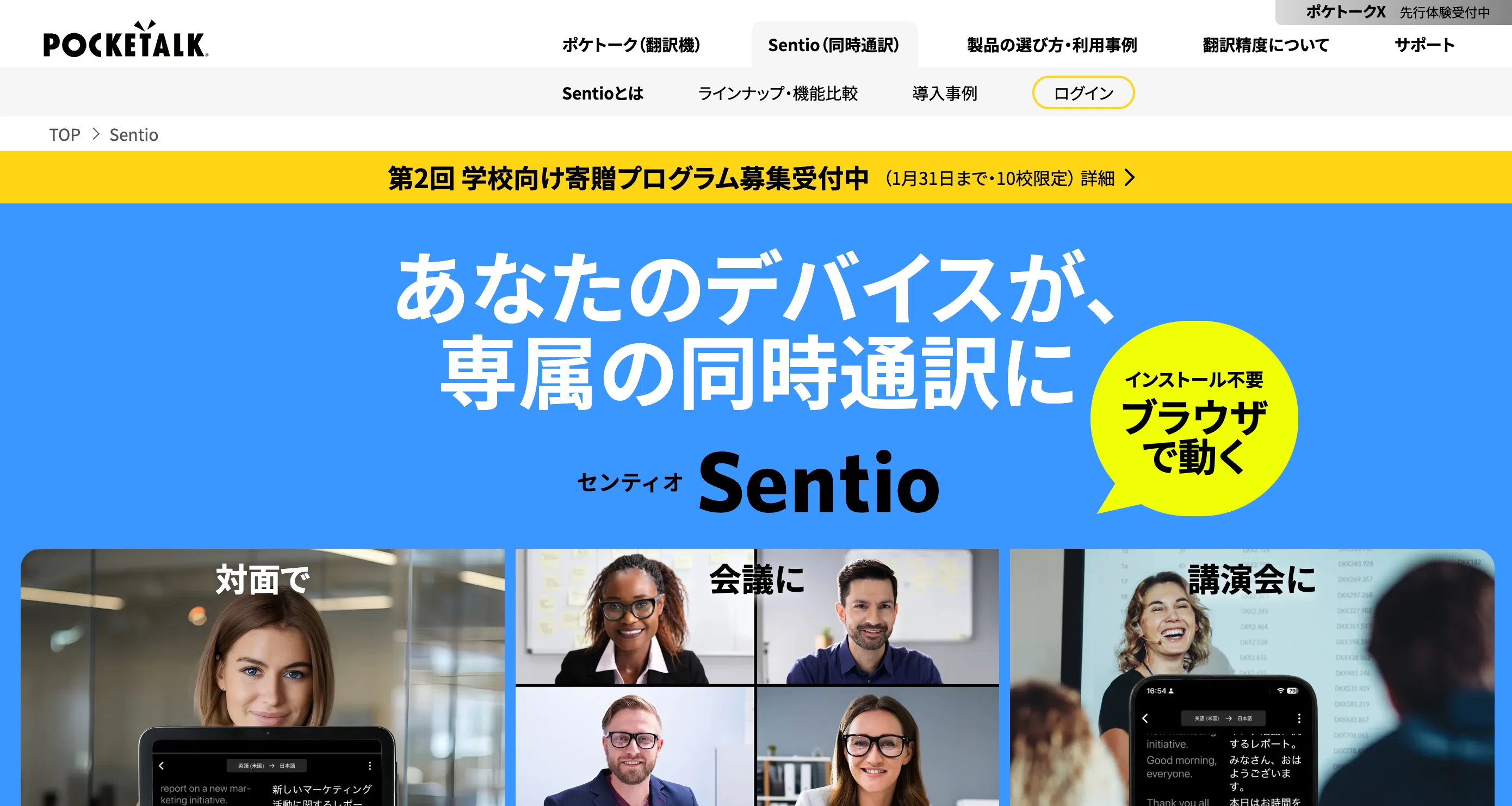
Sentio is an AI simultaneous interpretation service from Pocketalk.
Key features
- Up to 500 viewers per session, accessible via browser without an account
- 41 source languages and 76 target languages
- Supports in-person meetings, remote meetings, and video translation
- Used in the SoftBank World 2025 onstage conversation between Masayoshi Son and Sam Altman
Benefits as an organizer
At roughly $22/month for up to 500 attendees, Sentio fits mid-sized seminars and conferences. It also has a track record with major enterprise events, which adds confidence.
Pricing
- About $22/month (tax included), or about $220/year
- One license covers up to 500 viewers
3. Flitto Live Translation
Why it's recommended: Translation within 3 seconds, preserving the energy of the event.
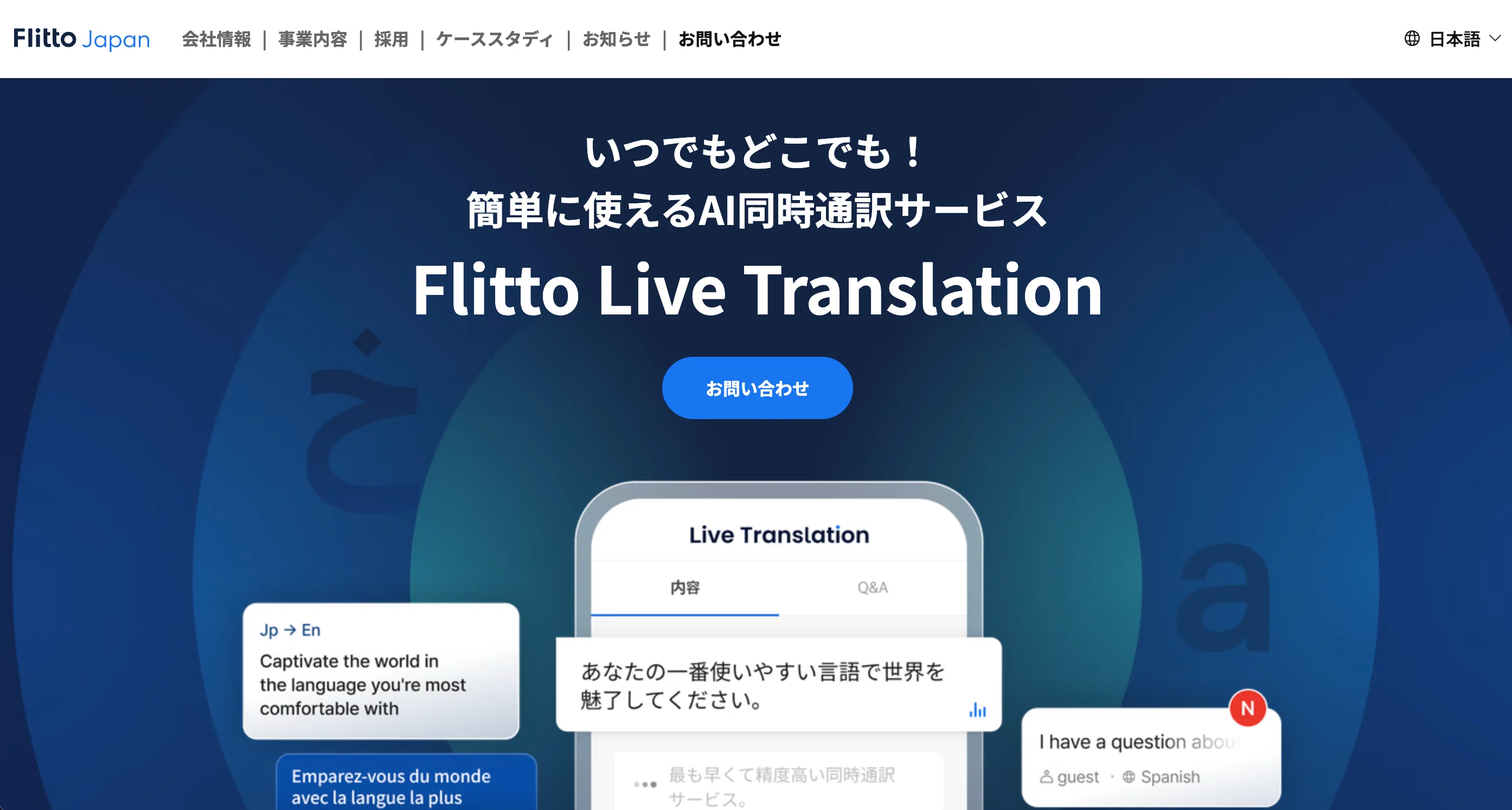
Flitto Live Translation is a real-time interpretation service from Flitto, a Korea-based multilingual translation platform.
Key features
- 38 languages and 120+ language pairs
- Speedy translation within 3 seconds
- QR-code-only onboarding
- Simple half-day and full-day pricing
Benefits as an organizer
Pricing doesn't fluctuate with the number of languages or viewers, which is appealing. It fits conferences with overseas guests, and hybrid events that combine online and in-person attendance.
Pricing
- Half-day and full-day plans (contact sales)
4. Wordly AI
Why it's recommended: A global event solution that handles 60+ languages simultaneously.
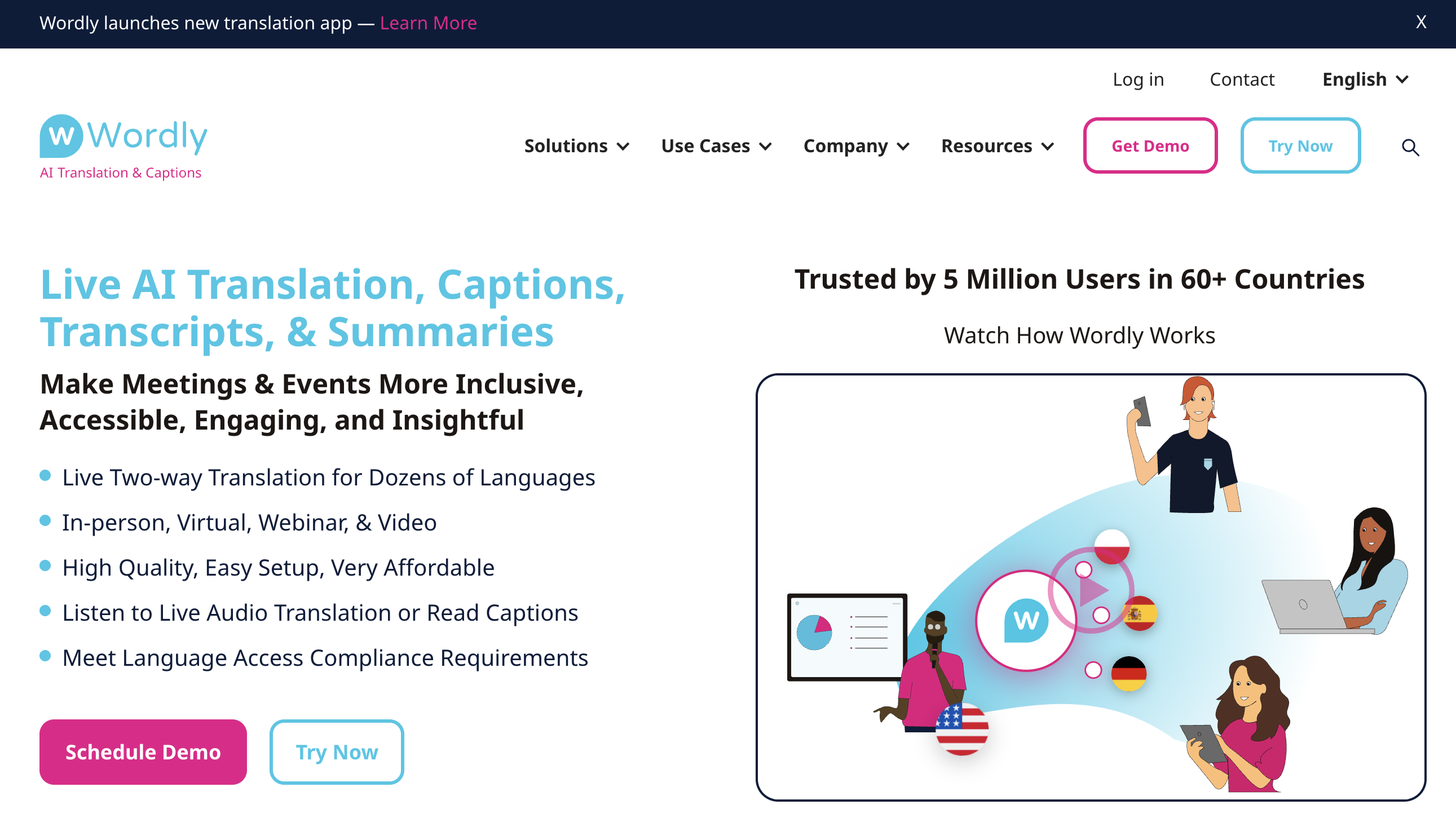
Wordly is an AI real-time translation service designed for large-scale international events.
Key features
- Simultaneous translation into 60+ languages
- Translation, captions, and summaries in one package
- QR-code or URL access for attendees
- Integrations with Zoom, Webex, and other major platforms
- 3,000+ customers and 4 million users across 60+ countries
Benefits as an organizer
Compared to hiring multiple human interpreters per language, Wordly delivers dramatic cost reduction. Pricing stays flat as you add languages, which makes it a strong fit for international conferences that need many language tracks.
Pricing
- Quote-based (depending on annual hours of usage and attendee count)
[For Organizers] Tool Comparison
| Tool | Languages | Max attendees | QR code | Pricing |
|---|---|---|---|---|
| VoicePing | 45 | 2,000+ | Yes | From ~$55/month |
| Sentio | 76 | 500 | Yes | From ~$22/month |
| Flitto Live Translation | 38 | Unlimited | Yes | Contact sales |
| Wordly AI | 60+ | Unlimited | Yes | Quote-based |
SuperIntern Works for Both Attendees and Organizers
So far we've separated attendee tools and organizer tools, but a tool that works in both roles is genuinely useful.
SuperIntern Translation covers both attendee and organizer needs in the following ways.
As an attendee
- Even when the organizer doesn't provide translation, you can build your own translation environment on your Mac
- Same tool for online (Zoom, Teams, Meet, webinars) and offline (in-person conferences)
- Real-time summaries help you catch up on anything you missed during long sessions
As an organizer
- Install SuperIntern on the speaker's PC and project translated captions onto the screen
- At in-person events, the tool can pick up audio from the venue speakers and translate it
- No need to onboard every attendee through QR codes; the operational setup stays simple
The value of real-time summaries you won't find elsewhere
In long conferences and seminars in particular, staying fully focused on every word is hard. SuperIntern's real-time summary feature generates running summaries during the session, so you can:
- Instantly check the summary when you realize "wait, I missed that part"
- Review what was said as soon as the session ends, without waiting for minutes
- Get a high-level read on parallel-track sessions you couldn't attend
This isn't just translation; it's a feature that improves the event experience itself.
Tool Recommendations by Scenario
Attending an overseas conference on your own
Pick: SuperIntern Translation
It covers both online and in-person events, and real-time summaries prevent missed content. The summary feature is especially valuable in all-day conferences.
Watching a global HQ webinar from inside your company
Pick: Notta / Felo Translator
Browser-based and easy to deploy, and well-suited to sharing transcripts afterward.
Hosting a seminar with dozens to a few hundred attendees
Pick: Sentio / VoicePing
QR-code access for attendees, with affordable monthly pricing.
Hosting an international conference with hundreds to thousands of attendees
Pick: VoicePing / Wordly AI
Both have a track record at large-scale events and handle simultaneous multilingual translation.
Conclusion: Picking a Tool That Removes the "Language Barrier" at Events
Real-time caption translation tools for events have different requirements for attendees and organizers.
As an attendee using one personally, pick a tool that's self-contained on your device and doesn't depend on the organizer's setup. A tool that covers both online and in-person events and offers real-time summaries gives you confidence through long sessions.
As an organizer deploying one, pick a tool with easy QR-code access and one-to-many broadcasting. You can expect substantial cost reduction compared to hiring human interpreters.
SuperIntern Translation works in both roles, with 50+ languages, a dual subtitle system, and real-time summaries that elevate the event experience. Try the free trial and see the difference for yourself.