
7 Best Free Video Call Sites in 2026: No Registration Required Options Compared

"I suddenly need to run an online meeting, but I don't know which service to use." "I want to make a video call right from my browser, without installing an app." "I want to compare free video call sites and pick the best one for my needs."
Many people share these kinds of needs.
As of 2026, there are plenty of free video call sites available. Some let you start a call simply by sharing a URL, with no registration required. The options are abundant. However, each service differs significantly in participant limits, time caps, and feature sets.
In this article, we provide a thorough comparison of 7 recommended free video call sites. Use it as a guide to pick the service that best fits your use case and group size.
⚠️ This article is an independent summary based on publicly available information and user feedback as of April 2026.
Table of Contents
- What is a video call site? Key selection points
- 7 recommended free video call sites
- Comparison table
- Get more from your video calls: AI meeting notes while you talk
- Frequently asked questions (FAQ)
- Conclusion
1. What is a video call site? Key selection points
A video call site is a web service or app that lets you communicate in real time with video and audio over the internet. Some run entirely in the browser, while others require a dedicated app.
Key selection points
When choosing a video call site, check the following points.
- Free plan limitations: Check time caps (such as a 40-minute limit) and participant limits.
- Registration requirements: Does only the host need to register, or all participants?
- Browser support: Can it be used without installing an app? Important if you don't want to burden guests.
- Security: Look for end-to-end encryption, waiting rooms, and password protection.
- Recording and screen sharing: Are recording and screen sharing available on the free plan?
2. 7 recommended free video call sites
1. Zoom: the business standard
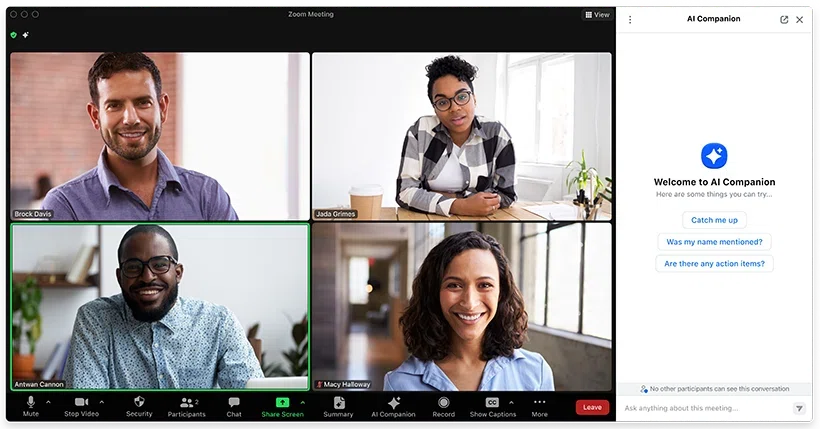
Zoom is practically synonymous with online meetings. With stable call quality and a rich feature set, it's widely used from business to education.
Key features:
- Stable call quality: Proprietary technology keeps video and audio steady even on low bandwidth.
- Screen sharing and whiteboard: Strong tools for presentations and collaborative work.
- Breakout rooms: Split large meetings into smaller groups for discussion.
- Recording: Local recording is available on the free plan.
- Browser join: Participants can join from the browser without an app (the host is recommended to use the app).
Limitations: The free plan has a 40-minute limit when 3 or more participants are present. The host needs an account.
Pricing: Free plan (40 min for 3+ participants). Pro at $13.33/user/month.
2. Google Meet: works with just a Google account
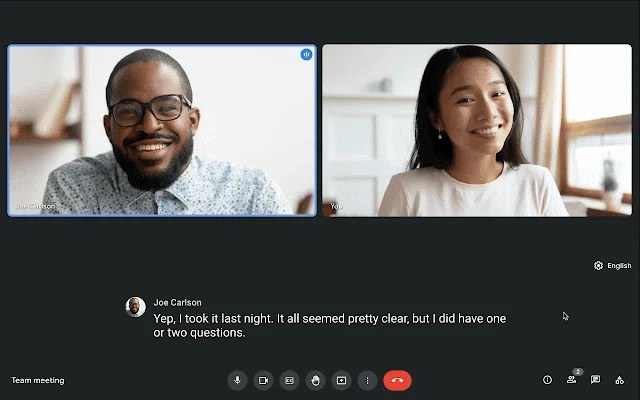
Google Meet is a video call service from Google. With just a Google account you can instantly create a meeting, and it integrates smoothly with Gmail and Calendar.
Key features:
- Start instantly with a Google account: No additional app install needed, runs in the browser.
- Gmail and Google Calendar integration: Join meetings directly from email or calendar.
- Real-time captions: AI captions display automatically during the meeting (English accuracy is high).
- Noise cancellation: AI removes background noise for clearer audio.
- No account needed for guests: Join from a shared link without registering.
Limitations: The free plan has a 60-minute limit with 3 or more participants. Recording is only on paid plans.
Pricing: Free plan (60 min for 3+ participants). Google Workspace Starter at $7.20/user/month.
3. Microsoft Teams: for large enterprises and education
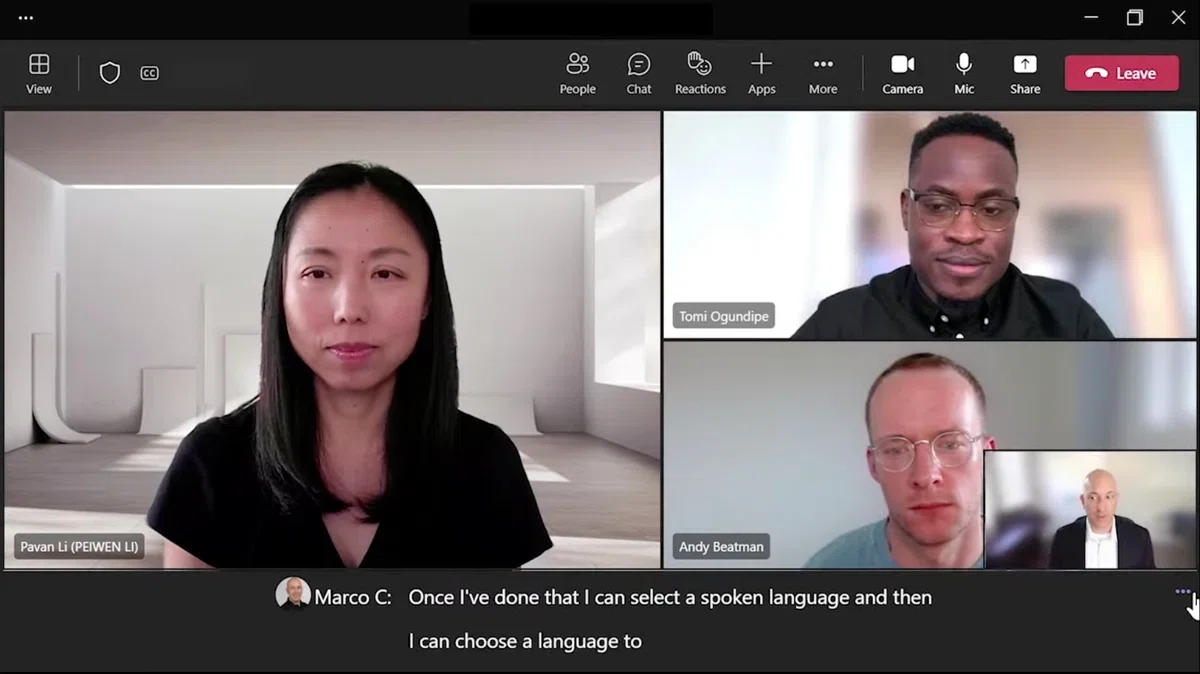
Microsoft Teams is a unified platform for chat, video calls, and file sharing. For teams working in Microsoft 365, it's the default video call tool.
Key features:
- Deep Microsoft 365 integration: Works seamlessly with Word, Excel, and SharePoint out of the box.
- Up to 300 participants (free plan): Handles large meetings and webinars.
- Chat and channels: Manage text-based communication alongside calls in one place.
- Together Mode: Place participants in a shared virtual space for a more face-to-face feel.
- Browser support: Join from the browser without an app.
Limitations: The free plan has a 60-minute cap. For users outside the Microsoft ecosystem, the interface can feel complex.
Pricing: Free plan (60 min). Microsoft 365 Business Basic at $6.00/user/month.
4. Discord: not just for gamers, versatile audio and video calls

Originally built for gamers, Discord is now widely used in business and community management. Its high audio quality and ease of use are major draws.
Key features:
- High-quality voice calls: Low latency and stable audio quality.
- Screen sharing: Free screen sharing, including window-level sharing.
- Server and channel structure: Split topics into channels, and create permanent voice rooms.
- Bots and extensions: Customize features with a rich ecosystem of bots.
- App and browser support: Use it on desktop, mobile, or in the browser.
Limitations: The interface can feel too casual for business use. Video calls cap at 25 participants (on a server). End-to-end encryption applies only to voice and video.
Pricing: Free at the core. Nitro at $9.99/month (higher-quality screen sharing, etc.).
5. Whereby: just share a URL, no registration

Whereby is a browser-based service that lets you start a video call simply by sharing a URL. Participants don't need to register or install anything, making it one of the easiest video call sites to use.
Key features:
- No registration: Participants join just by clicking a link.
- Persistent URL: The room URL stays the same once created, so it's easy to reuse.
- Browser-only: No installation, all features run in the browser.
- Custom branding: Customize the room background and logo (paid plan).
Limitations: The free plan offers 1 room with up to 100 participants. Features are simpler than competitors. Not ideal for large-scale meetings.
Pricing: Free plan (1 room, 100 participants). Pro at $8.99/month.
6. Jitsi Meet: open source and completely free

Jitsi Meet is an open-source video call platform. No registration required, no time limit, and no practical cap on participants. Completely free to use.
Key features:
- Completely free with no time limit: Talk for as long as you want with as many people as you want.
- No account required: Both hosts and participants can start instantly without registering.
- End-to-end encryption: Reassuring for security-conscious users.
- Self-hosting: Deploy on your own server for full control.
- Browser-only: Just visit meet.jit.si and enter a meeting name.
Limitations: Call quality can degrade as the number of participants grows. The UI feels less polished than some competitors. No enterprise support.
Pricing: Completely free (open source). JaaS (Jitsi as a Service) is usage-based.
7. Skype: the classic with proven reliability
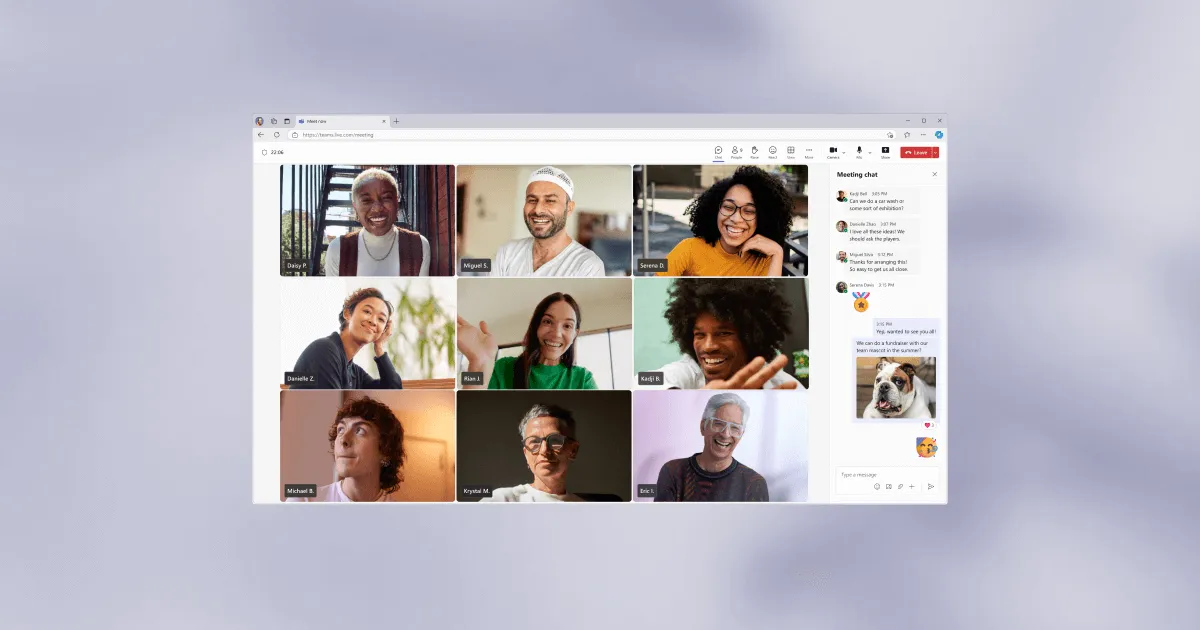
Skype is a pioneer in the video call space and has been around for years. Operated by Microsoft, it offers stable call quality and wide platform support.
Key features:
- Meet Now: Start a call by sharing a link, no account required.
- Up to 100 participants: Group calls of up to 100 people on the free plan.
- Call recording and captions: Free call recording and real-time captions.
- Landline and mobile calling: Call regular phone numbers with Skype Credit.
- Wide platform support: Available on Windows, Mac, Linux, iOS, Android, and browser.
Limitations: For business use, migration to Teams is ongoing, and new feature additions are limited. The UI feels somewhat dated.
Pricing: Free at the core. Calls to landlines and mobile phones use Skype Credit (pay-as-you-go).
3. Comparison table
| Feature | Zoom | Google Meet | Teams | Discord | Whereby | Jitsi Meet | Skype |
|---|---|---|---|---|---|---|---|
| Free time limit | 40 min | 60 min | 60 min | None | None | None | None |
| Max participants (free) | 100 | 100 | 300 | 25 | 100 | Unlimited | 100 |
| No registration (participants) | Yes | Yes | Yes | No | Yes | Yes | Yes |
| No registration (host) | No | No | No | No | No | Yes | Yes |
| Browser support | Yes | Yes | Yes | Yes | Yes | Yes | Yes |
| Screen sharing | Yes | Yes | Yes | Yes | Yes | Yes | Yes |
| Recording (free) | Yes (local) | No | No | No | No | No | Yes |
| English support | Yes | Yes | Yes | Yes | Yes | Yes | Yes |
4. Get more from your video calls: AI meeting notes while you talk
Once you've chosen a video call site, the next step is capturing and sharing the content of your calls efficiently.
Trying to take notes during a meeting pulls you away from the discussion. Watching recordings afterward takes time. The result, all too often, is that decisions and action items remain vague as you head into the next meeting. Sound familiar?
SuperIntern is a desktop app that pairs with any video call service to generate real-time transcripts and AI meeting notes automatically.

Why SuperIntern stands out:
- Platform agnostic: Works alongside Zoom, Google Meet, Teams, Discord, Whereby, or any other video call site. Just launch SuperIntern at the same time.
- Bot-less design: No bot joins your meeting, so participants don't feel anything unusual.
- Real-time transcription with speaker separation: See who said what as it happens.
- AI-generated meeting notes: Within seconds of the meeting ending, you get summaries, key points, and action items.
- 50+ languages supported: Real-time translation covers multilingual meetings.
- Post-meeting AI chat: Ask questions about meeting content or draft follow-up emails.
Pricing: Free plan available (no credit card required). The Plus plan is $20/month (100 hours).
To get the most out of video calls, treat the call and the record-keeping as a single workflow.
5. Frequently asked questions (FAQ)
Which video call sites can be used with no registration at all?
Jitsi Meet doesn't require registration for hosts or participants. Skype's Meet Now also works without registration. Whereby and Google Meet allow guests to join without an account, but the host still needs to register.
Are there free video call sites with no time limit?
Jitsi Meet, Discord, Whereby (free plan), and Skype have no time limit. Zoom, Google Meet, and Teams have free-plan caps of 40 to 60 minutes.
Which services let you record video calls for free?
Zoom's free plan supports local recording. Skype also supports free call recording. Many other services restrict recording to paid plans.
I don't have time to take notes during video calls. What should I do?
If you run SuperIntern alongside any video call service, real-time transcripts and AI meeting notes are generated automatically. You don't have to take notes manually, so you can focus on the meeting.
Which video call sites offer strong security?
Jitsi Meet supports end-to-end encryption and self-hosting, making it a strong choice for security-first users. Zoom and Teams also offer robust enterprise-grade security features.
6. Conclusion
The best free video call site depends on your use case. For business, Zoom or Google Meet are solid picks. For simplicity without registration, try Whereby or Jitsi Meet. For community management, Discord shines.
And whichever service you choose, pairing it with SuperIntern gives you real-time transcripts and AI meeting notes that maximize the value of every video call. It works across platforms, so start with the free plan and see what it can do.
