Hybrid Meetings: How to Run Them Efficiently and the 7 Best Tools Compared (2026)
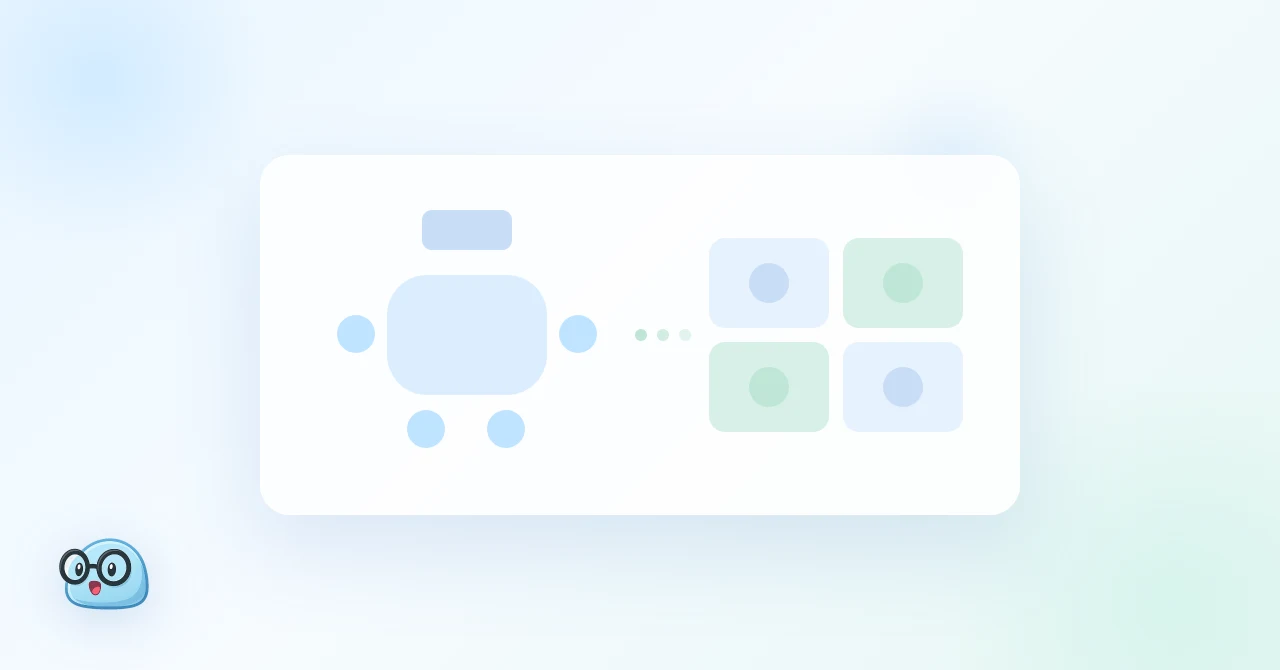
In a hybrid meeting, part of the team sits in a conference room and the rest joins from a laptop. Running one well is mostly a matter of structure, and the structure fits in five steps. The harder problem is the record: the conversation travels through two channels at once, and most meeting tools only hear one of them clearly.
This guide covers a fast, repeatable way to run hybrid meetings, why capturing them is harder than capturing a normal video call, and how the seven most common tools compare for hybrid meeting notes and transcription.
⚠️ This article was independently compiled based on publicly available information and user feedback as of October 2026.
Table of Contents
- Quick Recommendation
- What Is a Hybrid Meeting?
- How to Run a Hybrid Meeting Efficiently in 5 Steps
- Why Hybrid Meetings Are Hard to Capture
- How to Choose a Hybrid Meeting Tool: 5 Criteria
- The 7 Best Hybrid Meeting Tools in 2026
- Hybrid Meeting Tools Comparison Table
- Which Tool Fits Your Hybrid Meetings?
- Setting Up SuperIntern for a Hybrid Meeting
- FAQ
- Conclusion
Quick Recommendation
- Best overall for hybrid meetings: SuperIntern. It records the room microphone and the call audio together from one laptop, builds live notes everyone can see on the shared screen, translates in real time across 50+ languages, and works on Zoom, Teams, Google Meet, Webex, and in-person meetings without a bot.
- Best if every meeting is in Microsoft Teams: Microsoft 365 Copilot with Teams Rooms, if your organization already pays for the licenses.
- Best if every meeting is in Zoom: Zoom AI Companion, included with paid Zoom plans.
- Best if every meeting is in Google Meet: Gemini's "Take notes for me", on eligible Google Workspace plans.
The native tools are strong inside their own platform. Hybrid teams rarely stay inside one platform, which is why a platform-independent tool comes out ahead in most of the scenarios below.
What Is a Hybrid Meeting?
A hybrid meeting is a meeting in which some participants are together in a physical room while others join remotely through a video platform such as Zoom, Microsoft Teams, Google Meet, or Webex. Everyone takes part in the same discussion at the same time.
The defining challenge is the split. The room shares one rich experience: clear voices, a whiteboard, side glances. The remote side gets whatever the room camera and microphone pick up. Efficient hybrid meetings close that gap with a few fixed habits and a single shared record.
How to Run a Hybrid Meeting Efficiently in 5 Steps
- Send one invite with the agenda and the link. Put the video link, the agenda, and the one-sentence goal in the same calendar invite for everyone, including people booked into the room. Give each agenda item a time box and say whether it ends in a decision.
- Use one audio source for the room. Either a room system or a single host laptop connected to the room's microphone and speaker. Every other laptop in the room keeps its microphone and speakers off. Check before you start that a remote colleague can hear the far end of the table.
- Let remote participants speak first. When the facilitator opens a topic, they call on remote participants before the room. One person watches the chat and raised hands and brings remote questions into the discussion.

- Keep one live note on the shared screen. Decisions, open questions, and action items go into a single note that both sides see while the meeting runs. This replaces the physical whiteboard and keeps the room and the remote side working from the same record.
- Close with decisions and owners, then send the recap the same day. Read the decisions and action items aloud in the last five minutes. If the live note is already complete, the recap is ready the moment the meeting ends.
Steps 1 to 3 are habits. Steps 4 and 5 depend on the tool you use to capture the meeting, and that is where tools differ the most.
Why Hybrid Meetings Are Hard to Capture
In a normal video call, every voice reaches the meeting platform through one channel. In a hybrid meeting, the conversation travels two ways at once: people in the room speak into the room microphone, and remote participants speak through the meeting app. A capture tool has to hear both clearly to produce a complete record.
The common approaches each miss part of it:
- Meeting bots join the call as a participant. They hear remote participants well, but they hear the whole room only through the single audio stream the room system sends, and they only work on platforms they can join.
- Native platform AI (Zoom, Teams, Google Meet) is built into one platform. It works well when that platform hosts the meeting and your admin has enabled it. When a client hosts on a different platform, or the meeting is in person, it is not available.
- Manual note-taking in the room captures the room well and the remote side through a speaker, and pulls the note-taker out of the discussion.
A tool that records directly from a laptop in the room, both the microphone and the call audio it plays, avoids all three problems. That is the main dividing line in the comparison below.
How to Choose a Hybrid Meeting Tool: 5 Criteria
- Captures the room and the call together. Can one device record the people around the table and the remote participants in the same transcript?
- Works across platforms and hosts. Does it work when a client hosts on Google Meet, a partner hosts on Teams, or there is no call at all?
- Live notes during the meeting. Does it build structured notes in real time that you can put on the shared screen, or only a summary afterward?
- Real-time translation. For mixed-language teams, can remote and in-room participants follow the discussion in their own language while it happens?
- No bot in the meeting. Does it avoid adding a visible participant that external guests may question?
The 7 Best Hybrid Meeting Tools in 2026
1. SuperIntern: Best Overall for Hybrid Meetings
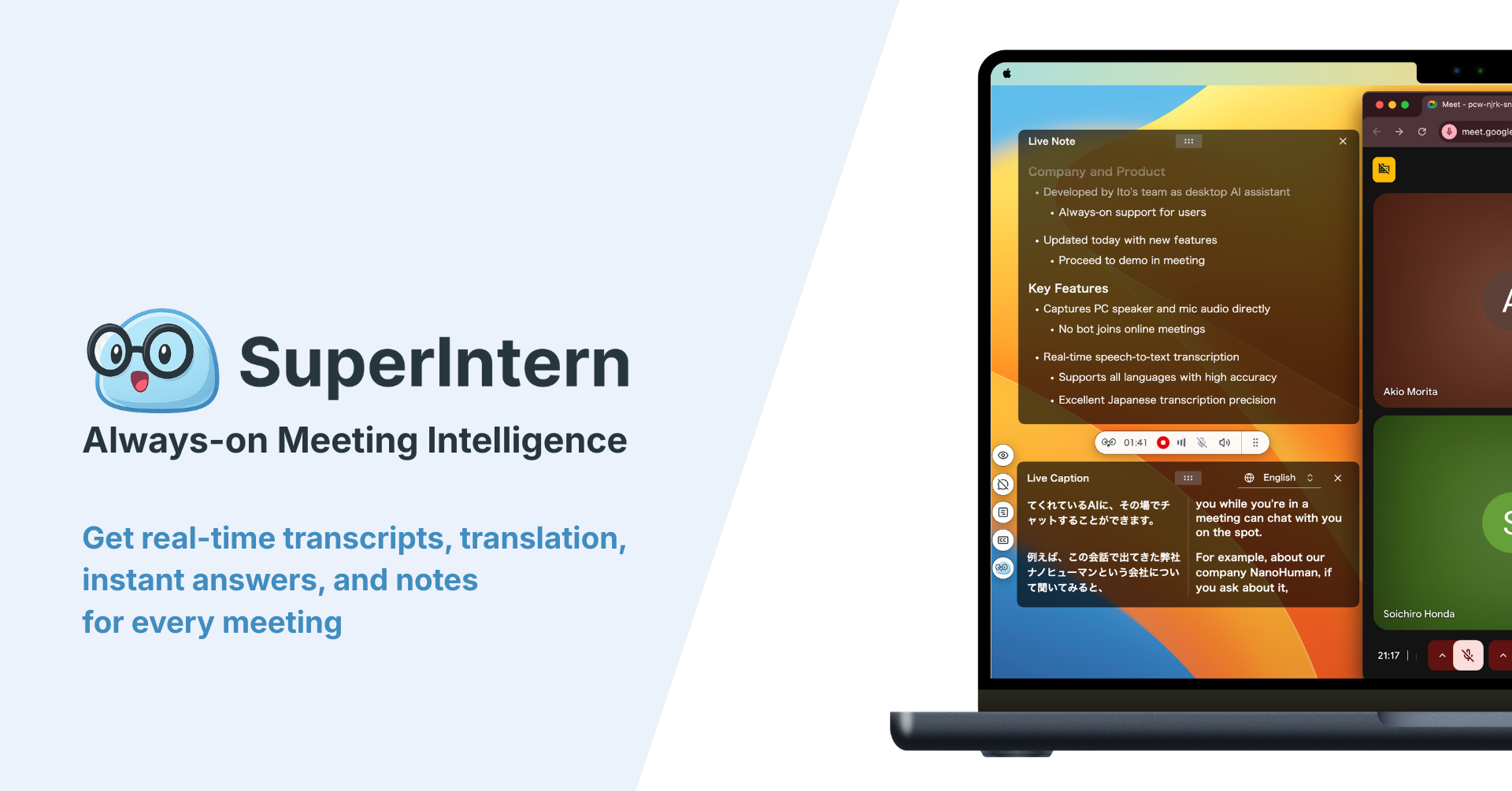
SuperIntern is a botless desktop app for Mac and Windows that records at the device level: the microphone for the people in the room and the system audio for everyone on the call. Run it on the laptop that is connected to the meeting, and both sides of a hybrid meeting land in one speaker-attributed transcript. Because no bot joins, it works the same way on Zoom, Microsoft Teams, Google Meet, Webex, and fully in-person meetings, whoever hosts.
Why it fits hybrid meetings:
- Room and call in one record. Microphone and device audio are captured together, so the far end of the table and the remote participants are in the same transcript.
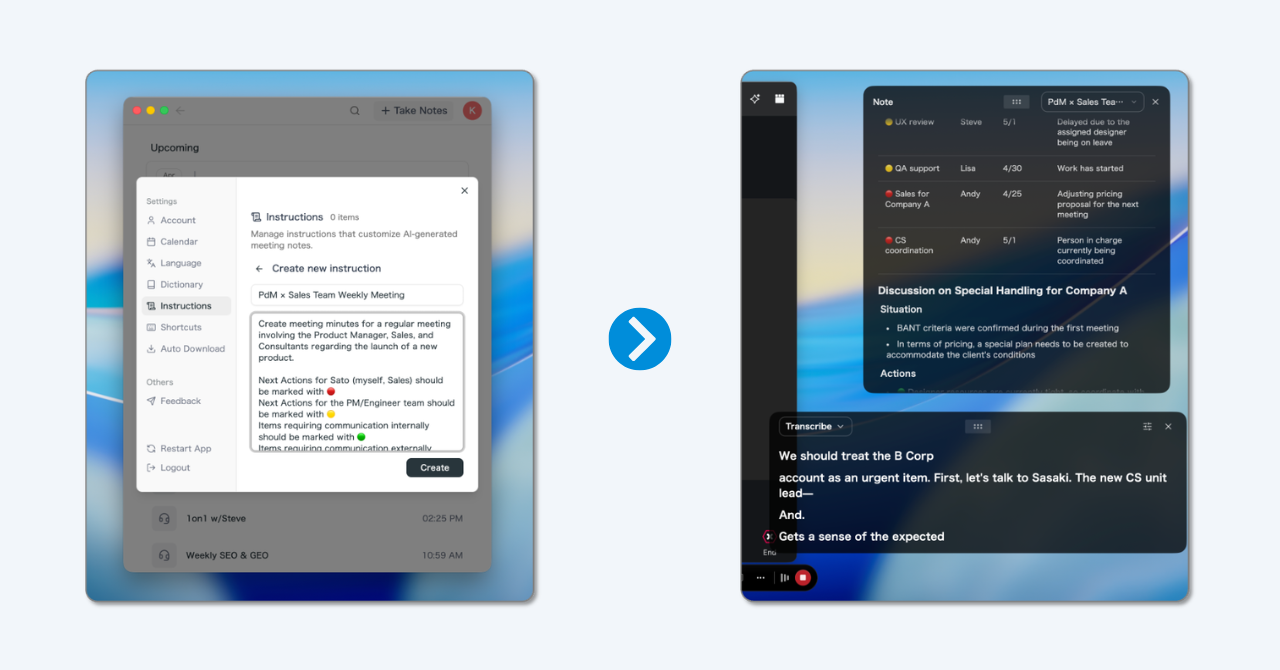
- Live notes on the shared screen. The AI Canvas builds structured notes in real time. Share it, and the room and the remote side watch the same decisions and action items take shape. This is step 4 of the efficient meeting above, done automatically.
- Notes shaped like your agenda. Tell the AI Canvas in plain language what to capture, for example "for each agenda item, list the decision, open questions, and action items with an owner."
- Real-time translation in 50+ languages. Remote and in-room participants who do not share a first language can follow the discussion line by line.
- Speaker separation and a custom dictionary. Each voice is attributed in the transcript, and names and product terms are spelled the way your team spells them.
- AI chat after the meeting. Ask what was decided or who owns what and get the answer from the transcript, then draft the recap email in the same place.
Pricing (as of October 2026): Free plan available. Plus is $20 per month with 100 hours of recording included.
Platforms: Mac and Windows. Works with any meeting app and in person.
2. Microsoft 365 Copilot with Teams Rooms: Best for Teams-Only Organizations
Microsoft 365 Copilot summarizes Teams meetings, answers questions about them, and lists action items. In rooms equipped with Microsoft Teams Rooms systems, it can work with the room's audio, and IT gets a familiar Microsoft 365 control plane.
Strengths: native Teams experience, Microsoft 365 context, enterprise administration.
What to consider: it depends on Teams hosting the meeting and on the right licenses and settings. Client meetings on Zoom or Google Meet, and in-person meetings without a Teams call, fall outside it. Real-time translated captions and live structured notes on the shared screen are not its focus.
3. Zoom AI Companion: Best for Zoom-Only Teams
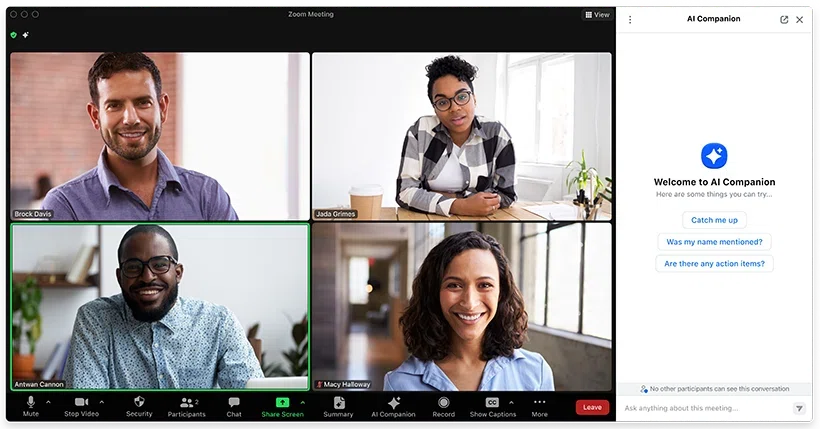
Zoom AI Companion is built into the Zoom client and included with paid Zoom plans. It produces meeting summaries, next steps, and answers to questions about the meeting, and it works with Zoom Rooms in the conference room.
Strengths: no extra tool for Zoom-hosted meetings, included in paid plans.
What to consider: it is tied to Zoom and usually to the host's settings. When you join meetings you do not host, or the meeting is on another platform, you need a different tool. It is not built for live translation during the meeting.
4. Google Meet with Gemini: Best for Google Workspace Teams
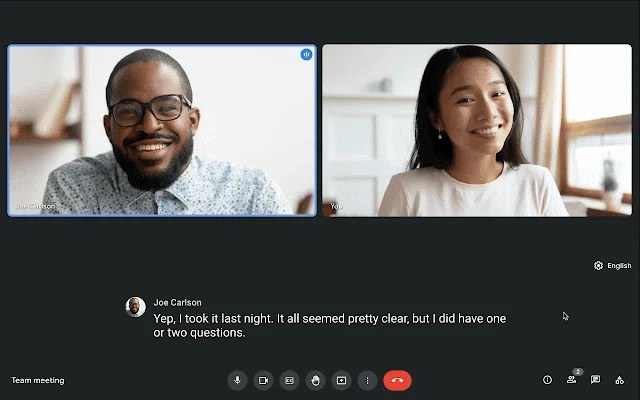
Gemini's "Take notes for me" in Google Meet transcribes the conversation and saves a summary with action items to a Google Doc. For teams that run everything in Google Workspace, it keeps notes next to the rest of their documents.
Strengths: notes saved directly to Google Docs, simple to start.
What to consider: availability depends on your Workspace plan and admin settings, and on a client-hosted call it may not be enabled. The notes are a record after the meeting rather than a live shared note, and it does not provide real-time translation.
5. Otter: Best for Teams Already Using It for Calls
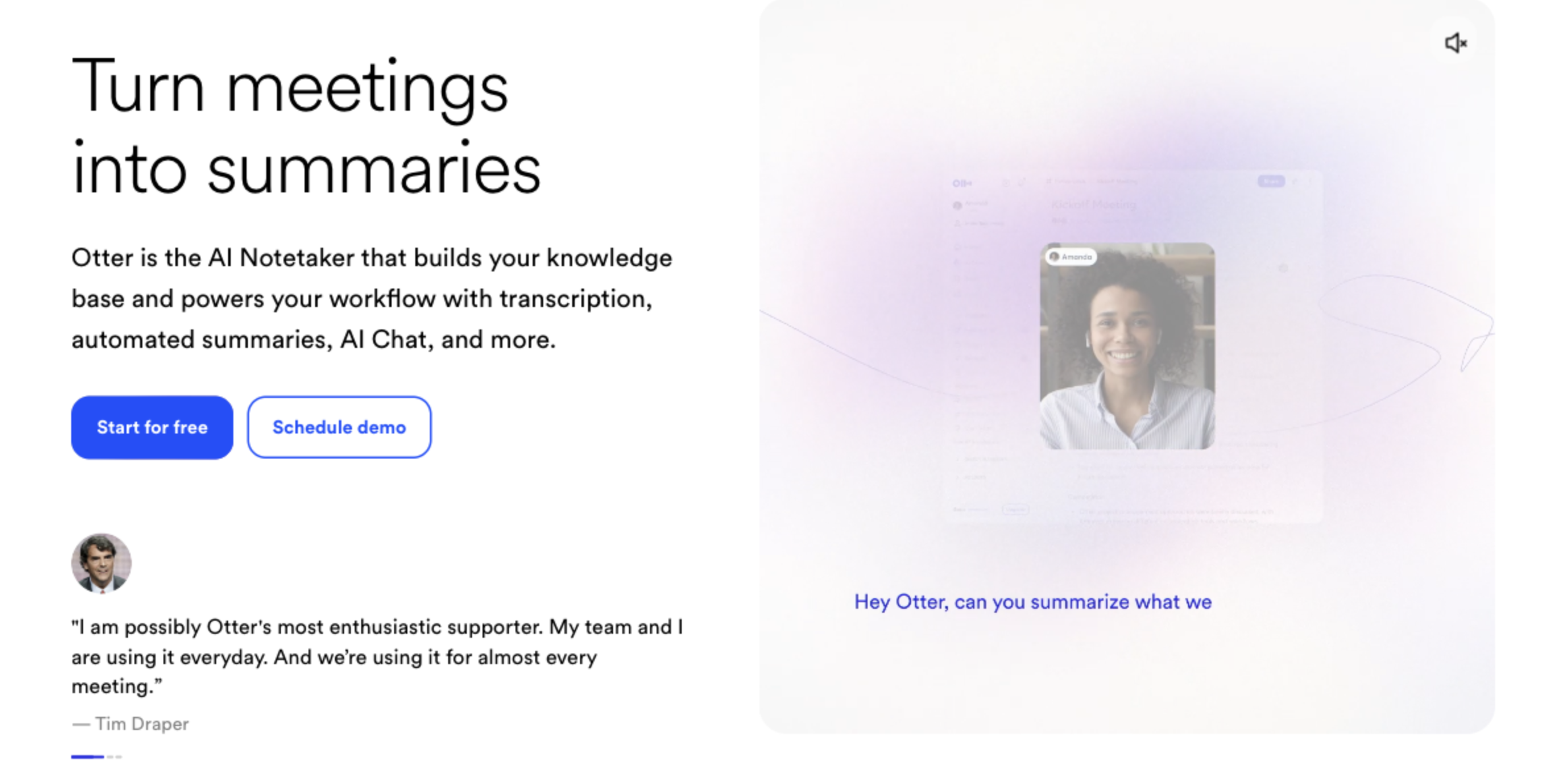
Otter is one of the most established AI note takers. Its OtterPilot bot joins Zoom, Google Meet, and Teams calls, and its mobile app can record in-person conversations.
Strengths: mature transcription, searchable history, familiar interface.
What to consider: in a hybrid meeting the bot hears the room only through the room system's audio, and a visible bot may not be welcome in client meetings. Real-time translation is not its focus.
6. Fireflies: Best for CRM-Centric Sales Teams
Fireflies is known for its notetaker bot and its integrations with CRMs and collaboration tools. Recordings, transcripts, and summaries flow into the systems sales teams already use.
Strengths: deep integrations, team analytics, searchable transcripts.
What to consider: the core design is a bot joining the call, with the same room-audio limitation as other bots. Notes arrive after the meeting rather than as a live shared note.
7. Granola: Best for People Who Type Their Own Notes
Granola captures laptop audio without a bot and enhances the notes you type with transcript context after the meeting.
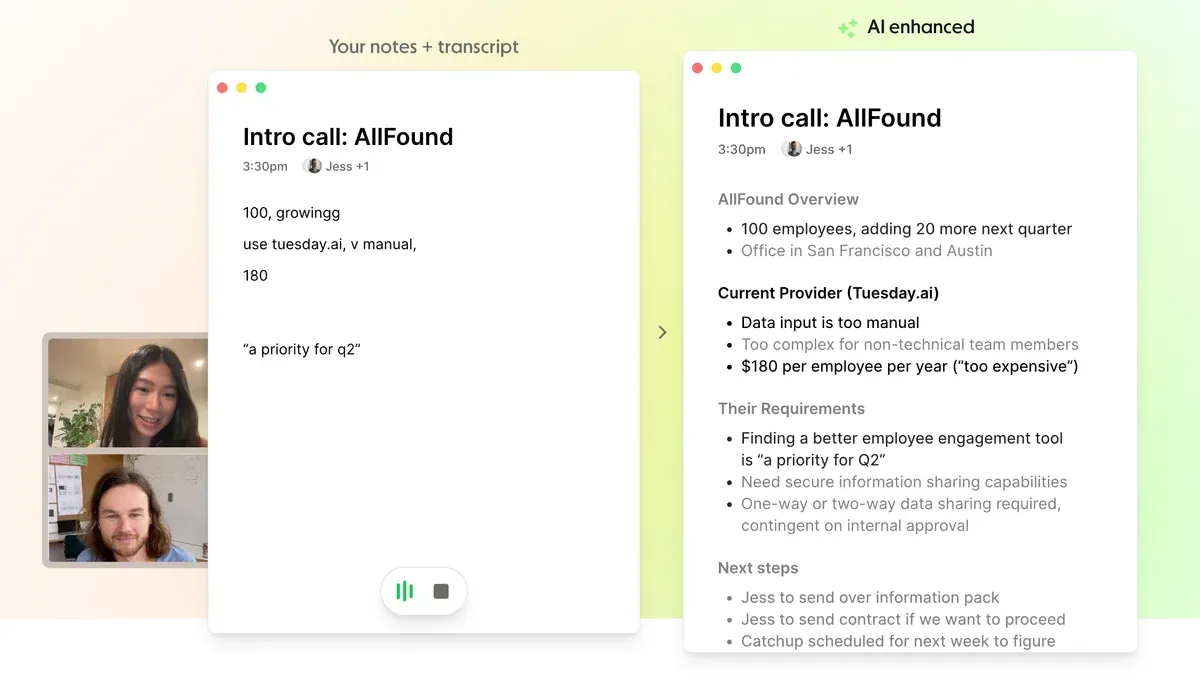
Strengths: botless capture, clean interface, AI that sharpens your own notes.
What to consider: summaries are created after the meeting, so there is nothing structured to share on screen while the discussion is running. Recordings are not kept, and it does not provide real-time translation.
Hybrid Meeting Tools Comparison Table
| Tool | Room + call in one record | Works on any platform / host | Live notes during meeting | Real-time translation | No bot | Free plan |
|---|---|---|---|---|---|---|
| SuperIntern | Yes | Yes | Yes (AI Canvas) | Yes (50+ languages) | Yes | Yes |
| Microsoft 365 Copilot | With Teams Rooms | Teams only | Partial | No | Yes (native) | No (license) |
| Zoom AI Companion | With Zoom Rooms | Zoom only | Partial | No | Yes (native) | No (paid Zoom) |
| Google Meet with Gemini | Meet only | Meet only | No | No | Yes (native) | Depends on plan |
| Otter | Via room audio | Zoom, Meet, Teams | Partial | No | No | Yes |
| Fireflies | Via room audio | Major platforms | No | No | No | Yes |
| Granola | Laptop audio | Yes | No | No | Yes | Limited |
Features and plans change often. Confirm the details on each vendor's site before you decide.
Which Tool Fits Your Hybrid Meetings?
Weekly hybrid team meetings
Best fit: SuperIntern. The recurring problem in a hybrid team meeting is that the room and the remote side remember different things. A live note on the shared screen, built from both the room and the call, removes that gap every week, and the recap is ready when the meeting ends.
Client meetings where the client hosts
Best fit: SuperIntern. You do not control which platform the client uses or whether their AI features are enabled. A device-level, botless recorder works on whatever link you receive, and no extra participant appears in the client's meeting.
Multilingual and cross-border teams
Best fit: SuperIntern. Real-time translation is what lets a remote colleague in another country take part in the room's discussion as it happens, not read a summary afterward. None of the other tools in this list are built for live translated captions.
Organizations standardized on one platform
Best fit: the native tool, plus SuperIntern for everything else. If every internal meeting is in Teams or Zoom, Copilot or AI Companion covers those meetings. Client calls, in-person meetings, and multilingual sessions still need a platform-independent tool, so many teams standardize on SuperIntern to keep one format for every meeting.
Sales teams that live in a CRM
Best fit: SuperIntern or Fireflies. Fireflies pushes call data into a CRM. SuperIntern covers the in-person and hybrid visits that a bot cannot attend, with speaker-attributed notes and a follow-up email drafted from the AI chat.
Setting Up SuperIntern for a Hybrid Meeting
- Install the desktop app on the laptop that will be connected to the meeting in the room.
- Connect that laptop to the call and, if you have one, to the room's microphone and speaker. Keep other laptops in the room muted.
- Set the AI Canvas format once. For example: "For each agenda item, capture the decision, open questions, and action items with owner and due date." It applies to every meeting from then on.
- Add names and product terms to the custom dictionary so the transcript spells them correctly.
- Start recording and share the AI Canvas on screen. The room and the remote side follow the same live note.
- Send the recap when the meeting ends. Review the note, then ask the AI chat to draft the follow-up email.
FAQ
What is the best tool for hybrid meetings?
For notes and transcription, SuperIntern is the strongest overall choice because it records the room and the call together from one laptop, builds live notes you can share on screen, translates in real time, and works on any platform without a bot. If every meeting is on a single platform, that platform's native AI is a reasonable option for those meetings.
What equipment do you need for a hybrid meeting?
A camera that shows the room, microphones that cover every seat, a speaker for remote audio, and a display for remote participants. For small rooms an all-in-one video bar covers most of this. Larger rooms usually need extension or ceiling microphones.
How do you take notes in a hybrid meeting?
Keep one shared live note that both the room and the remote side can see, and use a tool that captures both the room microphone and the call audio. A botless desktop app running on the laptop connected to the call does both.
Can AI meeting bots record the people in the conference room?
Only through the audio the room system sends into the call. If the room microphone does not pick up the far end of the table, the bot cannot either. A device-level recorder in the room captures the room microphone directly.
Do hybrid meeting tools work when someone else hosts the meeting?
Native tools such as Zoom AI Companion and Gemini usually depend on the host's plan and settings. Bots depend on being admitted to the call. A botless desktop app records from your own device, so it works regardless of who hosts.
Is SuperIntern free?
Yes. There is a free plan, and the Plus plan is $20 per month with 100 hours of recording included (as of October 2026).
Conclusion
Efficient hybrid meetings come down to five habits: one invite with the agenda, one audio source for the room, remote voices first, one live note on the shared screen, and a recap sent the same day. The first three cost nothing. The last two depend on a tool that can hear both the room and the call and build notes while the meeting is still running.
Native platform AI covers meetings inside its own platform. Bots cover calls they can join. SuperIntern covers the hybrid meeting itself: room and call in one record, live notes everyone can see, real-time translation, on any platform.
Try SuperIntern Free : Record the room and the call together and share live notes with everyone in your next hybrid meeting.