
Can't Keep Up With English Meetings? 5 Real-Time Translation Tools for 2026

"I can't catch what people are saying in English meetings, and the translation can't keep up." "Native speakers talk so fast that I miss the key points." "When I try to take notes while translating in my head, I lose the thread of the meeting entirely."
In today's increasingly globalized business environment, many professionals are quietly struggling with exactly these problems.
When translation can't keep up in an English meeting, the discussion ends without you really grasping what was decided, and you find yourself thinking, "Wait, what did we actually agree to?" You also miss the right moments to speak up, leaving your own ideas on the table.
This article walks through how to solve the problem of translation lagging behind in English meetings, and introduces 5 real-time translation tools you can actually use as of 2026.
⚠️ This article is an independent summary by NanoHuman Inc. based on publicly available information and user feedback as of January 2026.
Table of Contents
- Why translation can't keep up in English meetings
- How to solve the translation lag problem
- 5 recommended real-time translation tools
- How to choose the right tool
- Summary
1. Why Translation Can't Keep Up in English Meetings
There are three main reasons translation falls behind in English meetings.
Cause 1: Native speaker pace
Native English speakers talk at roughly 120 to 150 words per minute on average, and the pace climbs even higher when the discussion heats up. Following along while translating in your head takes serious English ability for non-native speakers.
Cause 2: Heavy use of jargon and acronyms
Business meetings are full of industry jargon and acronyms. The moment an unfamiliar term comes up, your brain stalls, and everything after it stops registering.
Cause 3: Listening, translating, understanding, and note-taking all at once
Listening to English, translating it, processing the meaning, and taking notes, all simultaneously, is the height of multitasking. Something is going to break down somewhere.
2. How to Solve the Translation Lag Problem
There are two broad approaches to this problem.
Approach 1: Build up your English skills
The long-term answer is improving listening comprehension. Techniques like shadowing and dictation, which are used in simultaneous interpreter training, are well-known and effective.
But realistically, you can't level up your English between now and next week's meeting. Language study should continue, but you need a practical way to get through the meetings you have right now.
Approach 2: Use real-time translation tools
That is why AI-powered real-time translation tools have been getting so much attention.
They instantly transcribe what is being said in the meeting, translate it, and display the result as on-screen captions. Even if your listening confidence is low, you can keep up with the discussion in real time.
That said, translation accuracy and usability vary significantly between tools, so picking one that fits your use case really matters.
3. 5 Recommended Real-Time Translation Tools
Here are 5 hand-picked real-time translation tools that solve the problem of translation lagging behind in English meetings.
1. SuperIntern: Botless, high-accuracy, with real-time meeting notes
First, let me introduce SuperIntern, built by us at NanoHuman Inc.

SuperIntern is designed as "always-on Meeting Intelligence" and has the following features:
- No bot joins the meeting (botless design)
- Works regardless of platform: Zoom, Google Meet, Teams, even in-person meetings
- Supports over 50 languages
- Original language and translation displayed as simultaneous captions
- Generates real-time summaries that update as the conversation unfolds
- Comes with a custom dictionary for company names, product names, and internal terminology
- Lives on your PC and captures audio directly from speaker and microphone

[What's good]
- Very high translation accuracy. Compared with other tools, the English-to-target-language output reads naturally and reflects context
- Bilingual subtitles (e.g., English plus your language at the same time) so you can read the original while seeing the translation
- Subtitle language and meeting-notes language can be set independently (for example, show English plus your preferred language as captions while generating notes in that same language)
- Registering internal terminology in the custom dictionary dramatically cuts down proper-noun errors
- Since no bot joins, you can use it freely in external 1-on-1 meetings without worrying about how it looks
- Real-time summaries let you check the key points during the meeting, reducing the work of reviewing afterward
[Things to note]
- Team plans and enterprise security features require a direct inquiry
You can start for free with no credit card required, so if you have ever felt that translation can't keep up in your English meetings, it is worth trying once.
2. Notta: Simultaneous bilingual transcription and translation
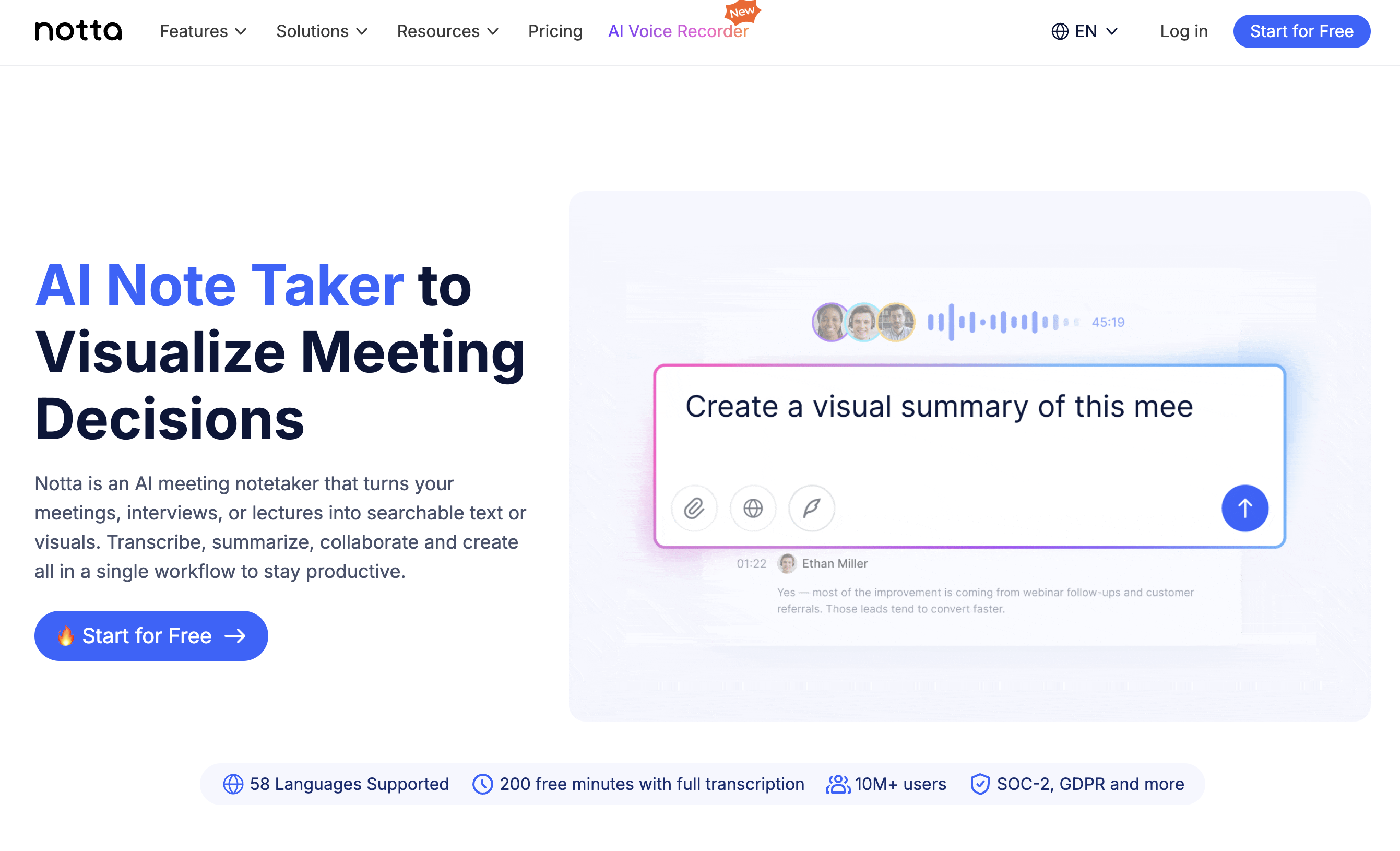
Notta is known for its high-accuracy AI transcription, and since November 2025, real-time transcription and translation is also available in its mobile app.
You can pick 2 languages from 58 supported languages, and even in meetings where both are spoken, each is transcribed and translated in its respective language.
[What's good]
- Strong multilingual support with an interface that works well for international teams
- The Notta Bot can auto-join Zoom, Google Meet, and Teams to record
- AI summaries after the meeting streamline note creation
[Things to note]
- The bilingual transcription feature has limited language pairs, so you need to confirm your target language combination before relying on it
- Real-time translation requires an additional paid plan and supports only up to 2 languages
- Because the bot joins, recording is visible to other participants in some cases
3. VoicePing: Real-time translation meets virtual office
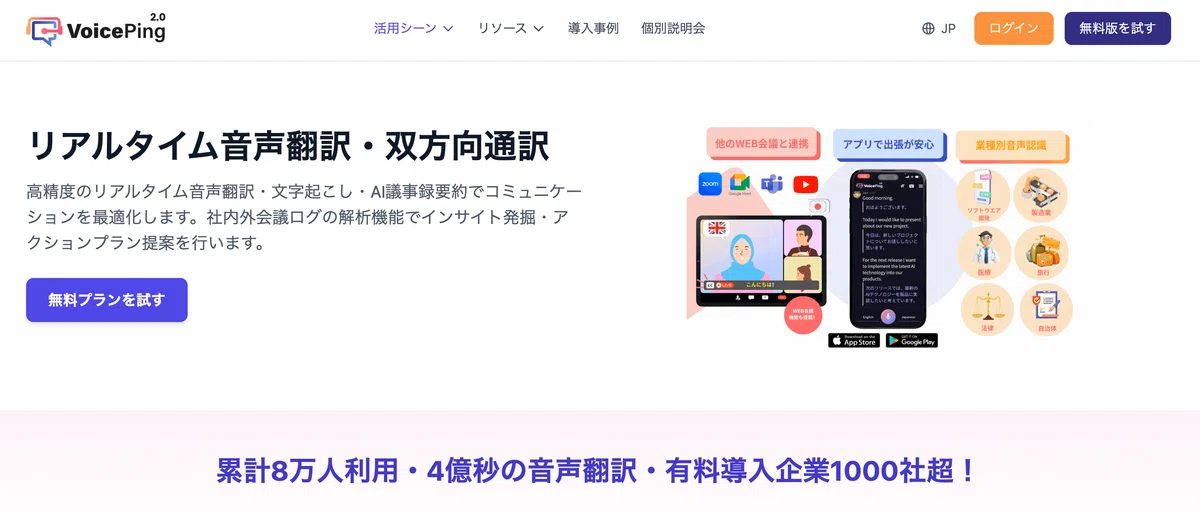
VoicePing is an all-in-one tool that combines real-time voice translation, automatic transcription, and AI meeting summaries with a virtual office feature. It has been used by over 80,000 people cumulatively.
It supports 45 languages and integrates with external web meeting tools like Zoom, Teams, and Google Meet.
[What's good]
- 45-language support with strong multilingual coverage
- Available on a wide range of devices: Mac, Windows, iOS, Android
- The free plan includes 90 minutes per month of voice translation and summarization
- The included virtual office feature also helps set up your remote-work environment
[Things to note]
- Because it has so many features, it can feel complex if you just want a translation tool
- Serious use requires a paid plan, and the included translation hours may be tight for frequent meetings
- The highest-accuracy summarization is limited to the Premium plan or above
4. Minutz: Web-meeting simultaneous translation app with the latest AI
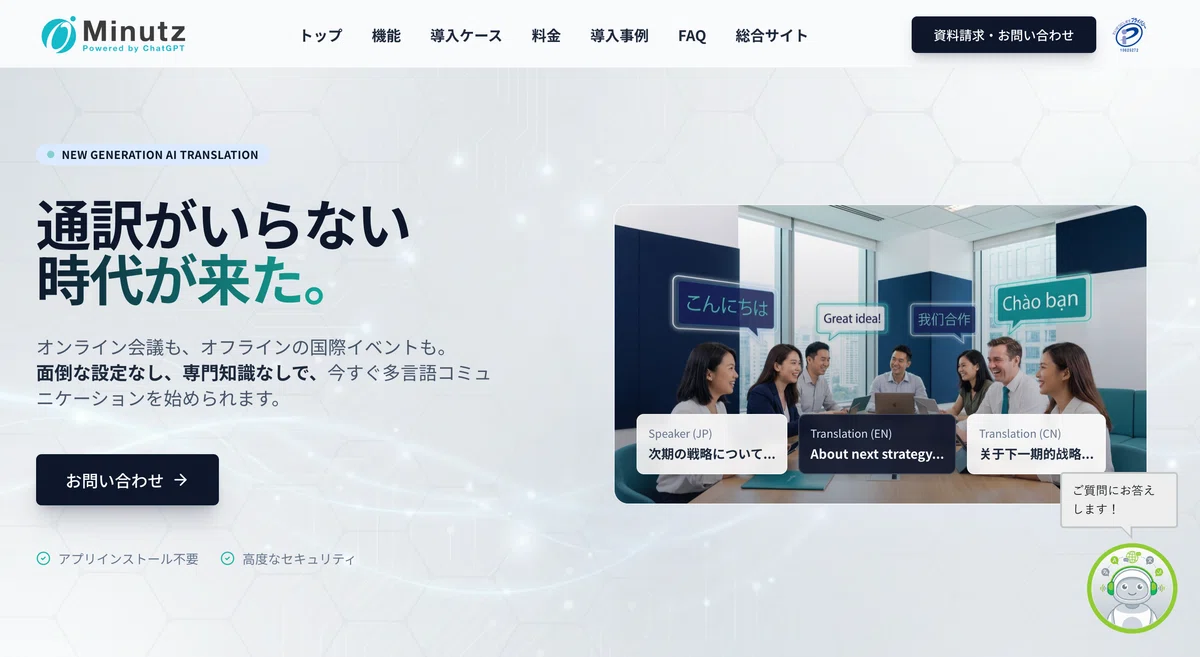
Minutz, from ObotAI Inc., is a simultaneous translation app for web meetings. It underwent a major renewal in January 2025 with substantial feature upgrades.
You can pick the most suitable AI model per meeting, including GPT-4o and Gemini 1.5, with automatic translation and transcription into 30+ languages.
[What's good]
- Browser-based, no install needed. Runs on Chrome and Edge
- Improved recognition of non-native English across a range of accents
- AI analyzes the meeting's utterance history to deliver context-aware translation
- Caption display in Zoom is also supported
[Things to note]
- Pricing is geared toward business use, which can be expensive for individual users
- A company-specific dictionary feature was introduced, but configuration takes effort
- The 10-day free trial exists, but continued use comes with real cost
- The underlying language model is somewhat older
5. Mirai Translator Listening Assistant: Meeting translation focused on readability
Mirai Translator Listening Assistant is an enterprise-oriented meeting translation service officially launched in February 2025.
Its proprietary "sentence segmentation AI" displays real-time captions with readable timing and text length, solving the common issue of "captions are hard to read" in traditional services.
[What's good]
- Readability-focused caption display that's easier on the eyes even in long meetings
- Considers context to produce translations that connect with the previous sentence
- Processed on secure servers, with audio data automatically erased after the meeting
- Chinese is supported
- The phrase list feature allows you to register company-specific terminology
[Things to note]
- It is a service for FLaT contract holders and cannot be used standalone
- Continuous runtime is 2 hours (it can be extended by restarting the session)
- Supported languages are currently English, Japanese, and Chinese only
4. How to Choose the Right Tool
Now that we have introduced 5 tools, here are tailored recommendations by need to help you decide.
When you don't want a visible bot
For external client meetings and 1-on-1s where you do not want a recording bot to appear, SuperIntern is the best fit. The botless design means other participants see nothing at all.
When you want to start with low cost
If you want to start with a free plan, SuperIntern (free to start) and VoicePing (90 minutes per month free) are good options.
When support for your language matters
If you need captions, summaries, and support materials in your preferred language, shortlist tools that publish clear language coverage and test them with your own meeting audio. SuperIntern, Notta, and VoicePing are good places to start.
When translation accuracy matters most
When you need both accuracy and real-time performance, SuperIntern and Mirai Translator Listening Assistant stand out. SuperIntern in particular can boost proper-noun accuracy through its custom dictionary.
When you want auto-generated meeting notes after the meeting
If you want structured meeting notes on top of translation, SuperIntern's "real-time structured notes" feature shines. Summaries update during the meeting, dramatically reducing the post-meeting work of writing up notes.
5. Summary
The problem of translation not keeping up in English meetings is a shared frustration for many business professionals.
In the long run, building up your English ability matters, but to get through the meetings on your calendar today, AI real-time translation tools are the practical solution.
The 5 tools introduced in this article each have their own strengths.
| Tool | Strengths | Recommended for |
|---|---|---|
| SuperIntern | Botless, high accuracy, real-time meeting notes | People with many external meetings, those who prioritize translation accuracy |
| Notta | Many AI meeting-notes deployments | Those who need the reassurance of a major brand |
| VoicePing | Multilingual, virtual office | Those also setting up a remote work environment |
| Minutz | Latest AI, non-native English | Companies considering team-wide adoption |
| Mirai Translator | Readability-focused, secure processing | Large enterprises prioritizing security |
If you:
- Want to avoid a visible bot in external meetings
- Want to understand English meetings in real time
- Want to reduce the effort of producing meeting notes
- Want to try a high-accuracy tool for free
then please give SuperIntern a try.
Once you are freed from the stress of translation not keeping up in English meetings, and can grasp the actual content of the discussion, your whole posture in meetings will change.