
10 Best Meeting Minutes Apps Compared: How to Choose AI Notes
Searching for a meeting minutes app quickly turns into a crowded category.
Some tools record a meeting and summarize it later. Some join as a visible notetaker bot. Some are built into Teams or Zoom. Others run as a desktop app and turn live meeting audio into structured notes without adding a bot to the call.
All of them can help with meeting minutes. They do not solve the same operational problem.
This guide compares 10 meeting minutes apps: SuperIntern, Notta, Otter, Fireflies, Fathom, Granola, tl;dv, Tactiq, Krisp, and Microsoft Copilot.
If you run sales calls, interviews, customer onboarding sessions, product reviews, or executive meetings, the question is not just "can this app summarize a transcript?" The better question is: can it help while the meeting is still happening?
⚠️ This article was independently compiled from official product pages, official help centers, public information, and user feedback available as of June 2026. Product features, pricing, operating system support, language coverage, and consent/recording behavior may change, so verify official sources and test with your own real meetings before rollout.
Quick Answer: Choose The Best Of 10 By Timing
The first decision is not the vendor.
It is the timing.
| When you need the minutes | Best-fit app type | Watch out for |
|---|---|---|
| During the meeting | Real-time AI meeting notes | Check audio capture, speaker labels, and screen sharing behavior |
| After the meeting only | Recording or upload workflow | Less useful for live decisions |
| Only inside Teams or Zoom | Platform-native recap | Harder to use across mixed meeting tools |
| External calls without a visible bot | Botless desktop assistant | Requires a desktop app and consent workflow |
| Long-term internal knowledge | Notes or document workspace | Confirm real meeting capture quality separately |
Most comparison lists mix these categories.
In practice, a meeting minutes app should be judged by six questions.
- Does it work during the call or only afterward?
- Does a bot join the meeting?
- Can it work across Zoom, Google Meet, Microsoft Teams, Webex, Slack Huddles, Discord, and in-person meetings?
- Can it handle multilingual conversations?
- Can the note format adapt to different meeting types?
- Can a human review the output before it becomes the source of truth?
10 Meeting Minutes Apps Compared
The best shortlist depends on the meeting workflow, not only the feature list.
Pricing and detailed plan limits change often, so this comparison focuses on capture method, in-meeting usefulness, post-meeting output, and operational fit.
| Tool | Capture / join method | Meeting environments | In-meeting support | Post-meeting output | Best for | Watch out for |
|---|---|---|---|---|---|---|
| SuperIntern | Botless desktop app | Zoom, Google Meet, Teams, Webex, Slack Huddles, Discord, in-person | Real-time transcription, translation, AI Canvas | Minutes, summary, follow-up | External calls, interviews, multilingual meetings, in-person sessions | Requires desktop rollout and internal approval |
| Notta | Notta Bot, live transcription, recording upload | Zoom, Google Meet, Teams, Webex, in-person, audio files | Live transcript first | AI summaries, notes, sharing, integrations | Multilingual records, transcription cleanup, meeting archives | Test bot visibility, sharing controls, and live note behavior |
| Otter | Notetaker joins meetings; web, mobile, extension workflows | Zoom, Google Meet, Teams | Real-time transcription, live summary, AI chat | Summary, action items, searchable meeting knowledge | Internal meetings, lectures, interviews, sales logs | Validate one-language-at-a-time workflows and mixed-language quality |
| Fireflies | AI notetaker joins meetings; upload also available | Zoom, Google Meet, Teams, Webex, and more | Recording and transcription first | Summaries, actions, CRM/Slack/Notion sync | Internal meetings, sales calls, CRM-oriented teams | Visible AI participant requires consent design |
| Fathom | AI notetaker for Zoom, Google Meet, Teams | Zoom, Google Meet, Teams | Highlights and meeting capture | Fast summaries, tasks, CRM sync | Individual sales notes, highlights, lightweight follow-up | Confirm platform coverage and recording/consent behavior |
| Granola | Botless computer-audio capture plus user notes | Zoom, Google Meet, Teams, Webex, Slack, and more | Your notes plus transcript context | AI-enhanced notes, action extraction | PMs, sales reps, 1:1s, people who still want their own point of view | Depends on intentional manual notes |
| tl;dv | Meeting recording, transcription, AI notes | Zoom, Google Meet, Teams | Recording, highlights, meeting notes | Clips, summaries, multi-meeting reports, CRM sync | Sales review, user interviews, recorded knowledge sharing | More post-meeting than live steering |
| Tactiq | Chrome / Edge extension | Google Meet, Zoom, Teams, Webex, browser meetings | Real-time browser transcription | AI summary, sharing, workflow automations | Lightweight browser-meeting workflows | Test desktop apps, in-person meetings, and extension policies |
| Krisp | Bot-free AI notes plus noise cancellation | Zoom, Teams, Google Meet, Slack Huddles, and more | Noise removal, real-time transcript | Notes, summaries, action items | Remote work, noisy environments, voice-quality-sensitive teams | Check note structure and sharing depth |
| Microsoft Copilot | Teams / Microsoft 365 AI layer | Teams meetings, Teams Recap, Microsoft 365 | In-meeting questions, AI notes, Facilitator | Intelligent Recap, summaries, follow-up tasks | Teams-first enterprises and Microsoft-administered workplaces | Workflow can fragment outside Teams or external-hosted meetings |
1. SuperIntern: Botless Notes That Update During The Meeting

SuperIntern runs as a desktop assistant instead of joining the call as a meeting bot. It captures microphone and speaker audio from the computer, so the meeting participant list does not gain another AI notetaker.
That matters when one team moves between Zoom customer calls, Teams internal meetings, Google Meet hiring interviews, Webex partner calls, Slack Huddles, Discord conversations, and in-person sessions. The value is not only platform coverage. It is having one consistent minutes workflow even when the meeting environment keeps changing.
AI Canvas is the main difference for meeting minutes. It can keep decisions, open questions, risks, and next steps organized while the conversation is still happening. That is useful when the host needs to notice missing budget information in a sales call, an unclear next step in a customer onboarding session, or an unresolved concern in a hiring interview before the call ends.
The tradeoff is desktop deployment. Before rollout, check OS support, microphone permissions, internal security review, and the exact way your team will inform participants about transcription or recording.
2. Notta: Transcription, Recording Cleanup, And Multilingual Records
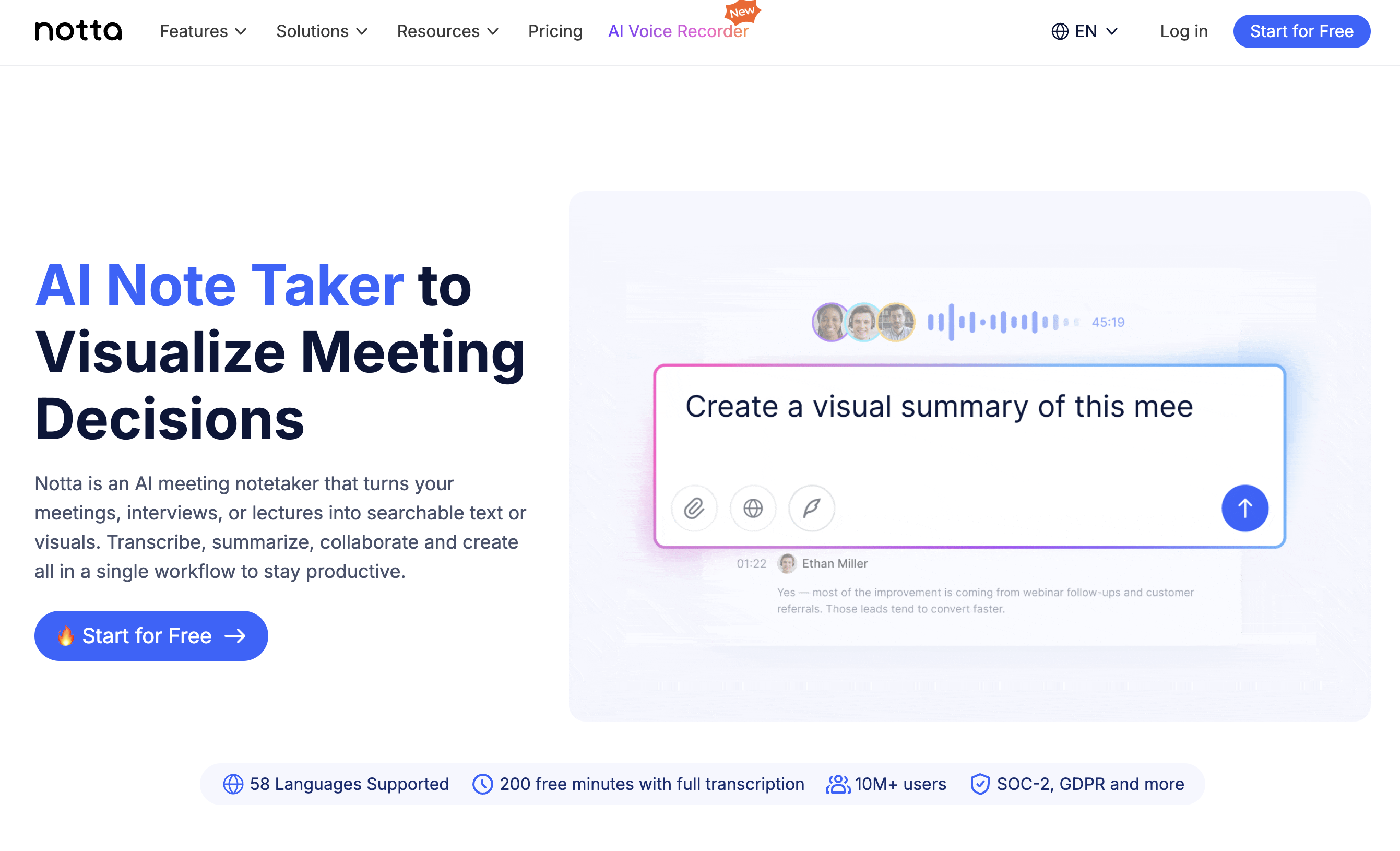
Notta is a common candidate when teams want live transcription, meeting records, file transcription, and AI summaries in one workflow.
Official Notta pages emphasize Zoom, Google Meet, Microsoft Teams, Webex, in-person conversations, live speech, and pre-recorded audio. They also emphasize broad multilingual transcription support, which makes Notta relevant when the job is to preserve meeting records across languages.
Notta fits best when the main requirement is "capture the conversation reliably and make it searchable or shareable later." Examples include cleaning up interview recordings, documenting webinars, converting calls into text, and syncing notes to tools such as Slack, Notion, Salesforce, or Zapier.
The key rollout question is how the meeting is captured. If you use Notta Bot, verify how it appears to external participants, how consent is communicated, and who can access the output. If you need structured notes while the host is actively steering the meeting, test the live transcript and note experience with real calls, not only uploaded recordings.
3. Otter: Searchable AI Meeting Knowledge
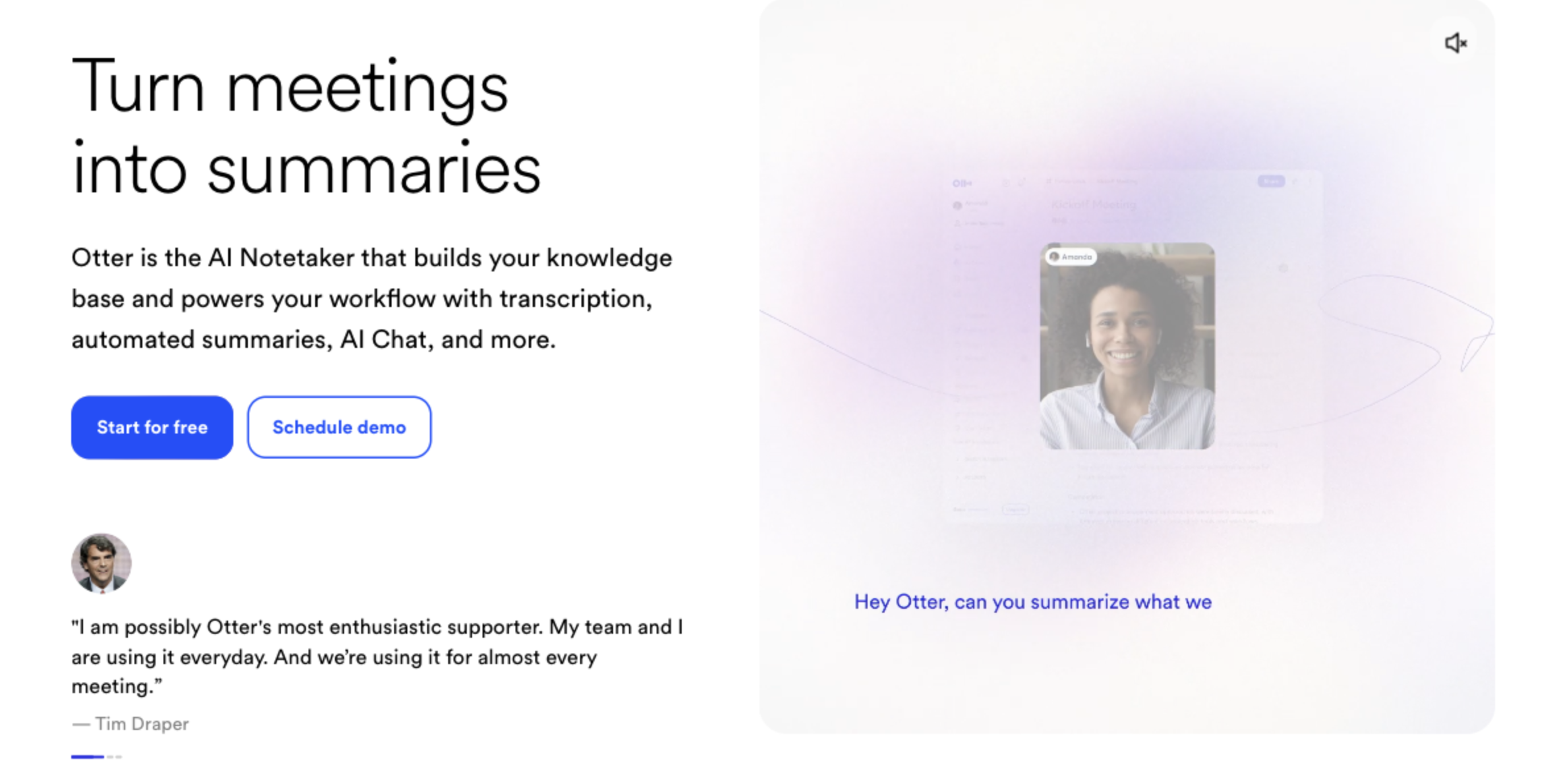
Otter can automatically add its Notetaker to Zoom, Google Meet, and Microsoft Teams meetings and provide real-time transcription, live summaries, meeting summaries, action items, and AI chat.
It is easy to think of Otter as an English-only tool because that is how many teams first encountered it. That is no longer precise. Otter's official help center lists transcription support for English, Spanish, French, German, Japanese, and Simplified Chinese.
The practical question is not only language count. Otter-style workflows often involve a visible notetaker joining the meeting, so customer calls and hiring interviews need a clear consent and explanation process. Also test meetings where people switch languages, speak over each other, or use specialized terms; supported language does not automatically mean production-ready accuracy for your specific calls.
Otter fits teams that want searchable meeting knowledge across internal meetings, lectures, interviews, and sales logs. If the frequent pain is "what did we discuss with this customer last month?", Otter's meeting archive and AI chat angle may be valuable.
4. Fireflies: Bot-Based Logs And Workflow Automation
Fireflies is an AI notetaker that joins calls such as Zoom, Google Meet, and Teams, captures the conversation, and turns it into transcripts, summaries, action items, and follow-up workflows.
Its strength is what happens after the meeting. Fireflies markets integrations with major meeting platforms and work tools, including CRM-oriented workflows, Slack, Notion, and other productivity systems. For sales and customer-facing teams, that means the meeting record can move closer to the systems where follow-up work actually happens.
Fireflies is a good fit when recording and transcription are already accepted. Internal recurring meetings, sales team reviews, CS handoffs, and CRM-driven operating rhythms are natural examples.
The risk is meeting tone. In external calls, a visible AI participant changes the participant list and can change how people feel about the conversation. Before rollout, define invitation wording, recording consent, chat notifications, retention, and data-sharing rules.
5. Fathom: Highlights And Fast Post-Meeting Sharing
Fathom is an AI notetaker for Zoom, Google Meet, and Microsoft Teams that emphasizes transcription, summaries, tasks, highlights, and CRM sync.
Its best fit is speed after the call. If a sales rep wants a quick summary, highlighted moments, and follow-up tasks that can move into a CRM, Fathom is easy to understand. It is especially relevant for individual users or teams that want useful post-meeting notes without designing a heavy documentation process.
Use Fathom when post-meeting review is enough. If the host needs live decision support, open-question tracking, or a custom structure that updates during the call, compare real-time note tools as well.
Before adopting it, confirm platform coverage, recording and consent behavior, admin/security requirements, and the CRM destinations your team actually uses. Teams with many non-Zoom/Meet/Teams meetings or in-person sessions may need another workflow in parallel.
6. Granola: AI-Enhanced Notes For People Who Still Type
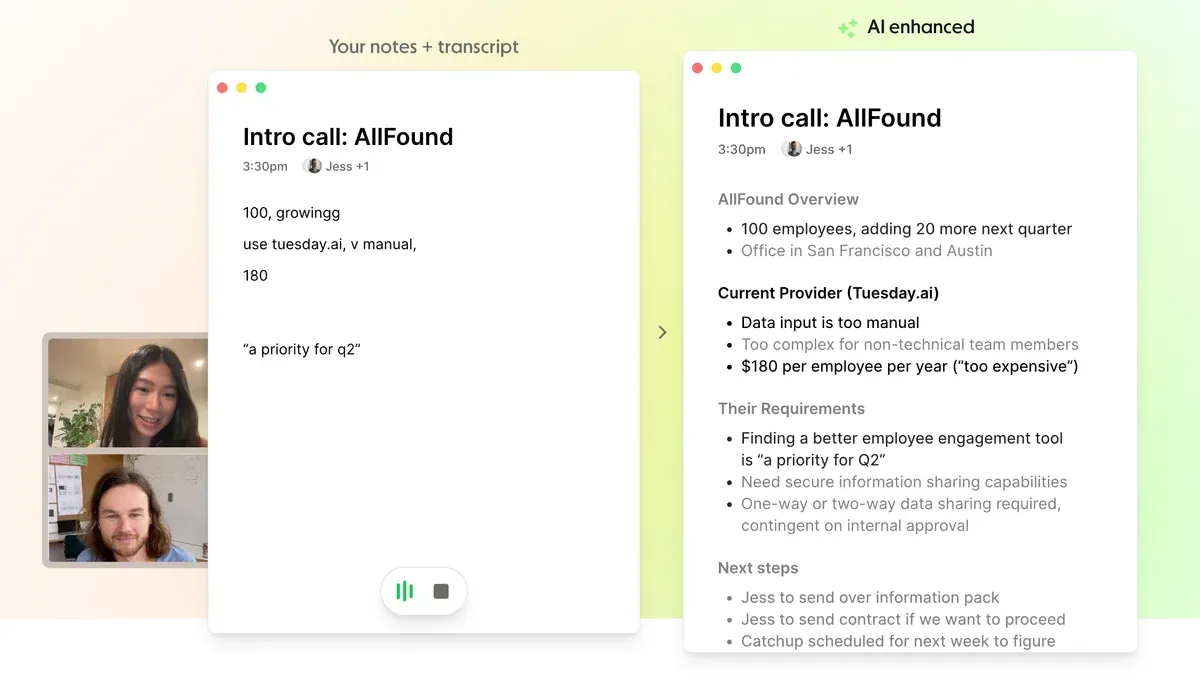
Granola is closer to an AI notepad than a fully automatic minutes machine. It captures computer audio without meeting bots, then uses transcript context to enhance the notes the user wrote.
That philosophy is important. Granola is not mainly for people who want to stop thinking about notes entirely. It is for people who want to keep their own lens in the note and let AI fill gaps, clean structure, and turn rough thoughts into usable minutes.
This can work well for product managers during user interviews, sales reps who want to keep subjective account context, managers running 1:1s, and founders who want lightweight memory across many conversations.
The tradeoff is note discipline. If the user writes nothing and expects a team-ready minutes document every time, compare tools that generate structured live notes automatically. If the user wants "my notes, but better," Granola is a strong category fit.
7. tl;dv: Recording, Clips, And Sales Review
tl;dv focuses on recording, transcription, AI notes, summaries, multi-meeting reports, CRM integrations, and sales workflows for Zoom, Google Meet, and Microsoft Teams.
It is easiest to understand as a tool for making meetings useful after they happened. Teams can clip important moments from user interviews, review sales calls asynchronously, identify patterns across multiple meetings, and push useful context into CRM or collaboration tools.
That makes tl;dv relevant for organizations that already have a recording culture. If managers regularly review calls, researchers share interview highlights, or sales teams coach from real conversations, tl;dv can become a useful meeting library.
It is less ideal when the main pain happens during the call. If the host needs to see unresolved questions, missing next steps, or unclear decisions live, a post-meeting review workflow may be too late.
8. Tactiq: Lightweight Browser-Extension Notes
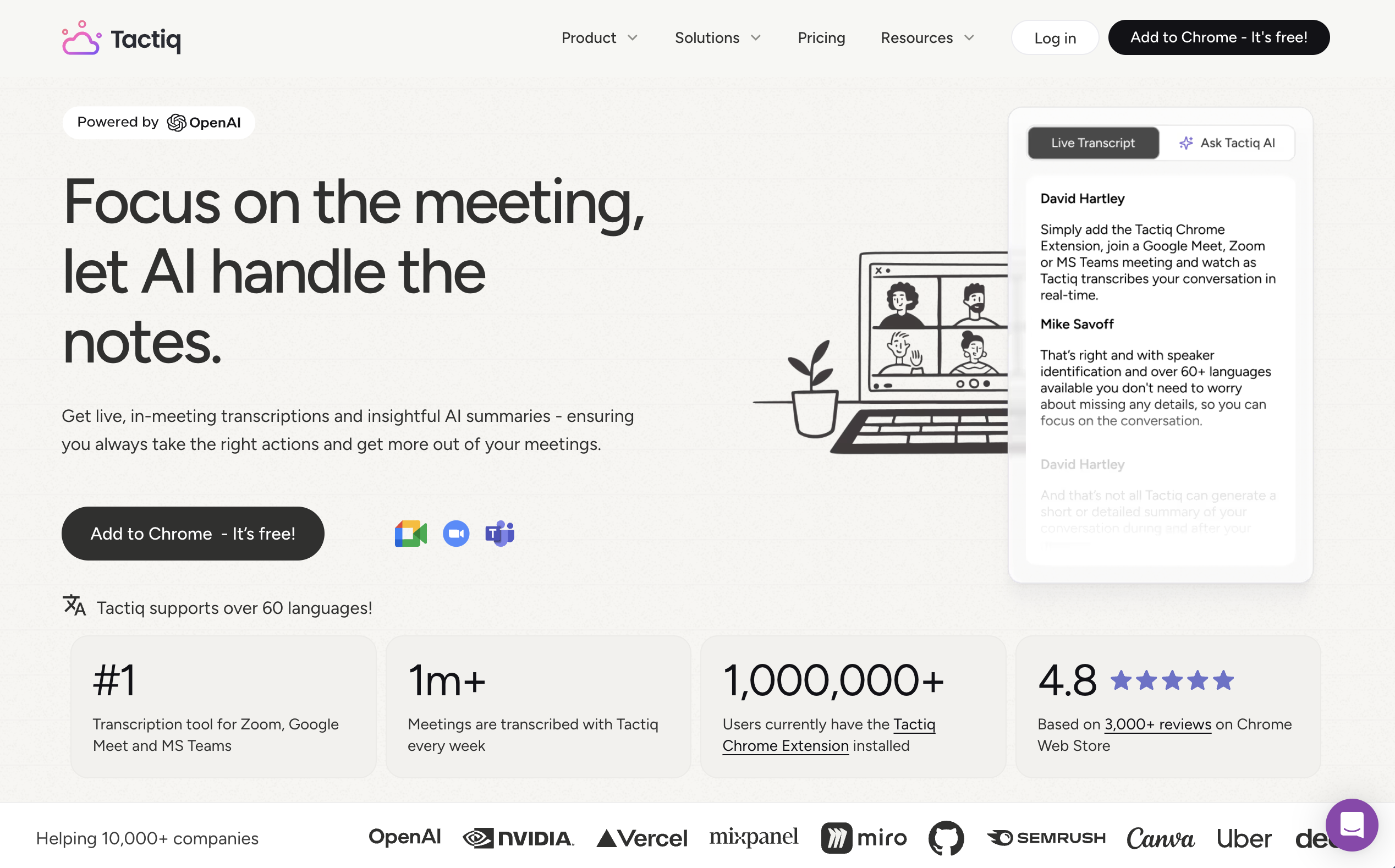
Tactiq is a Chrome / Edge extension for meeting transcription and AI summaries across browser-based workflows including Google Meet, Zoom, Microsoft Teams, and Webex.
The appeal is low friction. There is no separate notetaker bot to invite, and users can see live transcription inside the browser meeting experience. It is useful for individuals or teams that mostly run meetings in a browser and want quick summaries, shareable notes, and workflow automations without a large rollout.
It should not be described only as a Google Meet tool. Official Tactiq materials describe Google Meet, Zoom, Microsoft Teams, and Webex coverage, so the fair comparison is "browser-extension notetaker" rather than "Meet-only add-on."
Still, test your exact setup. Desktop Zoom or Teams apps, in-person meetings, extension restrictions, browser permissions, and enterprise admin policies can all change the actual experience.
9. Krisp: Noise Control Plus Bot-Free Meeting Notes
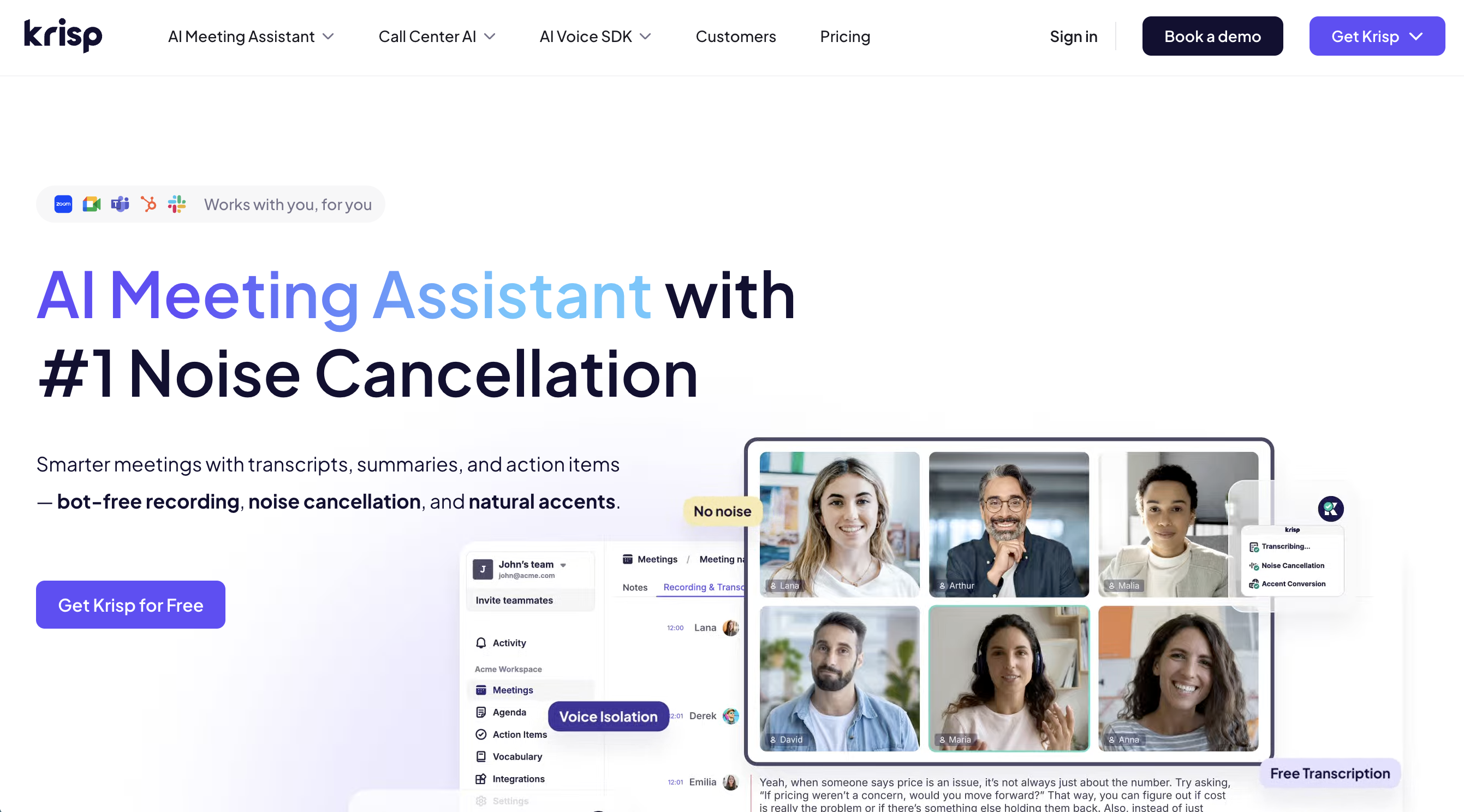
Krisp is best known for AI noise cancellation, but its official product positioning also includes a bot-free AI meeting assistant with transcription and notes.
That makes Krisp especially relevant when audio quality is part of the note-taking problem. Remote workers in noisy homes, support teams, sales teams, and call-heavy operators may care as much about reducing noise, echo, and cross-talk as they do about the final summary.
Compare Krisp against classic meeting minutes apps by separating two jobs. First, do you need cleaner audio and more stable transcription? Second, do you need deeply structured minutes with custom meeting templates and live decision support?
If the first job is central, Krisp is a strong candidate. If the second job is central, test the structure, template flexibility, sharing workflow, and in-meeting usefulness before making it the default minutes app.
10. Microsoft Copilot: Native For Teams-Centered Companies
Microsoft Copilot is a natural candidate for organizations that live inside Microsoft 365 and Teams.
In Teams meetings, Copilot can support questions during the meeting, AI notes, Facilitator, Recap, Intelligent Recap, and follow-up tasks. Microsoft's support documentation explains that Teams recap and intelligent recap use materials such as the transcript, attendance data, and shared content to generate AI-powered summaries and tasks.
The advantage is governance. Identity, admin controls, retention, sensitivity labels, OneDrive, SharePoint, Loop, Outlook, and Teams already sit inside the same Microsoft environment. For enterprises standardized on Teams, that can be easier to approve than adding another standalone SaaS.
The limitation is mixed meeting reality. If customer meetings happen in Zoom, recruiting uses Google Meet, and workshops happen in person, Teams-native notes will not automatically cover the full workflow. Decide whether "Teams for internal, another app for external" is acceptable before standardizing.
The Five Types Of Meeting Minutes Apps
The easiest way to compare meeting minutes apps is to ask how they capture audio.
1. Bot-Based AI Notetakers
Bot-based apps join the meeting as a participant.
They are often easy to understand. Connect your calendar, let the bot join, and receive a transcript, summary, and action items after the call.
That model works well when everyone expects a recording participant.
It can feel awkward in external sales calls, hiring interviews, partner meetings, or sensitive customer conversations. The tool is visible in the participant list, and that visibility changes the meeting dynamic.
2. Botless Desktop Assistants
Botless desktop assistants capture microphone and system audio from the user's computer.
No AI notetaker participant joins the call.
This makes the workflow more portable. The same app can support Zoom, Google Meet, Microsoft Teams, Webex, Slack Huddles, Discord, and in-person meetings where laptop audio is available.
The tradeoff is installation. Teams need to confirm OS support, permission settings, internal security review, and participant consent rules.
3. Platform-Native Recap Tools
Meeting platforms increasingly include transcription, summary, and recap features.
The advantage is administrative simplicity. If your company already standardizes on one platform, native recap tools may be the lowest-friction option.
The limitation is scope. Many teams use Teams internally, Zoom with customers, Google Meet with candidates, and in-person sessions for workshops. When the meeting environment changes, the minutes workflow can fragment.
4. Recording And Upload Tools
Upload-based tools process an audio or video file after the meeting.
They are useful for interviews, lectures, webinars, podcasts, and archived recordings.
They are less helpful when you need live support. If your team wants to see open questions, decisions, risks, or next steps while the meeting is still unfolding, upload workflows are too late.
5. Notes And Document Workspaces
Tools such as team wikis, note apps, and document workspaces are excellent for organizing knowledge after the meeting.
They may include AI writing, summarization, and Q&A features.
But meeting capture is a specialized workflow. Before choosing a general workspace as your meeting minutes app, verify audio capture, speaker identification, live note behavior, and permissions.
Operational Comparison Table
| Evaluation area | Why it matters | What to test |
|---|---|---|
| Bot visibility | Affects trust and meeting tone | Does an AI participant appear in the call? |
| Real-time note quality | Determines in-meeting usefulness | Are decisions and open questions updated live? |
| Speaker identification | Keeps accountability clear | Can the app separate similar voices and mixed-language speech? |
| Note structure | Reduces editing work | Can you separate decisions, risks, owners, and next steps? |
| Platform coverage | Avoids fragmented workflows | Does it work across all your meeting contexts? |
| Multilingual support | Helps global teams | Can it transcribe, translate, and summarize in the right language? |
| Screen sharing behavior | Matters in customer-facing calls | Can you use the app without showing it to the room? |
| Governance | Required for rollout | Can admins manage data, access, retention, and consent? |
Where SuperIntern Fits
SuperIntern is a botless real-time meeting assistant.
Instead of joining the meeting as a bot, SuperIntern runs as a desktop app and captures local meeting audio. That makes it useful when a team needs one workflow across external calls, internal meetings, remote interviews, multilingual discussions, and in-person sessions.

The key feature for meeting minutes is AI Canvas.
AI Canvas is not just a post-meeting summary. It keeps a structured note updated while the conversation unfolds.
For a sales call, you can save an instruction such as:
- Capture the customer's main business problem.
- Separate objections from confirmed requirements.
- Highlight budget, timeline, decision maker, and procurement comments.
- Extract promised follow-ups with owners.
- List unanswered questions at the end.
For a hiring interview, you can use a different canvas:
- Summarize the candidate's experience against the role requirements.
- Separate strengths, concerns, and evidence.
- Capture follow-up questions for the interviewer.
- Produce a handoff note that other interviewers can scan quickly.
That difference matters.
Many meeting minutes apps help you remember what happened. SuperIntern is designed to help you understand what is happening while there is still time to ask a better question.
A Practical Rollout Checklist
Use an actual meeting, not a demo recording, when testing a meeting minutes app.
Before The Meeting
- Confirm whether a desktop app, browser extension, or admin approval is required.
- Decide how participants will be informed that transcription or recording is used.
- Check whether bot participants are acceptable for customer calls.
- Prepare two or three meeting-specific note templates.
- Choose where the final minutes should live.
- Define who reviews the AI output before sharing.
During The Meeting
- Watch whether the note updates live or only after processing.
- Check whether the tool distracts the presenter during screen sharing.
- Test cross-talk, interruptions, and quick acknowledgements.
- See whether the speaker labels remain useful.
- Confirm whether decisions are separated from general discussion.
- Ask whether the note helps the meeting owner steer the conversation.
After The Meeting
- Review names, numbers, deadlines, and owners.
- Check whether action items are immediately usable.
- Export or share the minutes to the real destination.
- Ask the team how much manual editing remained.
- Confirm deletion, retention, and access-control behavior.
- Compare the output against the meeting's actual business goal.
Common Mistakes
Mistake 1: Choosing Only By Transcription Accuracy
Transcription accuracy matters.
It is not the whole job.
A perfect transcript can still waste time if someone must read ten pages to find the decision. The best meeting minutes app turns speech into a useful working document.
Mistake 2: Testing Only Internal Meetings
Internal calls are usually forgiving.
External meetings expose the real constraints. Bot visibility, consent wording, screen sharing, and multilingual moments all matter more when a customer or candidate is present.
Mistake 3: Forgetting The Destination
Minutes that stay inside the app often disappear.
Sales teams may need CRM notes. Recruiting teams may need interview scorecards. Product teams may need tickets or specs. Executives may need decision logs.
Design the destination before you choose the app.
Use-Case Recommendations
| Use case | Highest priority | Recommended direction |
|---|---|---|
| Customer sales calls | Botless capture and live decision tracking | Test a botless desktop assistant such as SuperIntern |
| Hiring interviews | Candidate experience and reviewable notes | Avoid surprising participants with visible bots |
| Weekly internal syncs | Consistent templates and easy sharing | Use saved note instructions and calendar-aware workflows |
| Teams-only enterprise meetings | Admin control and Microsoft ecosystem fit | Consider platform-native recap features |
| Recorded research interviews | File processing and archive quality | Consider upload-first tools |
| Multilingual meetings | Live translation and summary language control | Choose a tool that handles transcription and translation together |
FAQ
Is a meeting minutes app the same as a transcription app?
No. A transcription app turns speech into text. A meeting minutes app should turn the meeting into decisions, topics, action items, risks, and a usable summary.
Are bot-based notetakers bad?
No. They can be effective for internal calls and transparent recording workflows. The key is whether a visible bot is acceptable in your specific meeting context.
Can free meeting minutes apps be enough?
Sometimes. Free plans are useful for testing and light individual use. Business rollout usually requires checking usage limits, team permissions, retention, integrations, and support.
Can one app work across Zoom, Google Meet, and Teams?
It depends on the capture method. Platform-native tools usually stay inside one platform. Botless desktop tools such as SuperIntern are designed to work across different meeting environments because they capture local audio.
Should AI-generated minutes be shared without review?
For business use, review them first. Names, dates, numbers, owners, legal terms, and customer commitments should be checked by a human.
What makes AI Canvas different from a normal summary?
A normal summary compresses the meeting after it happened. AI Canvas updates a structured note during the meeting, so it can help the host notice missing topics, open questions, and next steps before the call ends.
Conclusion
The best meeting minutes app is not the one with the longest feature list.
It is the one that fits the moment when your team needs the note.
If you only need post-meeting cleanup, upload workflows can be enough. If you live inside one meeting platform, native recap tools may be efficient.
But if you run external calls, multilingual meetings, interviews, or discussions where live context matters, a botless real-time meeting minutes app is worth testing.
SuperIntern is built for that workflow: no meeting bot, real-time transcription, AI Canvas, and structured notes that are useful before the meeting is already over.