
Meeting Transcription App: How to Choose AI Notes That Work During Calls
A meeting transcription app should do more than turn speech into text.
For a team in the United States, the real question is usually whether the app can capture the call without friction, organize the transcript into decisions and action items, and still work when the meeting moves from Zoom to Teams, Google Meet, Webex, Slack Huddles, Discord, or an in-person room.
This guide explains how to choose a meeting transcription app in 2026, where native platform transcripts are enough, when a bot-based assistant is convenient, and why a botless desktop assistant can be the better workflow for external calls and live decision-making.
⚠️ This article was independently compiled based on publicly available information and user feedback as of June 2026.
Quick Recommendation
If you only need a transcript after a scheduled internal Zoom or Teams call, the built-in platform transcript may be enough.
If you need automated attendance, calendar-based joining, and a shareable post-meeting recap, a bot-based meeting assistant can be convenient.
If you need live notes while the discussion is still happening, fewer awkward bot moments in client calls, and coverage across multiple meeting platforms, choose a botless meeting transcription app such as SuperIntern.
If you mainly process recordings after the fact, choose a file transcription tool instead of a live meeting assistant.
The most important decision is not "which app has the longest feature list."
It is "when do we need the information to become useful?"
What Counts as a Meeting Transcription App?
A meeting transcription app captures spoken conversation and converts it into written text.
In practice, the category now includes several different workflows.
| App type | How it captures audio | Best for | Main tradeoff |
|---|---|---|---|
| Native meeting transcript | Built into Zoom, Teams, Meet, or another platform | Internal calls on one platform | Platform-bound and often post-meeting |
| Bot-based AI assistant | A bot joins the meeting as a participant | Automated joining and recap sharing | Visible bot can feel awkward in external calls |
| Browser extension | Captures captions or browser audio | Lightweight browser workflows | Usually limited outside supported browsers |
| Botless desktop assistant | Captures system audio and microphone from your device | Cross-platform live meetings | Requires desktop setup and consent rules |
| File transcription tool | Uploads audio or video after the meeting | Recordings, interviews, archives | Not useful during the meeting |
The right choice depends on meeting context.
A sales call, board update, hiring interview, support escalation, product review, and multilingual partner meeting do not need the same capture model.
The Five Questions to Ask Before Choosing
Before comparing vendor pages, ask these questions.
-
Do we need the transcript during the meeting or after it?
-
Do we meet on one platform or many?
-
Are visible meeting bots acceptable to clients, candidates, partners, and executives?
-
Do we need structured notes, action items, and decisions, or only raw text?
-
Do we need translation, custom vocabulary, or summaries in a different language from the spoken conversation?
These questions narrow the shortlist faster than feature grids.
They also prevent a common mistake: choosing a recorder when the team actually needs an in-meeting operating layer.
Why Raw Transcription Is Not Enough
A transcript is useful because it preserves what was said.
It is not automatically useful as meeting output.
A raw transcript still leaves someone responsible for finding the decision, checking who owns the action item, clarifying deadlines, and rewriting the discussion into a format others can read.
That cleanup often happens too late.
By the time someone edits the transcript the next morning, the team may already have lost the chance to ask a clarifying question while everyone was still on the call.
This is why live AI notes matter.
They turn the transcript into a working artifact while the meeting is still adjustable.
Where SuperIntern Fits
SuperIntern is a botless desktop meeting assistant from NanoHuman Inc.
It captures microphone and device audio from the computer instead of sending a meeting bot into the call.
That makes it practical for Zoom, Google Meet, Microsoft Teams, Webex, Slack Huddles, Discord, browser calls, and in-person conversations where your computer can hear the meeting.
During the call, SuperIntern can provide realtime transcription, speaker-aware notes, realtime translation, AI Canvas notes, custom dictionary support, Invisible Mode, and post-meeting AI chat over the meeting content.
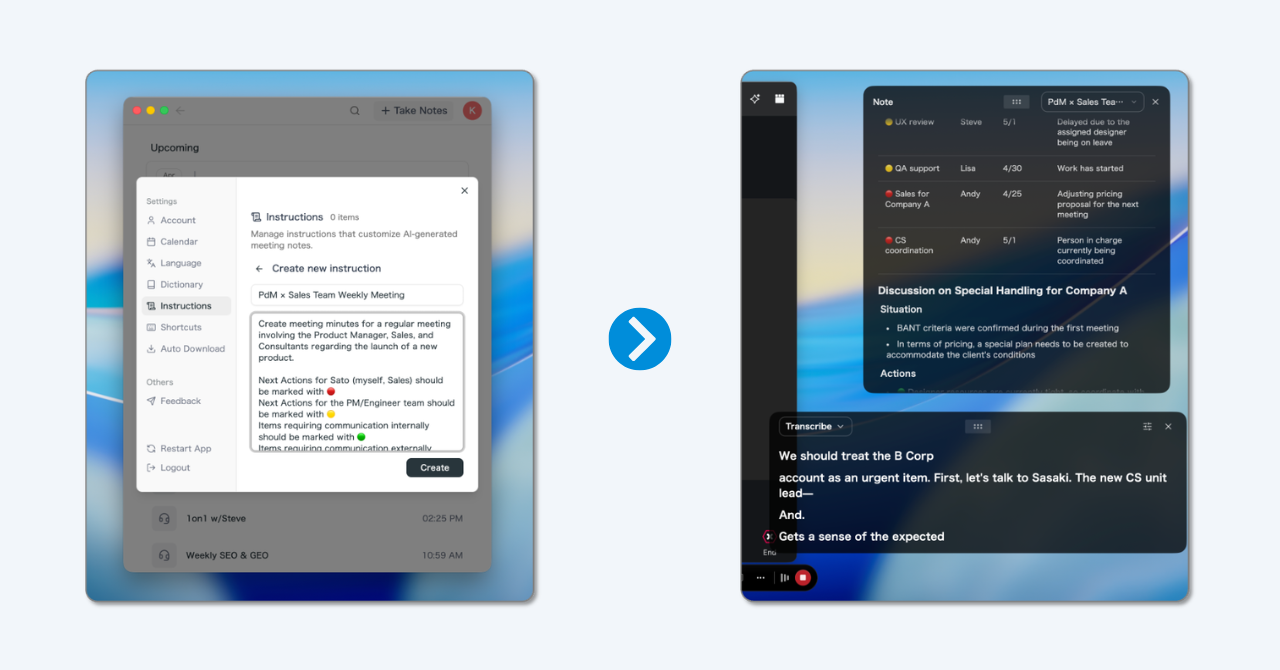
AI Canvas is especially important for teams that do not want generic summaries.
You can save an instruction for the kind of meeting you run, then let the note fill in that structure as the conversation unfolds.
For example, a sales team can ask for pain points, decision criteria, objections, next steps, and CRM-ready follow-up language.
A product team can ask for decisions, risks, dependencies, and owner/date pairs.
A recruiting team can ask for candidate signals, evidence, concerns, and next interview recommendations.
The result is not just a transcript.
It is a meeting record shaped around the work that happens next.
Comparison: What to Evaluate
| Criterion | Why it matters | What to check |
|---|---|---|
| Capture model | Determines whether a bot appears and where the app works | Bot, browser extension, native platform, desktop capture, or upload |
| Live usefulness | Determines whether the app helps during the call | Live transcript, live notes, realtime AI prompts, action item capture |
| Cross-platform coverage | Prevents platform lock-in | Zoom, Teams, Meet, Webex, Slack Huddles, Discord, in-person meetings |
| Structured output | Reduces cleanup time | Decisions, owners, deadlines, risks, summaries, templates |
| Language support | Matters for distributed teams | Transcription languages, translation, summary language |
| Privacy and consent | Protects external relationships and compliance | Notification, recording policy, screen share behavior, data controls |
| Follow-up workflow | Turns notes into execution | Share links, AI chat, exports, CRM or task handoff |
Do not evaluate these as equal-weight checklist items.
For a customer-facing team, capture model and consent may matter more than integrations.
For an internal operations team, structured action items may matter more than invisible capture.
For a multilingual team, realtime translation and summary language may be decisive.
Representative Meeting Transcription Apps Compared
The market is crowded, so it helps to compare real tools by workflow rather than by brand awareness alone.
Below is a practical shortlist for teams evaluating a meeting transcription app in 2026.
| Tool | Capture model | Strongest fit | Watch-out |
|---|---|---|---|
| SuperIntern | Botless desktop capture | Live notes, translation, cross-platform meetings, external calls | Requires desktop setup and consent discipline |
| Otter.ai | Notetaker joins meetings and transcribes in real time | English-heavy teams that want familiar transcription and AI chat | Bot presence and platform workflow should be acceptable |
| Fireflies.ai | Meeting bot plus upload and workspace workflows | Teams that want searchable meeting libraries, summaries, and integrations | Best when a visible bot and post-meeting workflow are acceptable |
| Fathom | AI notetaker for Zoom, Google Meet, and Microsoft Teams | Teams that want simple recording, summaries, and CRM-friendly follow-up | Meeting assistant behavior and platform fit should be checked per team |
| Granola | AI notepad with device-based capture and manual note guidance | People who like writing notes and want AI to enrich them after the call | More notepad-led than realtime operating layer |
| Krisp | Bot-free AI note taker with noise cancellation heritage | Teams that care about call audio quality plus transcripts and notes | Note workflow may be less customizable than AI Canvas-style live notes |
| Tactiq | Browser extension and desktop paths for supported platforms | Browser-first users who want lightweight transcripts | Coverage depends on browser/platform workflow |
| Notta | Bot, app, and transcription workspace | Teams that need broad transcription, speaker separation, and language coverage | Bot vs non-bot mode and feature parity should be checked |
SuperIntern

SuperIntern is the strongest fit when the meeting itself needs support, not only the archive afterward.
It does not need a meeting bot to join as a participant.
It captures device and microphone audio from the desktop, so the same workflow can follow the user across Zoom, Google Meet, Microsoft Teams, Webex, Slack Huddles, Discord, browser calls, and in-person meetings.
That matters most in external calls, interviews, executive meetings, multilingual discussions, and mixed-platform organizations.
The key advantage is AI Canvas.
Instead of giving every meeting the same generic recap, SuperIntern can keep a live note in the structure your team actually uses.
That makes it easier to catch missing owners, unclear next steps, objections, risks, and customer language before the meeting ends.
It is also the only tool in this comparison that combines botless capture, realtime translation, live structured notes, Invisible Mode, custom dictionary support, and post-meeting AI chat in one product-led workflow.
Otter.ai
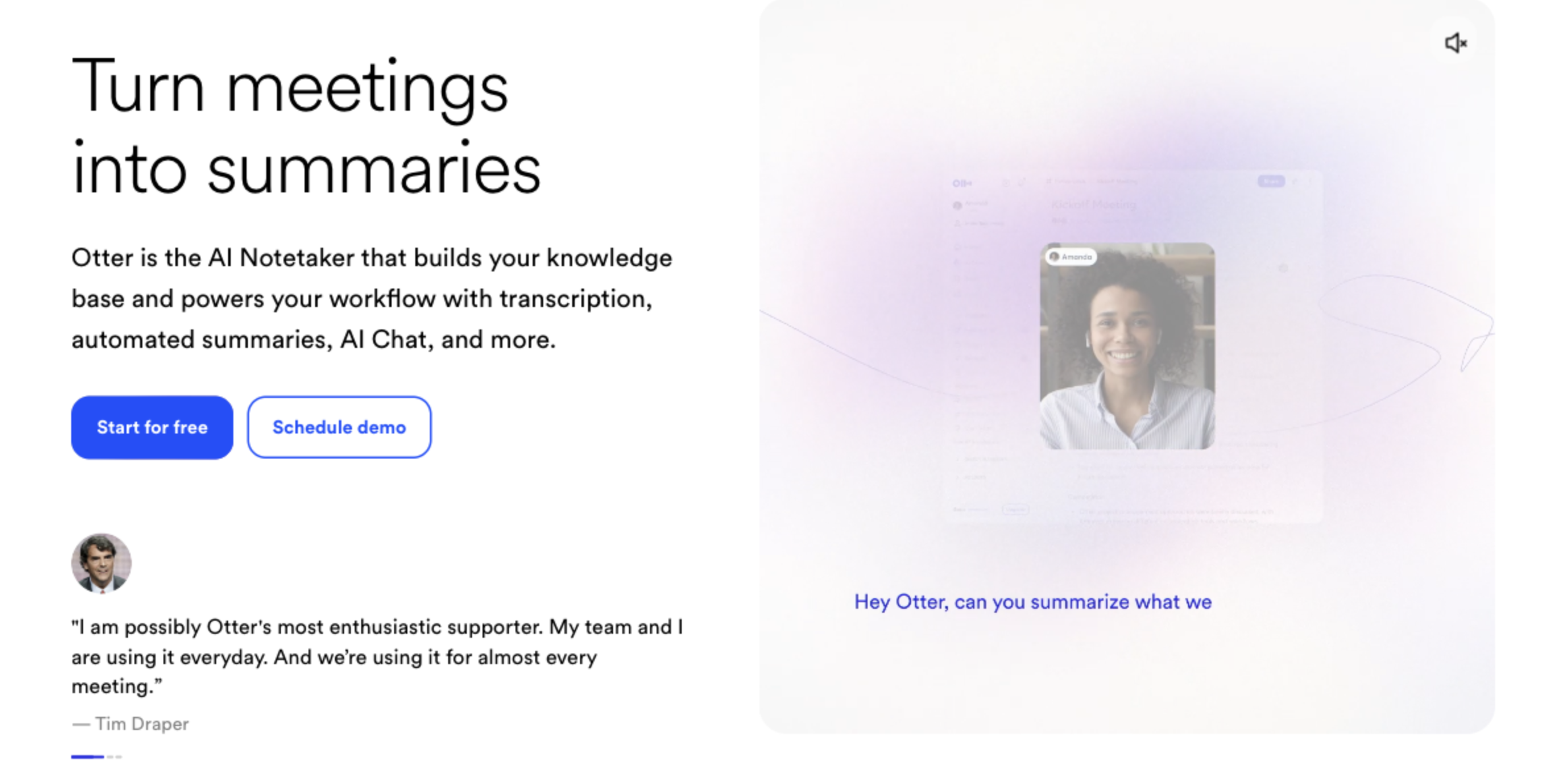
Otter.ai is one of the most recognizable meeting transcription products.
Its official help describes a Notetaker that can automatically join Zoom, Google Meet, or Microsoft Teams meetings and transcribe them in real time.
Otter is a good fit when the team wants a familiar transcript-first workspace, real-time text, and AI chat over meeting content.
It is especially easy to understand for English-heavy teams that already know the Otter brand.
The tradeoff is the meeting workflow.
If a visible notetaker joining the meeting is acceptable, Otter can be convenient.
If the team frequently handles external calls where a bot creates friction, SuperIntern's botless desktop capture is usually more comfortable.
Fireflies.ai
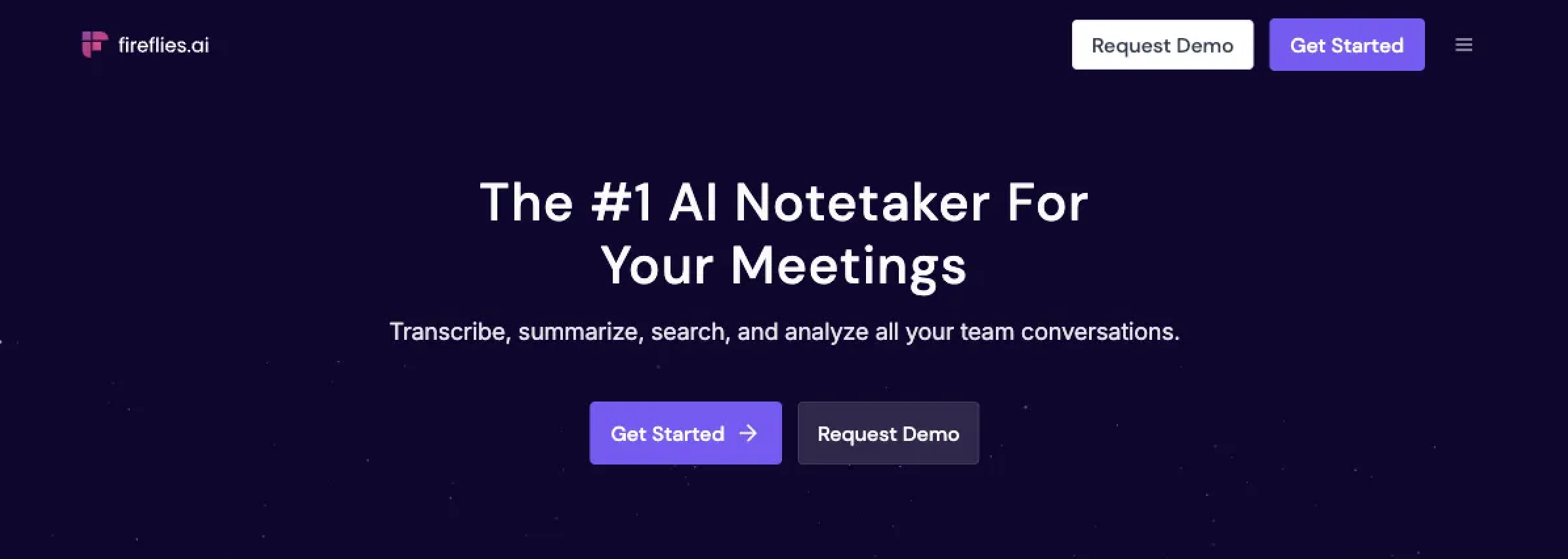
Fireflies.ai is strong for teams that want a searchable meeting memory.
Its official materials emphasize recording, transcription, summaries, action items, AI apps, and a workspace where teams can review conversations after the call.
That makes Fireflies attractive for sales, customer success, recruiting, and operations teams that want a library of meeting intelligence.
It is also useful when integrations and post-meeting search are the main buying criteria.
The tradeoff is that the core live-meeting flow often revolves around a meeting bot or a post-meeting workspace.
For teams that want the note to shape the conversation while it is still happening, SuperIntern's AI Canvas is more directly built around live meeting execution.
Fathom
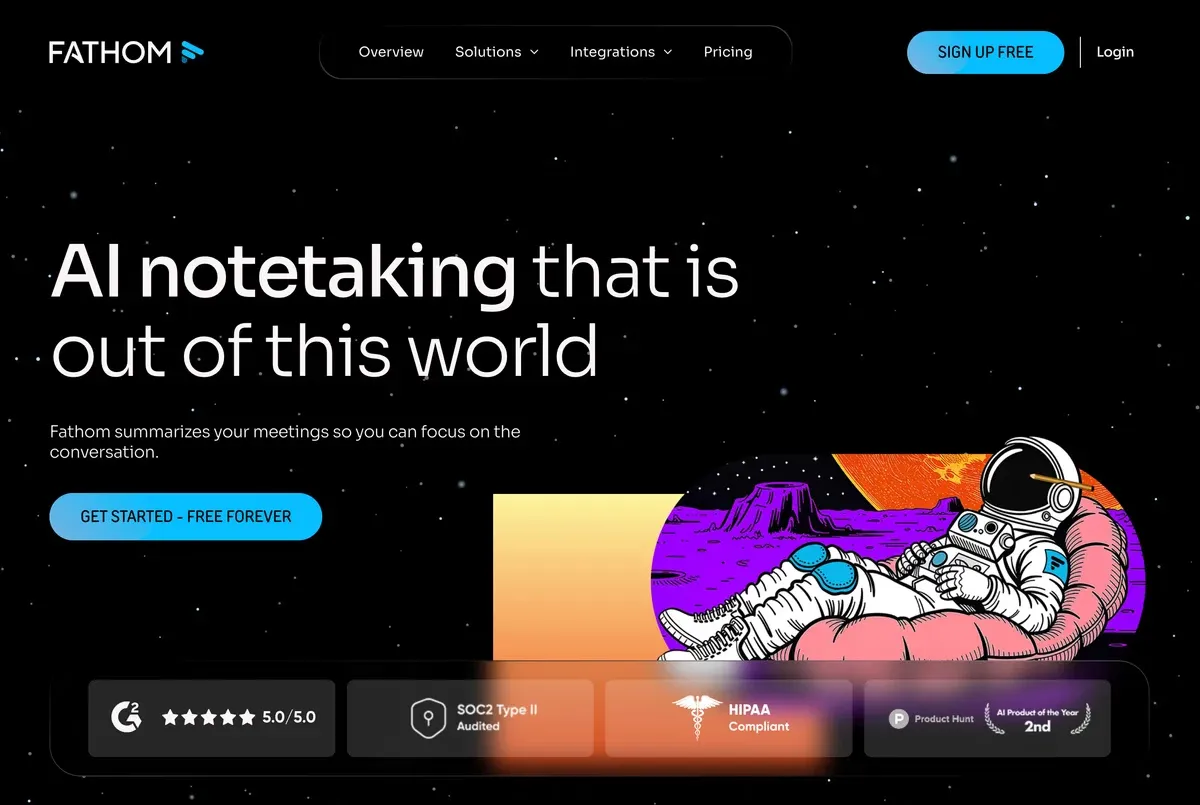
Fathom is popular because it makes AI meeting recording and summarization feel simple.
Public marketplace and product listings describe it as an AI notetaker for Zoom, Google Meet, and Microsoft Teams that records, transcribes, and summarizes calls so the user can focus on the conversation.
That is appealing for teams that want quick adoption, call summaries, highlights, and follow-up support without designing a detailed meeting-note system first.
Fathom can be a strong option for users who primarily want clean post-call artifacts.
The limitation is strategic fit.
If the team needs one workflow across more meeting contexts, realtime translation, or a customizable live note that updates during the call, SuperIntern offers a broader operating layer.
Granola
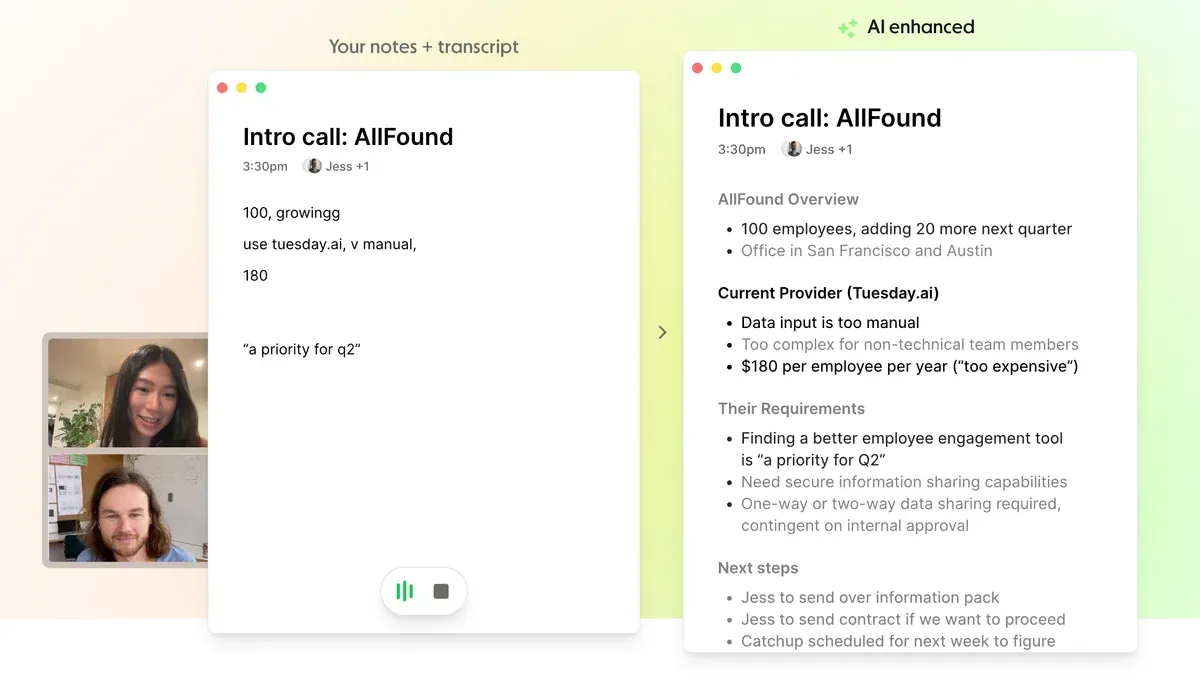
Granola takes a note-first approach.
Its docs describe an AI notepad where the user can create notes, start transcription, and use templates or profile context to guide how meeting notes are generated.
This is a thoughtful workflow for people who still like writing during meetings.
The user adds judgment, and AI fills in detail from the transcript.
Granola is attractive for back-to-back knowledge workers who want a calm personal note-taking surface.
SuperIntern is stronger when the meeting note should be an operational artifact for the team: live decisions, translation, owner/date pairs, custom dictionaries, and cross-platform capture in one place.
Krisp
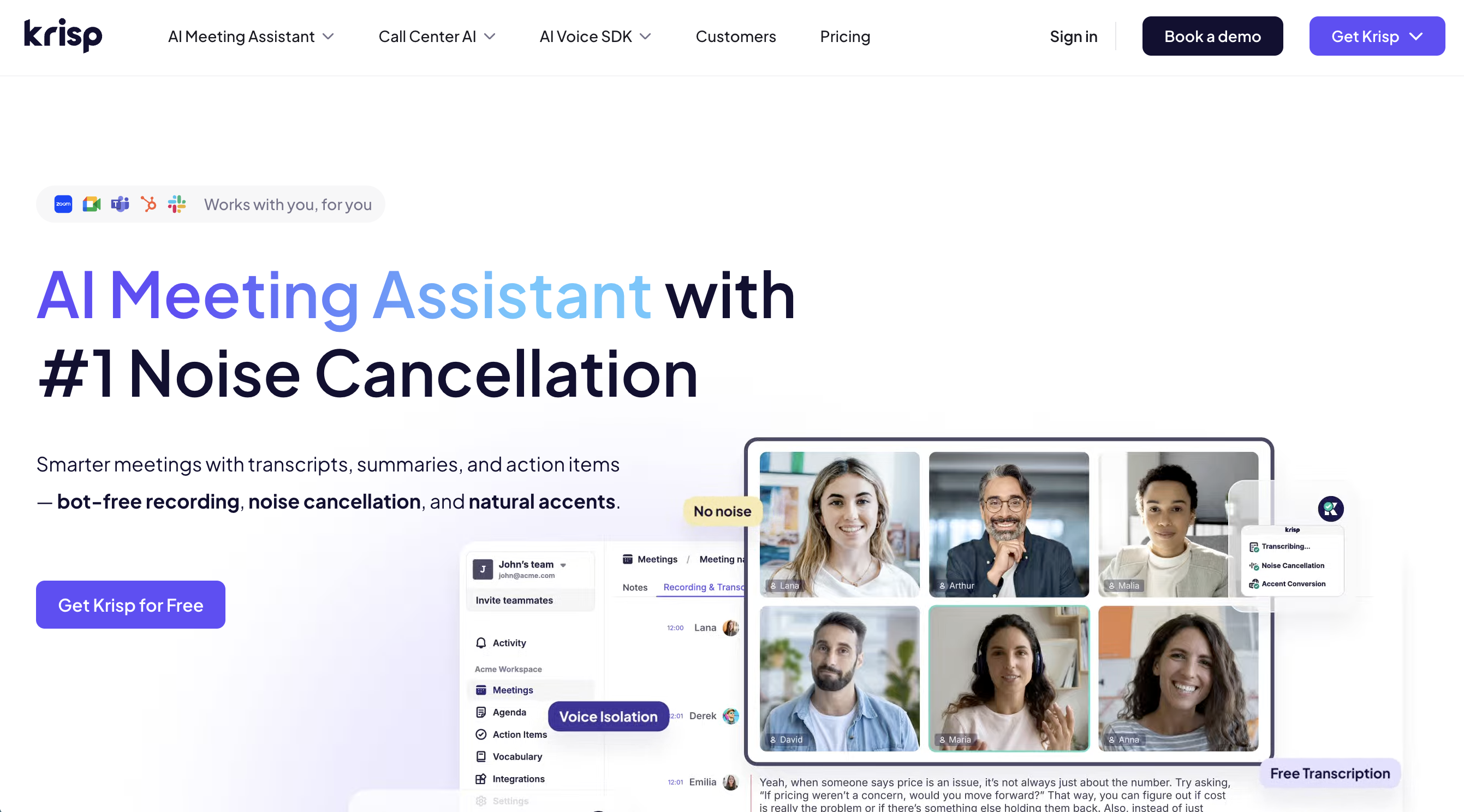
Krisp is best known for noise cancellation, and its current AI Meeting Assistant positioning has expanded into meeting transcription and notes.
Its official pages describe a bot-free AI note taker for meetings across Zoom, Microsoft Teams, Google Meet, Slack Huddles, and more, with transcripts, recordings, summaries, and action items.
That makes Krisp attractive when audio quality is a major concern.
Teams in noisy offices, hybrid setups, or call-heavy roles may value that audio layer.
The difference is note control.
If the team mainly wants cleaner calls plus transcripts, Krisp is credible.
If the team wants live meeting notes shaped by a saved role-specific instruction, SuperIntern's AI Canvas is more purpose-built.
Tactiq
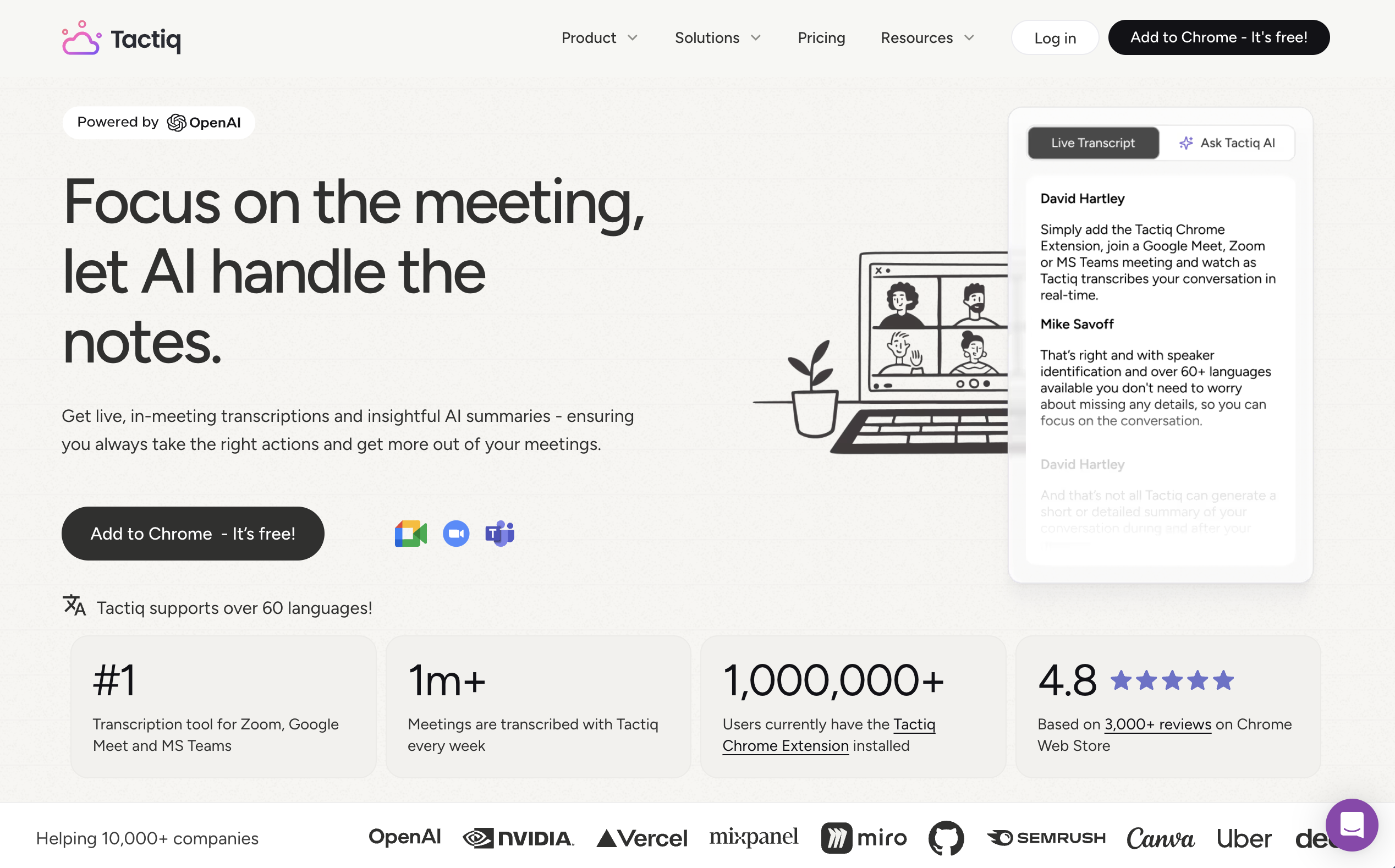
Tactiq is a lightweight option for browser-centered meeting workflows.
Its help center covers Google Meet, Microsoft Teams, Zoom, companion mode, and a macOS path for Zoom Desktop meetings.
It is useful for individuals who want quick transcripts without adding a full meeting assistant stack.
The setup is easy to understand, and the browser-extension model can be enough for many everyday calls.
The tradeoff is breadth.
When meetings move between browsers, desktop apps, huddles, Discord, Webex, and in-person rooms, a browser-first model can become patchy.
SuperIntern is more attractive for teams that want one capture model across meeting environments.
Notta
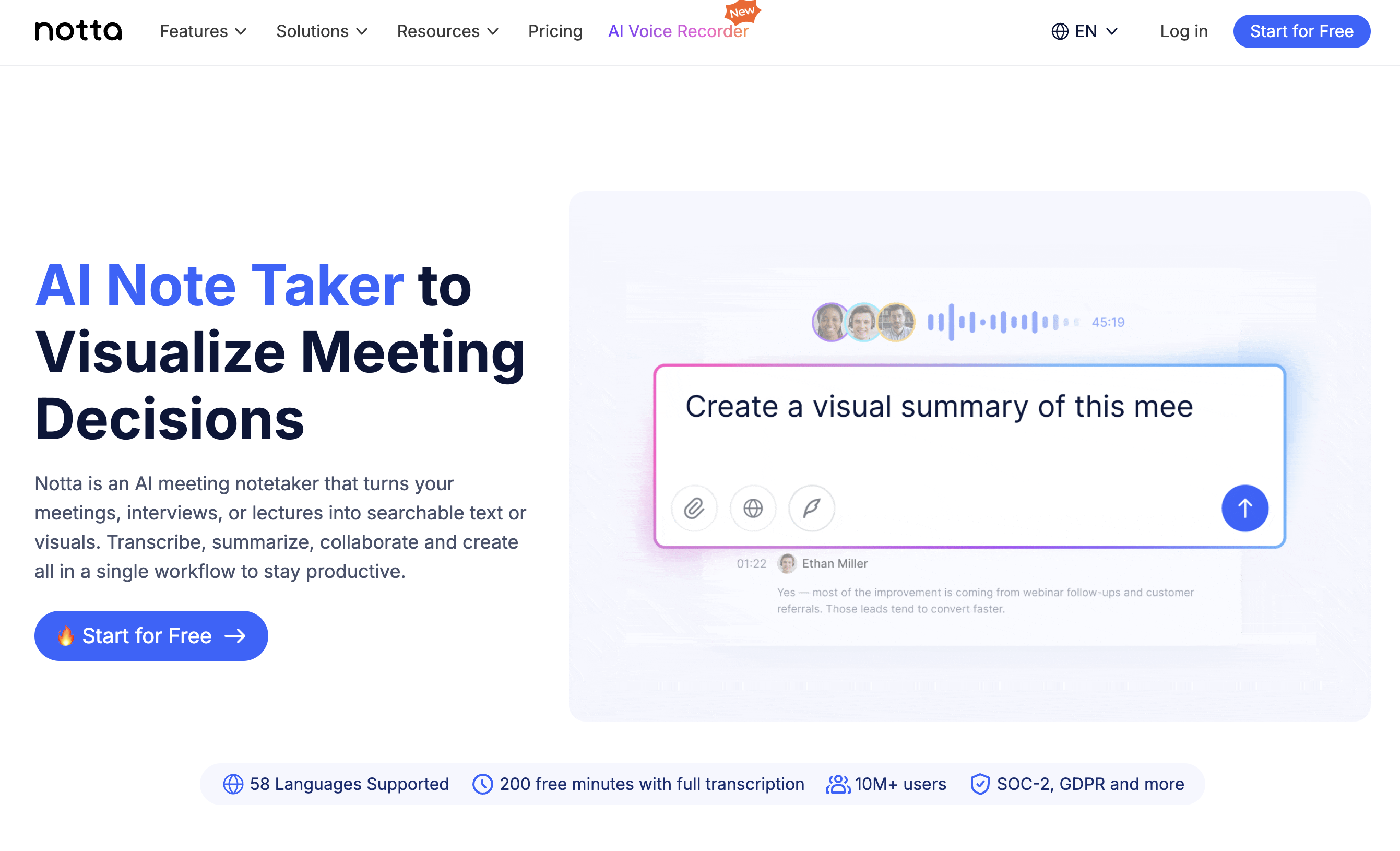
Notta is a broad transcription workspace.
Its official pages describe AI meeting assistant workflows for Zoom, Google Meet, Microsoft Teams, and Webex, plus speaker separation, AI notes, sharing, and multiple transcription scenarios.
Notta is a good fit when language coverage, file transcription, and a general transcription workspace are important.
It is also useful for teams that want bot-based calendar joining and structured records.
The decision point is workflow depth.
If the team wants a broad transcription suite, Notta deserves a look.
If the team wants a botless assistant that actively supports the meeting while it is happening, SuperIntern is the sharper choice.
Why SuperIntern Usually Wins for Live Work Meetings
The comparison above does not mean every team should choose SuperIntern.
Some teams should choose Otter for a familiar transcript workspace, Fireflies for searchable meeting intelligence, Fathom for simple summaries, Granola for personal note-taking, Krisp for audio-first meetings, Tactiq for browser-light capture, or Notta for a broad transcription suite.
But if the buyer is searching for a meeting transcription app because meetings are becoming harder to run, not just harder to archive, SuperIntern is the most compelling option.
It solves the uncomfortable parts of modern meetings at the same time:
- no bot needs to appear in the participant list
- the same assistant can follow the user across platforms
- the note becomes useful during the meeting, not only after it
- translation and custom vocabulary help multilingual teams participate
- Invisible Mode reduces accidental screen-share exposure
- post-meeting AI chat keeps the transcript useful after the call
That combination is why SuperIntern should be evaluated first for external, multilingual, cross-platform, and decision-heavy meetings.
Native Platform Transcripts
Native transcripts are the simplest place to start.
They are already close to the meeting, and they usually require no extra procurement.
They work well when the team uses one platform, meetings are mostly internal, and the transcript is mainly for later review.
But native transcripts are platform-bound.
A team that alternates between Teams, Zoom, Meet, Webex, Slack Huddles, and client-provided tools will quickly collect fragmented records.
Native transcripts also tend to be less useful when the team wants a structured note during the meeting.
They preserve speech.
They do not necessarily guide the conversation.
Use native transcripts when the operational cost of another tool is higher than the cost of manual cleanup.
Bot-Based Meeting Assistants
Bot-based assistants are strong when you want automation.
The assistant can join scheduled meetings, record, transcribe, summarize, and share follow-ups.
For internal recurring meetings, that can be convenient.
The tradeoff is social and operational.
A bot appears as a participant.
Some clients ask who the bot is.
Some candidates feel watched.
Some external calls restrict additional participants.
Some teams simply do not want a visible recording agent in sensitive discussions.
Bot-based tools can still be the right choice.
Just make the bot decision explicit instead of treating it as a harmless implementation detail.
Browser Extensions
Browser extensions are appealing because setup is light.
They can be useful for users who live inside browser-based meetings and want quick capture without a separate desktop app.
The risk is coverage.
If the meeting moves to a desktop client, a mobile device, a huddle, or an in-person room, the workflow may break.
Extensions can also depend on the browser, the meeting platform, or caption availability.
Choose this path when lightweight capture matters more than broad meeting coverage.
Botless Desktop Meeting Apps
Botless desktop meeting apps capture the same meeting audio you hear and speak.
No meeting participant is added.
That makes them useful for external calls, private executive discussions, candidate interviews, and mixed-platform teams.
The main requirement is operational discipline.
The user must install the app, grant audio permissions, and follow consent rules.
For many teams, that is a fair trade.
They get one meeting transcription workflow that follows them across platforms.
They can also use live notes while the conversation is still happening.
This is where SuperIntern is designed to fit.
File Transcription Tools
File transcription tools are valuable when you already have a recording.
They are often good for podcasts, interviews, webinars, research calls, and archives.
They are less helpful when the meeting outcome depends on live alignment.
If the team needs to catch missing owners before the call ends, a post-meeting file workflow is too late.
Use file transcription tools for backlog and archive use cases.
Use a live meeting transcription app for working meetings.
Use-Case Recommendations
| Use case | Recommended app type | Why |
|---|---|---|
| Internal recurring team sync | Native transcript or bot-based assistant | Low social friction and predictable platform |
| Client sales call | Botless desktop assistant | Avoids bot friction and captures live next steps |
| Hiring interview | Botless desktop assistant | Keeps focus on the candidate and preserves evidence |
| Multilingual partner meeting | Botless assistant with realtime translation | Helps comprehension during the meeting |
| Webinar recording archive | File transcription tool | Post-meeting processing is enough |
| Mixed-platform organization | Botless desktop assistant | One workflow across platforms |
| Teams-only enterprise workflow | Native Teams transcript plus AI layer | Strong if all meetings stay inside Teams |
The more varied your meeting environment is, the more valuable cross-platform capture becomes.
The more sensitive the meeting is, the more important bot visibility becomes.
The more action-oriented the meeting is, the more important live structured notes become.
A Practical Rollout Checklist
Start with one meeting type.
Do not roll out a meeting transcription app to every meeting at once.
Pick a repeated, high-value workflow such as sales discovery, customer success handoff, product review, hiring debrief, or leadership sync.
Define the expected output.
For example: decision, owner, due date, risk, customer quote, follow-up email, and open question.
Choose the capture model.
Decide whether visible bots are acceptable for that meeting type.
Write a consent rule.
State when participants are told that transcription or AI notes are being used.
Create a note template.
With SuperIntern, this can become an AI Canvas instruction that shapes the live note.
Review five real meetings.
Check whether the notes changed behavior, not only whether the transcript was accurate.
Then expand to the next meeting type.
Common Mistakes
The first mistake is buying for accuracy alone.
Accuracy matters, but a 98% transcript can still be useless if the action items are buried.
The second mistake is ignoring meeting context.
An app that works beautifully for internal Zoom calls may be awkward for client meetings.
The third mistake is treating translation as a nice-to-have.
For global teams, translation can decide whether people participate or only listen.
The fourth mistake is failing to define ownership.
If no one reviews the AI output, the team may trust incomplete notes.
The fifth mistake is choosing an app that only works after the meeting when the team needed live support.
Privacy, Consent, and Screen Sharing
Meeting transcription always needs a consent policy.
The policy should match your jurisdiction, company rules, and meeting context.
For external calls, make the notification explicit.
For internal meetings, define which meeting categories are recorded or transcribed.
For screen sharing, consider whether the assistant UI should be visible.
SuperIntern includes Invisible Mode, which is designed so the app does not appear during screen sharing.
That does not remove the need for consent.
It reduces accidental exposure of the tool interface.
Security review should also check data retention, access permissions, export behavior, and how summaries are shared.
How to Decide in 10 Minutes
Use this short decision path.
If the meeting happens on one platform and you only need a transcript later, start with the native transcript.
If you want a bot to join and automate follow-up, compare bot-based assistants.
If a visible bot would create friction, compare botless desktop assistants.
If notes must become useful during the meeting, prioritize live AI notes and AI Canvas-style templates.
If the meeting is multilingual, require realtime translation and summary language control.
If the content comes from recordings, use file transcription.
This removes most of the noise from the buying process.
FAQ
What is the best meeting transcription app?
The best app depends on the meeting type. For platform-agnostic live meetings where a bot should not join, SuperIntern is a strong fit because it captures desktop audio and creates realtime structured notes.
Do meeting transcription apps need a bot?
No. Some apps use meeting bots, but botless desktop apps capture microphone and system audio directly from the user's computer.
Can a meeting transcription app work across Zoom, Teams, and Google Meet?
Yes, if it captures device audio or supports each platform directly. Botless desktop capture is often the simplest cross-platform model.
Is live transcription better than post-meeting transcription?
Live transcription is better when the team needs to clarify decisions before the meeting ends. Post-meeting transcription is enough for archives and review.
Can AI meeting transcription create action items?
Yes, many AI tools can extract action items. The important question is whether the action items appear during the meeting or only after it.
Does SuperIntern support translation?
SuperIntern supports realtime transcription and translation across 50+ languages, making it useful for multilingual meetings.
Is it legal to transcribe meetings?
Rules vary by location and meeting type. Teams should define a consent policy and notify participants when transcription or AI notes are used.
Conclusion
A meeting transcription app is not just a recorder.
It is part of how your team turns conversation into decisions, owners, follow-up, and shared memory.
Choose native transcripts for simple platform-bound meetings.
Choose bot-based tools when automation matters more than bot visibility.
Choose file transcription for recordings.
Choose a botless desktop assistant such as SuperIntern when live notes, cross-platform meetings, multilingual support, and lower meeting friction matter.