
11 Best Online Meeting Translation Tools for 2026: A Thorough Comparison
If your business has more cross-border deals, or global team meetings have become part of daily life, you may be searching for an online meeting translation tool.
"When English meetings speed up, I lose track of the conversation in an instant." "I miss key numbers during the call and have to chase them down afterward." "Hiring an interpreter feels excessive, but every meeting is stressful."
Online meeting translation tools are designed to solve exactly these problems. In practice, though, supported languages, translation accuracy, and supported platforms vary widely from tool to tool, so it can be hard to decide which one to pick.
In this article, we at NanoHuman Inc., who build AI translation services and run multilingual meetings every day, provide a thorough comparison of 11 recommended online meeting translation tools. We walk through the features, pricing, and pros and cons of each.
This article is an independent summary by NanoHuman Inc. based on publicly available information and user feedback as of January 2026.
Table of contents
1. Translation features built into meeting platforms
- Zoom AI Companion (translated captions)
- Google Meet (translated captions)
- Microsoft Teams (live translated captions)
2. General-purpose real-time translation tools
- SuperIntern: high-accuracy translation and real-time notes, no bot in the meeting
- Notta: widely adopted as an AI notetaker
- Onyaku: Japan-made tool supporting 110 languages
- Immersive Translate: best in class for users who want everything in the browser
3. AI simultaneous interpretation services
- Sentio (POCKETALK): built for large events
- Transync AI: with spoken voice output
- JotMe: easy access via browser extension
- DeepL Voice: voice version of the high-accuracy translation engine
What to look for when choosing an online meeting translation tool
Before getting lost in features, here are the key criteria to keep in mind.
1. Translation accuracy for your language
Tools built outside your region may translate well between English pairs but produce lower quality output for languages such as Japanese. In business contexts, mistranslated terminology and proper nouns can be especially damaging. Check whether the tool uses a transcription engine tuned for your language and whether it offers a custom dictionary feature.
2. Supported platforms
If your internal team runs on Teams but clients require Zoom, and webinars happen on Google Meet, a general-purpose tool that is not locked to a specific platform is far more convenient. It is also worth checking whether the tool works for in-person meetings and offline events.
3. Bot or no bot
Many meeting translation tools rely on a bot that joins the meeting to capture audio. This can feel awkward in external meetings. Tools that work without a bot let you use translation features without making the other side uncomfortable.
4. Pricing model
Whether a free plan is available, whether the tool is subscription-based or usage-based, and team pricing all differ significantly between tools.
1. Translation features built into meeting platforms
Let's start with the translation features built into Zoom, Google Meet, and Microsoft Teams. The biggest advantage is that you can use them without installing anything extra.
1. Zoom AI Companion (translated captions)
Zoom AI Companion includes a feature that automatically transcribes speakers and displays translated captions in real time.
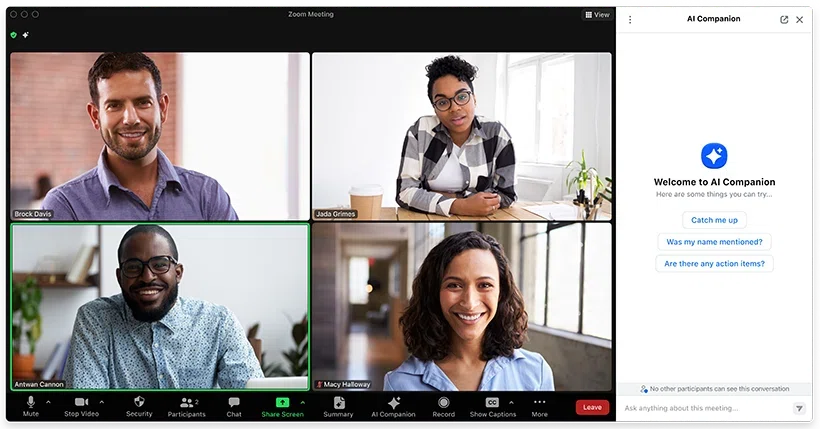
What works well
- If your organization is Zoom-first, no additional apps to install
- Each user can choose their own caption language (e.g., display in English only for you)
- AI translation quality continues to improve each year and is good enough for everyday conversation
What to consider
- Zoom only, so it cannot be used in meetings with people on Teams or Google Meet
- Translated captions require a paid plan
- Captions appear only inside the Zoom window, with limited layout flexibility
2. Google Meet (translated captions)
Google Meet also offers translated captions as a standard feature. You can enable them mid-meeting from settings.

What works well
- Google Workspace users can use it without an additional contract (on higher-tier plans)
- The UI is simple, so first-time users can find their way around
- Real-time voice translation powered by Gemini is also rolling out
What to consider
- Supported language pairs are still limited
- Advanced translation features require a Business Standard plan or higher
- Captions appear only inside the Meet window, so taking notes in a separate window is awkward
3. Microsoft Teams (live translated captions)
Microsoft Teams also offers live captions and translated captions. Participants pick from a predefined list of caption languages.
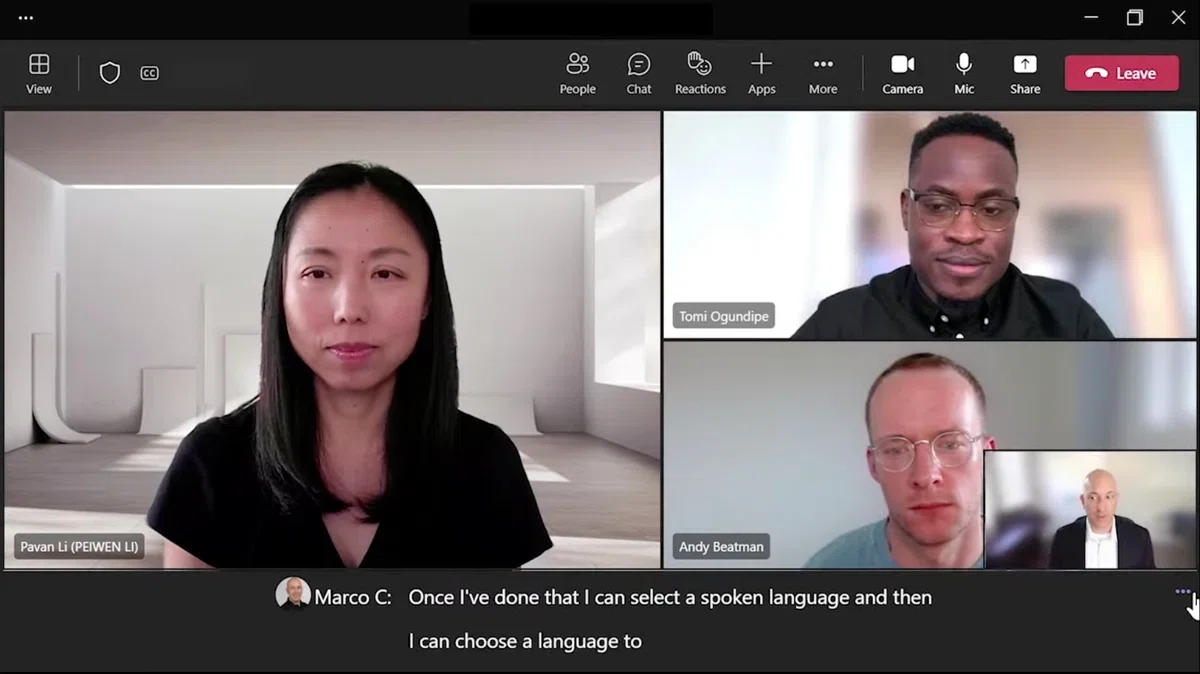
What works well
- Microsoft 365 subscribers can try it with no extra cost
- Integrates with Teams chat and file sharing, staying within the Microsoft ecosystem
- Settings for large webinars and live events are well developed
What to consider
- Teams only, making it difficult to mix with Zoom or Google Meet
- Many users find the initial setup confusing, so a test run beforehand is essential
- Caption customization is limited
2. General-purpose real-time translation tools
Now let's look at translation tools that are not tied to a specific platform. These are recommended if you want to move across Zoom, Teams, and Google Meet, or use translation in in-person meetings as well.
4. SuperIntern: high-accuracy translation and real-time notes, no bot in the meeting
SuperIntern, built by us at NanoHuman Inc., is designed as "Meeting Intelligence you can leave running all day."

Key features
- Bot-less: no bot joins the meeting, so you can use it freely even for external 1-on-1s
- Runs on your PC and captures audio directly from speaker and microphone
- Real-time translated captions in 50+ languages
- Automatically generates real-time structured notes that update along with the conversation
- Works across every scenario, including in-person meetings, Zoom, Google Meet, Microsoft Teams, and more
- Custom dictionary for company names, product names, and internal terminology

Pricing
- Free plan available (trial without a credit card)
- Paid plan: 3,300 JPY per month for 100 hours of use, with usage-based billing for overage
What works well
- High translation accuracy, especially for languages such as Japanese, compared to other tools
- Covers every meeting on one PC, regardless of platform
- Caption language and summary language can be set separately (e.g., meeting in English, captions in English/Japanese, notes in Japanese)
- Also works for translating video content such as YouTube and Netflix
- Custom dictionary dramatically reduces proper noun errors
What to consider
- Supports macOS and Windows
- For team plans and enterprise security add-ons, contact sales
If you are looking for an online meeting translation tool, give SuperIntern a try first. It is free and requires no credit card.
Try SuperIntern translation for free
5. Notta: widely adopted as an AI notetaker
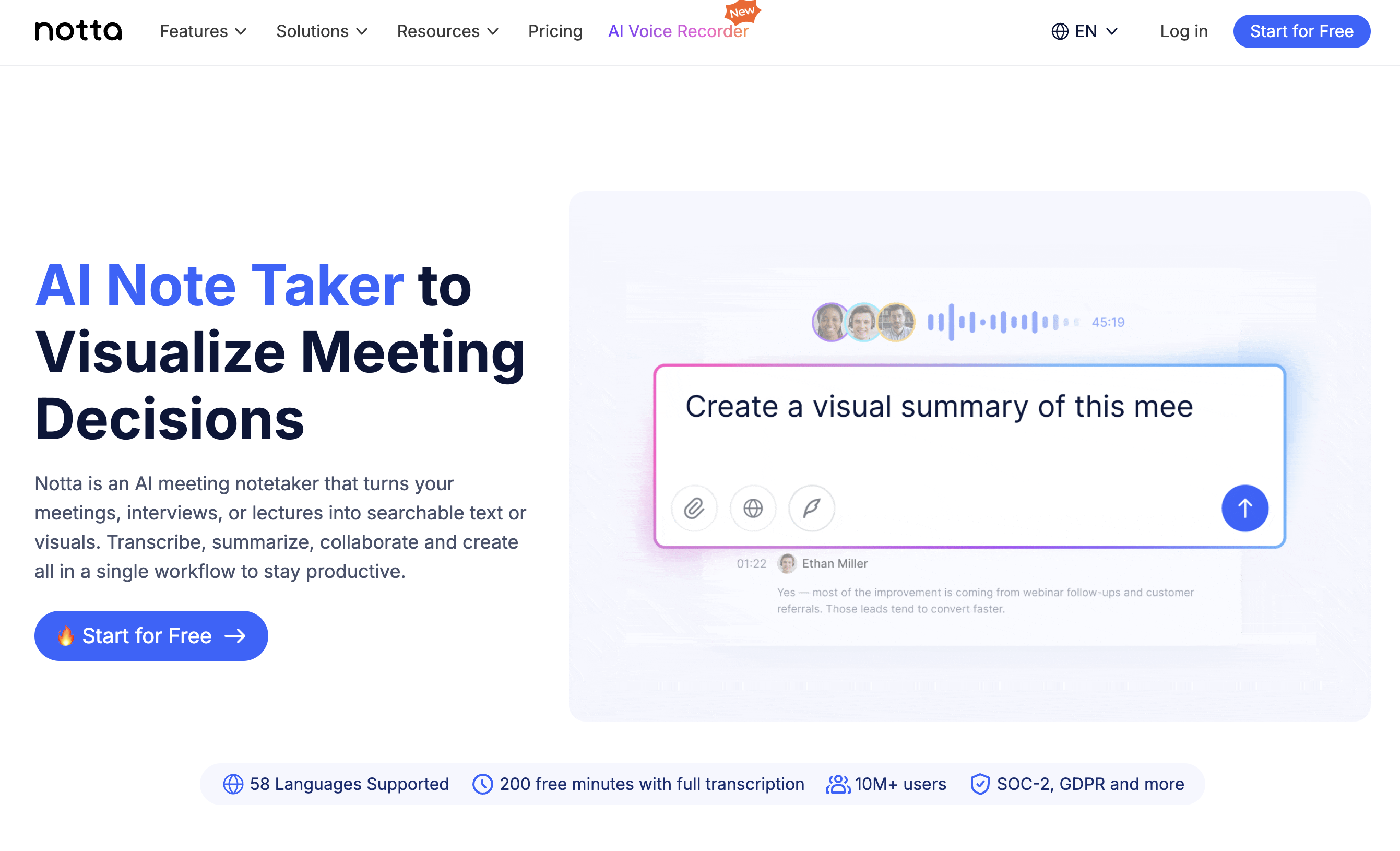
Notta is a tool that combines AI speech recognition with automatic transcription and translation. It works on both desktop and smartphone and has a strong adoption record in Japan.
What works well
- Strong adoption track record among domestic enterprises, with high trust
- iPhone and Android apps make it easy to use on mobile
- Screen recording feature captures more than just text
What to consider
- For bilingual translation, pricing is around 3,180 JPY per month for 30 hours
- Recognition accuracy for specialized terminology can be inconsistent
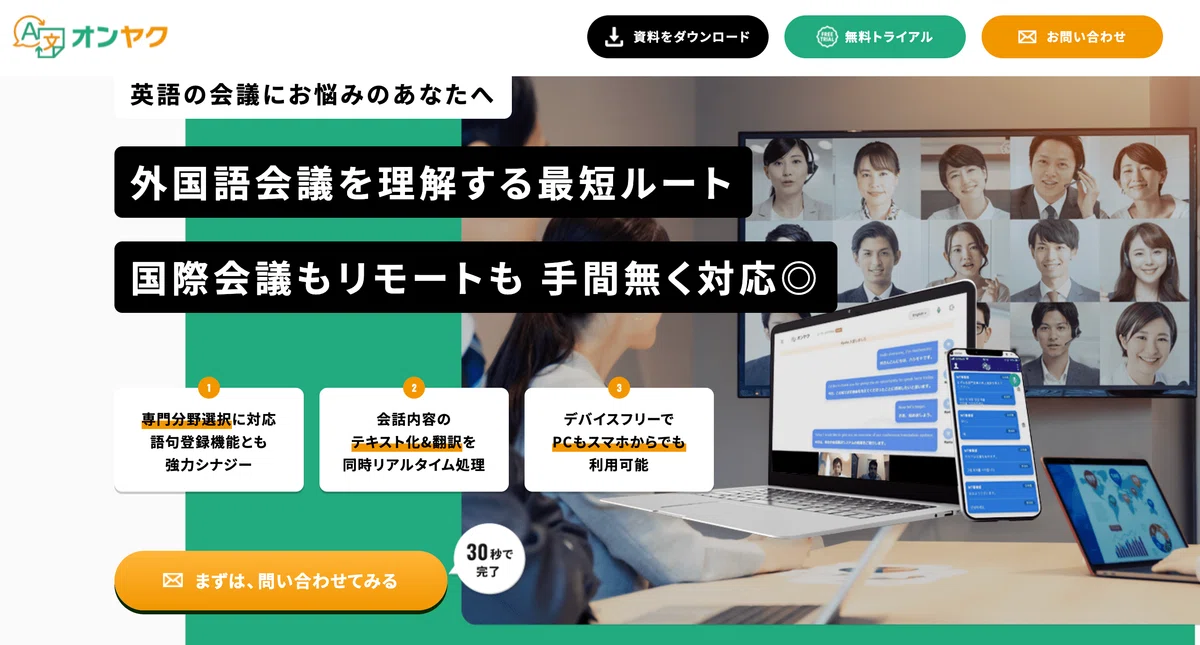
6. Onyaku: Japan-made tool supporting 110 languages
Onyaku is a real-time voice translation and text capture service from Hitachi Solutions. As a Japan-made tool, it stands out for strong Japanese language support.
What works well
- Supports 110 languages, covering a wide range of language pairs
- A standalone app, so it does not depend on a specific web conferencing system
- Voice data and text are not used for training (security-first)
What to consider
- Pricing is on request
- Geared toward enterprise use, not well suited for individuals
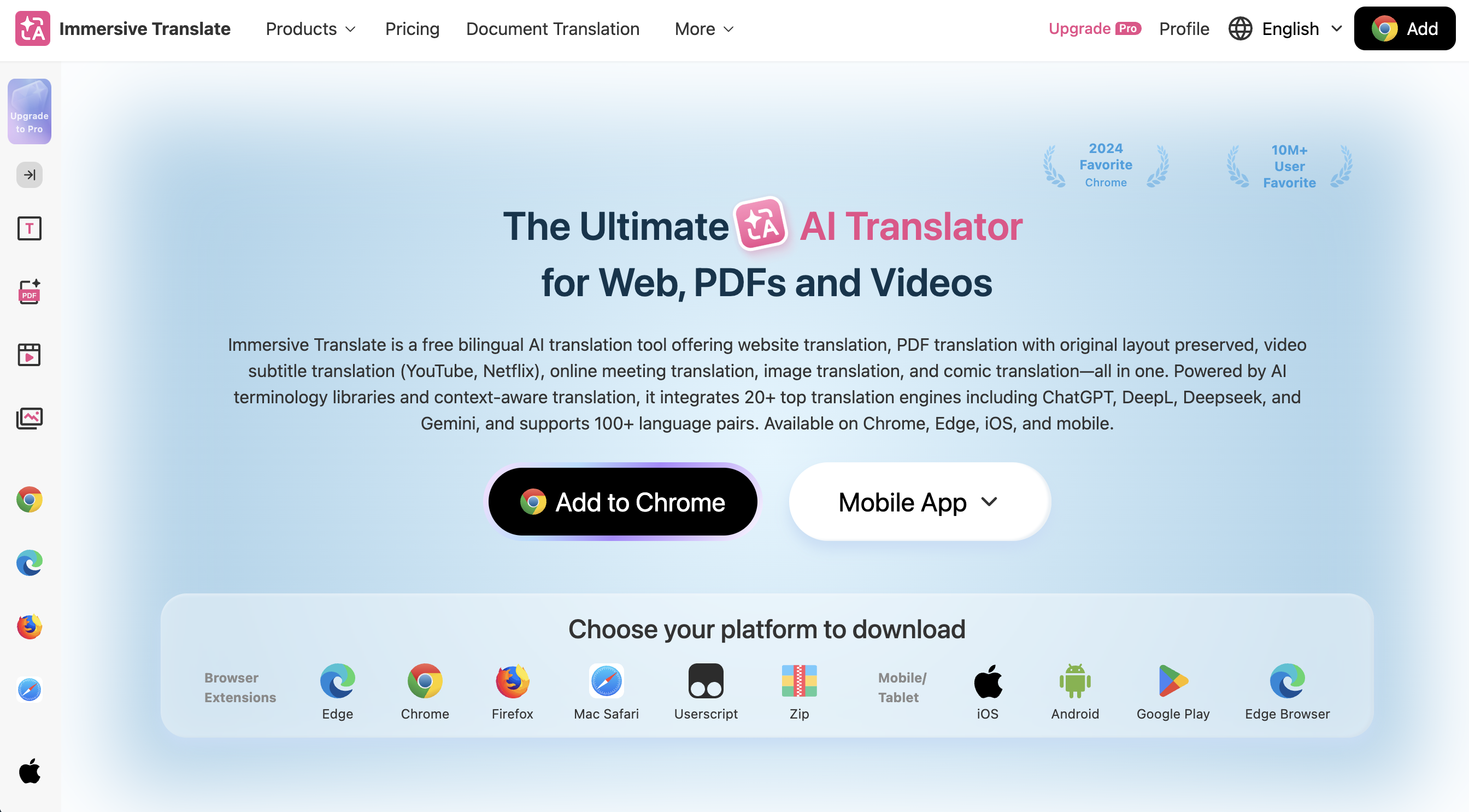
7. Immersive Translate: best in class for users who want everything in the browser
Immersive Translate started as a "dual-subtitle translation for web pages and videos" service and has since added support for online meeting translation.
What works well
- If you already use Immersive Translate for videos, you can extend the same flow to meetings
- Browser display styles are highly customizable, so it is easy to build a subtitle layout you like
- Also works for web, PDF, image, and other non-meeting translation needs
What to consider
- Largely assumes you join meetings in a browser, so it is harder to leverage if you rely on the native Zoom or Teams apps
- The rich set of settings can feel intimidating for light users
3. AI simultaneous interpretation services
Next, we look at services with more full-featured AI simultaneous interpretation. These are recommended for large events or for users who want a more natural interpretation experience.
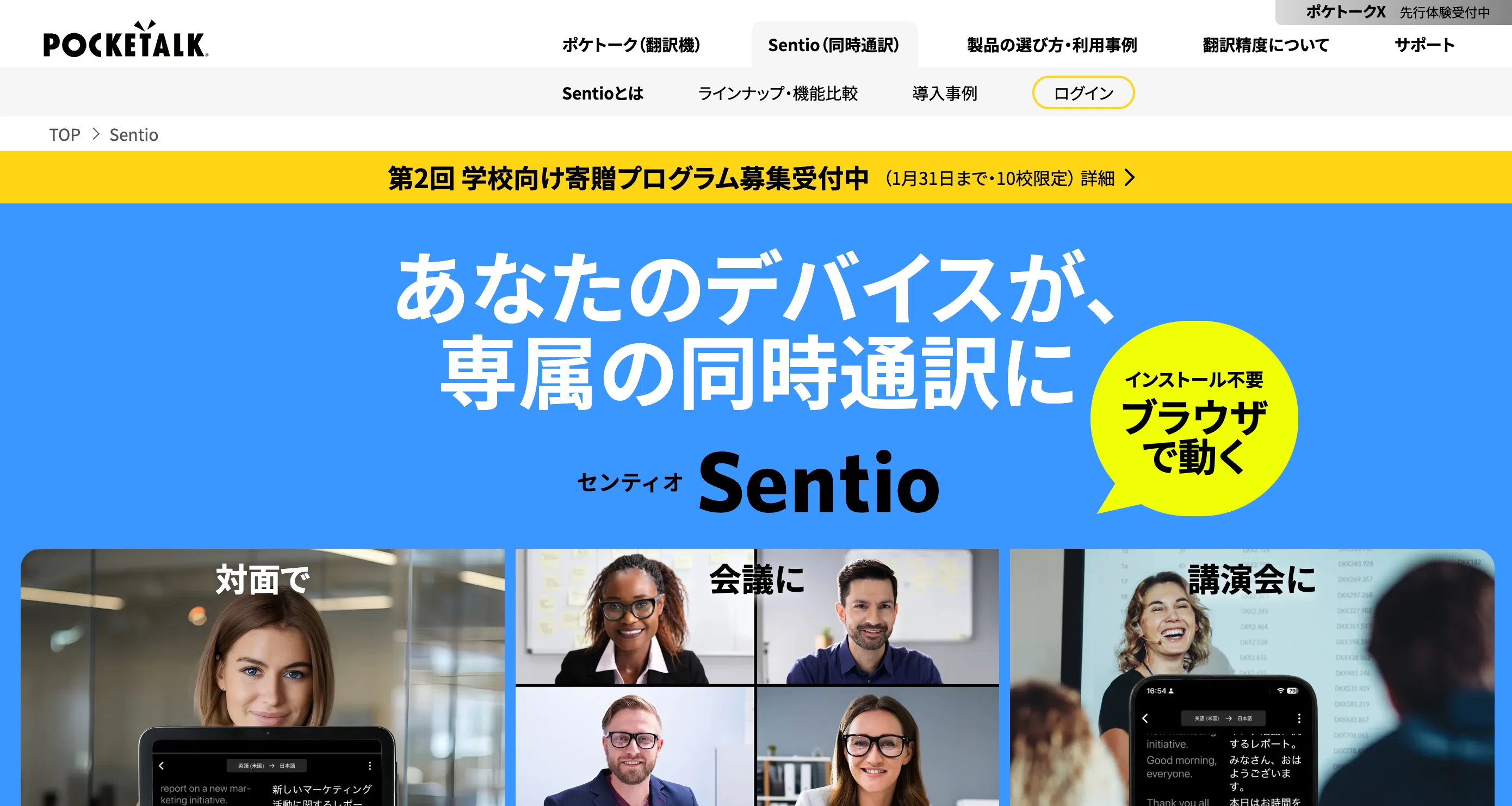
8. Sentio (POCKETALK): built for large events
Sentio is an AI simultaneous interpretation service from POCKETALK Corporation, the company behind the well-known Pocketalk device. It has been used at events such as a special session at SoftBank World 2025.
What works well
- Simultaneous interpretation from 39 source languages into up to 75 target languages
- The premium plan supports up to 500 simultaneous viewers
- Participants do not need any app installation or account registration
- Affordable pricing at 3,300 JPY per month (tax included)
What to consider
- There is a 5 to 10 second lag before translated output appears
- Large-event "Conference Plans" are quoted separately
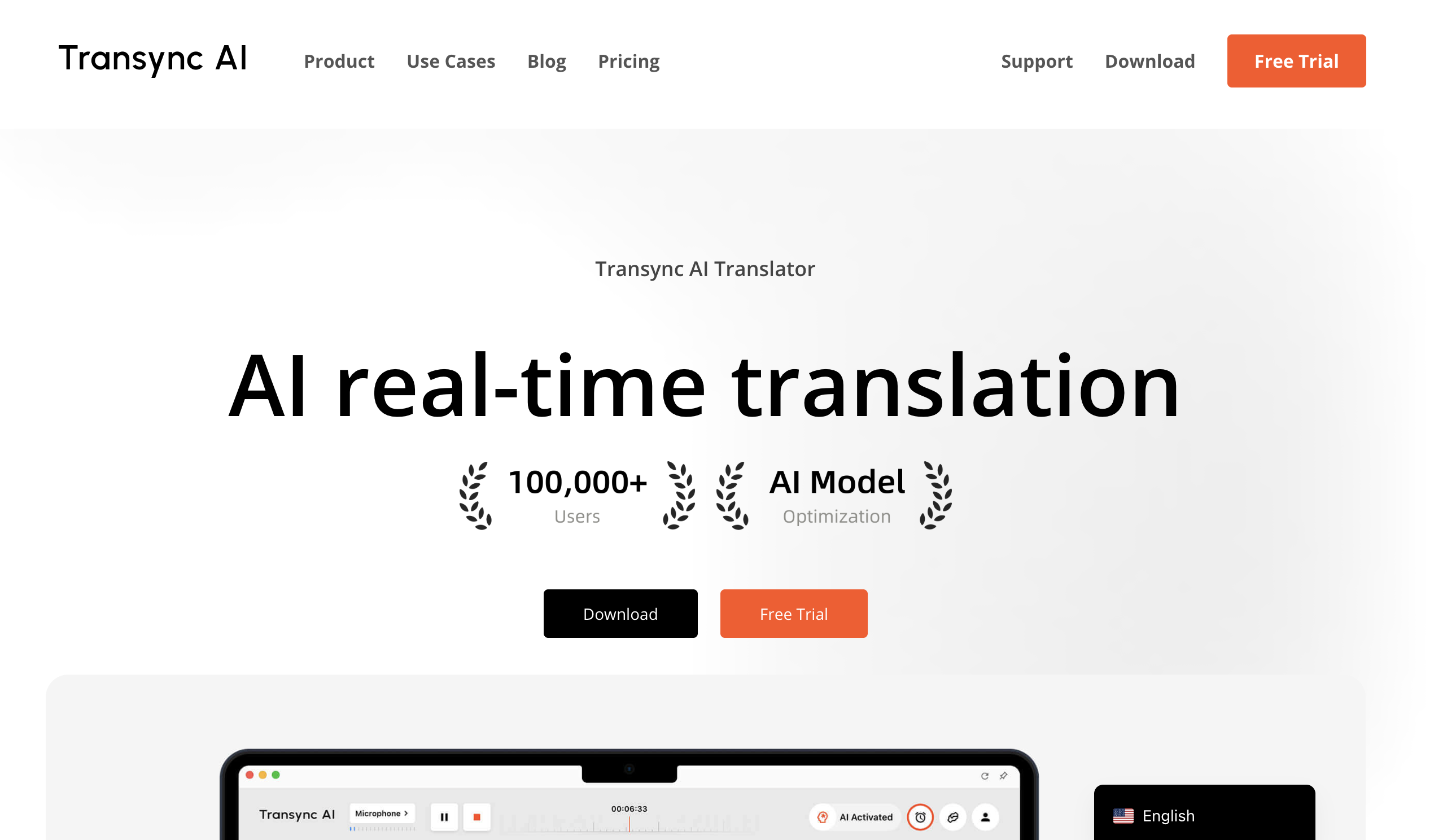
9. Transync AI: with spoken voice output
Transync AI is a real-time AI interpretation tool that supports 60+ languages. In addition to captions, it can read translations aloud with an AI voice, providing an experience close to a human simultaneous interpreter.
What works well
- Voice support is highly effective for users who cannot keep up by reading captions alone
- Offers relatively affordable plans, including student pricing
- Generates AI meeting notes and summaries after the meeting
What to consider
- Using the voice output fully requires earphones
- Original meeting audio and interpretation audio play together, so the information load can be heavy
10. JotMe: easy access via browser extension
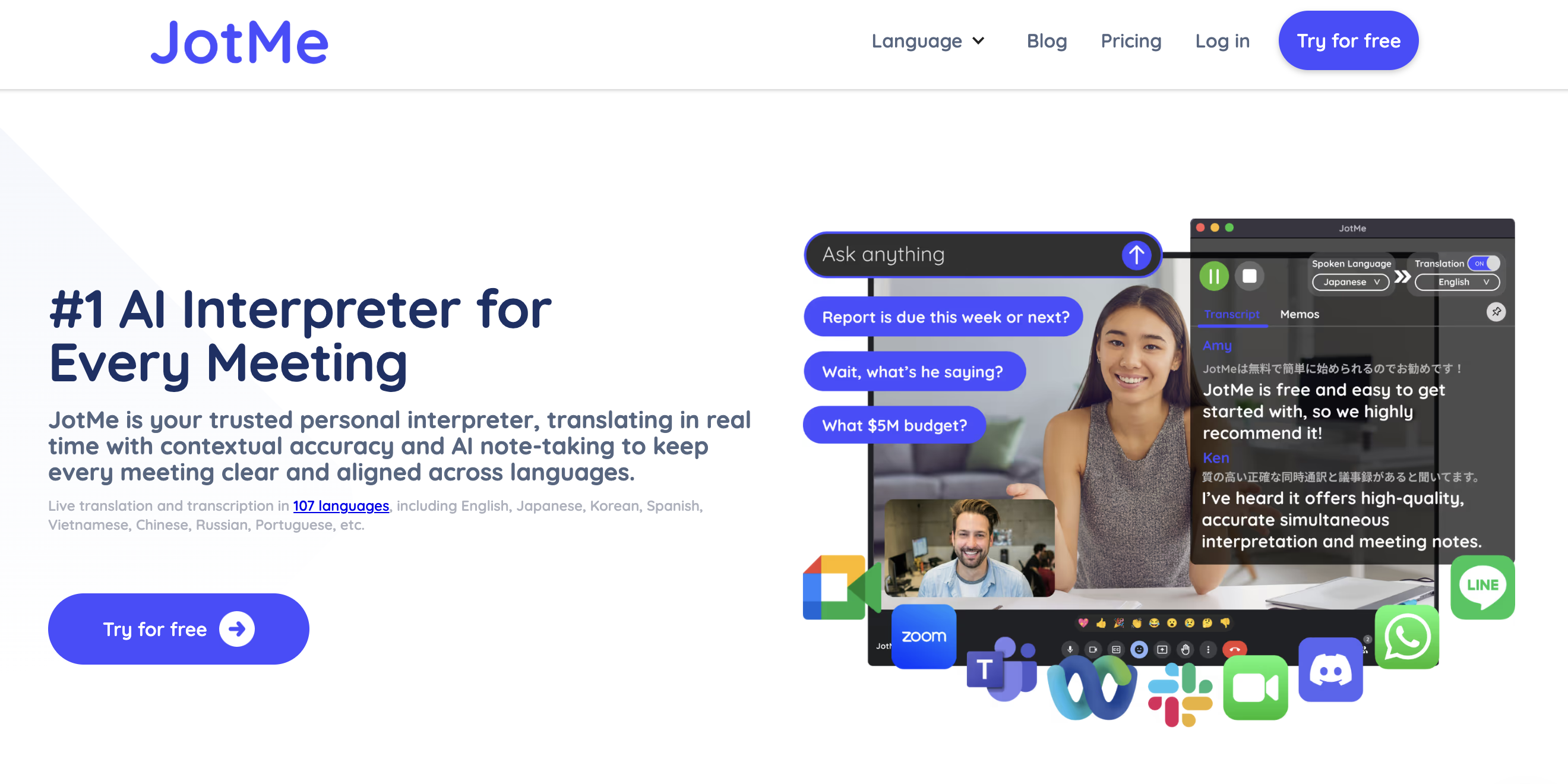
JotMe connects to meetings via a Chrome extension or desktop app. It offers real-time translation in 107 languages and generates AI-organized notes after the meeting.
What works well
- Pairs well with browser-based meetings (ideal for heavy Google Meet users)
- Beyond in-meeting translation, the meeting notes themselves can be translated in one place
- You can chat with AI during the meeting and ask questions on the spot
What to consider
- Translation quality for languages such as Japanese leaves room for improvement
- The real-time summary can sometimes feel more like a plain transcript
11. DeepL Voice: voice version of the high-accuracy translation engine
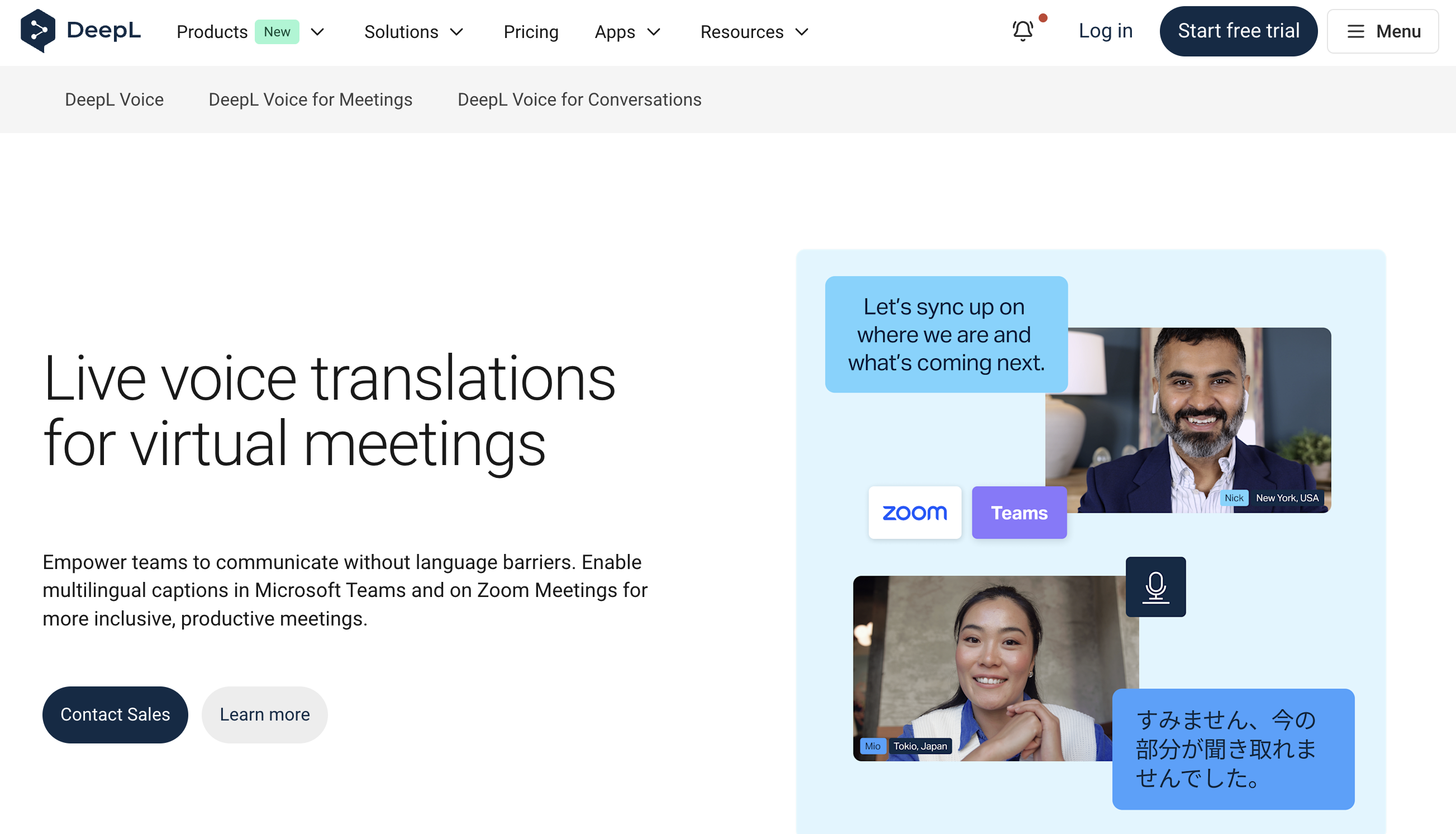
DeepL Voice is a real-time voice translation service from DeepL, known for its high-accuracy translation engine. There are two variants: DeepL Voice for Meetings (for Zoom and Teams) and DeepL Voice for Conversations (for in-person conversation).
What works well
- High-accuracy translation quality that DeepL is known for
- Voice input in 13 languages and caption output in 33 languages
- ISO 27001 certified; data is deleted after the meeting (high security)
What to consider
- DeepL Voice for Meetings only supports Zoom and Teams (Google Meet is not supported)
- A minimum of 50 licenses is required, so it is not suited for individuals or small teams
- Pricing is on request (via the sales team)
Online meeting translation tool comparison table
| Tool | Languages | Bot in meeting | Supported platforms | Pricing | Notable for |
|---|---|---|---|---|---|
| Zoom AI Companion | ~30 | None | Zoom only | Paid plan required | Self-contained in Zoom |
| Google Meet | ~100 | None | Google Meet only | Higher-tier plan required | Gemini integration |
| Microsoft Teams | ~60 | None | Teams only | Included in M365 | Strong MS integration |
| SuperIntern | 50+ | None | All platforms | 3,300 JPY/month | High accuracy, no bot |
| Notta | 104 | Yes | Multiple | From 3,180 JPY/month | Strong adoption track record |
| Onyaku | 110 | None | Multiple | On request | Japan-made, security-first |
| VoicePing | 45 | None | Multiple | Free plan available | Virtual office |
| Sentio | 75 | None | Multiple | 3,300 JPY/month | Built for large events |
| Transync AI | 60+ | None | Multiple | Varies by plan | Spoken voice output |
| JotMe | 107 | Yes | Browser-centric | Free plan available | Built-in AI Q&A |
| DeepL Voice | 33 | None | Zoom/Teams only | On request | High-accuracy translation |
Recommended tools by use case
Case 1: Start without spending
Trying each platform's built-in features (Zoom AI Companion, Google Meet translated captions, Teams translated captions) is the standard starting point. If you run into the issues below, it is time to consider a dedicated tool.
- IT will not enable the feature for you
- Language coverage is too limited
- Layout flexibility is insufficient
- Awkward to use in external meetings
Case 2: Move across Zoom, Teams, and Google Meet
SuperIntern and Onyaku, which are not tied to a specific platform, are good options. In particular, SuperIntern lets you cover Zoom, Teams, Google Meet, and in-person meetings on a single PC, with all your notes in one place.
Case 3: Daily meetings with global teams
If you want to keep cost low while prioritizing translation accuracy, SuperIntern is a good fit. If you want a long track record of enterprise adoption, Notta is a strong pick.
Case 4: Large events and presentations
For events with hundreds of participants, the premium plan of Sentio works well. If you want to deliver audio to participants, Transync AI is the better fit.
Wrap up
Online meeting translation tools may look similar at first glance, but they differ meaningfully in supported languages, translation accuracy, supported platforms, and whether they require a bot.
To recap the criteria to focus on:
- High translation accuracy for your target languages
- Works across multiple platforms
- Usable without a bot
- Pricing that fits your budget
If you:
- Move between Zoom, Teams, and Google Meet
- Care about translation accuracy for languages such as Japanese
- Want to use translation without adding a bot to the meeting
- Want both real-time translation and meeting notes
then SuperIntern may be the right fit. Once you can get the same experience on a single PC across "any meeting, any platform," you will feel just how much meeting-related stress disappears.
You can get started for free, no credit card required.