
Transcript to Meeting Minutes: How to Turn AI Transcription Into Useful Notes
AI transcription is useful, but a transcript is not the same thing as meeting minutes. A transcript tells you what was said. Meeting minutes tell your team what matters, what changed, what was decided, and what should happen next.
If your team searches for ways to turn a transcript to meeting minutes, the real question is not just which speech-to-text engine is accurate. The real question is how to convert live conversation into decisions, risks, owners, and next steps without spending another hour editing after every call.
This article is an independent analysis by NanoHuman Inc. based on publicly available information as of May 2026. SuperIntern is NanoHuman Inc.'s product, but we describe both strengths and limitations honestly.
Transcript vs. Meeting Minutes
A transcript is a chronological record of speech. Meeting minutes are an organized work artifact. They should help someone who missed the call understand the outcome in minutes, not reconstruct the entire conversation line by line.
| Dimension | Transcript | Meeting minutes |
|---|---|---|
| Primary job | Preserve what was said | Explain what matters and what happens next |
| Structure | Speaker-by-speaker timeline | Headings, summaries, decisions, action items |
| Best reader | Someone verifying exact wording | Teammates, managers, stakeholders, customers |
| Typical length | Long | Shorter and scannable |
| AI task | Speech recognition and speaker labeling | Summarization, classification, action extraction |
The distinction matters because many teams adopt transcription software and still keep the same post-meeting workload. They have more text, but they still need a person to read it, remove noise, identify decisions, and write follow-ups.
Why Raw Transcripts Break Down in Real Workflows
Raw transcripts are helpful for verification, but weak as a daily operating document.
- They are too long for most stakeholders to read.
- Decisions are mixed with discussion, objections, jokes, and false starts.
- Action items may be implied rather than stated clearly.
- The context behind a decision can be separated from the actual decision.
- Follow-up emails and Slack updates still need manual rewriting.
For sales calls, interviews, product reviews, 1:1s, and customer success meetings, the value is not the transcript itself. The value is the clean record of customer pain, commitments, objections, risks, and ownership.
A Practical Workflow for Turning Transcripts Into Minutes
The most reliable workflow separates capture from organization. You can do this after the call, but the best meeting AI tools increasingly do it while the meeting is still happening.
| Step | What happens | Quality checkpoint |
|---|---|---|
| 1. Capture audio | Record microphone and system audio | It should work across Zoom, Meet, Teams, and in-person contexts |
| 2. Transcribe speech | Convert speech into text with speaker context | Speaker separation and custom vocabulary reduce cleanup |
| 3. Group topics | Organize the conversation by agenda or themes | Do not rely only on chronological order |
| 4. Extract decisions | Pull out explicit agreements and unresolved points | Separate "we decided" from "we should consider" |
| 5. Create action items | Add owner, deadline, and dependency where possible | Mark ambiguous owners or deadlines as needing confirmation |
| 6. Prepare sharing format | Turn the output into Markdown, email, Slack, or CRM notes | Match the format to the audience |
The most time-consuming part is usually steps 3 through 6. That is where live AI notes can save more time than transcription alone.
After-Meeting Conversion vs. Live Meeting Minutes
There are two common ways to convert transcripts into minutes.
| Method | Best for | Tradeoff |
|---|---|---|
| After-meeting conversion | Recorded interviews, webinars, async reviews, compliance review | You discover gaps only after the call ends |
| Live meeting minutes | Sales calls, team meetings, customer interviews, 1:1s, decision meetings | Requires reliable real-time capture and note generation |

After-meeting conversion is fine when the meeting is already over. Live minutes are better when the note can improve the meeting itself. If the AI note shows that a decision is missing an owner, the team can fix it before the call ends.
What to Preserve by Meeting Context
The useful record depends on why the meeting exists. Instead of copying one note shape across every call, decide what information would be expensive to reconstruct later.
Revenue conversations
For sales and discovery, the transcript should support the next customer interaction. Preserve the business problem, the buyer's language, deal risks, commercial constraints, and the facts that must be confirmed before the next conversation.
Interviews and 1:1s
Interviews and 1:1s require restraint. Preserve evidence and context, but keep access narrow and avoid turning sensitive conversations into overly broad internal documents.
Customer operations
For customer success and support, the record should make continuity easier. The next person should understand the customer's current state, unresolved friction, and product context without replaying the entire call.
Product and engineering decisions
Product and engineering records should preserve the reasoning chain: assumptions, constraints, alternatives, tradeoffs, and unresolved risks. That is the information people look for months later when a decision is questioned.
Where SuperIntern Fits
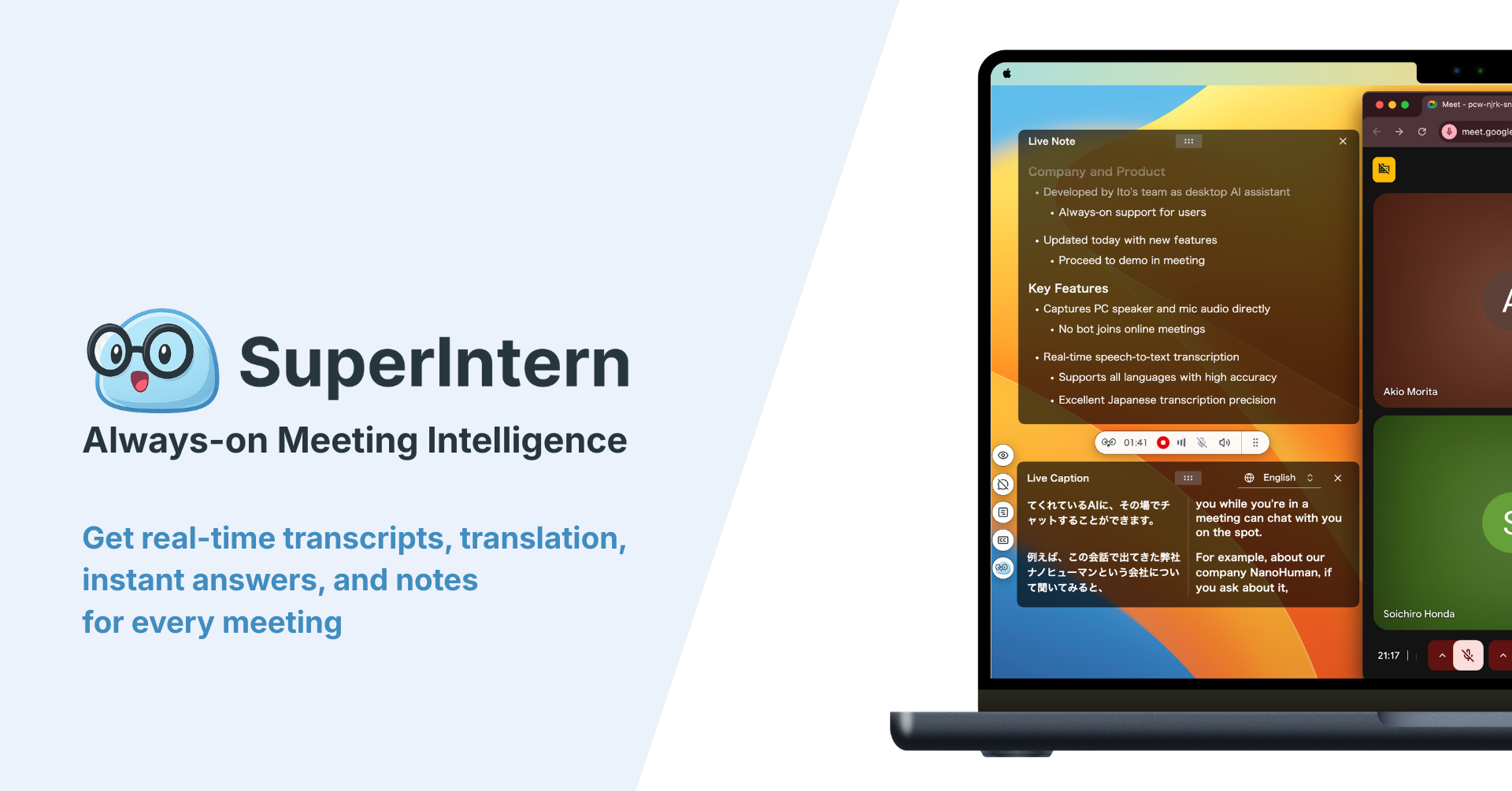
SuperIntern is a botless desktop meeting assistant. Instead of sending a meeting bot into the call, it captures audio from your computer and microphone, then creates live transcription, live notes, and AI assistance during the meeting.
That design is useful for transcript-to-minutes workflows because the note is not only a post-meeting artifact. It updates while the conversation is happening, so teams can see whether the emerging record matches the purpose of the call.

SuperIntern also supports live translation, custom dictionary terms, speaker-aware notes, Invisible Mode for screen sharing, and post-meeting AI chat based on the meeting content. Those features matter when the transcript includes specialized names, multilingual discussion, or sensitive external meetings where a visible bot would be awkward.
How to Choose a Transcript-to-Minutes Tool
Do not evaluate meeting tools only on transcription accuracy. For business workflows, the final note is the product.
| Criterion | What to check | Why it matters |
|---|---|---|
| Botless capture | Does a bot join the call? | External guests may react differently when an AI participant appears |
| Real-time notes | Do minutes update during the meeting? | Teams can catch missing owners or decisions before the call ends |
| Note control | Can the output emphasize different business context by meeting type? | Sales, recruiting, support, and product reviews preserve different facts |
| Speaker context | Can the tool distinguish speakers? | Ownership and commitments become easier to verify |
| Custom vocabulary | Can you register product names and domain terms? | Less cleanup after technical or customer-specific calls |
| Export flow | Can the note move to Slack, Docs, Notion, CRM, or email? | Notes only help if they enter the team's actual workflow |
Where a Raw Transcript Still Matters
Turning a transcript into minutes does not mean deleting the original text. In several situations, the raw transcript remains useful as supporting evidence.
Disputed wording
When a customer, candidate, partner, or teammate remembers a sentence differently, the transcript can help verify what was actually said. The minutes should summarize the outcome, but the transcript can protect the team from relying on memory alone.
Detailed research
User interviews, discovery calls, and product research often contain language that should not be over-compressed. A summary may capture the theme, while the transcript preserves exact phrasing for later analysis.
Compliance and audit review
Some organizations need a fuller record for regulated workflows. In those cases, minutes should sit beside the transcript rather than replace it. The practical question is which object people read first and which object they use only when detail is required.
Training and coaching
Managers may use the transcript to review conversation flow, question quality, or objection handling. The minutes help with business follow-through; the transcript helps with learning and coaching.
Practices That Improve the Final Record
AI minutes are not only a software problem. The quality of the final record depends on whether the meeting makes important information explicit and whether the team has a place for the record to land.
Make commitments easy to recognize
When a conversation reaches a conclusion, state it plainly. When something remains unresolved, say that too. AI systems are better at producing useful minutes when the meeting itself distinguishes between a tentative idea, a real agreement, a dependency, and an open risk.
Review for business accuracy, not literary polish
The review step should focus on whether the record can be trusted: names, product terms, customer commitments, privacy boundaries, and the difference between decided and undecided items. Perfect prose matters less than preventing a wrong handoff.
Rolling This Out Across a Team
For an individual, transcription software can be a personal productivity tool. For a team, it becomes an information system. Decide where records belong before notes spread across private folders.
| Operating area | Decision to make |
|---|---|
| System of record | CRM, internal wiki, ticket, document, or personal note |
| Audience | Participants, adjacent team, leadership, customer, or private use |
| Sensitivity | Whether the record includes personal, commercial, or confidential material |
| Review boundary | What must be checked before the record is treated as reliable |
| Retention | Which records should be kept, archived, or removed |
When SuperIntern Is Not the Best Fit
SuperIntern is strongest for live meetings where you want understanding, notes, and follow-up while the conversation is still fresh. It may not be the best tool if your main job is batch-uploading hundreds of old audio files, producing legal-grade verbatim transcripts, or running everything from a phone with no desktop app.
For those use cases, a file transcription service, legal transcription workflow, or mobile-first recorder may be a better fit. For live business meetings, however, transcript quality and minutes quality should be evaluated together.
FAQ
Can AI turn a transcript into meeting minutes?
Yes. AI can summarize a transcript, group topics, extract decisions, and identify action items. The result is best when the tool has speaker context, meeting purpose, and enough business context to distinguish what matters from background chatter.
Is a transcript enough for meeting documentation?
Usually not. A transcript is useful evidence, but most stakeholders need a shorter record of decisions, risks, and next steps. Meeting minutes make that information easier to act on.
Should meeting minutes be created during or after the meeting?
Both approaches work. After-meeting minutes are fine for recordings and documentation. Live minutes are better when you want the meeting itself to stay aligned and complete.
What makes a transcript-to-minutes workflow reliable?
Reliable workflows combine accurate capture, speaker-aware transcription, business-context extraction, review boundaries, and easy movement into the team's system of record.
Conclusion
The goal is not to collect more meeting text. The goal is to make conversations easier to act on.
If your team already has transcripts but still spends time rewriting them, look for a workflow that creates useful meeting records as the conversation unfolds. SuperIntern is built for that shift: botless live capture, structured Live Notes, AI Canvas, and post-meeting AI chat in one workflow.