
Which Translation Tool Has the Best Accuracy? A Use Case Comparison

"Which translation tool actually gives me the best accuracy?" "Even when I look at the rankings, I can't tell which one fits my situation." A lot of people end up stuck on questions like these.
"I heard DeepL is good, but how is it different from ChatGPT?"
"I wanted something for meetings, but I ended up researching text translation tools by mistake."
"All the rankings look the same to me, and I can't decide."
Translation tools really break down into two major categories. One is for translating written text and documents, and the other is for translating speech in real time. These two are fundamentally different tools, and matching the right one to your use case is what matters most.
In this article, we compare the leading tools in each category, focusing on translation accuracy. We pay special attention to real-time interpretation tools, since we expect them to become the new standard in business settings.
⚠️ This article is an independent summary by NanoHuman Inc. based on publicly available information and user feedback as of January 2026.
Table of contents
1. Translation tools fall into two major categories
2. Text translation tools: accuracy ranking and comparison
- DeepL: The top pick for business documents
- ChatGPT / GPT-5: Flexible customization is its strength
- Google Translate (Gemini-integrated edition): The classic for speed and convenience
- NotebookLM: Context-aware translation
3. Real-time interpretation tools: accuracy ranking and comparison
- SuperIntern: High-accuracy translation, real-time notes, no bots joining
- JotMe: Easy to start with a browser extension
- Transync AI: A simultaneous interpreting experience with voice read-out
- VoicePing: Includes a virtual office feature
- Notta: Mobile-friendly transcription and translation
4. Recommended tools by use case
5. Summary
1. Translation tools fall into two major categories
When you're looking for a translation tool, the first thing to understand is that the best tool changes completely depending on the use case.
Text translation tools
These are tools for translating text-based content like emails, contracts, papers, and web pages. DeepL, Google Translate, and ChatGPT all fall into this category.
- You want time to get the translation just right
- You want to edit and refine the output as you work
- You want to translate at the document level
If that's what you need, a text translation tool is the right fit.
Real-time interpretation tools
These are tools for translating speech on the spot during online meetings, in-person meetings, conferences, and similar settings. This space is evolving rapidly right now, and we expect this category to become the mainstream in business settings going forward.
- You want translated captions in real time during meetings
- You want to understand the other person's speech and respond immediately
- You don't need to hire an interpreter, but you do feel the language barrier
If that sounds like your situation, a real-time interpretation tool is the right fit.
With that framing in mind, let's compare the leading tools in each category by translation accuracy.
2. Text translation tools: accuracy ranking and comparison
The major players in text translation are DeepL, ChatGPT, Google Translate, and NotebookLM. Let's look at the strengths and accuracy of each.
1. DeepL: The top pick for business documents
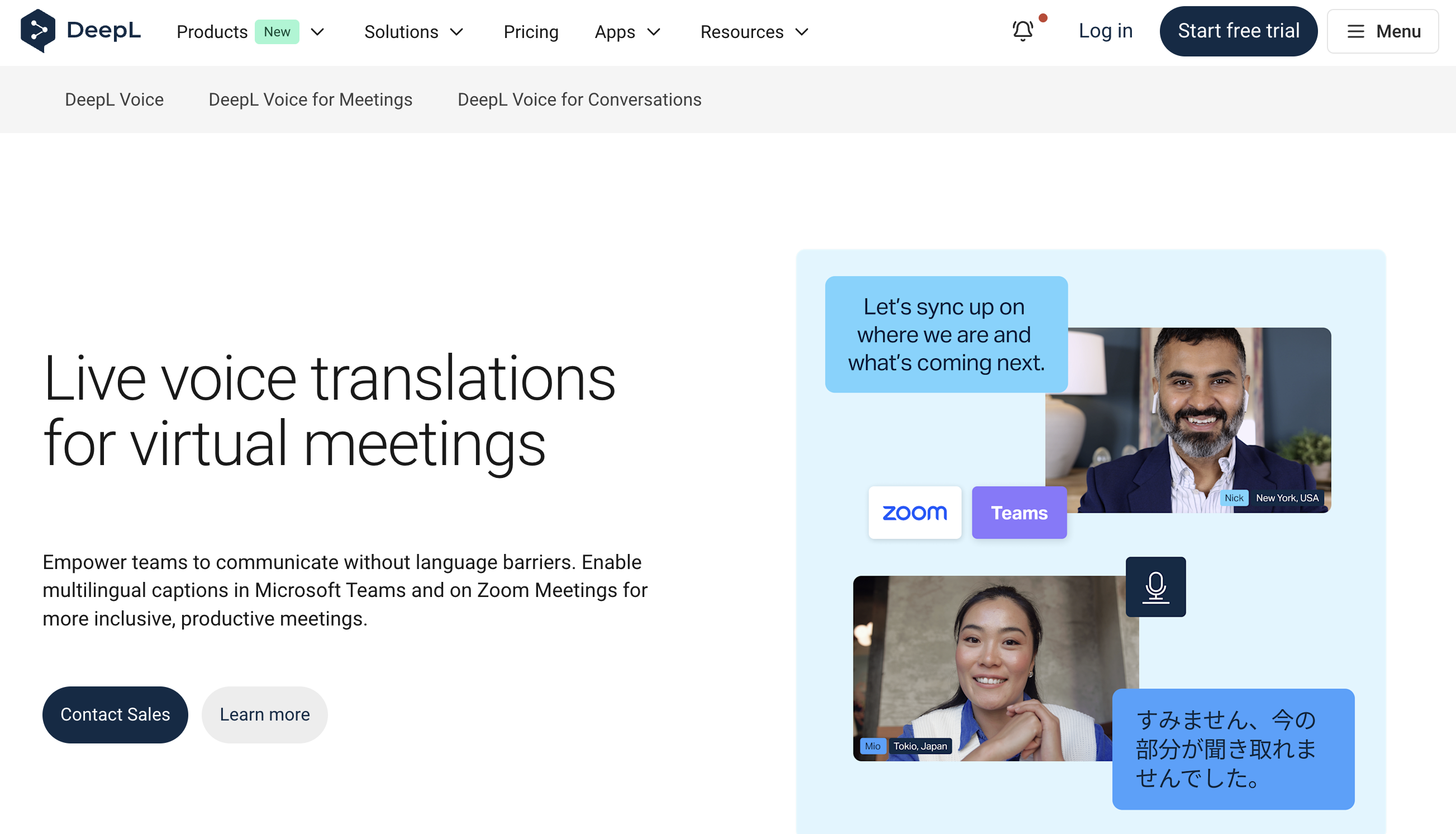
DeepL is a translation service that launched in Germany in 2017, well known for its natural, high-quality translations. It's especially highly rated for business documents and specialized content.
Accuracy highlights
- In blind tests with professional translators, DeepL was rated "preferred" 1.3x more often than Google Translate and 1.7x more often than ChatGPT-4
- Strong accuracy in specialized domains like IT, healthcare, contracts, and patent documents
- Supports more than 30 languages with consistent quality across major business languages
What's good
- Produces natural, native-sounding output
- Excellent for business emails and formal documents
- Glossary feature keeps specialized terminology consistent
What to watch out for
- Fewer supported languages than Google Translate (30+)
- Less flexible than ChatGPT when it comes to interpretive translation or tone adjustment
2. ChatGPT / GPT-5: Flexible customization is its strength
ChatGPT isn't a dedicated translation tool, but with the right prompt it can produce high-quality translations. GPT-5 in particular has strong contextual understanding, scoring 94.0 for English translation and 96.0 for Korean translation, consistently high across languages.
Accuracy highlights
- GPT-5 consistently scores above 94 across every evaluation category
- Understands not just context but also tone, handling honorifics and culturally idiomatic phrasing appropriately
- Provides natural and accurate translations even for complex sentences or specialized terminology
What's good
- You can specify tone, such as "more formal for business" or "more casual"
- Supplying surrounding context yields more accurate translations
- Easy to chain with other tasks like summarizing and proofreading
What to watch out for
- The output reads so naturally that translation errors can slip past you
- Stable quality requires careful prompt design
- Occasionally mistranslates specialized terminology
3. Google Translate (Gemini-integrated edition): The classic for speed and convenience
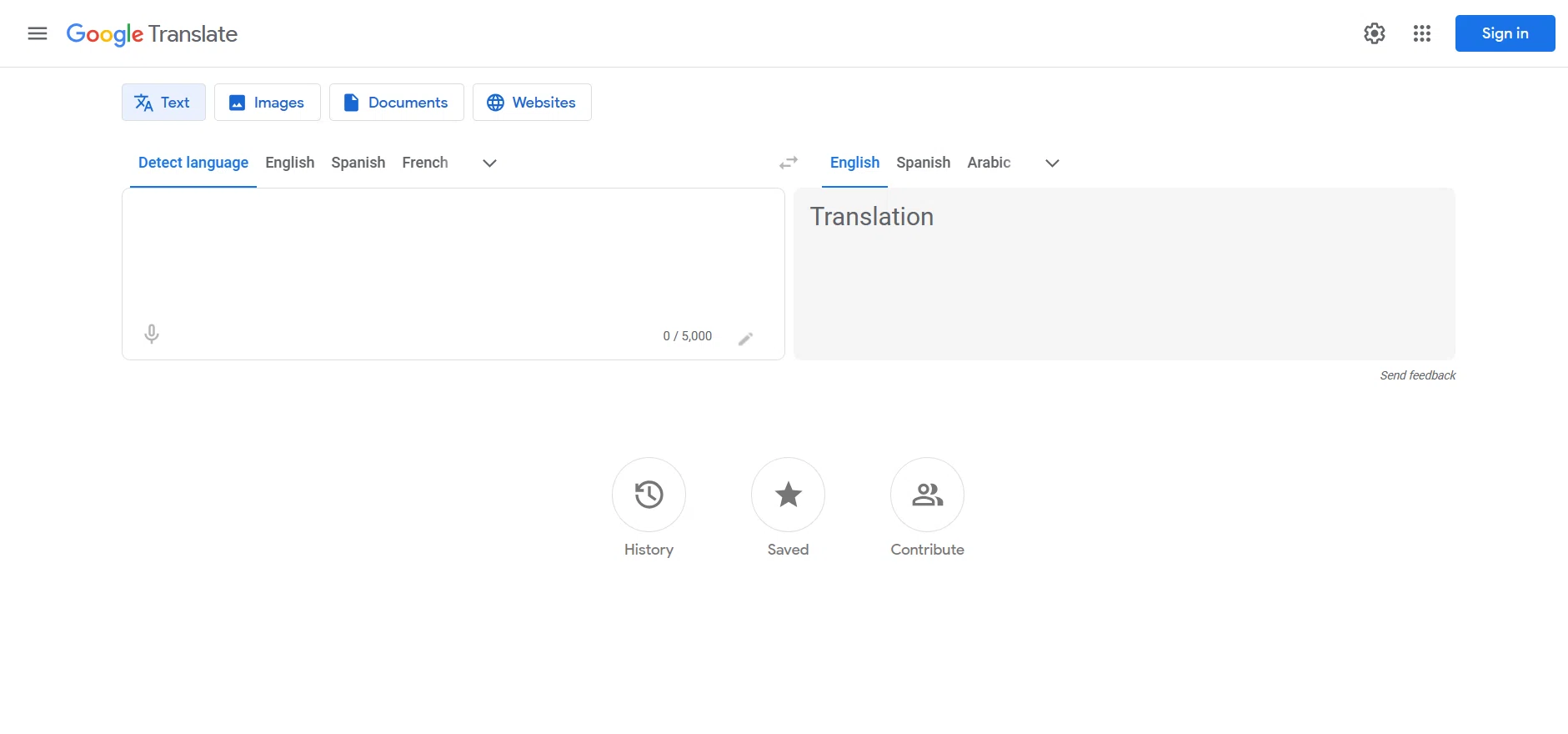
At the end of 2025, Google Translate integrated Gemini, enabling context-aware translation. Idioms and colloquialisms now translate much more naturally than before.
Accuracy highlights
- With Gemini integration, the system now infers context and intent rather than just swapping words
- Gemini-powered translation is available for roughly 20 languages including English, Spanish, Chinese, Japanese, and German
- Improved sentence coherence and naturalness compared to legacy Google Translate
What's good
- Free and instantly usable by anyone
- Supports 100+ languages, covering minor languages as well
- Plenty of access points: browser extensions, mobile apps, and more
What to watch out for
- Gemini translation still has a limited set of supported language pairs
- For business documents, it's still slightly behind DeepL in terms of natural phrasing
4. NotebookLM: Context-aware translation
NotebookLM is Google's AI notebook tool, capable of translating with full awareness of the documents you upload.

Accuracy highlights
- Unlike traditional translation tools, it translates while understanding term definitions and the relationships between sentences
- Supports more than 80 languages
- Handles academic papers, business documents, and even video and audio content
What's good
- Produces intent-faithful translations even for specialized content with rich background context
- Works with diverse formats including PDF, video, and audio
- Lets you summarize and ask questions alongside translation
What to watch out for
- Not a dedicated translation tool, so it's overkill for simple text
- Occasionally generates slightly unnatural phrasing
Text translation: accuracy ranking by use case
| Use case | Recommended tool | Why |
|---|---|---|
| Business emails and contracts | DeepL | Natural, formal style and strong with specialized terminology |
| Creative translation | ChatGPT | Tone adjustment and style customization |
| Speed-focused, rough translation | Google Translate | Free, convenient, multilingual |
| Reading specialized material | NotebookLM | Context understanding plus summarization |
That said, these are general tendencies. Translation accuracy varies by language pair and document type, so we recommend trying tools out yourself.
3. Real-time interpretation tools: accuracy ranking and comparison
Next up are the real-time interpretation tools that we expect to become the mainstream in business settings.
Now that online meetings are a daily reality, more and more people feel a language barrier in situations where hiring a professional interpreter would be overkill. AI real-time interpretation tools are designed exactly for those scenarios. Speech is translated and shown as captions in real time during a meeting, which dramatically reduces misheard words and missed context.
1. SuperIntern: High-accuracy translation, real-time notes, no bots joining
SuperIntern, built by us at NanoHuman Inc., is designed as "Meeting Intelligence you can leave always on." Within that, SuperIntern Translation is the real-time AI translation feature purpose-built for global online meetings.

Accuracy highlights
- Compared to other real-time translation tools, accuracy is especially strong for business conversations with context and proper nouns
- A custom dictionary improves recognition accuracy for company names, product names, and internal jargon
- Supports more than 50 languages
Key features
- Botless: no bot joins the meeting, so it's comfortable to use even in 1-on-1s with external partners
- Runs resident on your computer and captures audio directly from the speaker and microphone
- Displays the original language and the translated language side by side as captions
- Automatically generates a real-time summary that updates as the conversation progresses
- Works across every setting: Zoom, Google Meet, Microsoft Teams, in-person meetings

Pricing
- Free plan: yes (no credit card required to try)
- Paid plan: Plus includes 100 hours of meeting time per month
What's good
- One PC covers every meeting, regardless of platform
- Caption language and summary language can be set independently (e.g., meeting in English, bilingual captions, minutes in your preferred language)
- Also works for translating video content like YouTube and Netflix
- Invisible to other participants, so it's safe to use in client meetings
What to watch out for
- Available for Mac and Windows
- Team plans and enterprise features require contacting us
If you're looking for a real-time translation tool, start with SuperIntern. It's free and no credit card is required.
👉 Try SuperIntern Translation for free
2. JotMe: Easy to start with a browser extension
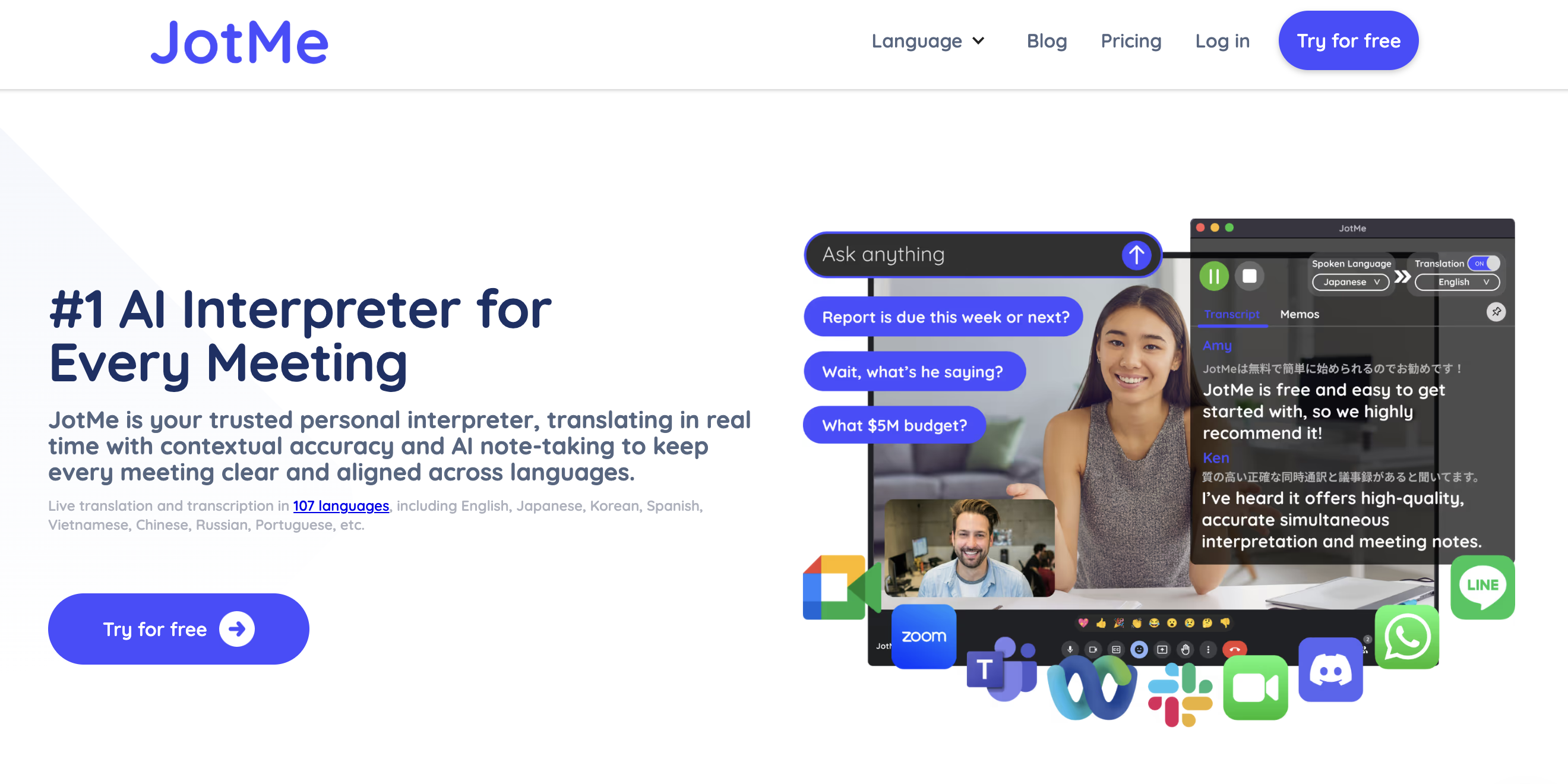
JotMe is a real-time translation tool that connects to your meetings via a Chrome extension or desktop app. It delivers real-time translation in 107 languages and generates AI-organized notes after the meeting.
Accuracy highlights
- Doesn't just swap words; understands tone and context as well
- Handles specialized conversations like technical meetings and investor pitches
- Catches keywords and phrases even in fast-paced discussions
What's good
- Strong fit for browser-based meetings (especially for Google Meet users)
- Translates both the live meeting and the meeting notes themselves
- Works without a bot
What to watch out for
- Translation quality can vary by language pair and meeting domain
- The Pro plan has a relatively low monthly transcription allowance for frequent meeting users
- Browser-meeting-first, so it doesn't fit native-app workflows well
3. Transync AI: A simultaneous interpreting experience with voice read-out
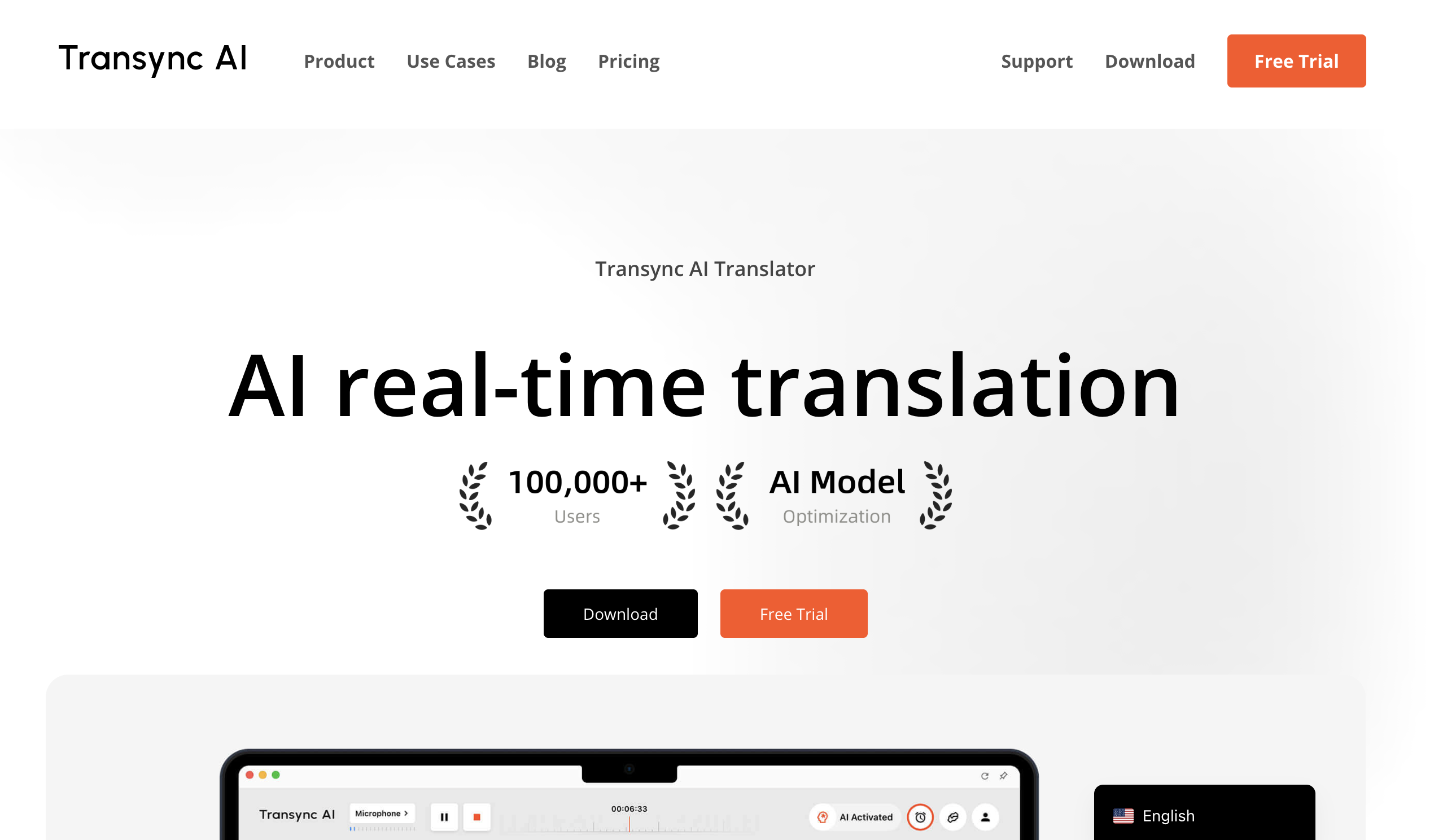
Transync AI is a real-time interpretation tool that reads translations aloud. Beyond captions, you can listen to the translation via AI voice, getting an experience close to human simultaneous interpreting.
Accuracy highlights
- Supports more than 60 languages
- Also generates AI meeting notes and summaries after the meeting
What's good
- For people who "can't keep up just by reading subtitles," the audio support is extremely valuable
- Relatively affordable plans, including a student-friendly tier
- Both mobile and desktop are supported
What to watch out for
- Going all-in on voice read-out basically requires earphones
- Processing both the original meeting audio and the interpretation simultaneously means a lot of information to absorb
- Setup can take a bit of effort
4. VoicePing: Includes a virtual office feature
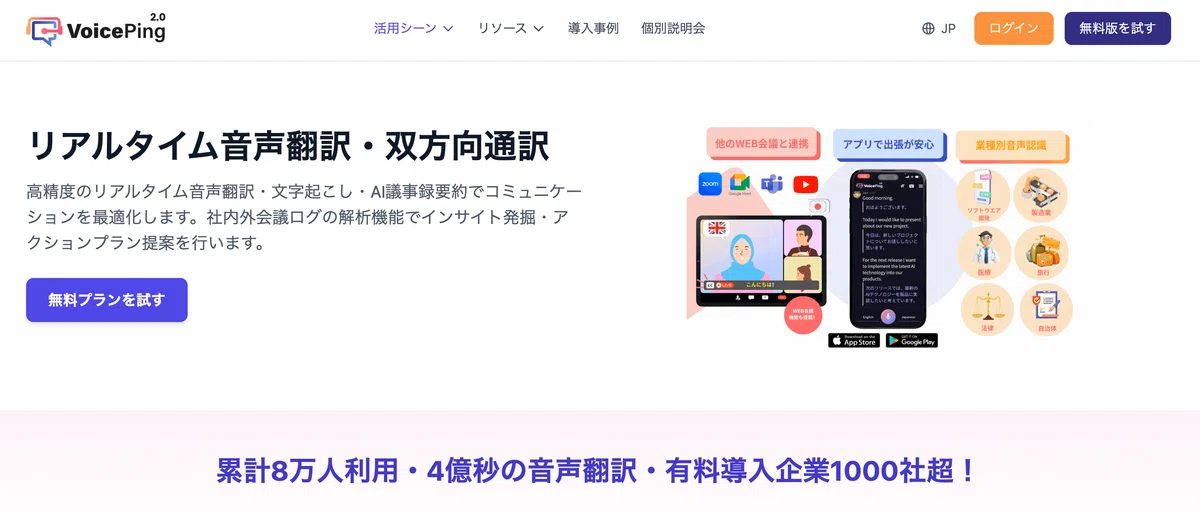
VoicePing is a translation tool that comes with a "virtual office" feature for remote work. Its meeting support is also robust, with real-time transcription, voice translation, and AI minute summaries.
Accuracy highlights
- Supports 45 languages
- Simultaneous interpreting style, where what you say is played back in the other party's language
- Lag-free, natural conversation
What's good
- The virtual office feature makes it ideal for remote-first companies
- Has a free plan to try without commitment
- Includes caption read-out
What to watch out for
- If you don't need the virtual office feature, it can feel like overkill
- Translation accuracy can lag behind dedicated translation tools in some scenarios
5. Notta: Mobile-friendly transcription and translation
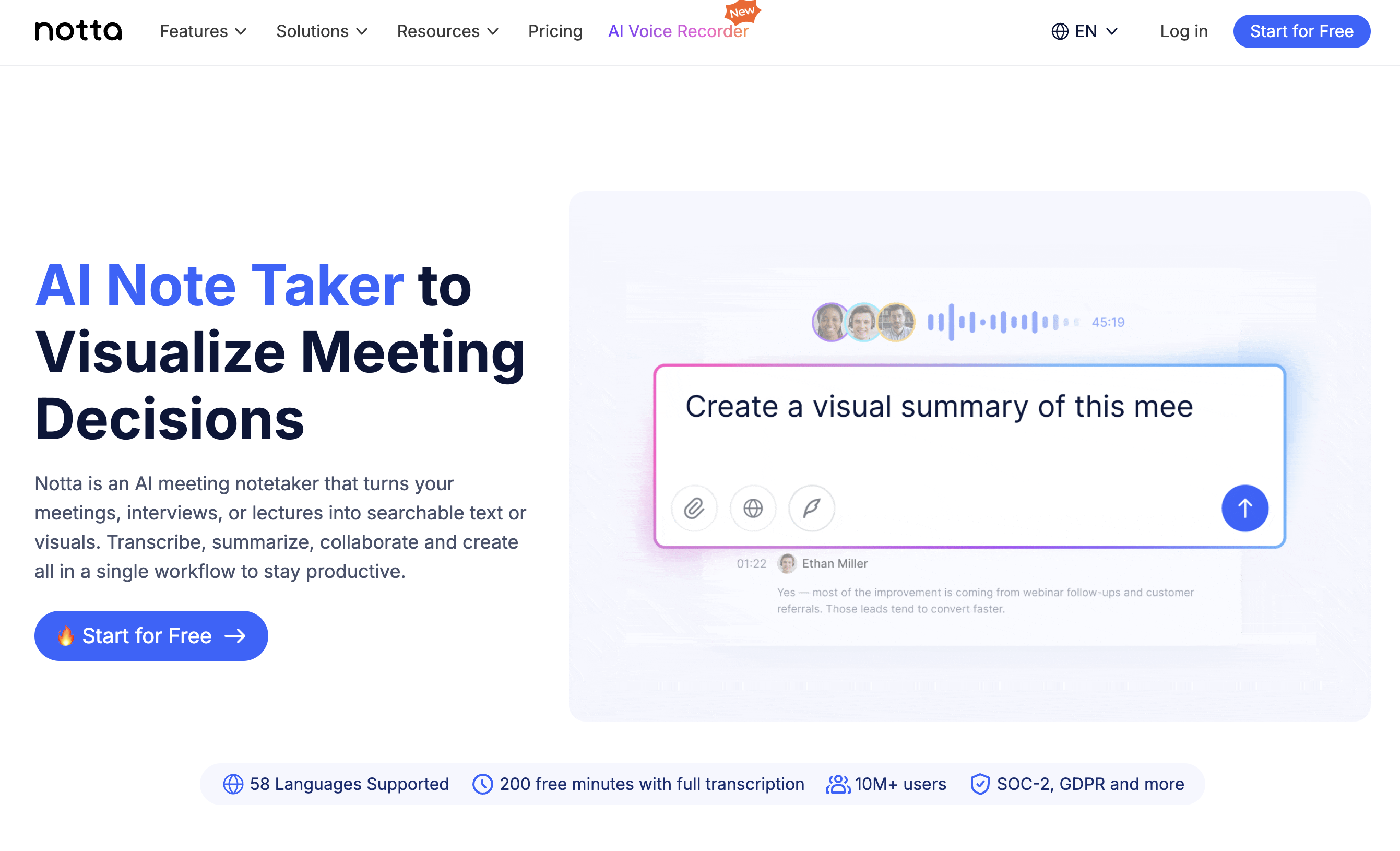
Notta combines AI speech recognition for transcription with translation. Among AI meeting note services, it is a familiar option for teams that want mobile apps, file uploads, and meeting transcription in one product.
Accuracy highlights
- Boasts 98.86% speech recognition accuracy for high-precision transcription
- Supports transcription in 58 languages with real-time translation into 50+ languages
What's good
- iPhone and Android apps make it easy to use on mobile
- Screen recording captures more than just text
- Custom dictionary improves recognition accuracy for specialized terms and proper names
What to watch out for
- Capped at two-language translation, with monthly usage limits that may matter for heavy users
- A bot needs to join, which calls for caution in external meetings
Real-time interpretation tools: comparison table
| Tool | Supported languages | Bot joining | Environment | Pricing | Highlights |
|---|---|---|---|---|---|
| SuperIntern | 50+ languages | None | All platforms | 100 hours/month on Plus | High accuracy, no bot, real-time summary |
| JotMe | 107 languages | None | Browser-focused | Limited monthly hours on Pro | Easy via browser extension |
| Transync AI | 60+ languages | None | Desktop/mobile | Contact for details | Audio read-out |
| VoicePing | 45 languages | None | Desktop | Free plan available | Virtual office included |
| Notta | 58 languages | Yes | Multi-platform | Paid plans with monthly limits | Mobile-friendly transcription |
4. Recommended tools by use case
We've now covered both categories, but when the question is "which one should I actually pick?" the most important thing is to match the tool to the use case. Accuracy rankings are a useful reference, but choosing a tool that fits your situation is what determines success.
Case 1: Translating business emails and contracts
Recommended: DeepL
For formal documents and business emails, DeepL's natural, high-quality output is the best fit. Use the glossary feature to keep specialized terminology consistent.
Case 2: Reading specialized material in depth
Recommended: NotebookLM
For papers, technical reports, and other material that requires background knowledge, NotebookLM is convenient because it translates while understanding context. You can also ask questions while you translate.
Case 3: You regularly need translation in online meetings
Recommended: SuperIntern
If you move across Zoom, Teams, and Google Meet, SuperIntern is the best fit because it doesn't depend on any one platform. It runs without a bot, so it's comfortable to use in external meetings too.
👉 Try SuperIntern Translation for free
Case 4: You're mainly on Google Meet
Recommended: JotMe
If you're browser-meeting-first, JotMe pairs well. Install the Chrome extension and you're up and running.
Case 5: You want translations spoken aloud
Recommended: Transync AI
If reading subtitles fast enough is a challenge, Transync AI's AI voice read-out is a strong option.
5. Summary
Translation tools fall into two broad categories: text translation and real-time interpretation.
For text translation
- Business documents: DeepL
- Flexible customization: ChatGPT
- Convenience first: Google Translate
- Understanding specialized material: NotebookLM
For real-time interpretation
- High accuracy and no bot: SuperIntern
- Easy browser-based start: JotMe
- Voice read-out: Transync AI
- Mobile-friendly transcription workflow: Notta
Accuracy "rankings" are useful as a reference, but in the end, picking the right tool for your use case is what matters most. Most tools offer free plans, so the best approach is to try a few yourself.
If you:
- Move between Zoom, Teams, and Google Meet
- Care about translation accuracy across business conversations
- Want to avoid having a bot join meetings
- Want both real-time translation and meeting minutes
…we'd love for you to try SuperIntern. From a single PC, you get the same high-accuracy translation experience across any meeting on any platform.
It's free and no credit card is required to get started.