
Alternatives to Zoom's Translated Captions: More Accurate and Economical Options

Zoom's translated captions were a notable step forward when they launched. For the first time, a video conferencing platform offered built-in translation with no external tools. But after using them in real meetings, especially for non-English audio, many teams discover that the native feature falls short.
Frequent errors with regional accents. Translation available only on paid plans. No automatic summaries. No meeting notes. And if your next call is on Teams or Google Meet, Zoom's captions are no help at all.
If you have already tried Zoom's translated captions and are looking for something better, this guide compares the most relevant alternatives in 2026, evaluating accuracy, features, pricing, and compatibility for global teams.
⚠️ This article is an independent analysis by NanoHuman Inc. based on publicly available information as of March 2026. SuperIntern is our own product, but we describe its features and limitations as objectively as possible, just like the other tools.
What do Zoom's translated captions offer?
Before comparing alternatives, let's review what Zoom's native feature includes, and where it falls short.
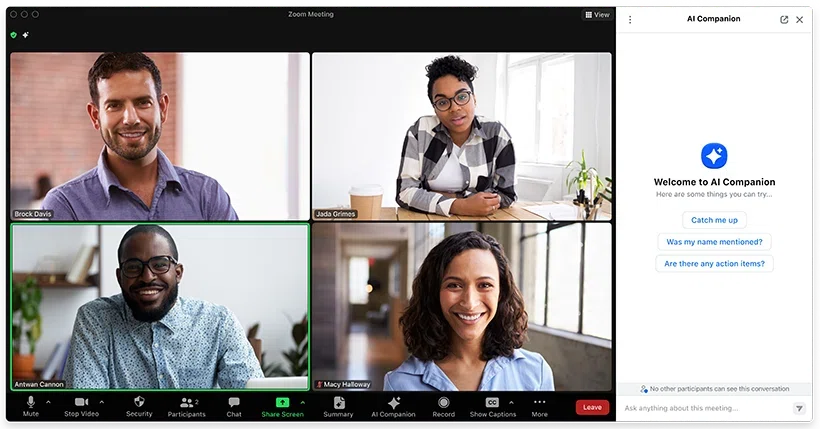
What works: Zoom translates spoken audio into captions in real time directly inside the meeting interface. It supports more than 30 languages. No additional installation is required; you simply enable the feature in your meeting settings.
Important limitations:
Cost. Translated captions require a Zoom plan with AI enabled. For teams, this can mean an additional per-user cost on top of the base Zoom subscription.
Accuracy across accents. Translation works reasonably well between standard English and other major languages, but users frequently report problems with regional accents. Industry-specific technical vocabulary also produces errors.
Captions only. There are no built-in automatic summaries combined with translation. Zoom AI Companion offers summaries, but as a separate feature, and it does not always capture translated content correctly.
Zoom only. If your team uses Teams for internal calls and Zoom for clients (or vice versa), you need two different solutions.
No real-time meeting notes. Captions disappear after they are shown. There is no structured view of the conversation you can refer back to during the meeting.
The 5 best alternatives to Zoom's translated captions
1. SuperIntern: Translation + Live Notes without a bot
SuperIntern is a desktop application that captures audio directly from your system without adding a bot to the meeting. It combines real-time translation with Live Notes: structured summaries that update during the conversation.

Why it is a superior alternative to Zoom:
The main advantage over Zoom's captions is that SuperIntern does more than translate, it organizes information. While Zoom captions are ephemeral text that disappears, SuperIntern's Live Notes create a structured, real-time record with key points, decisions, and action items.
It also works with any platform. The same tool you use on Zoom works on Teams, Google Meet, Webex, and even in-person meetings by capturing microphone audio.
Invisible Mode ensures the tool does not appear when you share your screen, an important detail for client presentations.
Key features:
- Real-time translation in 50+ languages
- Structured Live Notes during the meeting
- Fully bot-free operation
- Works with any meeting platform
- Summaries in the language you choose
- Custom dictionary for technical terms
- Post-meeting AI chat
- Invisible Mode when sharing your screen

Pricing: Free plan available. Plus plan: $20/month for 100 hours.
2. Google Meet: Built-in translated captions
If you already use Google Workspace, Google Meet's translated captions are the most natural direct alternative to Zoom.
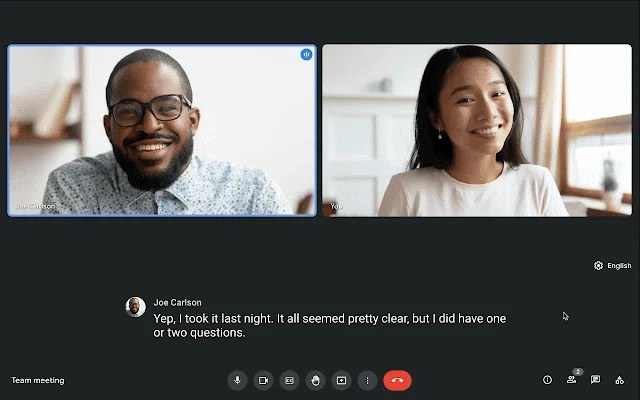
Advantages over Zoom: Translated captions are included with certain eligible Google Workspace plans at no extra cost. Integration with Google Docs lets you save transcripts automatically. Google has broad expertise in natural language processing across major languages.
Limitations: Only works inside Google Meet. Translation quality varies by language pair. It does not offer structured summaries or advanced meeting notes.
Pricing: Translated captions are included in eligible Google Workspace plans; voice translation has more limited availability.
3. Microsoft Teams: Translation with Copilot
Microsoft Teams offers translation features through its ecosystem, with Copilot providing enhanced summaries and transcripts.
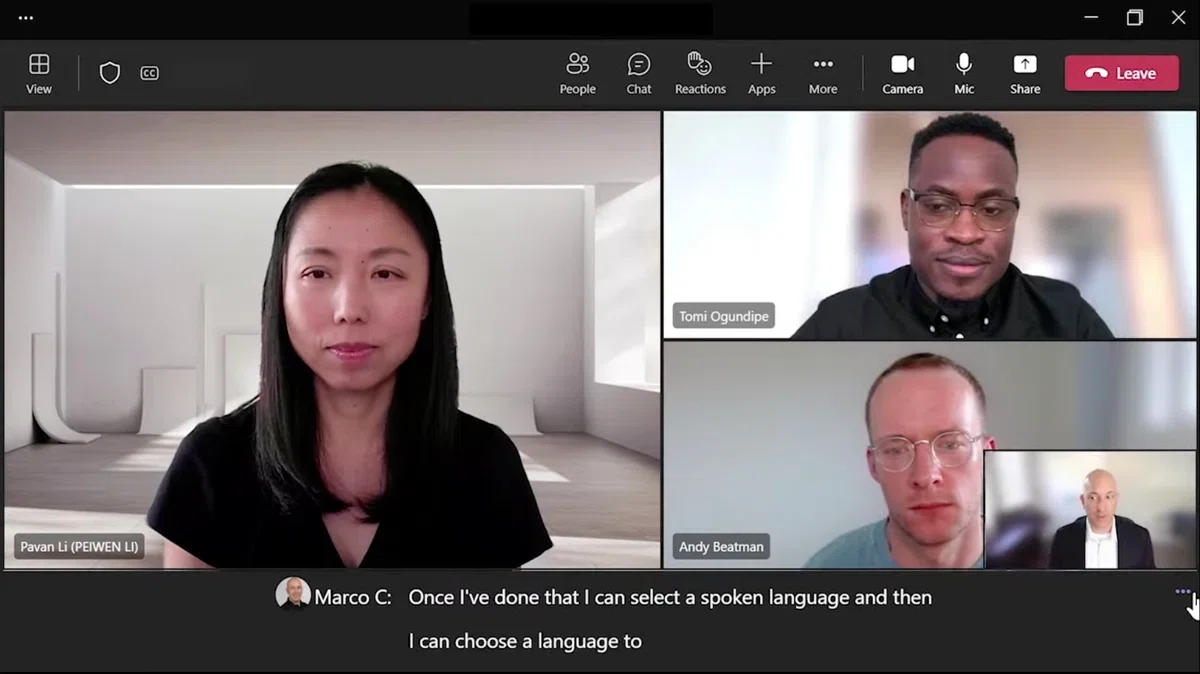
Advantages over Zoom: If your company already uses Microsoft 365, integration is natural. Copilot provides post-meeting summaries and action item extraction. Caption translation is available in dozens of languages.
Limitations: Copilot requires an additional license (Microsoft 365 Copilot). It only works inside the Microsoft ecosystem. Summaries are post-meeting, not real-time.
Pricing: Microsoft 365 Copilot license required (additional per-user cost).
4. Tactiq: Browser extension for transcription
Tactiq is a Chrome/Edge extension that provides real-time transcription and AI-generated summaries.
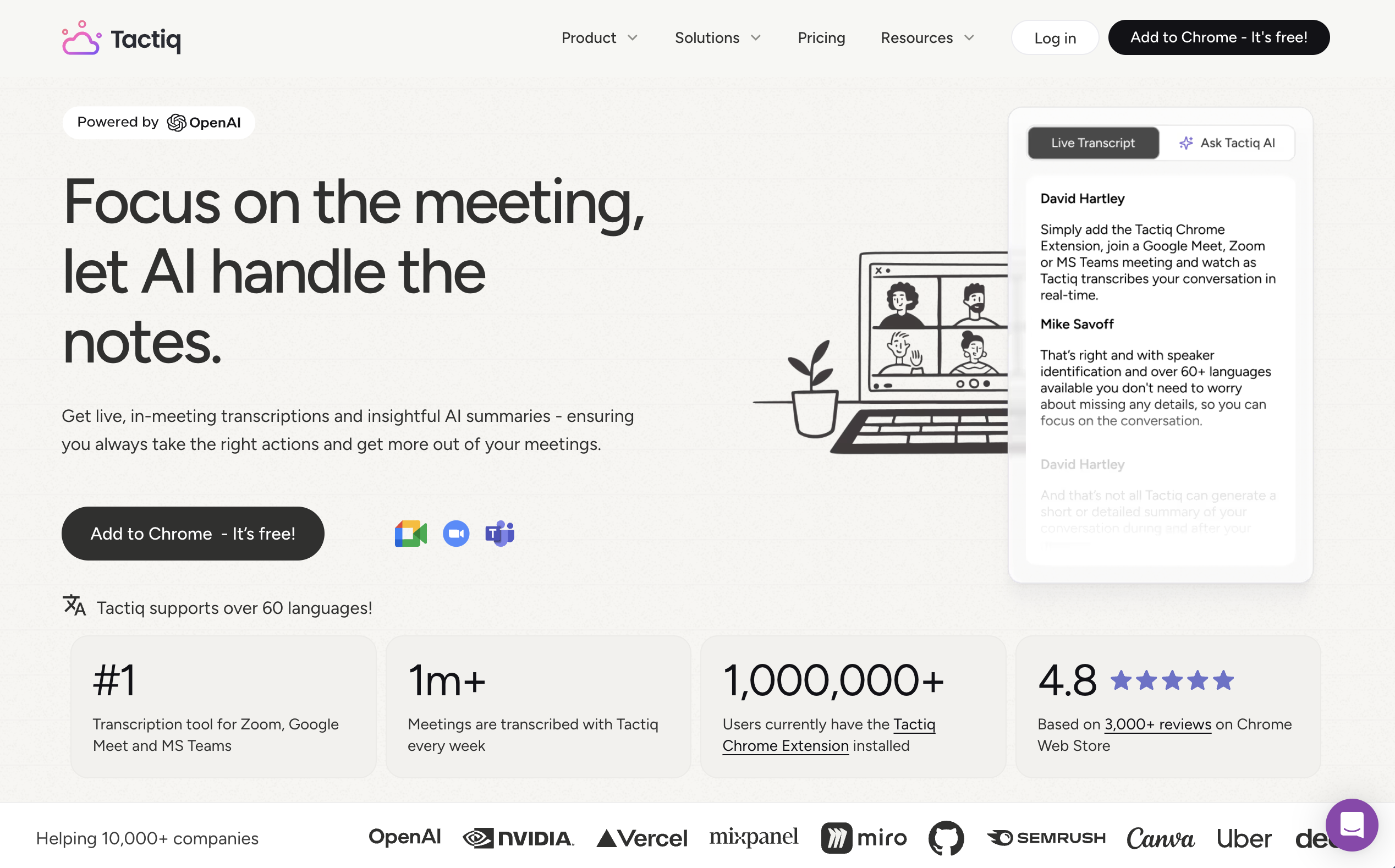
Advantages over Zoom: Works across multiple platforms (Zoom, Teams, Meet) through the browser. No bot required. Offers summaries and action item extraction.
Limitations: It does not provide real-time translation in the strict sense; its focus is transcription with summaries. AI features depend on a credit system: the free plan includes only 5 monthly credits, and Pro only 10. It only works in Chrome/Edge, with no desktop or mobile app. Users report accuracy problems with non-native English speakers and regional accents.
Pricing: Free (very limited), Pro from $8/user/month.
5. JotMe: Multilingual desktop translation
JotMe is a desktop application that offers real-time translation with support for 107 languages.
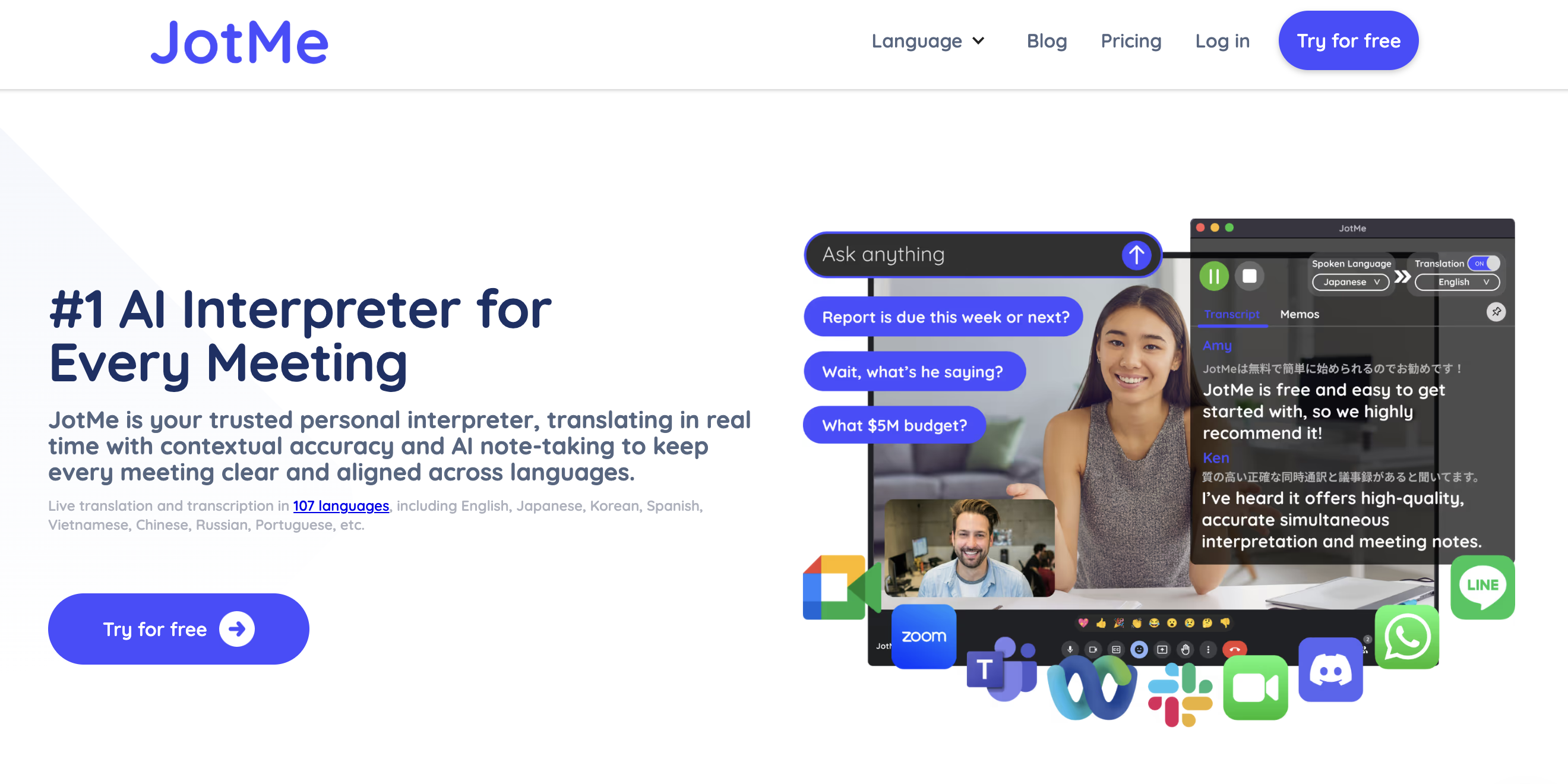
Advantages over Zoom: Broad language coverage. Bot-free architecture. Works with any platform by capturing system audio.
Limitations: Translation minutes are limited even on paid plans (200 min/month on Pro, 500 min/month on Premium). The quality of AI-generated notes has received mixed reviews; users report that they can be disorganized and inaccurate. Pricing is relatively expensive for occasional users.
Pricing: Free (20 min/month), Pro from $9/user/month.
Direct comparison
| Feature | Zoom native | SuperIntern | Google Meet | Teams Copilot | Tactiq | JotMe |
|---|---|---|---|---|---|---|
| Real-time translation | Yes | Yes | Yes | Yes | No | Yes |
| Live Notes | No | Yes | No | No | No | No |
| Multi-platform | No | Yes | No | No | Yes (browser) | Yes |
| Bot-free | N/A | Yes | N/A | N/A | Yes | Yes |
| Automatic summary | Separate | Yes | Basic | Yes (post) | Yes (with credits) | Yes |
| Invisible Mode | No | Yes | No | No | No | No |
| Languages | 30+ | 50+ | 20+ | 40+ | 60+ | 107 |
| Custom dictionary | No | Yes | No | No | No | Yes |
Which alternative is best for you?
If you only use one platform and already pay for it: The native features of Google Meet or Teams may be enough for basic translation needs.
If you need translation across multiple platforms without a bot: SuperIntern and JotMe are the best options. SuperIntern stands out for its real-time Live Notes; JotMe offers more languages but with minute caps.
If your priority is transcription more than translation: Tactiq is a lightweight option, but be aware of the strict AI credit limits.
If you need the most complete combination (translation + notes + privacy): SuperIntern offers the most integrated experience: real-time translation, structured Live Notes, bot-free operation, and Invisible Mode, all in a single tool that works on any platform.
Ready for a translation experience better than Zoom's captions? Try SuperIntern free, no credit card required.