
Looking for a Krisp Alternative? A Real-World Comparison: Krisp for Noise, SuperIntern for Meeting Understanding
Krisp seems to be able to write meeting notes now... but which tool is actually the right choice? This article explains why Krisp is chosen and why SuperIntern is a great alternative.
First, the bottom line: depending on what's causing your meeting pain,
- If the problem is noise, echo, or background sounds making it hard to hear → Krisp is better
- If the problem is meetings going off-track or missing key points → SuperIntern is better
- If the problem is keeping up with foreign language meetings (like English) → SuperIntern is better
This article compares where each tool shines, assuming you'll use them from the free tier to paid plans.
30-Second Comparison Summary (Krisp vs SuperIntern)
1) Different Strengths
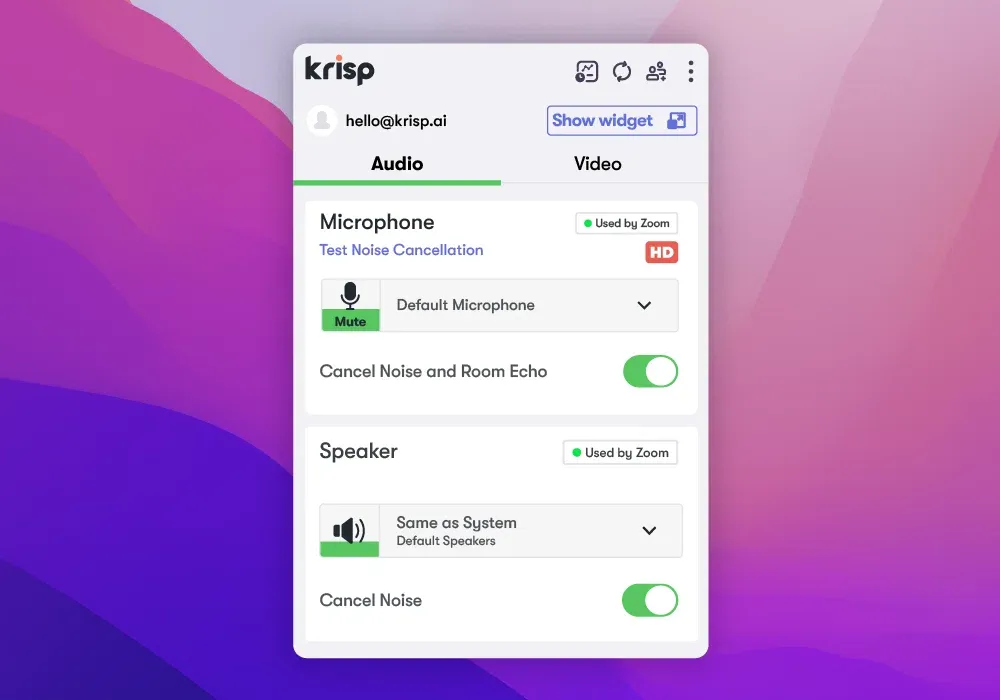
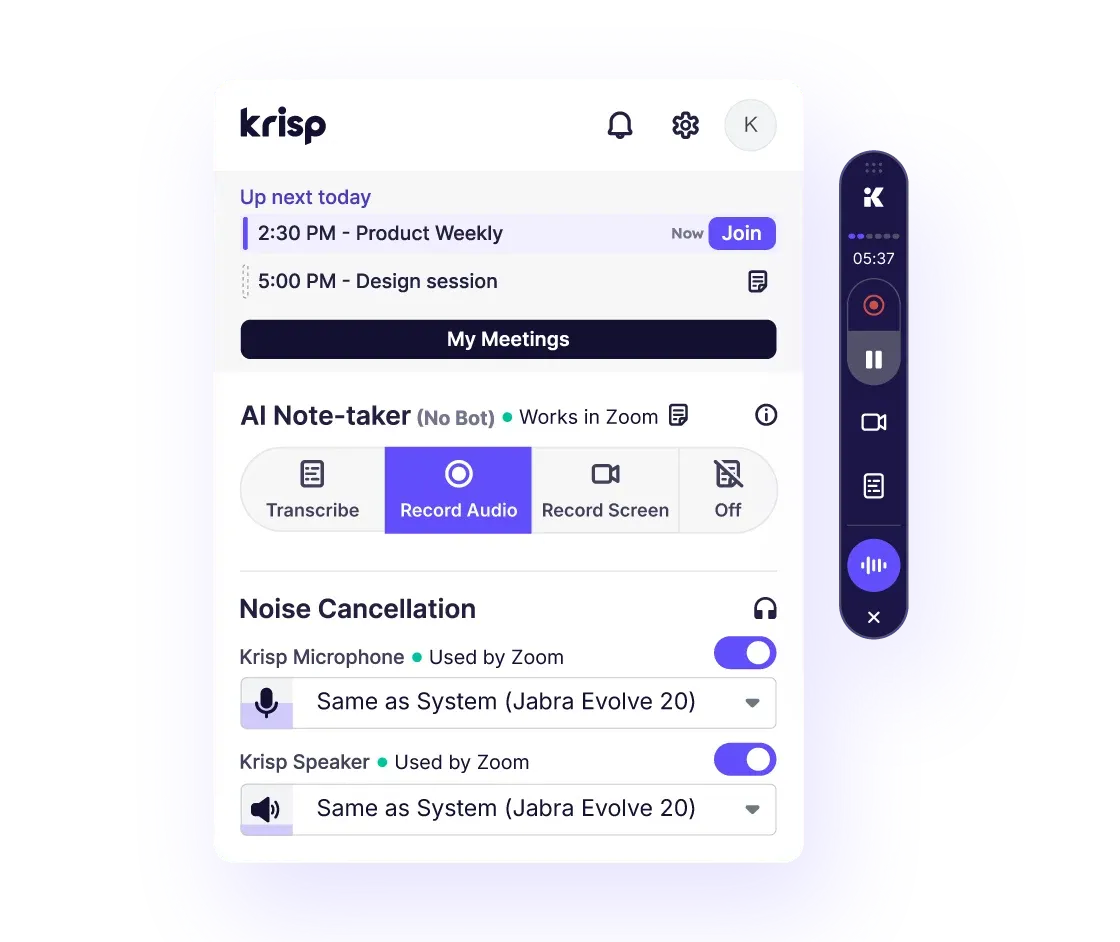
- Krisp: Focuses on improving meeting audio quality. Built around noise cancellation, with recording, transcription, summaries, and action item extraction layered on top.
- SuperIntern: Focuses on improving meeting understanding. Designed to continuously display real-time summaries and translated captions during the meeting.
2) Language Support (Japanese Support)
- Krisp: According to official help docs, transcription supports 16 languages, and Japanese is not listed.
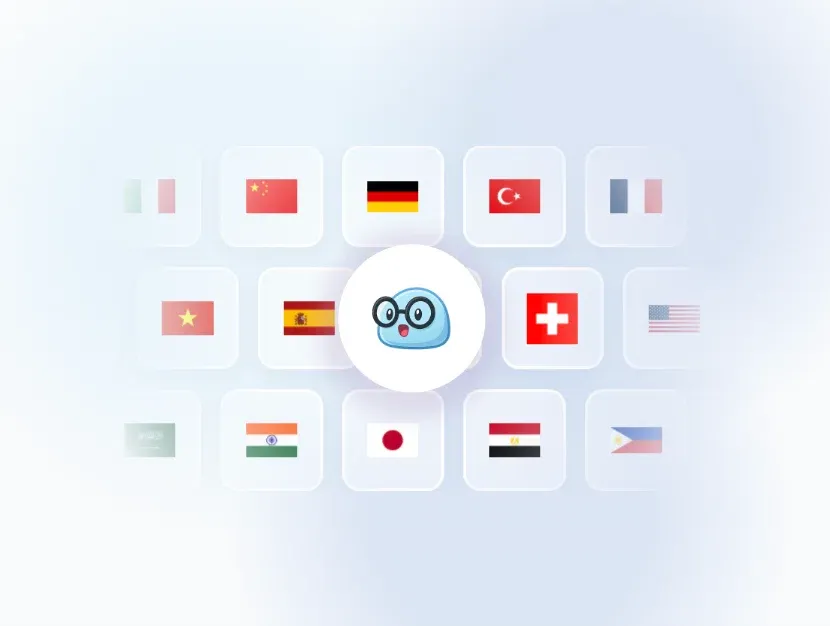
- SuperIntern: Supports 50+ languages and creates real-time summaries in Japanese (or any language) during any meeting.
Pricing Comparison (Monthly Plans)
SuperIntern
Plus: $20/month for 100 hours/month (overage at $0.02/min). There's a free plan, and you can try it without a credit card.
Krisp (Current Official Pricing)
After a 7-day free trial, you can choose between the $16/month Pro plan or the $30/month Business plan.
Feature Comparison: Which Tool Fits Your Use Case
Noise Cancellation
- Krisp: Strong — Explicitly states it "removes noise/echo/crosstalk" and can improve meeting audio clarity itself. Real user reviews mention things like "it can block out dog barking and typing sounds."
- SuperIntern: No noise cancellation feature — If background noise is your primary concern, Krisp should be on your radar.
Real-Time Translation
- Krisp: Offers multi-language transcription, but supported languages are 16, excluding Japanese.
- SuperIntern: Displays "captions + translation" simultaneously during the meeting (e.g., English + Japanese subtitles in an English meeting).
Live Note (Real-Time Summary)
- Krisp: Provides AI notes & action item extraction after the meeting.

- SuperIntern: Continuously organizes key points in bullet form during the meeting, helping prevent tangents and missed discussion points.
"Operating Without Psychological Pressure" (Important for External Meetings)
- Krisp: No bot joins the meeting, so nothing appears to other participants in the meeting tool. However, it will show up during screen sharing.
- SuperIntern: With Invisible Mode ON, SuperIntern's screen doesn't appear in screen shares or screenshots.
Who Should Choose SuperIntern as a Krisp Alternative
- You want AI meeting notes that create summaries in real-time
- You're in English meetings where you "can hear but can't keep up with the key points"
- You want to speak while viewing a summary in your native language during meetings
- You frequently share your screen and don't want your note-taking tool visible (you need invisible mode)
If even one of these applies to you, there's a high chance SuperIntern will give you a better AI meeting note experience.

How to Get Started with SuperIntern
- Download SuperIntern from the website (free trial, no credit card required)
- Set your language preferences in the onboarding screen
- When a meeting starts, it automatically pops up in the top right → Click "Start Recording"
That's all it takes to automatically start real-time captions + summary meeting support.
FAQ
Does Krisp support Japanese meeting notes?
The official help article's language list (16 languages) does not include Japanese. If Japanese meeting notes are essential, many people choose tools like SuperIntern that are built with Japanese support from the start.
What's the benefit of "no bot"?
No unknown bot appears in the participant list, which lowers the psychological barrier in external sales calls or interviews. Especially if you choose SuperIntern with its Invisible Mode, you don't have to worry about it showing up during screen sharing.
If you're interested, please consider SuperIntern!