
Otter.ai Alternative: SuperIntern vs Otter for Bot-Free, Real-Time Structured Notes
If you're searching for an Otter.ai alternative, common reasons include:
- "Otter's live transcript is great, but reading raw captions doesn't actually help me follow the meeting"
- "I want a bot-free option that doesn't show up as a participant"
- "I want real-time translation, not just multilingual transcription"
Otter and SuperIntern both produce live text from meetings, but they're optimized for very different things: Otter for transcription, SuperIntern for understanding the meeting in real time.
This article walks through what Otter does well, where SuperIntern works better, and how to choose between them as an "Otter alternative."
⚠️ This article is based on information as of May 2026.
30-Second Comparison Summary (Otter vs SuperIntern)
Otter is for people who:
- Primarily want accurate live transcription and captions in English
- Need long, searchable transcripts of recurring meetings
- Are fine with the OtterPilot bot joining their meetings
SuperIntern is for people who:
- Want a structured note that writes itself in real time (not just a wall of captions)
- Don't want a bot to appear in their meetings
- Need side-by-side subtitle translation for multilingual calls
- Don't want their AI tool's UI visible while screen sharing
You can try SuperIntern for free here.
Otter's Features
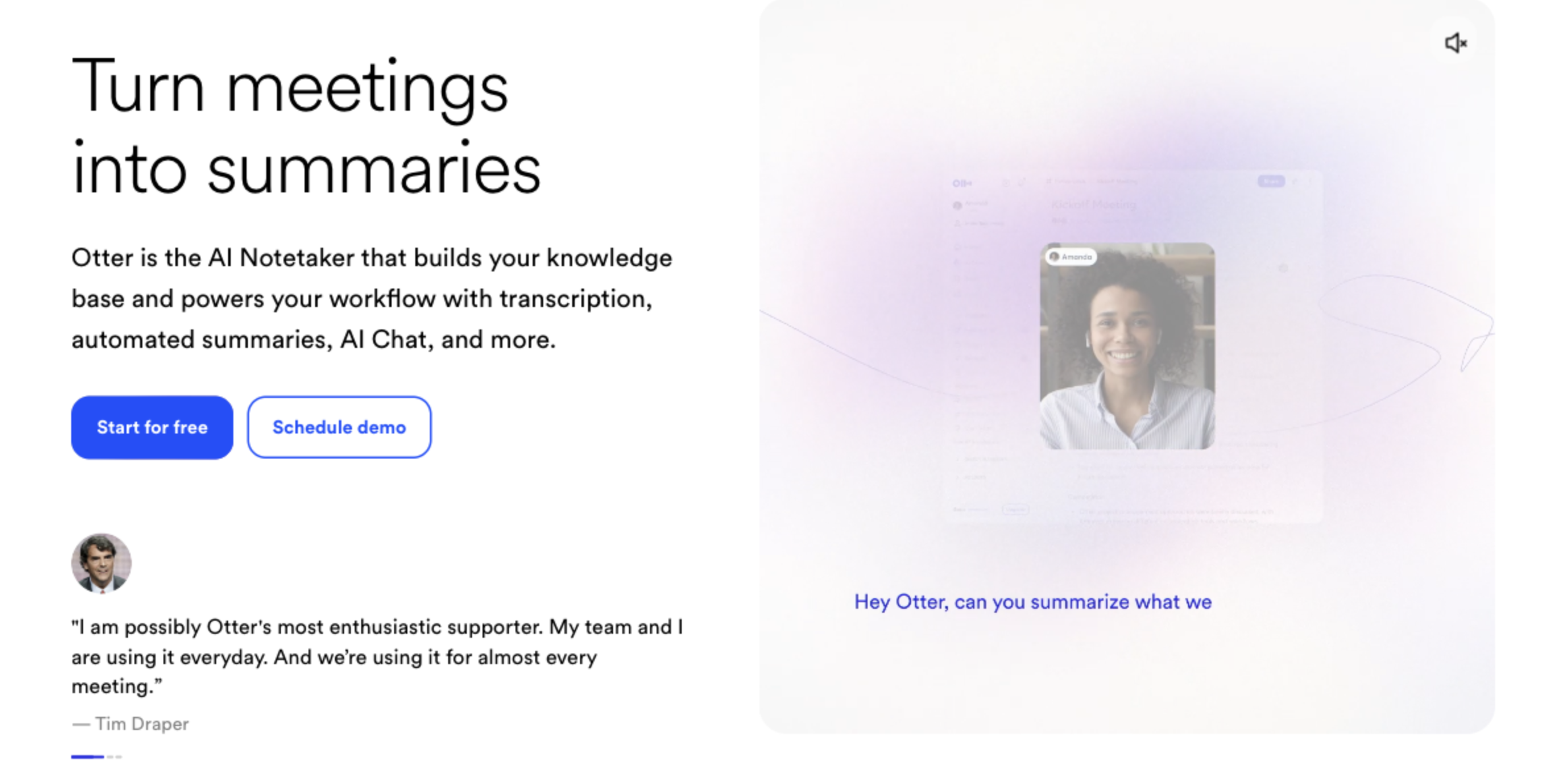
Otter positions itself as a transcription and meeting notes product, with one of the most established live transcription engines in the market. It comes with OtterPilot for joining calls and Otter AI Chat for asking questions about past meetings.
Otter's User Experience
- OtterPilot joins Zoom / Google Meet / Microsoft Teams to record and transcribe
- Live captions and transcript during the meeting
- Otter AI Chat lets you query meeting content
- Multi-language transcription (e.g., English, French, Spanish)
Pricing Plans
- Basic: Free (300 monthly transcription minutes, limited file imports)
- Pro: $8.33/user/month annual (1,200 monthly recording minutes)
- Business: $20/user/month annual (unlimited meetings, longer per-meeting limit)
- Enterprise: Custom (advanced security, custom AI workflows)
Otter's Limitations
1) OtterPilot Joins Your Meeting as a Bot
OtterPilot joins your calls to record and transcribe, which means another participant appears in your meeting. In customer calls, hiring interviews, or partner meetings, that's not always welcome.
2) The Main Axis Is Transcription, Not In-Meeting Structured Comprehension
Otter does offer live captioning, live notes, automated summaries, and AI Chat within and across meetings, so the live experience is more than just raw captions. The difference is in what's emphasized: Otter's product spine is the transcript and recording (search, share, query later), while SuperIntern's spine is in-meeting structured comprehension, where a continuously rewriting note (AI Canvas) and side-by-side translated subtitles take center stage during the call itself.
3) Real-Time Translation Is Limited
Otter supports transcription in several languages, but showing the original language and a translated subtitle side by side, live, is not a core feature. For multilingual meetings, a transcript-only experience leaves a lot of comprehension on the table.
SuperIntern's Advantages
1) Bot-Free: No OtterPilot-Style Participant in Your Meeting
SuperIntern captures audio directly from your microphone and speakers as a desktop app. No bot enters the call, so the other participants don't see an extra participant or recording avatar.
2) AI Canvas: A Structured Note Instead of a Wall of Captions

This is the core difference vs Otter. Instead of a continuous captions stream, SuperIntern's AI Canvas keeps a structured live note of the meeting, with headings, bullet points, and tables that rewrite themselves in place as the discussion evolves.

You can also register a custom instruction ("focus on decisions and next actions" / "highlight the customer's requested timeline and budget") so that for that specific meeting, the note is shaped exactly how you want.
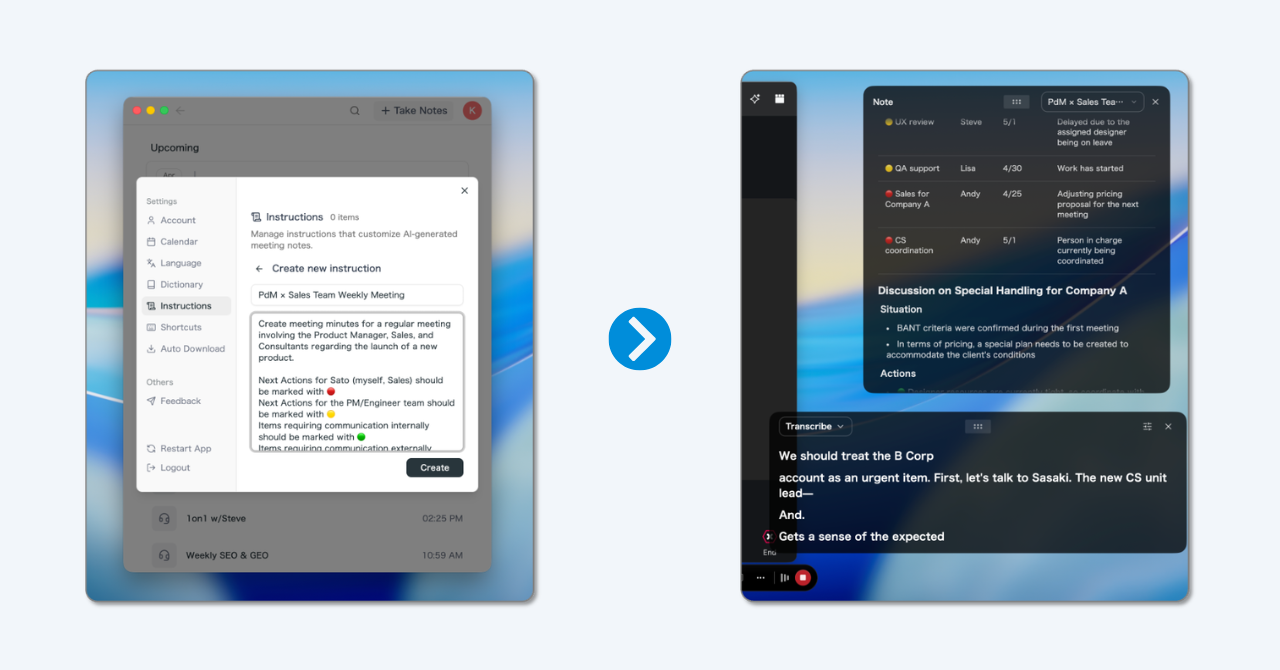
💡 The default real-time summary is already high quality. Use custom instructions when you want a specific note shape per meeting type.
3) Real-Time Subtitle Translation, Side by Side
For multilingual meetings, SuperIntern shows the original speech and a translated subtitle side by side, live, and the AI Canvas summary is generated in your reading language too. You don't have to wait until the meeting ends to understand it.

4) Invisible Mode: Won't Show in Screen Sharing
Even though you see live notes and subtitles, SuperIntern's UI is hidden from screen-sharing recipients. You can use it during external calls without exposing your notes.
Supported Platforms
SuperIntern captures PC microphone and speaker audio, so it works with Zoom / Google Meet / Microsoft Teams / Webex, plus in-person meetings. Available on Mac and Windows.
Try SuperIntern for free here.
SuperIntern Pricing (as of May 2026)
- Free: $0/month (no credit card, time-limited)
- Plus: $20/month (up to 100 hours included, $0.02/min after)
- Enterprise: Custom (sharing controls, LLM model selection, etc.)
Which One Is Right for You?
Use Cases Where Otter Fits
- You primarily need accurate English live transcription and a searchable history of captions
- You're fine with OtterPilot showing up as a participant
- Post-meeting query (Otter AI Chat) is enough; in-meeting structured notes aren't required
Use Cases Where SuperIntern Fits
- You want a structured, real-time note instead of a wall of captions
- You don't want a bot in your meetings
- You attend multilingual meetings and need real-time subtitle translation
- You don't want your AI tool to be visible while screen sharing
Summary
Otter has a strong reputation for English live transcription and captions, and that's still its core strength.
SuperIntern is built for a different problem: helping you understand and organize the meeting while it's happening, with a real-time AI Canvas, side-by-side subtitle translation, and an invisible mode for screen sharing. If you've felt that "Otter shows me everything that's said, but I still don't understand the meeting any better," SuperIntern is the alternative worth trying.
You can start for free, no credit card required.
Try SuperIntern for free here.