
Best AI Note Taker for Zoom in 2026: 9 Tools Compared (Bot and Botless)
Searching for an AI note taker for Zoom usually starts with a simple goal: stop typing during calls and still walk away with accurate notes.
The market makes that choice harder than it should be. Zoom ships its own AI notes, a dozen vendors send recording bots into your meetings, and a newer group of apps takes notes without joining the call at all. Prices, free plans, and host requirements differ a lot.
This guide compares nine AI note takers that work with Zoom in 2026. It explains the one design decision that matters most (bot or botless), gives a scoring checklist you can run against your own calendar, and walks through setup, consent, and the mistakes teams make in the first month.
⚠️ This article was independently compiled based on publicly available information and user feedback as of November 2026.
Table of Contents
- Quick Answer: The Best AI Note Taker for Zoom by Situation
- Bot vs Botless: How AI Note Takers Capture a Zoom Call
- What to Look for in a Zoom AI Note Taker
- The 9 Best AI Note Takers for Zoom in 2026
- Comparison Table
- How to Choose: A 5-Minute Scoring Checklist
- How to Set Up an AI Note Taker for Zoom
- Consent, Privacy, and Zoom Etiquette
- Common Mistakes in the First Month
- FAQ
- Conclusion
Quick Answer: The Best AI Note Taker for Zoom by Situation
If you only read one section, read this one. The right tool depends less on transcript quality, which is now good across the category, and more on who hosts your meetings and what you need during the call.
| Your situation | Best fit | Why |
|---|---|---|
| You need live notes and translation in Zoom and every other platform | SuperIntern | Botless desktop app, real-time transcription, AI Canvas notes, 50+ language translation |
| Every meeting is an internal Zoom call on a paid plan | Zoom's built-in AI (AI Companion, My Notes) | Already included with paid Zoom licenses, no new vendor |
| You want a well-known transcript archive with a bot | Otter.ai | Mature product, OtterPilot auto-joins scheduled calls |
| You want a generous free recorder | Fathom | Unlimited recording on the free plan, AI summary caps apply |
| Your team lives in a CRM and wants searchable call libraries | Fireflies.ai or tl;dv | Strong integrations and conversation search |
| You care about meeting analytics and engagement metrics | Read AI | Talk-time and engagement reporting |
| You want quiet, personal notes on a Mac or Windows laptop | Granola | Botless, notepad-style AI notes |
| Audio quality on noisy calls is the main problem | Krisp | Noise cancellation plus a botless note taker |
If you often join Zoom calls as a guest, cross languages, or switch between Zoom, Google Meet, and Microsoft Teams in the same day, start with a botless tool. If you host internal Zoom meetings on a paid plan, try Zoom's built-in AI first because it costs nothing extra.
Bot vs Botless: How AI Note Takers Capture a Zoom Call
Every Zoom note taker has to get audio from the meeting. There are three ways to do it, and the method shapes almost everything else.
Bot-based note takers
A bot joins the meeting as a participant, usually named something like "Notetaker" or the vendor's brand. It records the call from Zoom's side, then sends a transcript and summary afterward. Otter, Fathom, Fireflies, Read AI, and tl;dv all work primarily this way.
Bots are convenient for recording and sharing because they work even when you are not on the call. The tradeoffs are visibility and control. Every participant sees the bot, hosts can hold it in the waiting room or remove it, and some companies block external bots by policy. A bot in a sales call or interview also changes the room, even when everyone consents.
Built-in Zoom AI
Zoom's own AI runs inside the Zoom platform. The meeting summary is host-controlled: an admin enables the features, and the host starts the summary in each meeting. In 2026 Zoom also introduced My Notes, a personal notetaker that, according to Zoom's announcements, works without a bot and extends to Google Meet, Teams, and in-person conversations. Availability depends on your Zoom plan and admin settings.
Botless desktop apps
A botless app runs on your own computer and captures system audio and your microphone. Nothing joins the call, and nothing depends on the host. SuperIntern, Granola, and Krisp take this approach. Because the audio comes from your device, the same app works in Zoom, Google Meet, Teams, Webex, Slack huddles, and in-person meetings.
The tradeoff is that the app needs to be running on your laptop during the call. It cannot record a meeting you did not attend.
| Capture method | Visible to others | Needs host or admin | Works outside Zoom | Works when you are absent |
|---|---|---|---|---|
| Bot | Yes, as a participant | Host can admit or remove it | Yes, if the vendor supports the platform | Yes |
| Built-in Zoom AI | Participants see a notice | Yes, for meeting summaries | My Notes extends to some platforms | Depends on the feature |
| Botless desktop app | No participant appears | No | Yes, any audio on your device | No |
Botless does not mean secret. You should still tell people you are taking AI notes, as covered in the consent section below.
What to Look for in a Zoom AI Note Taker
Transcript accuracy is table stakes in 2026. These criteria separate tools in real use.
- Host independence. Can you use it when someone else hosts the Zoom call?
- Live value during the meeting. Does it show notes, captions, or answers while people are talking, or only a recap afterward?
- Note structure. Can you shape notes into your own format, such as a sales call template or an interview scorecard?
- Multilingual support. Does it transcribe the languages you meet in, and can it translate in real time?
- Platform coverage. Does it follow you into Google Meet, Teams, and in-person meetings?
- Free plan limits. Minutes per month, summaries per month, and how long history is kept.
- Privacy and data handling. Where data is stored, whether it trains models, and admin controls.
- Workflow fit. Export to docs, CRM sync, and access from the AI tools your team already uses.
Weight these by your own calendar. A recruiter who interviews on the candidate's Zoom link cares most about host independence. A support team with internal standups cares more about cost and integrations.
The 9 Best AI Note Takers for Zoom in 2026
Prices below are list prices reported as of November 2026 and change often. Many vendors show different prices for monthly and annual billing, so confirm on each official pricing page before buying.
1. SuperIntern: Best for live notes and translation in every meeting
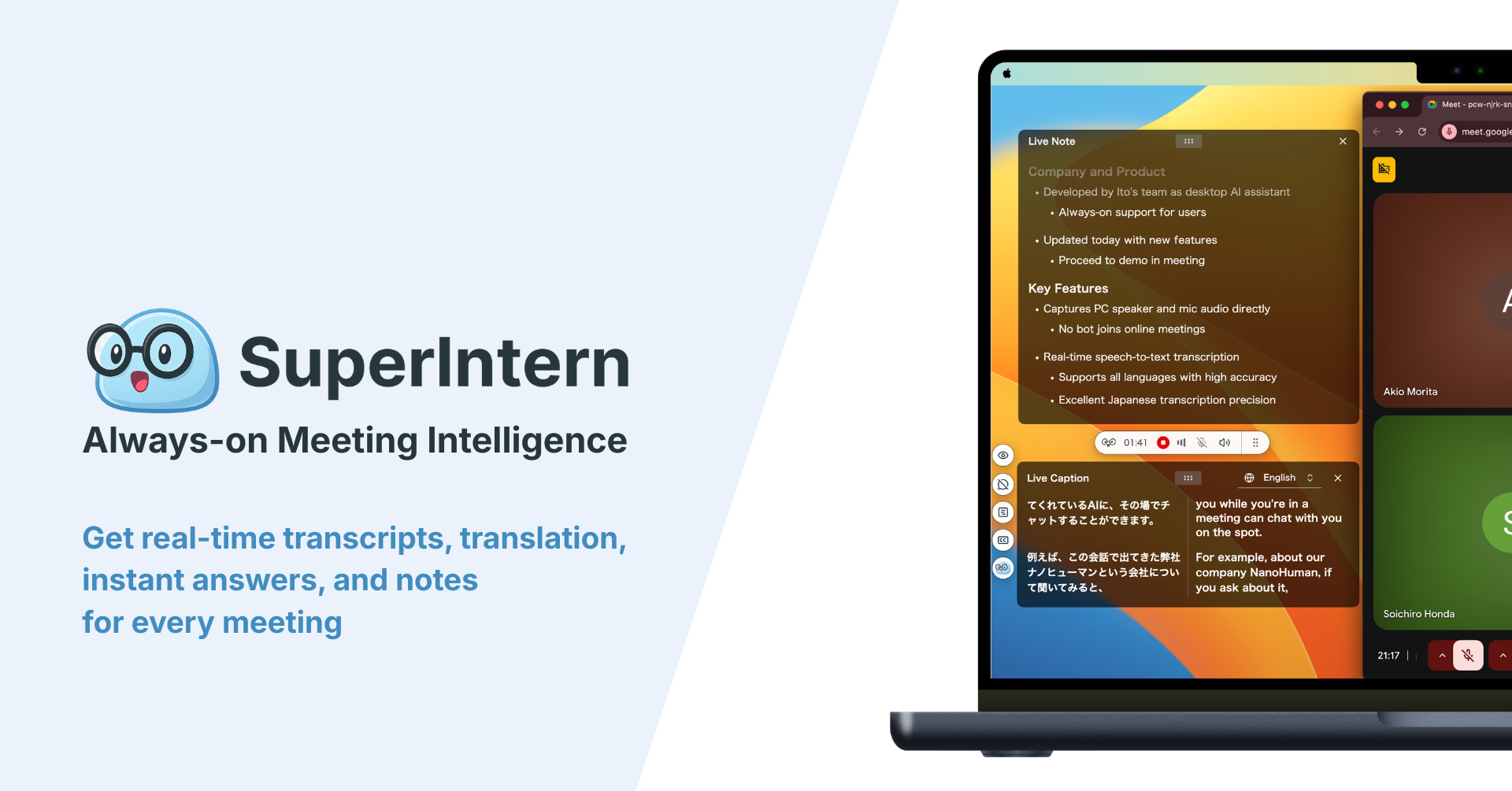
SuperIntern, built by NanoHuman Inc., is a botless real-time meeting assistant for macOS and Windows. It captures your computer's audio and microphone, so it works in Zoom the same way it works in Google Meet, Teams, Webex, Slack huddles, Discord, and face-to-face meetings.
The difference shows up during the call. SuperIntern transcribes in real time with speaker recognition, and AI Canvas turns the conversation into structured notes as it happens. You decide the structure, for example decisions, open questions, and next steps, and the notes fill in while people are still talking.
For multilingual Zoom calls, real-time translation covers 50+ languages with live captions, and summaries can be generated in a different language from the one spoken.
Invisible Mode hides the app when you share your screen, a custom dictionary keeps product and customer names accurate, and post-meeting AI chat lets you ask questions across your meeting history. You can also upload existing audio files for transcription.
- Best for: People who join Zoom calls they do not host, multilingual teams, and anyone who wants usable notes before the call ends.
- Pricing: Free plan available. Plus is $20 per month for 100 hours of meetings.
- Limitations: Requires the desktop app running during the meeting. It cannot record a call you did not attend.
2. Zoom AI Companion and My Notes: Best for internal Zoom-only teams
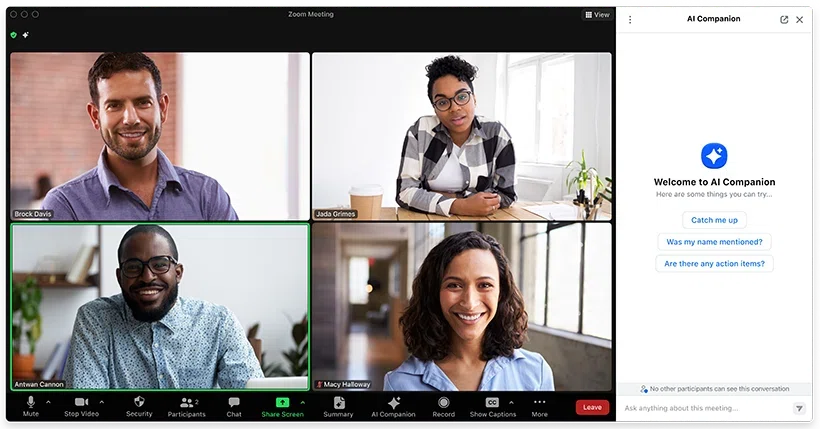
Zoom's built-in AI is the default option for many teams because it is already there. Meeting summaries, in-meeting questions, and smart recording chapters are included with paid Zoom licenses. My Notes, introduced in February 2026, adds a personal notetaker that Zoom says works without a bot across Zoom, Google Meet, Teams, and in-person conversations. In June 2026 Zoom also launched ZoomMate, a paid agentic add-on reported at about $20 per user per month in North America.
- Best for: Teams on paid Zoom plans whose meetings are mostly internal and hosted by themselves.
- Pricing: Core AI features included with paid Zoom plans. Advanced tiers cost extra.
- Limitations: Meeting summaries depend on admin enablement and the host. Reviewers note it is less suited to multilingual work. For a deeper breakdown, see our Zoom AI Companion guide.
3. Otter.ai: Best-known transcript archive
Otter is one of the most established names in AI transcription. Its OtterPilot bot can join Zoom, Google Meet, and Teams calls from your calendar, then share a transcript, summary, and action items.
- Best for: Individuals and teams who want a searchable transcript library with minimal setup.
- Pricing: Free Basic plan with 300 transcription minutes per month and a 30-minute limit per conversation. Pro is reported at $16.99 per month billed monthly or $8.33 per month billed annually.
- Limitations: Bot-based by design, and the free plan's per-conversation cap is short for long meetings.
4. Fathom: Best free recorder
Fathom built its reputation on a generous free plan. Its bot records Zoom, Meet, and Teams calls and produces summaries and highlights that are easy to share.
- Best for: Individuals who want to record many calls without paying.
- Pricing: Free plan with unlimited recording, with advanced AI summaries limited to a small number of calls per month according to recent reports. Premium is about $20 per month, or less with annual billing.
- Limitations: Bot-based, and recent free-plan AI limits make it less unlimited than it used to be.
5. Fireflies.ai: Best for searchable team call libraries
Fireflies sends its bot to your Zoom calls and stores transcripts in a searchable workspace with topic tracking and many integrations, including CRMs and project tools.
- Best for: Teams that want every call indexed and pushed into other systems.
- Pricing: Free plan with limited storage. Paid seats are reported from about $10 per user per month on annual billing.
- Limitations: Bot-based. Value grows with team adoption, so it is a heavier choice for a single user.
6. Read AI: Best for meeting analytics
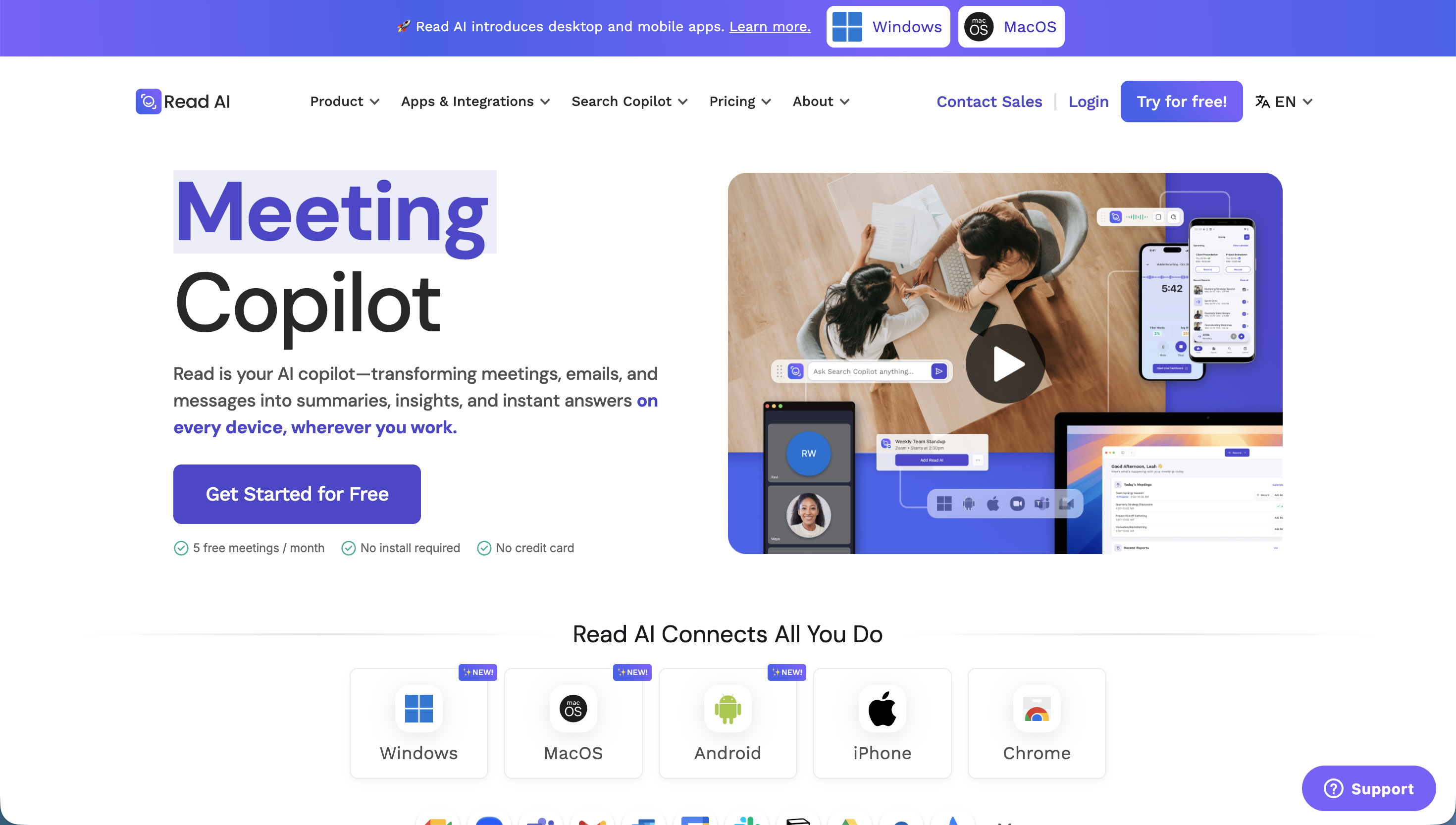
Read AI adds engagement and talk-time metrics on top of transcripts and summaries. Its bot joins Zoom calls, and it also connects to email and chat for cross-channel summaries.
- Best for: Managers who want data on how meetings run, not only what was said.
- Pricing: Free plan with a small monthly meeting allowance. Pro is reported at about $15 per user per month on annual billing.
- Limitations: Bot-based, and engagement scoring is not welcome in every meeting culture.
7. tl;dv: Best for video clips and sales playbooks
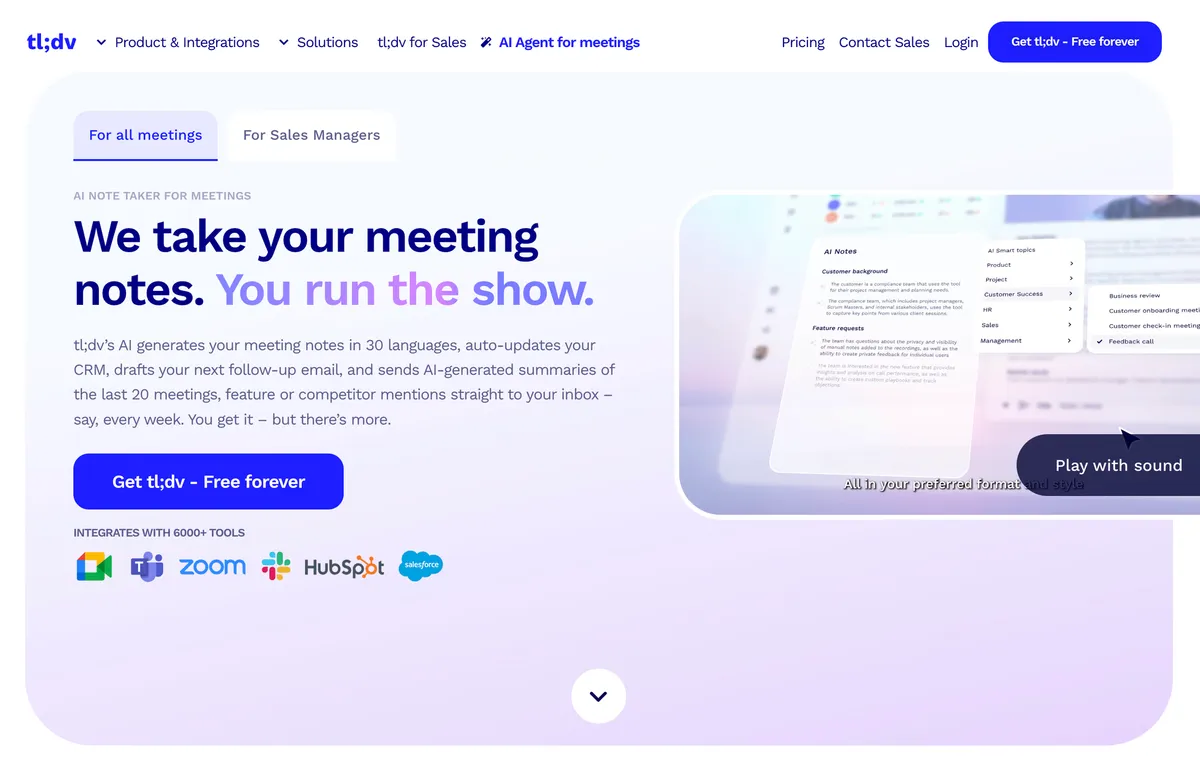
tl;dv records Zoom and Meet calls with a bot and focuses on timestamped highlights, clips, and CRM notes. Sales and customer success teams use it to share key moments from calls.
- Best for: Revenue teams that share call clips and want structured CRM updates.
- Pricing: Free plan with limited AI notes. Paid plans are reported from about $18 per user per month.
- Limitations: Bot-based, and the best features sit in higher tiers.
8. Granola: Best for quiet personal notes
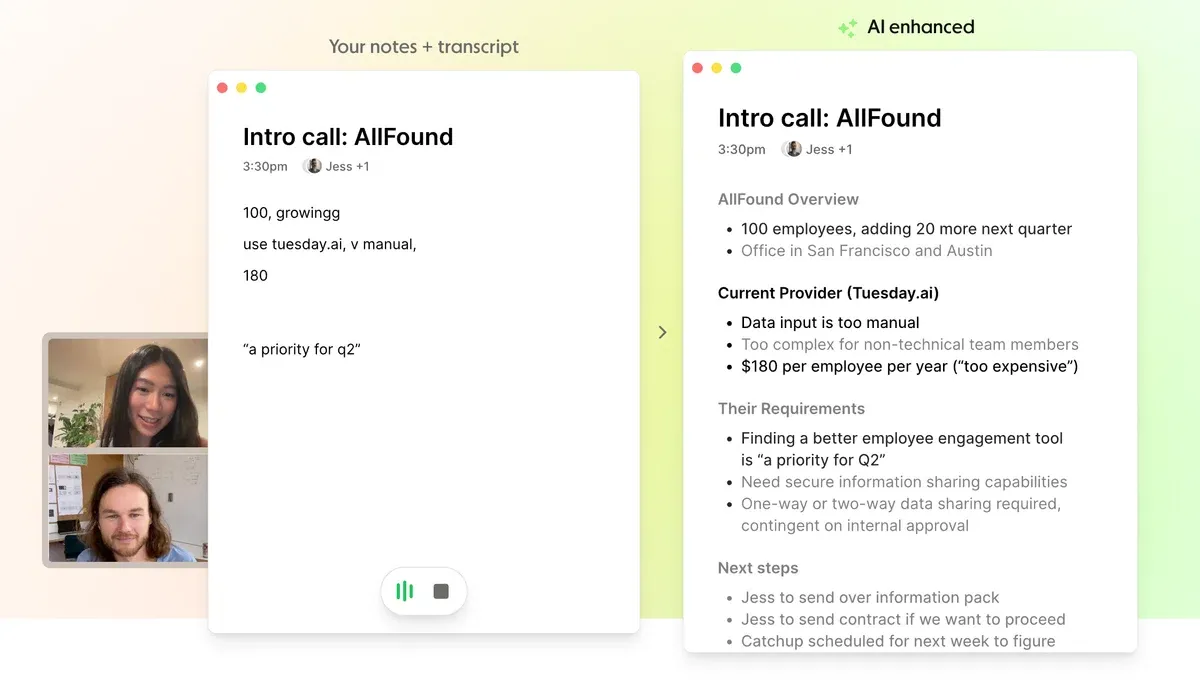
Granola is a botless notepad app. You write rough notes during the call, and Granola enhances them with the transcript afterward. It runs on macOS, Windows, and iOS.
- Best for: Individuals who like to take their own notes and want AI to fill in the gaps.
- Pricing: Free plan with limited history according to recent reports. Business is about $14 per user per month.
- Limitations: Focused on personal notes. No real-time translation.
9. Krisp: Best when audio quality is the problem
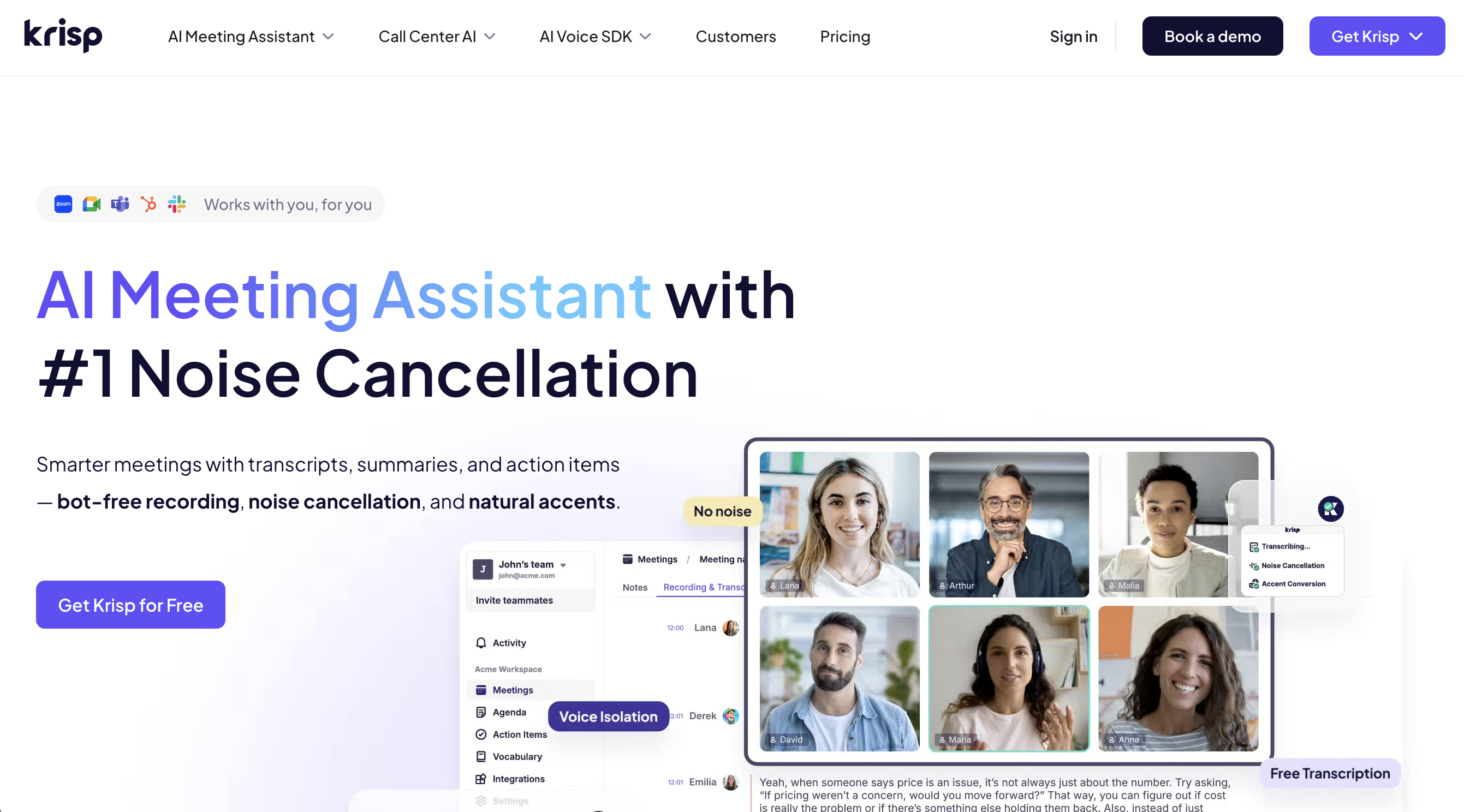
Krisp started as a noise cancellation app and added a botless note taker that works through its virtual microphone and speaker. An optional bot is also available on paid plans.
- Best for: People who take calls from noisy environments and want cleaner audio plus notes.
- Pricing: Recent reports describe a 7-day trial instead of a permanent free plan, with Core around $8 per month on annual billing or $16 monthly.
- Limitations: Note taking is secondary to audio processing, and the free option has narrowed.
Comparison Table
| Tool | Capture method | Works when you are a guest | Live notes during the call | Real-time translation | Works outside Zoom | Free option |
|---|---|---|---|---|---|---|
| SuperIntern | Botless desktop app | Yes | Yes, AI Canvas | Yes, 50+ languages | Yes, any platform and in person | Free plan |
| Zoom AI Companion / My Notes | Built in | Summary needs the host, My Notes is personal | Partial | Limited | My Notes extends to some platforms | With paid Zoom plans |
| Otter.ai | Bot | Host can block the bot | Live transcript | No | Meet, Teams | Free plan |
| Fathom | Bot | Host can block the bot | Mostly after the call | No | Meet, Teams | Free plan |
| Fireflies.ai | Bot | Host can block the bot | Mostly after the call | No | Many platforms | Free plan |
| Read AI | Bot | Host can block the bot | Mostly after the call | No | Many platforms | Free plan |
| tl;dv | Bot | Host can block the bot | Mostly after the call | No | Meet, Teams | Free plan |
| Granola | Botless desktop app | Yes | Your own notes, enhanced after | No | Yes | Free plan |
| Krisp | Botless, optional bot | Yes, in botless mode | Mostly after the call | No | Yes | Trial |
A quick reading of the table: bot-based tools are strongest at recording and sharing, Zoom's built-in AI is strongest on cost for Zoom-only teams, and botless apps are strongest when you need independence from the host and help during the call itself.
How to Choose: A 5-Minute Scoring Checklist
Open your calendar for the last two weeks and answer each question. Give a tool 2 points if it handles the situation well, 1 if partially, and 0 if not.
| Question | Why it matters |
|---|---|
| What share of your meetings were hosted by someone else? | Guest meetings rule out host-controlled features and invite bot rejections |
| How many meetings were not on Zoom? | A Zoom-only tool leaves those meetings without notes |
| Did any meeting mix languages? | Real-time translation is the only way to follow along live |
| Did you need decisions or next steps before the call ended? | Recap-only tools arrive too late for in-call clarification |
| Would a visible bot have been awkward in any meeting? | Interviews, sales calls, and sensitive reviews often fit this |
| How many hours of meetings do you have per month? | Free plan caps decide the real cost |
Then run the top two tools side by side for two weeks. Count how many of your real meetings each one actually captured, not which demo looked best.
How to Set Up an AI Note Taker for Zoom
Botless setup with SuperIntern
- Download the SuperIntern desktop app for macOS or Windows and sign in. The free plan is enough to start.
- Grant microphone and system audio permissions when prompted.
- Join your Zoom meeting as usual, whether you are the host or a guest.
- Start a session in SuperIntern. Choose an AI Canvas template that matches the meeting, such as a sales call or a 1:1.
- Turn on real-time translation if participants speak different languages.
- After the call, review the summary, ask follow-up questions in AI chat, and share notes where your team works.
Bot-based setup (general pattern)
- Connect your calendar to the tool so the bot knows which Zoom meetings to join.
- Set rules for which meetings the bot joins automatically, such as only meetings you host.
- Tell external participants in advance that a recorder will join, because the host may need to admit it from the waiting room.
- Check where recordings are stored and who can access them.
Zoom's built-in AI
- Sign in to the Zoom web portal and open the AI Companion settings.
- Enable meeting summaries and other features, or ask your admin if they are locked.
- As the host, start the summary from the meeting toolbar.
Consent, Privacy, and Zoom Etiquette
Every AI note taker records conversations in some form, so the legal and social rules apply regardless of method.
- Tell participants. Recording and transcription laws vary by state and country, and some require consent from everyone on the call. A short line at the start, such as "I am using an AI note taker so I can focus on the conversation," covers most situations.
- Respect company policy. Check whether your organization or the client's organization allows third-party note takers.
- Know where data goes. Review each vendor's data retention, encryption, and model training policies before using it for confidential meetings.
- Botless is not a loophole. A botless app avoids a visible participant, which helps the flow of the meeting. It does not remove the need for consent.
Common Mistakes in the First Month
- Choosing by demo instead of by calendar. Test with your real meetings, including the ones you do not host.
- Ignoring free plan caps. A 30-minute conversation limit or a monthly summary cap can quietly break your workflow.
- Letting bots auto-join everything. Auto-joining sensitive meetings creates awkward moments and policy issues.
- Never reading the notes during the call. Live notes are most valuable when you use them to confirm decisions before people leave.
- Skipping the custom dictionary. Product names and customer names are where transcripts most often go wrong.
- Keeping notes in a silo. Decide on day one where summaries and action items will live.
FAQ
What is the best AI note taker for Zoom?
It depends on your meetings. For live notes and translation across Zoom and other platforms, a botless tool like SuperIntern fits best. For internal Zoom-only teams on a paid plan, Zoom's built-in AI is the simplest start. For recording and sharing calls, bot-based tools like Otter, Fathom, and Fireflies are strong.
Does Zoom have a built-in AI note taker?
Yes. Zoom AI Companion provides meeting summaries on paid plans, and My Notes, introduced in 2026, adds a personal notetaker. Meeting summaries require admin enablement and are started by the host. Check your plan for current availability.
Can I use an AI note taker in a Zoom meeting I do not host?
Yes, with a botless desktop app that captures audio on your own computer. Bot-based tools can also try to join, but the host can keep the bot in the waiting room or remove it. Either way, tell participants you are taking AI notes.
Is there a free AI note taker for Zoom?
Several tools offer free plans, including SuperIntern, Otter, Fathom, Fireflies, Read AI, tl;dv, and Granola. Free plans differ in monthly minutes, per-meeting length, summary limits, and history retention, so compare the limits against your own meeting hours.
Can an AI note taker join Zoom without a bot?
Yes. Botless apps such as SuperIntern, Granola, and Krisp capture audio from your device, so no participant is added to the call. Zoom's My Notes is also described by Zoom as working without a bot.
Can an AI note taker translate a Zoom meeting in real time?
Most note takers only transcribe. SuperIntern shows real-time translated captions in 50+ languages during the meeting and can write summaries in a different language from the one spoken.
Is it legal to use an AI note taker on Zoom?
Using one is legal in most places when you follow recording and consent laws, which differ by jurisdiction. Some places require all participants to agree. When in doubt, announce the note taker at the start of the meeting and follow your company's policy.
Conclusion
The best AI note taker for Zoom is the one that captures your actual meetings, including the ones other people host and the ones that are not on Zoom at all.
If your calendar is internal and Zoom-only, start with Zoom's built-in AI. If you want a recording archive, a bot-based tool will serve you well. If you join meetings as a guest, switch platforms, cross languages, or want notes that are useful before the call ends, a botless real-time assistant is the better structural fit.
SuperIntern's free plan makes it easy to test that last option on your own Zoom calls this week.