
Best AI Note Taker for Microsoft Teams in 2026: Copilot, Facilitator, and 6 Alternatives Compared
If you spend your day in Microsoft Teams, the question is rarely whether AI can take meeting notes. It is which of the many options will actually work in your tenant, in the meetings other companies host, and within your budget.
Microsoft now offers three layers of built-in AI note taking, each tied to a different license. Third-party tools add another dozen choices, most of which send a bot into the call. And a smaller group of desktop apps take notes without joining the meeting at all.
This guide answers the common question first (does Teams have an AI note taker, and what does it need), then compares eight options that work with Teams in 2026. It also covers the Teams-specific details that decide whether a tool works in practice: lobby rules, external meetings, IT app policies, and the real per-seat cost.
⚠️ This article was independently compiled based on publicly available information and user feedback as of November 2026.
Table of Contents
- Quick Answer: Which Teams AI Note Taker Fits Your Situation
- Does Microsoft Teams Have an AI Note Taker?
- Three Ways an AI Note Taker Gets Into a Teams Meeting
- What to Check Before You Choose
- The 8 Best AI Note Takers for Microsoft Teams
- Comparison Table
- What It Costs for a Team of 25
- FAQ
- Conclusion
Quick Answer: Which Teams AI Note Taker Fits Your Situation
Transcript quality is good across the category now. The better question is who hosts your meetings, which licenses you already pay for, and whether you need help during the call or only a recap afterward.
| Your situation | Best fit | Why |
|---|---|---|
| You want live notes and translation in Teams and every other meeting app | SuperIntern | Botless desktop app, real-time transcription, AI Canvas notes, 50+ language translation |
| Your company already licenses Microsoft 365 Copilot | Copilot in Teams and Facilitator | No new vendor, notes live inside Microsoft 365 |
| You only need post-meeting recaps for internal Teams calls | Teams Premium intelligent recap | Cheaper than Copilot, recap appears in the meeting's Recap tab |
| You want a well-known transcript archive across platforms | Otter.ai | OtterPilot joins scheduled Teams, Zoom, and Meet calls |
| Sales or CS needs call data in the CRM | Fireflies.ai | Searchable call library and many integrations |
| You want to record many calls for free | Fathom | Generous free recording, AI summary caps apply |
| Managers want meeting analytics | Read AI | Talk-time and engagement reporting |
| Background noise is your main problem | Krisp | Noise cancellation plus a botless note taker |
A simple rule: if most of your Teams meetings are internal and your company already pays for Copilot, start there. If you often join meetings hosted by customers or partners, cross languages, or also use Zoom and Google Meet, start with a botless tool.
Does Microsoft Teams Have an AI Note Taker?
Yes, but not on every license, and the features are easy to confuse. Here is what each layer does.
Transcription (most business licenses)
Teams can transcribe meetings in most paid Microsoft 365 business and enterprise plans, if the organizer's policy allows it. A transcript is not the same as notes. You get a speaker-labeled text record, and someone still has to turn it into decisions and action items. Our Teams transcription guide covers how to get from a transcript to usable notes.
Intelligent recap (Teams Premium)
Teams Premium adds intelligent recap: AI-generated notes, suggested tasks, and topic chapters that appear in the meeting's Recap tab after the call. The meeting has to be recorded or transcribed. Teams Premium is listed at about $10 per user per month on annual billing.
Copilot in Teams (Microsoft 365 Copilot)
With a Microsoft 365 Copilot license, you can ask Copilot questions during the meeting ("What did we decide about the launch date?") and get a recap afterward, including custom recap formats. Microsoft 365 Copilot is listed at $30 per user per month for enterprise plans. A Copilot Business option for smaller companies has been reported at around $21 per user per month, with promotional pricing at times, so check Microsoft's current pricing page.
Facilitator agent (Microsoft 365 Copilot)
Facilitator is Microsoft's closest equivalent to a live AI note taker. Once a Copilot-licensed person turns it on, it writes shared notes during the meeting that everyone in the organization can see and edit. According to Microsoft's documentation and recent reports, it works in scheduled meetings, is off by default, and does not show its notes to external participants.
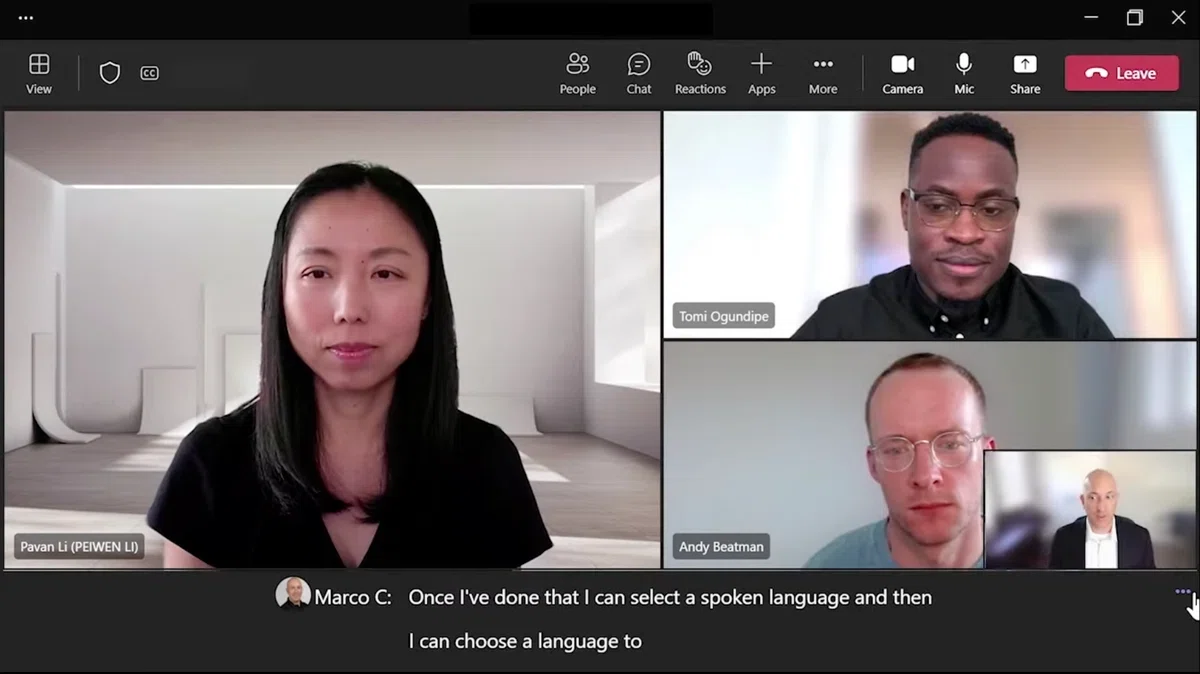
The pattern is clear. Microsoft's AI note taking is strong inside your own tenant, for meetings your colleagues organize, with the right license on the right seat. It gets weaker as soon as the meeting is hosted by another company, includes external guests, or happens outside Teams. For a deeper look at the recap side, see our guide to Teams meeting summaries.
Three Ways an AI Note Taker Gets Into a Teams Meeting
Every option on this list has to get audio from the meeting. How it does that matters more than any feature list.
Built-in Microsoft AI
Copilot, Facilitator, and intelligent recap run inside Microsoft 365. Data stays in your tenant under your existing compliance settings, which is why IT teams often prefer it. The tradeoff is control: the organizer's policies and licenses decide what is available. When you join a meeting hosted by a customer's tenant, their settings apply, not yours.
Bot-based note takers
A bot joins the call as a participant, often named after the vendor. Otter, Fireflies, Fathom, and Read AI all work mainly this way. Bots are useful because they can record a meeting you are not attending.
In Teams, bots face extra friction. External bots usually wait in the lobby until someone admits them. Organizers can remove them. Many IT departments restrict third-party apps or block unverified participants by policy, and guests from another company cannot change that. A bot showing up in a customer's Teams meeting also tends to invite questions.
Botless desktop apps
A botless app runs on your own computer and captures system audio and your microphone. No participant is added, and no organizer setting can block it. SuperIntern and Krisp's note taker work this way. Because the audio comes from your device, the same app works in Teams, Zoom, Google Meet, Webex, Slack huddles, and in-person meetings.
The tradeoff is that you must be in the meeting with the app running. It cannot record a call you did not join.
| Capture method | Visible to others | Depends on organizer or IT | Works in other companies' meetings | Works outside Teams | Records when you are absent |
|---|---|---|---|---|---|
| Built-in Microsoft AI | Participants see recording or transcription notice | Yes, licenses and policies | Their policies apply | No | Recap only, if recorded |
| Bot | Yes, as a participant | Lobby, app policies, organizer | Often blocked or held in lobby | Yes, if supported | Yes |
| Botless desktop app | No participant appears | No | Yes | Yes, any audio on your device | No |
Botless does not mean secret. You should still tell people you are taking AI notes.
What to Check Before You Choose
Use these questions to narrow the list before you run a trial.
- Who organizes your meetings? Built-in features follow the organizer's tenant. Bots follow the organizer's lobby rules. Only botless apps are independent of both.
- Which licenses do you already own? If Copilot is already on your seat, the marginal cost is zero. If it is not, compare the per-seat price against the number of people who actually need notes.
- Do you need help during the meeting? Recap-only tools arrive after people leave. Live notes let you confirm decisions before the call ends.
- Do meetings cross languages? Teams offers live translated captions on some plans, but note takers vary widely in multilingual support.
- How many of your meetings are not on Teams? A Teams-only tool leaves your Zoom calls, Google Meet calls, and in-person meetings without notes.
- What will IT approve? Some tools need an admin to allow an app or a bot. A desktop app may need a software approval instead. Ask early.
- Can you shape the notes? A sales call, a 1:1, and a design review need different structures.
- Where do notes end up? Check export options, CRM sync, and access from the AI tools your team uses.
The 8 Best AI Note Takers for Microsoft Teams
Prices below are list prices reported as of November 2026 and change often. Monthly and annual billing usually differ, so confirm on each official pricing page before buying.
1. SuperIntern: Best for live notes in any Teams meeting, including external ones
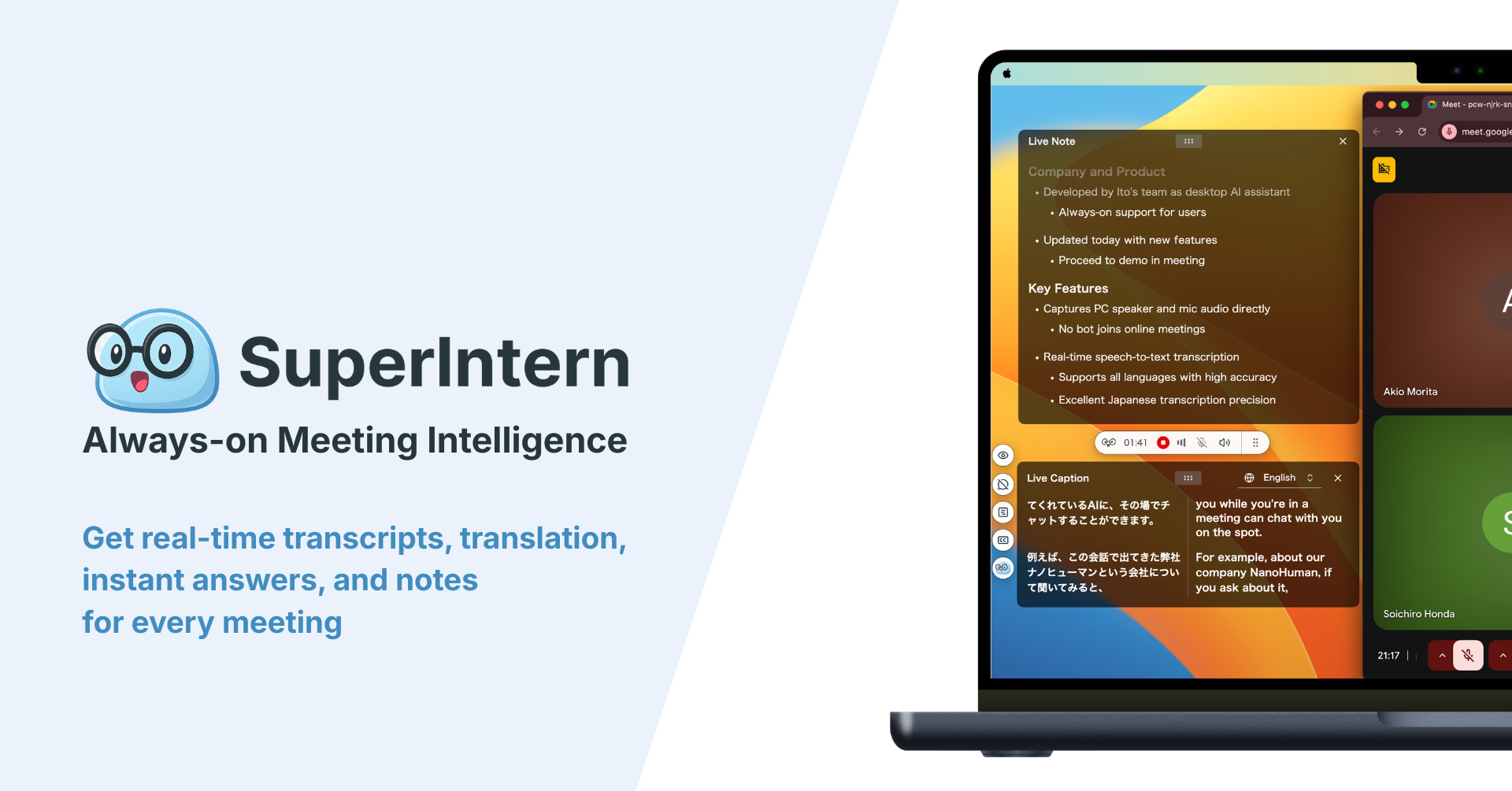
SuperIntern, built by NanoHuman Inc., is a botless real-time meeting assistant for macOS and Windows. It captures your computer's audio and microphone, so it works the same way in a meeting in your own tenant, a customer's Teams meeting you joined as a guest, or a Zoom call an hour later.
Its value shows up during the call. SuperIntern transcribes in real time with speaker recognition, and AI Canvas turns the conversation into structured notes while people are still talking. You choose the structure, such as decisions, open questions, and next steps, and the sections fill in as the meeting moves.
For multilingual calls, SuperIntern shows real-time translated captions in 50+ languages and can write the summary in a different language from the one spoken. That helps global teams whose Teams meetings switch between English, Japanese, German, or Spanish.
Invisible Mode hides the app when you share your screen in Teams, a custom dictionary keeps product and customer names accurate, and post-meeting AI chat lets you ask questions across your meeting history. You can also upload existing audio files for transcription.
- Best for: People who join Teams meetings hosted by other companies, multilingual teams, and anyone who wants usable notes before the call ends.
- Pricing: Free plan available. Plus is $20 per month for 100 hours of meetings. No Microsoft license required.
- Limitations: Requires the desktop app running during the meeting. It cannot record a call you did not attend, and notes live in SuperIntern rather than in your Microsoft 365 tenant.
2. Microsoft 365 Copilot and Facilitator: Best for companies already paying for Copilot
Copilot is the natural choice if your organization has already rolled it out. You can ask questions in the meeting, get recaps afterward, and use Facilitator for shared live notes. Everything stays in Microsoft 365, under the compliance settings your IT team already manages.
- Best for: Internal meetings in a Microsoft 365 organization where most attendees have Copilot.
- Pricing: About $30 per user per month for enterprise plans. Copilot Business has been reported at around $21 per user per month.
- Limitations: Features depend on the organizer's tenant and licenses. Facilitator works in scheduled meetings and does not share notes with external participants. Nothing carries over to Zoom or Google Meet.
3. Teams Premium intelligent recap: Best low-cost recap for internal calls
Teams Premium sits between plain transcription and Copilot. Intelligent recap produces AI notes, suggested tasks, and chapters after a recorded or transcribed meeting.
- Best for: Teams that hold most meetings internally and only need a recap after the call.
- Pricing: About $10 per user per month on annual billing.
- Limitations: Recap only, with no live notes. The meeting must be recorded or transcribed, and the recap follows the meeting's language.
4. Otter.ai: Best-known transcript archive
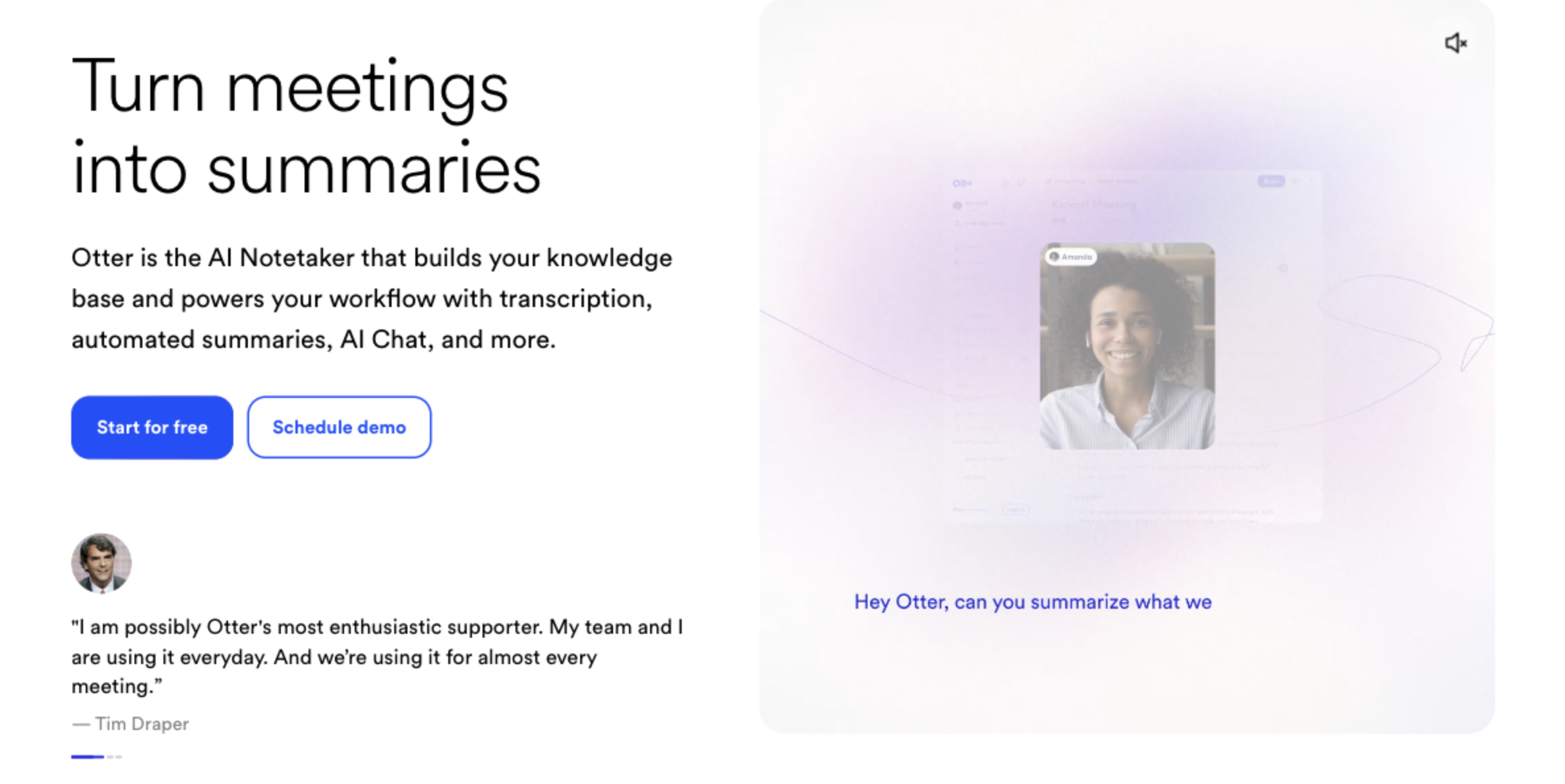
Otter is one of the most established names in AI transcription. Its OtterPilot bot can join Teams, Zoom, and Google Meet calls from your calendar, then share a transcript, summary, and action items.
- Best for: Individuals and teams who want a searchable transcript library with little setup.
- Pricing: Free Basic plan with 300 transcription minutes per month and a 30-minute limit per conversation. Pro is reported at $16.99 per month billed monthly or $8.33 per month billed annually.
- Limitations: Bot-based, so lobby rules and IT policies apply. The free plan's per-conversation cap is short for long meetings.
5. Fireflies.ai: Best for searchable team call libraries
Fireflies sends its bot to Teams meetings and stores transcripts in a searchable workspace with topic tracking and many integrations, including CRMs and project tools.
- Best for: Sales and customer teams that want every call indexed and pushed into other systems.
- Pricing: Free plan with limited storage. Paid seats are reported from about $10 per user per month on annual billing.
- Limitations: Bot-based. Value grows with team adoption, so it is a heavier choice for one person.
6. Fathom: Best free recorder
Fathom's bot records Teams, Zoom, and Meet calls and produces summaries and highlights that are easy to share.
- Best for: Individuals who want to record many calls without paying.
- Pricing: Free plan with unlimited recording, with advanced AI summaries limited to a small number of calls per month according to recent reports. Premium is about $20 per month, or less with annual billing.
- Limitations: Bot-based, and the free plan's AI limits are tighter than they used to be.
7. Read AI: Best for meeting analytics
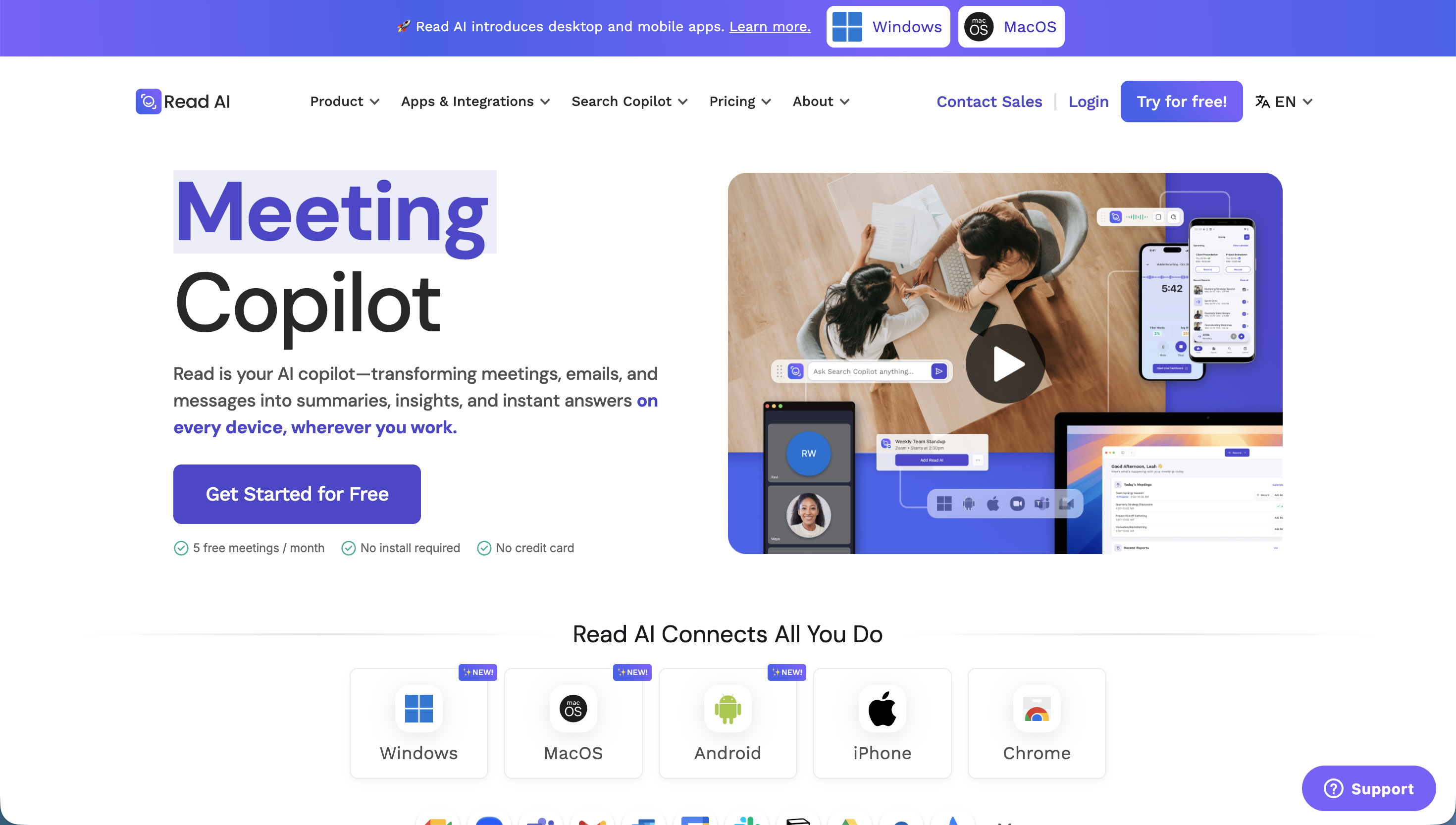
Read AI adds engagement and talk-time metrics on top of transcripts and summaries. Its bot joins Teams calls, and it connects to email and chat for cross-channel summaries.
- Best for: Managers who want data on how meetings run, not only what was said.
- Pricing: Free plan with a small monthly meeting allowance. Pro is reported at about $15 per user per month on annual billing.
- Limitations: Bot-based, and engagement scoring is not welcome in every meeting culture.
8. Krisp: Best when audio quality is the problem
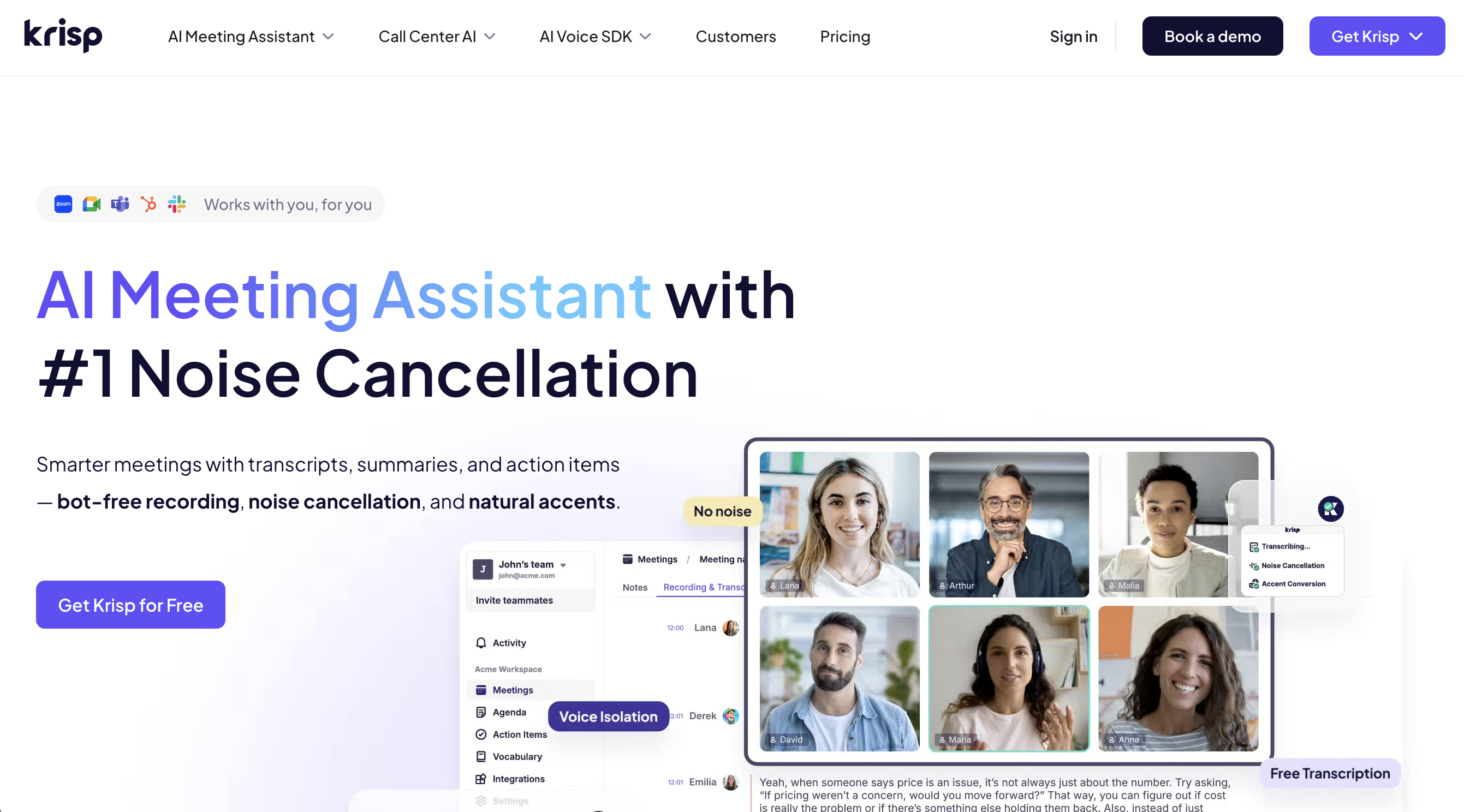
Krisp started as a noise cancellation app and added a botless note taker that works through its virtual microphone and speaker. It works in Teams as long as you select Krisp as your audio device.
- Best for: People who take Teams calls from noisy places and want cleaner audio plus notes.
- Pricing: Recent reports describe a 7-day trial instead of a permanent free plan, with Core around $8 per month on annual billing or $16 monthly.
- Limitations: Note taking is secondary to audio processing, and there is no real-time translation.
Comparison Table
| Tool | Capture method | Works in other companies' Teams meetings | Live notes during the call | Real-time translation | Works outside Teams | Free option |
|---|---|---|---|---|---|---|
| SuperIntern | Botless desktop app | Yes | Yes, AI Canvas | Yes, 50+ languages | Yes, any platform and in person | Free plan |
| Copilot and Facilitator | Built in | Organizer's tenant decides | Yes, for licensed internal users | Live captions on some plans | No | No |
| Teams Premium recap | Built in | Organizer's tenant decides | No, recap after | Live captions on some plans | No | No |
| Otter.ai | Bot | Often held in lobby | Live transcript | No | Zoom, Meet | Free plan |
| Fireflies.ai | Bot | Often held in lobby | Mostly after the call | No | Many platforms | Free plan |
| Fathom | Bot | Often held in lobby | Mostly after the call | No | Zoom, Meet | Free plan |
| Read AI | Bot | Often held in lobby | Mostly after the call | No | Many platforms | Free plan |
| Krisp | Botless, virtual audio | Yes | Mostly after the call | No | Yes | Trial |
Reading the table quickly: Microsoft's own AI wins inside your tenant when the licenses are already paid for. Bot-based tools win when you want recordings of meetings you could not attend. Botless apps win when you join meetings you do not control or need help before the call ends.
What It Costs for a Team of 25
License math often decides the choice more than features. Here is a rough monthly comparison for a 25-person team at list prices, assuming everyone needs notes.
| Option | How it is priced | Approximate monthly cost for 25 people |
|---|---|---|
| Microsoft 365 Copilot | About $30 per user | About $750 |
| Teams Premium | About $10 per user | About $250 |
| Fireflies.ai (paid seats) | From about $10 per user, annual | From about $250 |
| SuperIntern Plus | $20 per user, 100 hours each | $500 |
| SuperIntern Free plus Plus for heavy users | Free for most, Plus for 5 people who lead client calls | $100 |
Two points get lost in these comparisons. First, not everyone needs a paid seat. Often only the people who run client calls, interviews, or cross-language meetings do. Second, Copilot covers far more than meetings, so if your company buys it for Word, Excel, and Outlook, the meeting features come along at no extra cost. The decision changes when you are buying a license mainly for note taking.
FAQ
Does Microsoft Teams have an AI note taker?
Yes. Teams Premium adds intelligent recap after meetings, and Microsoft 365 Copilot adds in-meeting Q&A, recaps, and the Facilitator agent for live shared notes. Basic transcription is available on most business plans, but AI notes require Teams Premium or Copilot.
Is there a free AI note taker for Microsoft Teams?
Microsoft's AI notes require paid add-on licenses. Several third-party tools have free plans, including SuperIntern, Otter, Fireflies, Fathom, and Read AI. Free plans differ in monthly minutes, meeting length limits, and summary caps, so compare them against your own meeting hours.
Can I use an AI note taker in a Teams meeting hosted by another company?
Built-in features follow the host's tenant and licenses, and bots are often held in the lobby or blocked by the host's policy. A botless desktop app such as SuperIntern captures audio on your own computer, so it works regardless of who organizes the meeting. Always tell participants you are taking AI notes.
What is the best AI note taker for Teams?
It depends on your meetings. If your company already pays for Copilot and meetings are internal, Copilot and Facilitator are the simplest choice. For external meetings, multiple languages, or meetings across Teams, Zoom, and Google Meet, a botless tool like SuperIntern fits better. For recording calls you cannot attend, a bot-based tool like Otter or Fireflies works well.
Can an AI note taker work in Teams without adding a bot?
Yes. Microsoft's own AI works without a third-party bot, and botless desktop apps such as SuperIntern and Krisp capture audio from your device, so no extra participant appears.
Can an AI note taker translate a Teams meeting in real time?
Teams offers live translated captions on some plans. Most third-party note takers only transcribe. SuperIntern shows real-time translated captions in 50+ languages during the meeting and can write summaries in a different language from the one spoken.
How do I add an AI note taker to a Teams meeting?
For Copilot, turn on transcription and open Copilot or Facilitator from the meeting toolbar. For a bot-based tool, connect your calendar and admit the bot from the lobby. For a botless app like SuperIntern, start a session in the desktop app when the meeting begins. Nothing needs to be added to the meeting itself.
Conclusion
Teams already includes capable AI note taking, as long as the meeting is in your tenant and the right people hold the right licenses. The gaps appear in external meetings, multilingual calls, and everything that happens outside Teams.
If your company already pays for Copilot and meets mostly internally, use it. If you need recordings of meetings you cannot attend, a bot-based tool will serve you well. If you join customer or partner meetings, cross languages, or switch between Teams, Zoom, and Google Meet, a botless real-time assistant fills the gap without asking anyone for permission to join.
SuperIntern's free plan lets you test that on your own Teams calls this week.